
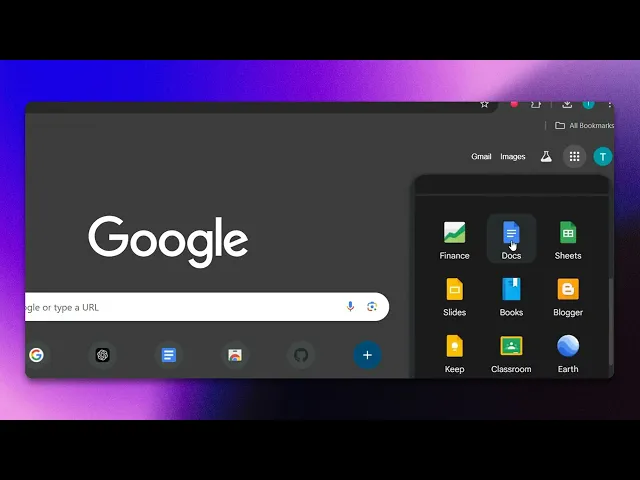
How To Open A Word Document In Google Docs
Discover the simple steps to open a Word document in Google Docs. Enhance your productivity by seamlessly transitioning between formats with our guide.
This document provides a detailed process on how to open Word documents in Google Docs. Follow the steps to easily view and edit your Word files through Google Docs using Google Chrome.
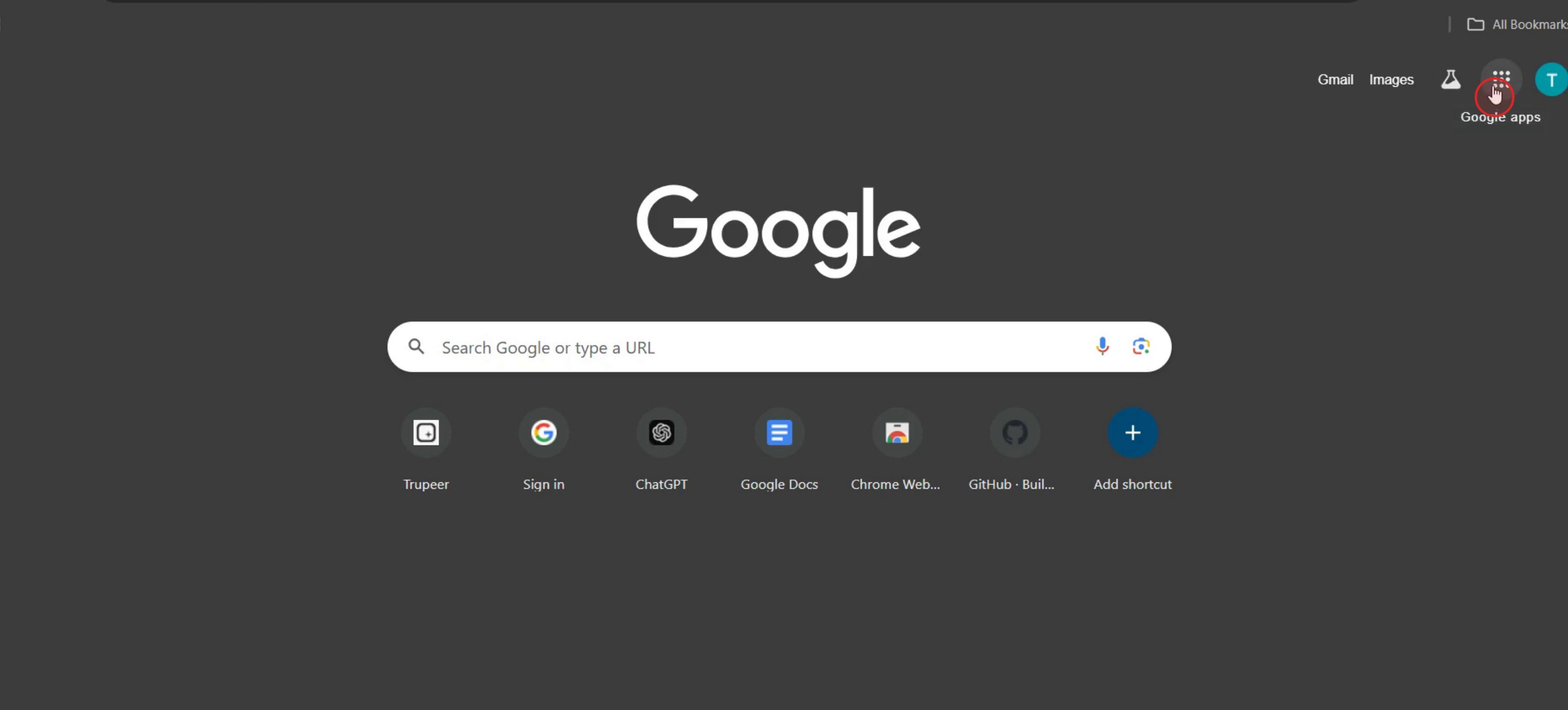
Step 1
Click on the Google Apps button.
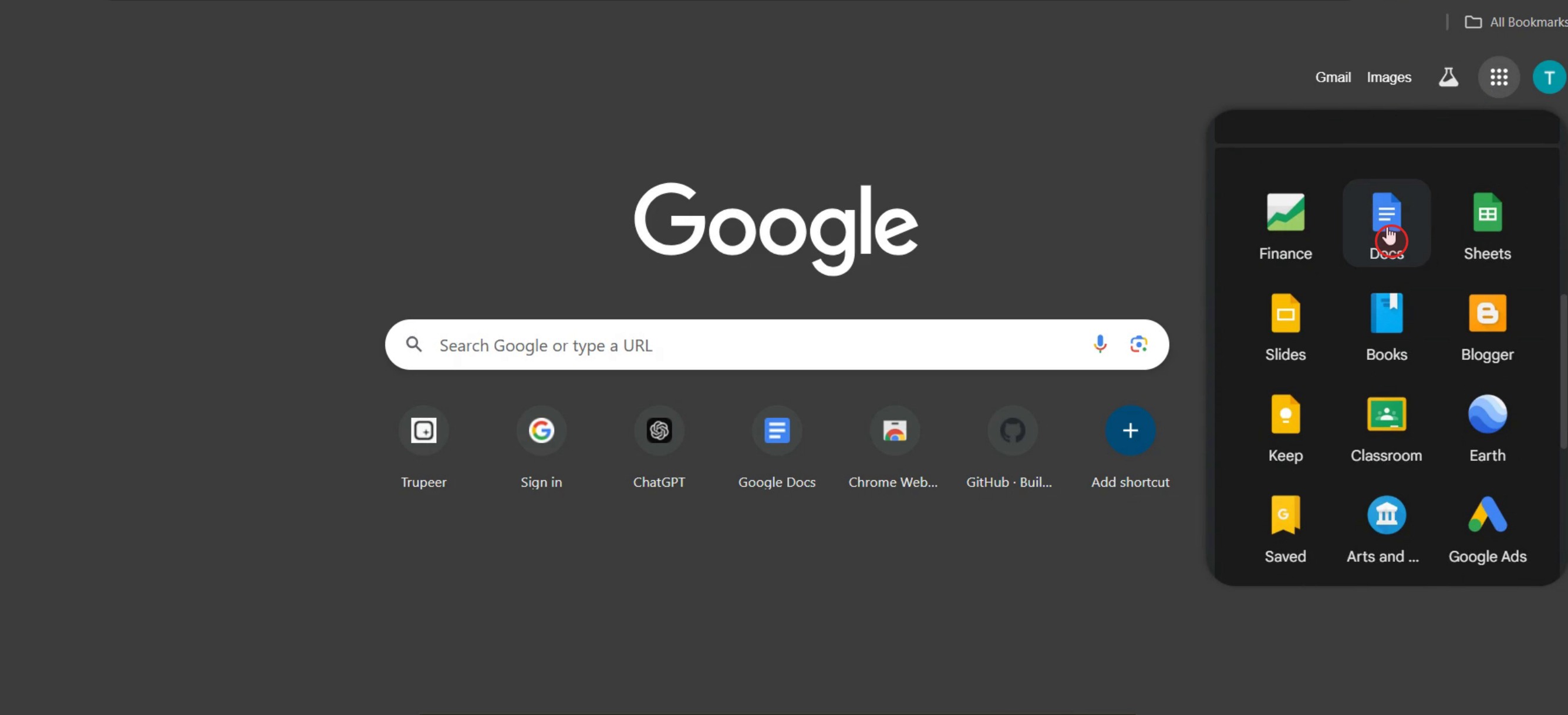
Step 2
Click on the Google Docs.
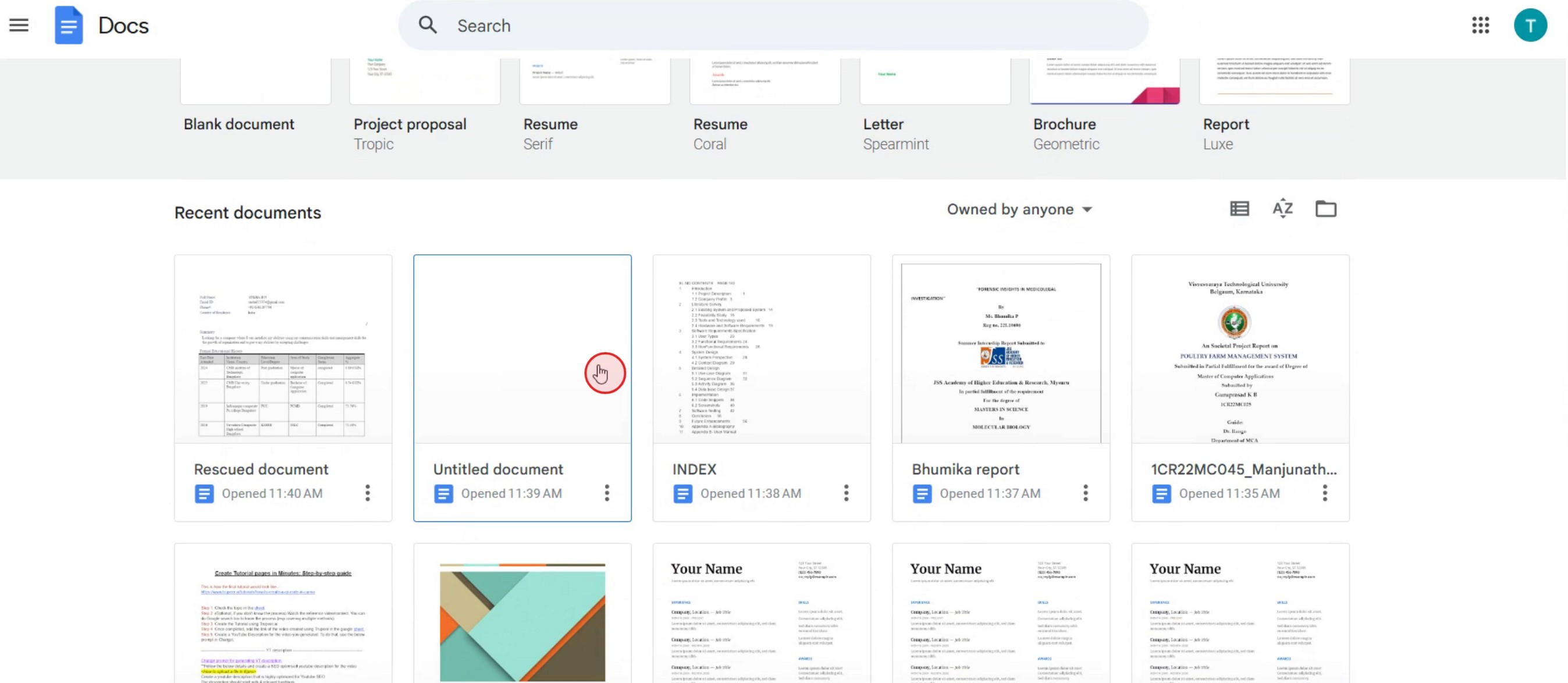
Step 3
Select the document template of your choice.
Step 4
Click on the File menu.
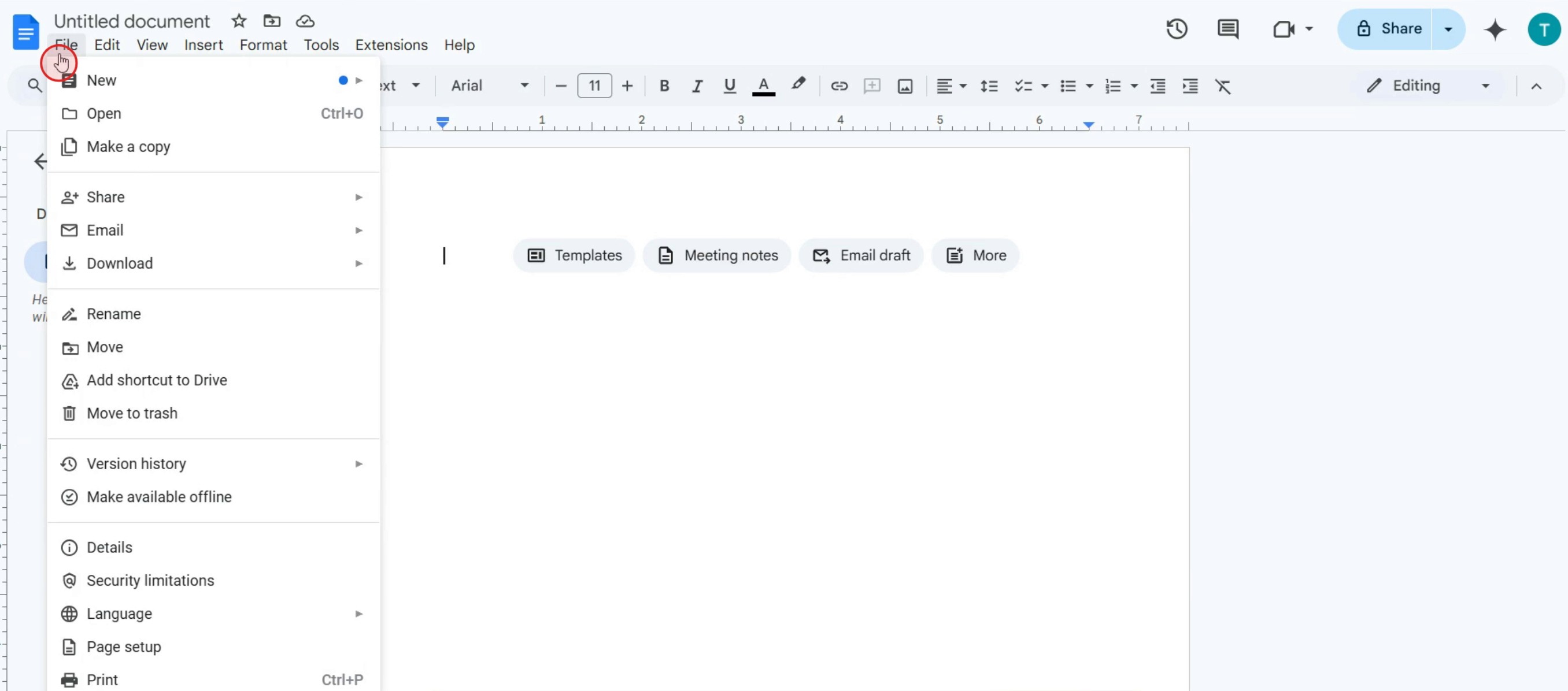
Step 5
Click on open option,
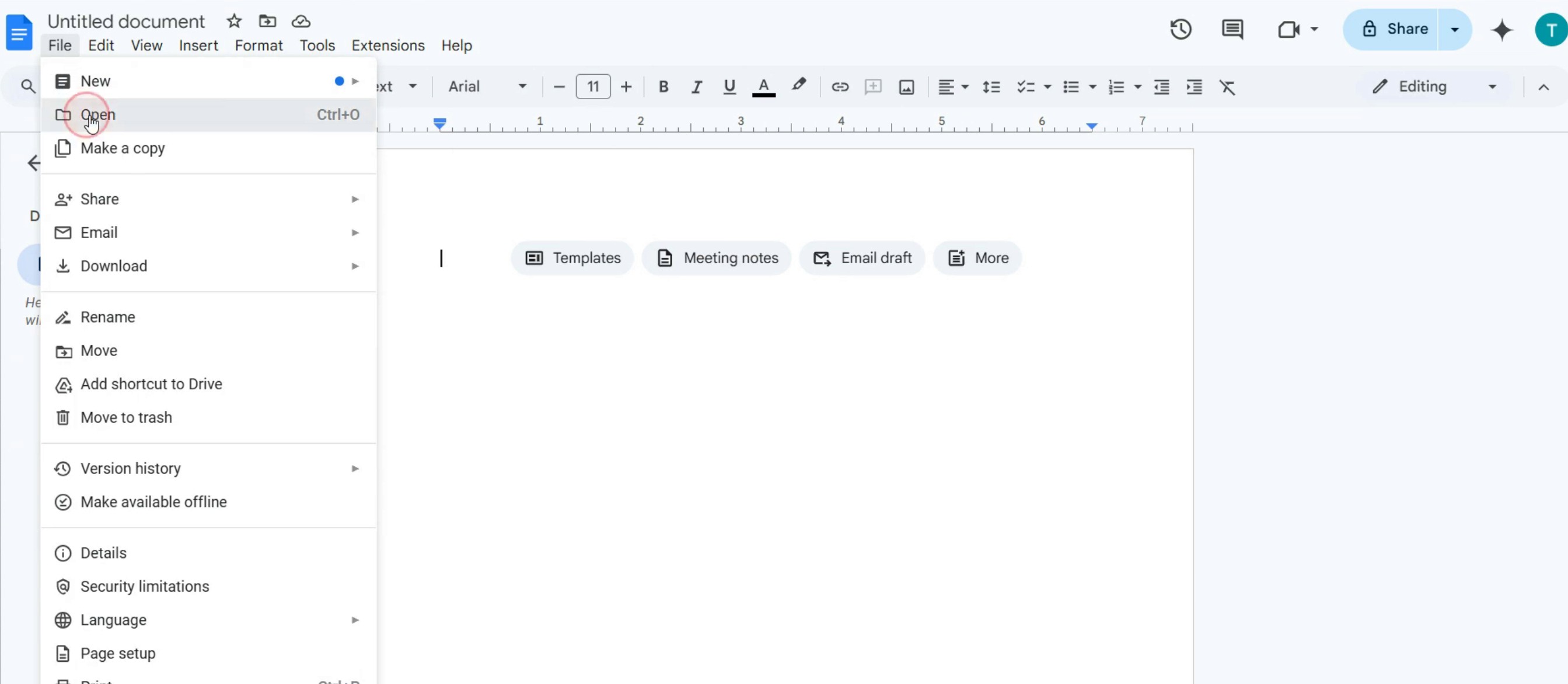
Step 6
Click on Browse.
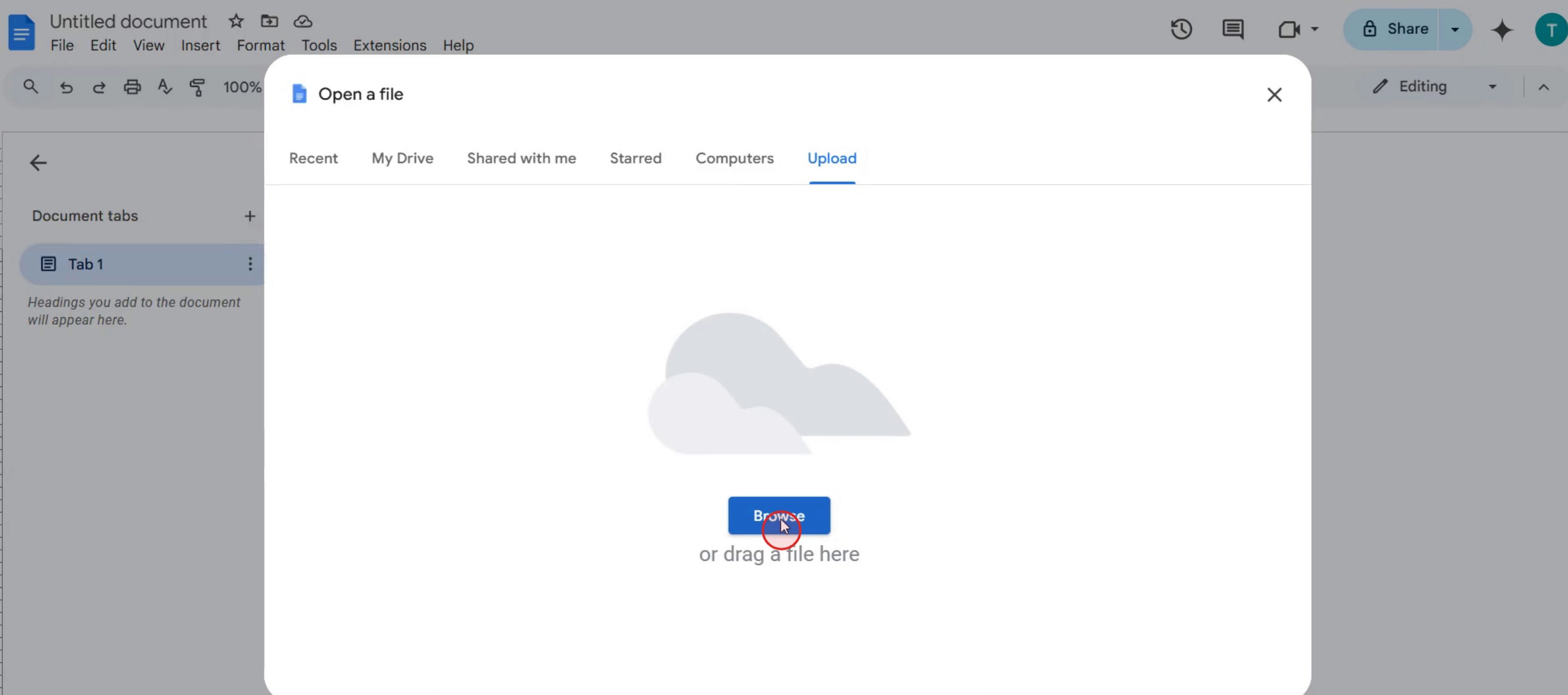
Step 7
Select the Word document you wish to open in Google Docs,
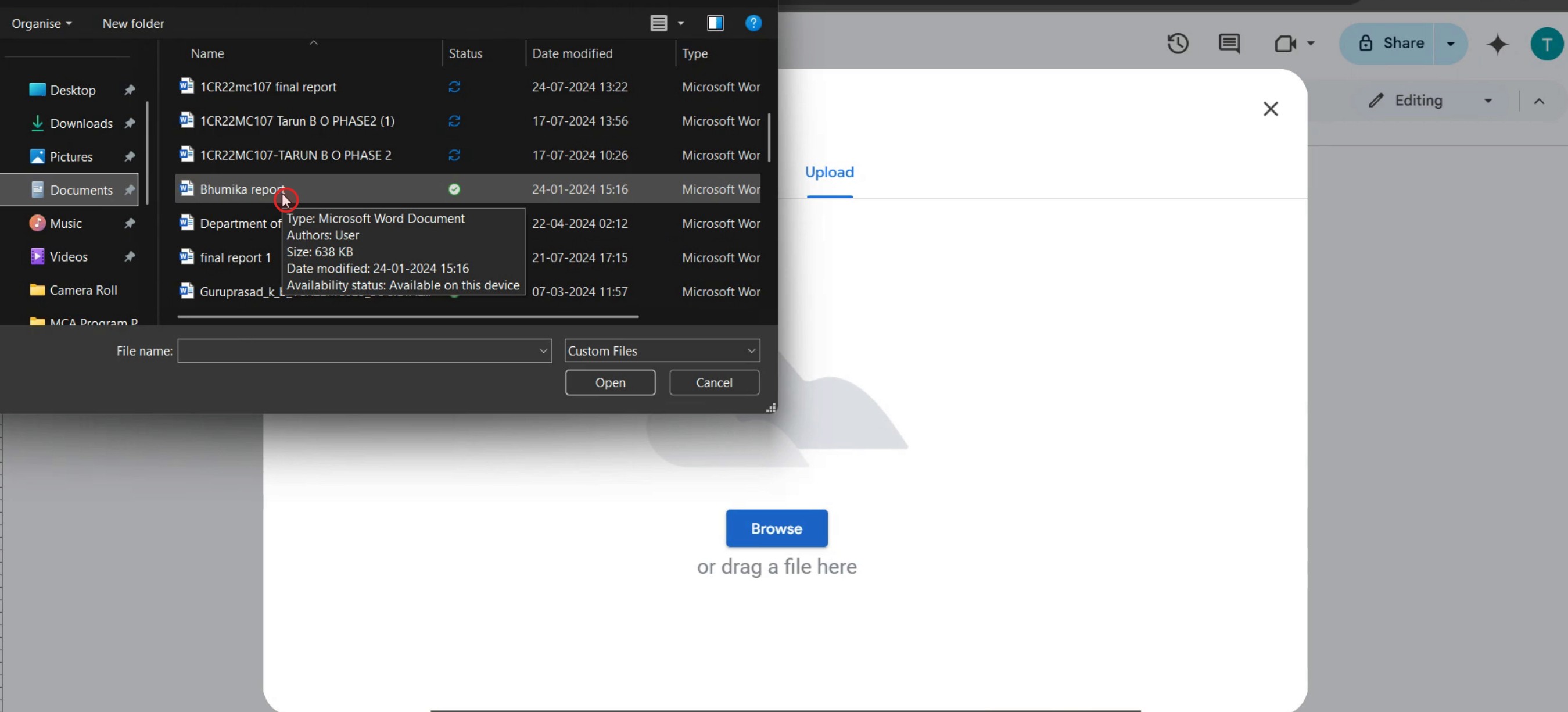
This is a step-by-step guide on how to open a Word document in Google Docs.
Pro tips for how to open a word document in Google Docs
Ensure your Word document is saved in a compatible format (.docx) to easily upload and open it in Google Docs without formatting issues.
Use Google Drive's drag-and-drop feature to quickly upload the Word document and then open it directly in Google Docs for easy access.
After opening the Word document in Google Docs, check the formatting and layout, as some complex Word features may not be fully supported.
Common pitfalls and how to avoid them
Not checking the Word document format before uploading can result in compatibility issues, so make sure it's in .docx format for smooth conversion when opening it in Google Docs.
Ignoring the conversion process between Word and Google Docs may lead to missing or altered formatting, so be sure to double-check the document once it’s opened.
Uploading very large Word files can cause slower performance or errors, so consider compressing the document or splitting it into smaller parts if necessary.
Common FAQs for how to open a word document in Google Docs
Can i edit a Word document in Google Docs?
Yes, once opened in Google Docs, you can edit the document, but some formatting may change.Will the formatting of my Word document stay the same in Google Docs?
Most formatting remains intact, but complex elements like fonts, tables, and advanced layouts may require adjustments.Can i convert a Word document to Google Docs format?
Yes, after opening the Word document in Google Docs, click File > Save as Google Docs to convert it.Can i download a Google Docs file back into Word format?
Yes, go to File > Download > Microsoft Word (.docx) to save your Google Docs file as a Word document.
If you're an instructor or content creator looking to make tutorial videos, give a try. It transforms rough screen recordings into polished, studio-style videos that are ready for sharing with your audience. Plus, it automatically generates a step-by-step guide based on the video you create. Fascinating, right? Start by creating your first tutorial for free with trupeer.ai .

