
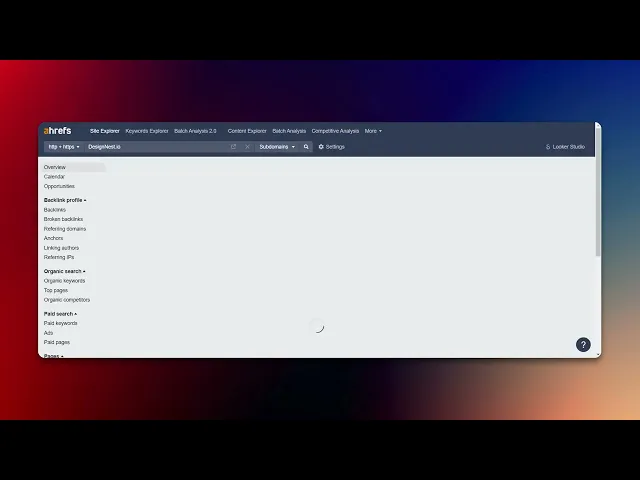
How To See Your Site Ranking Using Ahrefs
Discover how to effectively track your website's ranking using Ahrefs. Learn step-by-step methods to analyze your site's performance and improve visibility.
This document details the steps to check a website's ranking within a specific domain using the Site Explorer tool. Follow the instructions below to efficiently navigate the platform and retrieve accurate ranking information.
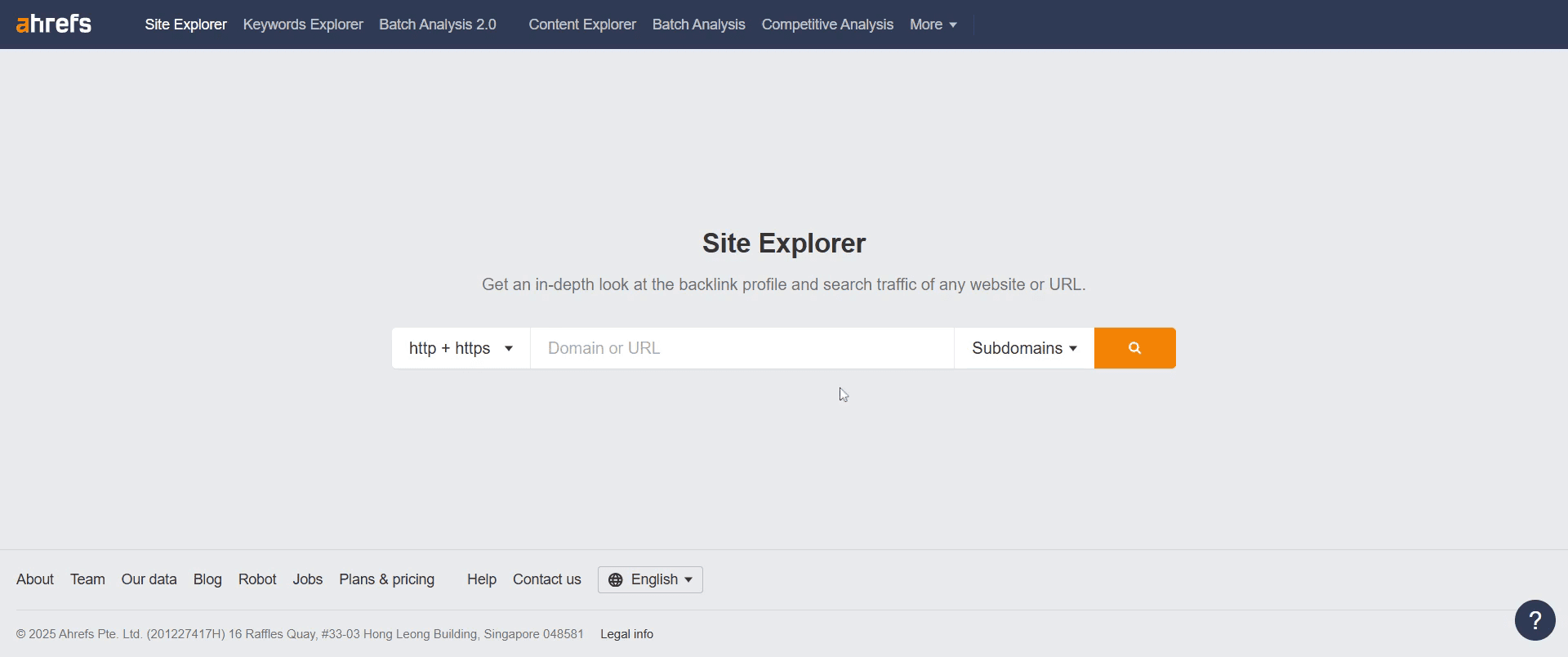
Step 1
In the Site Explorer search bar, enter the domain name you want to search for.
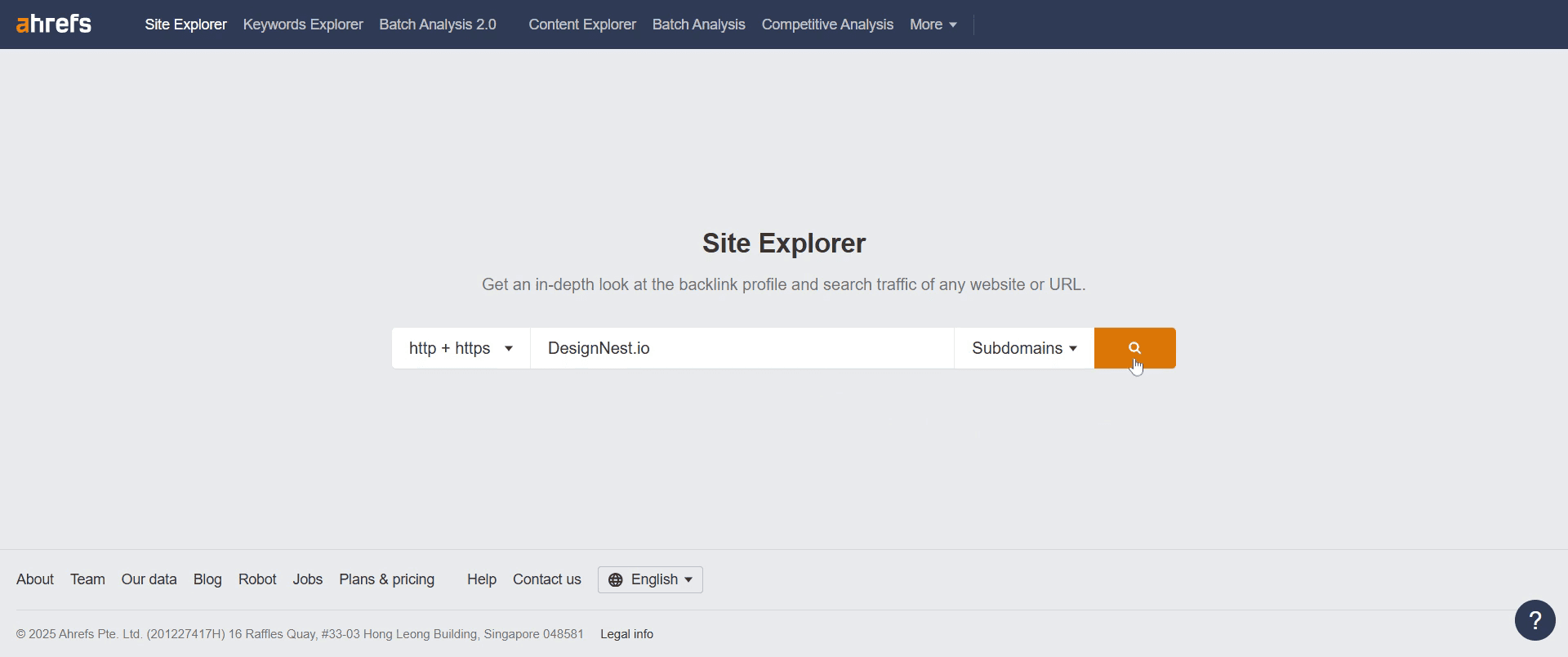
Step 2
Proceed by selecting the search option to initiate the query.
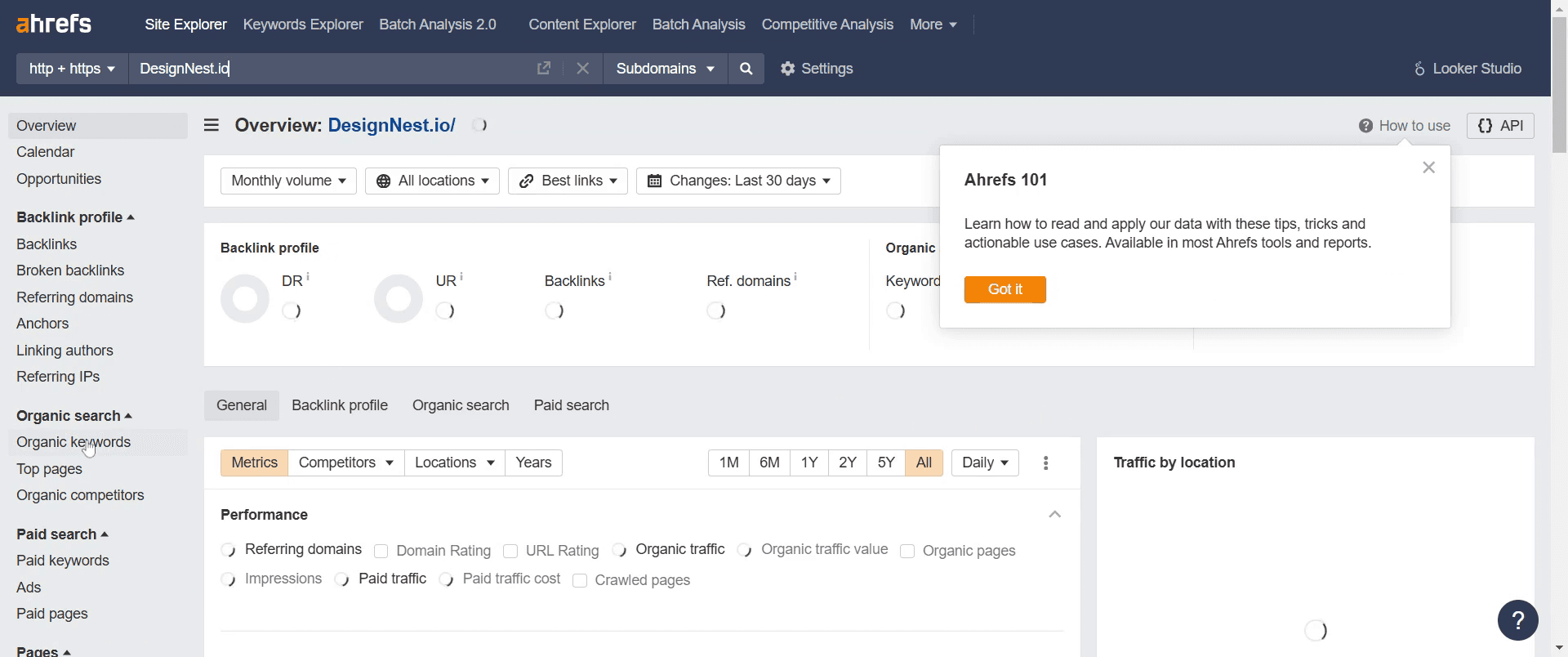
Step 3
Once loaded, go to "Organic Keywords" and click on it.
Step 4
Move to the "Position" section and click on it to view detailed insights.
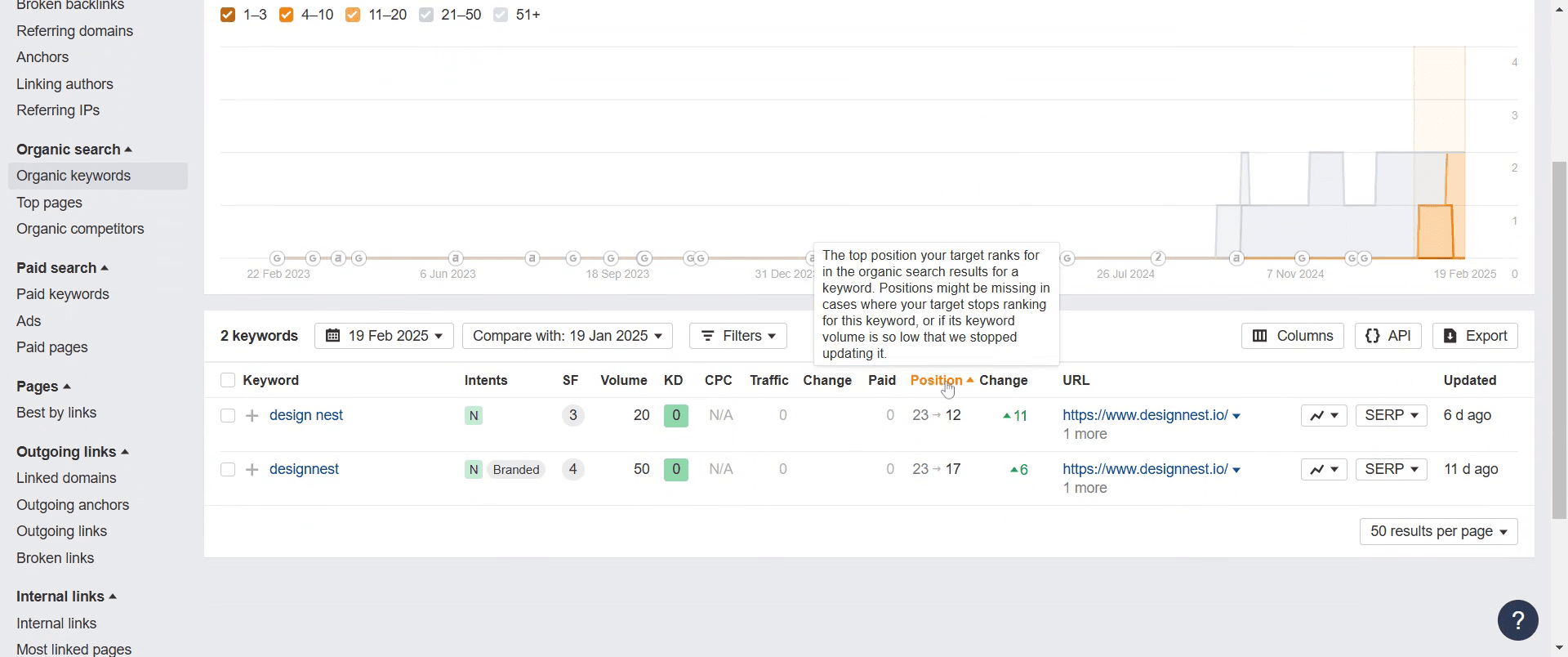
Step 5
Select a keyword you want to track and click on the SERP button on the right.
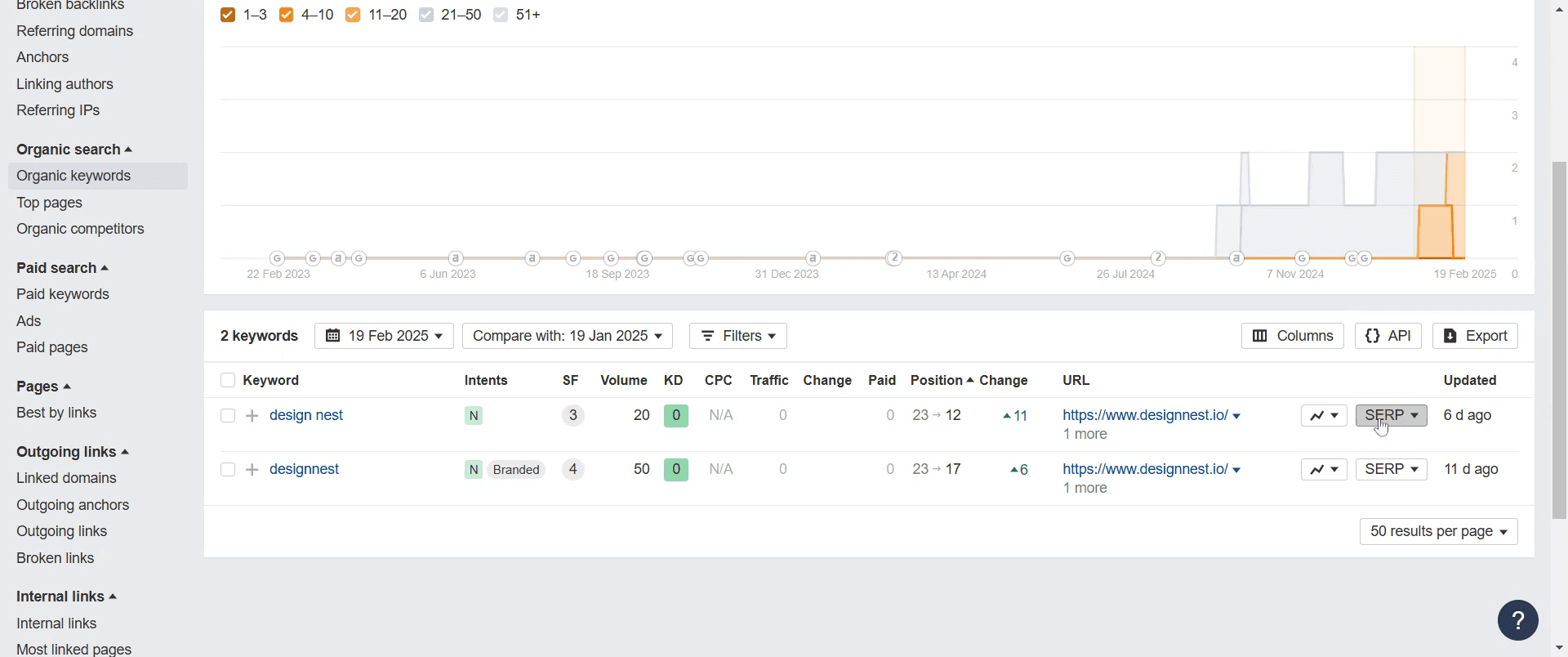
Step 6
In the SERP overview, you'll see Ahrefs core SEO metrics for the top 10 pages of the keyword.
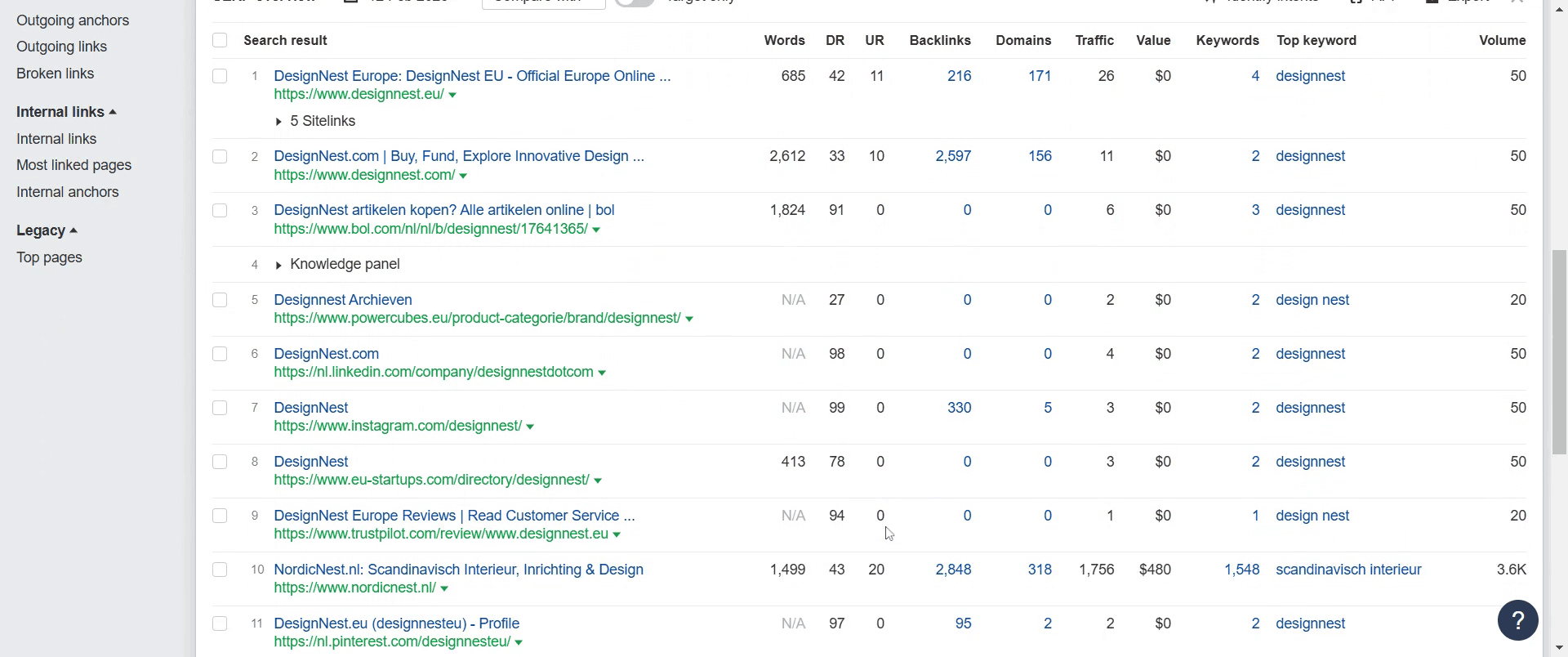
That's it. This is a step-by-step guide on how to see your site ranking using Ahrefs.
Pro-tips for seeing your site ranking using Ahrefs
Use the Site Explorer to check your website’s organic keyword rankings.
Track your rankings over time using the Rank Tracker tool.
Analyze your top pages to see which content drives the most traffic.
Common pitfalls & how to avoid them while checking your site ranking in Ahrefs
Not using the right filters – Apply country-specific filters to get accurate ranking data.
Ignoring keyword difficulty (KD) – Focus on keywords with realistic ranking potential.
Not monitoring ranking trends – Regularly track position changes to adjust your strategy accordingly.
Common FAQs for seeing your site ranking using Ahrefs
Can I track my keyword rankings over time?
Yes, use the Rank Tracker tool to monitor keyword movements and ranking trends.How can I see which pages rank the highest on my site?
Go to the Top Pages report in Site Explorer to view pages that drive the most organic traffic.Does Ahrefs show rankings for all countries?
Yes, you can filter ranking data by country in the Organic Keywords report.How often should I check my rankings?
It’s best to check rankings weekly or monthly to spot trends and make necessary adjustments.
If you're an instructor or content creator looking to make tutorial videos, give Trupeer.ai a try. It transforms rough screen recordings into polished, studio-style videos that are ready for sharing with your audience. Plus, it automatically generates a step-by-step guide based on the video you create. Fascinating, right? Start by creating your first tutorial for free with Trupeer.ai.

