
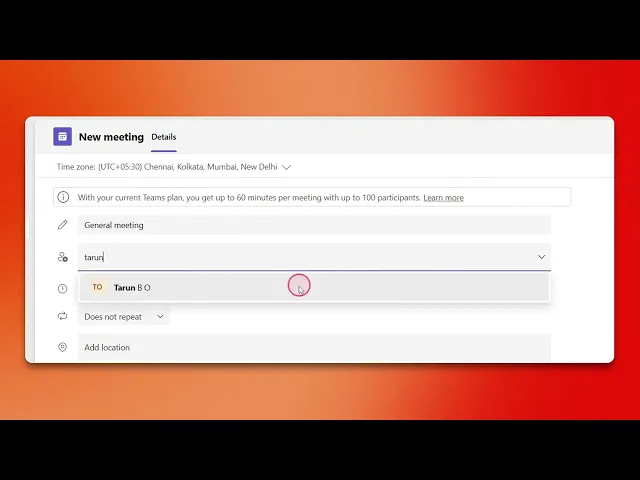
How To Send A Teams Meeting Invite?
Discover the step-by-step guide on how to send a Teams meeting invite effectively. Enhance your virtual collaboration with our comprehensive instructions.
This document offers step-by-step guidance on sending a meeting invitation through your calendar application. Follow the instructions below to schedule and share your meeting details with participants efficiently.
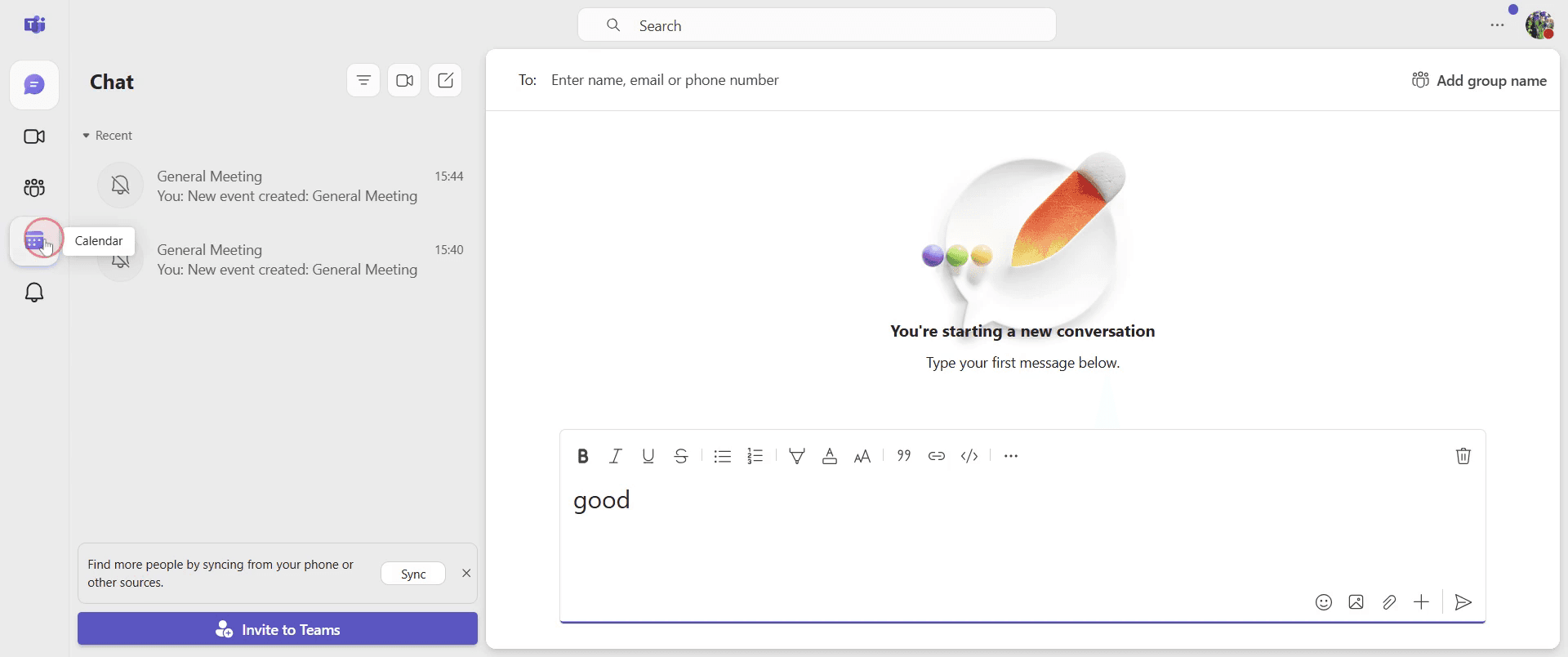
Step 1
Go to the Calendar option in your application and click on it to proceed.
Step 2
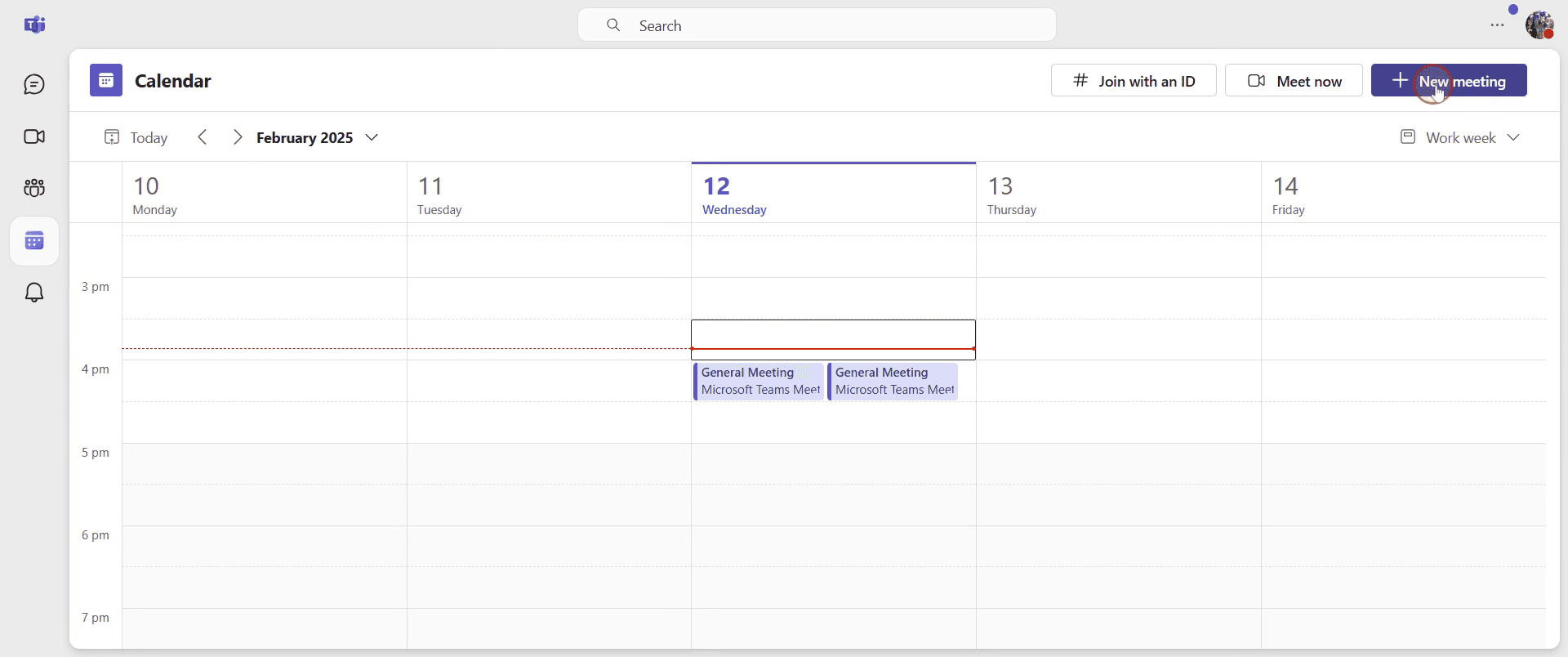
Find and click on the "New Meeting" option.
Step 3
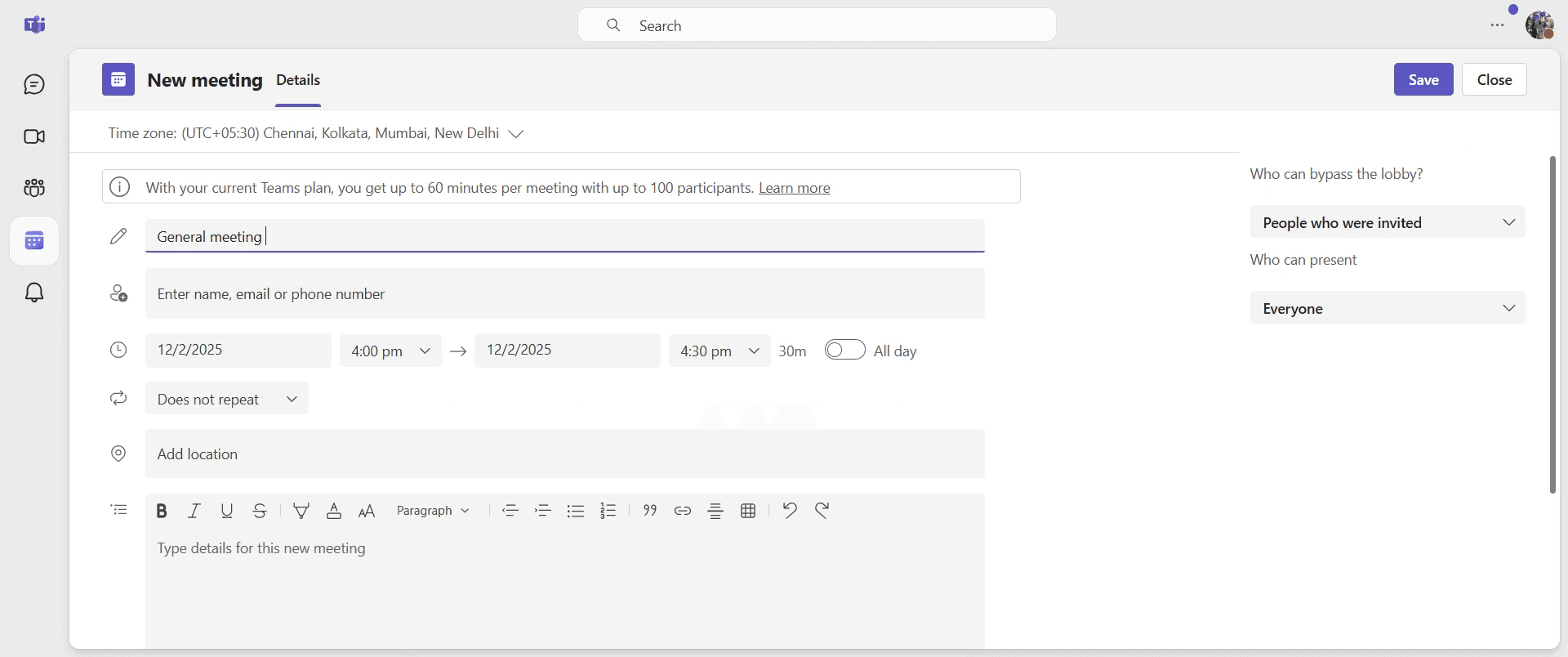
You can now add a title for your meeting.
Step 4
Proceed to add the participants you wish to invite to your meeting.
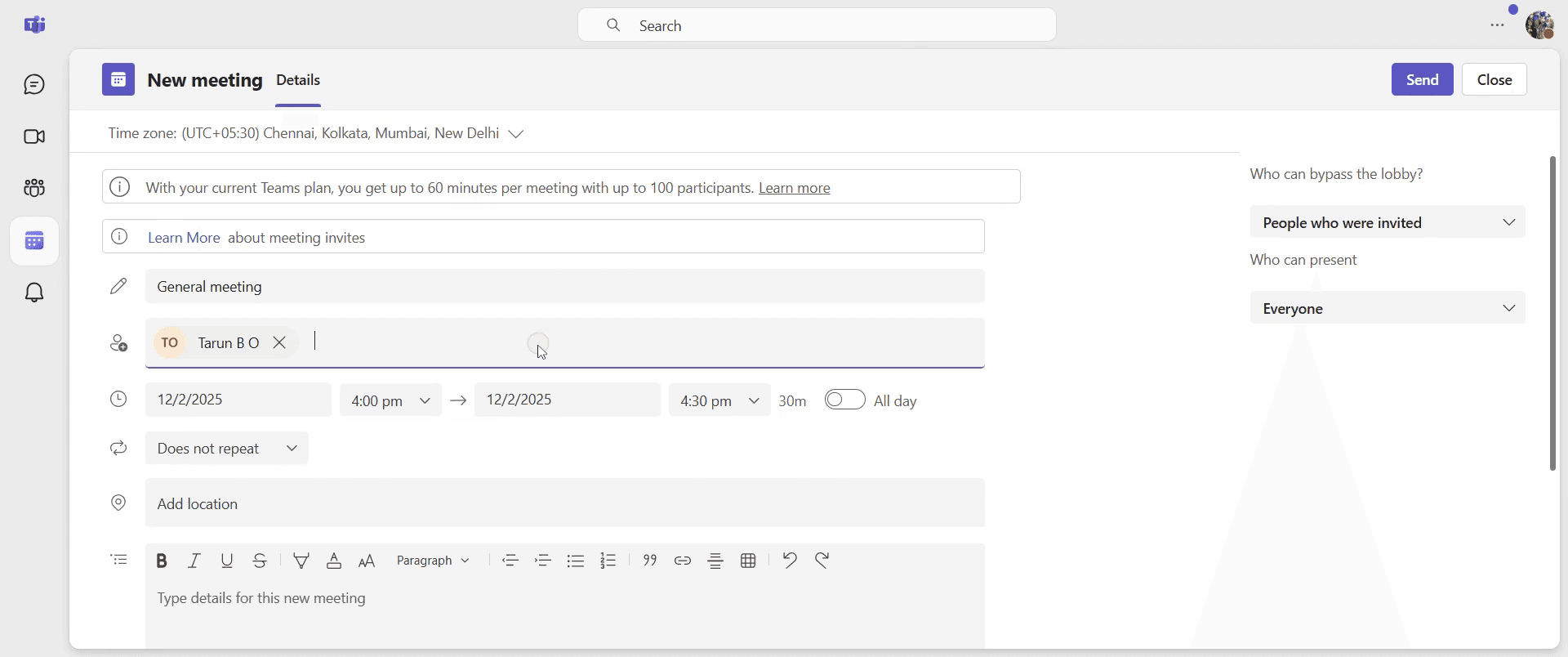
Step 5
Set the date for your meeting.
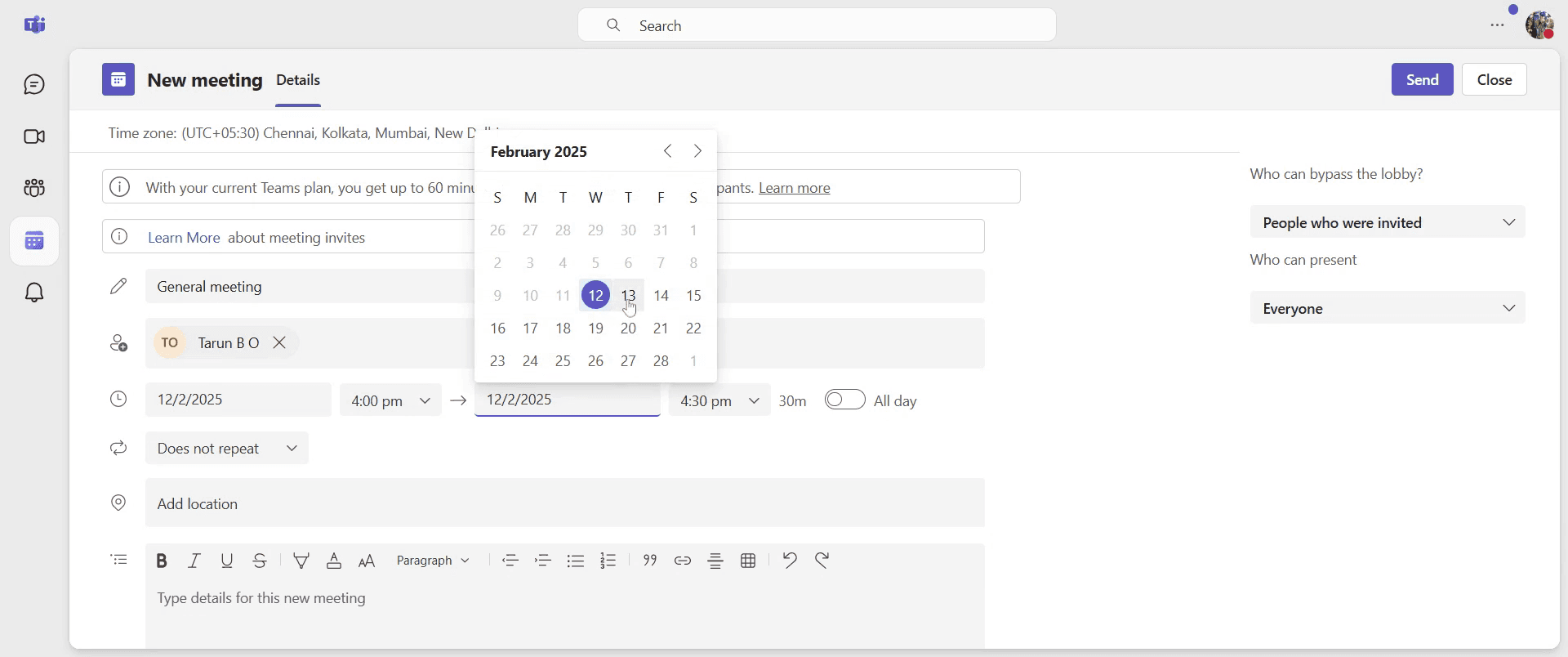
Step 6
Next, set the time for your meeting.
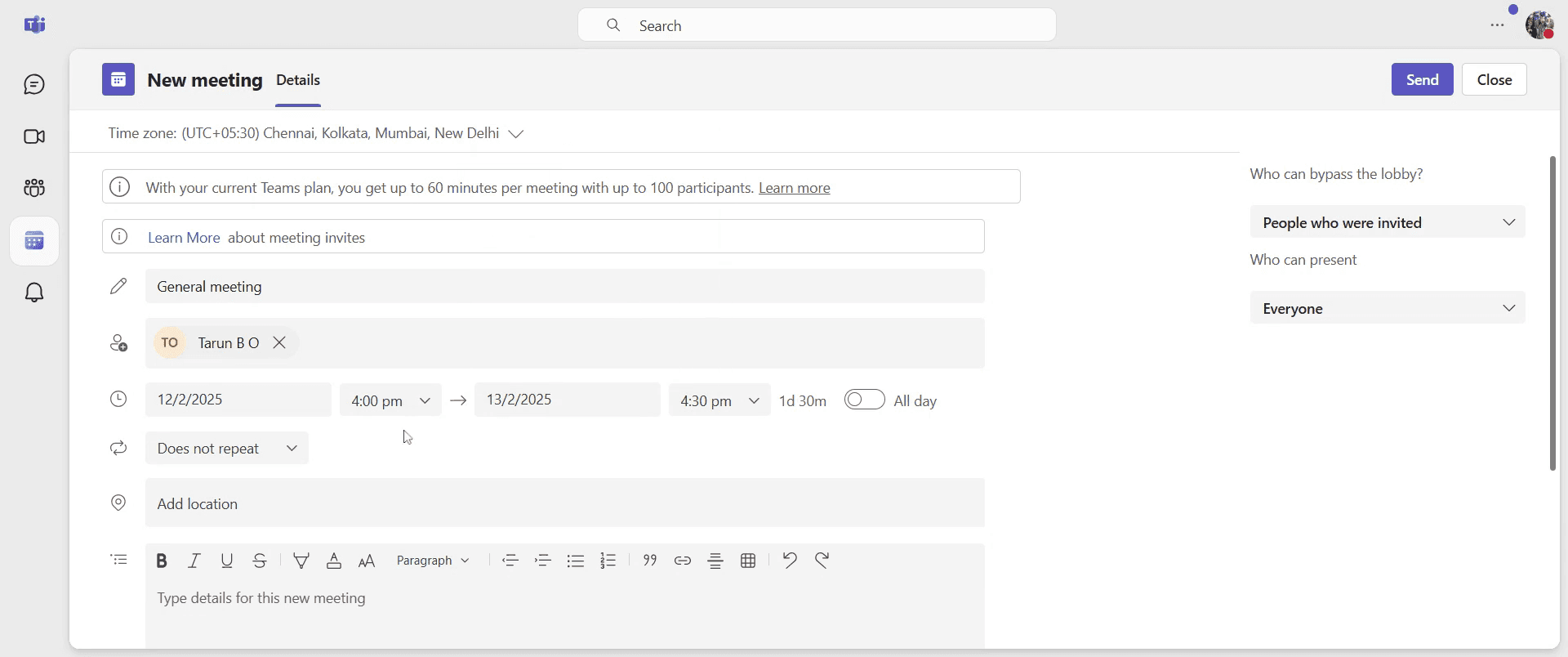
Step 7
After confirming all details, click on the "Send" option to dispatch your meeting invitation.
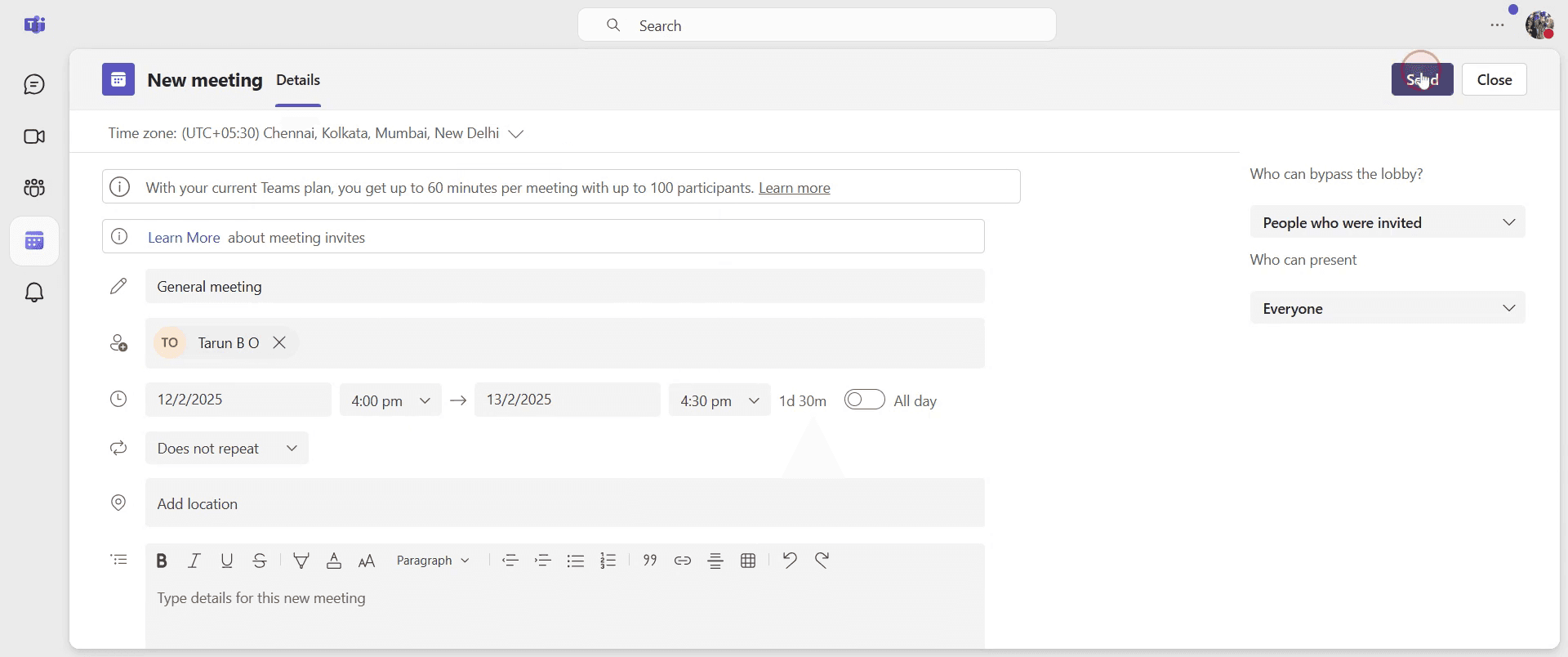
Step 8
Please wait as it processes. Once loaded, click on the link, which you can then share with others.
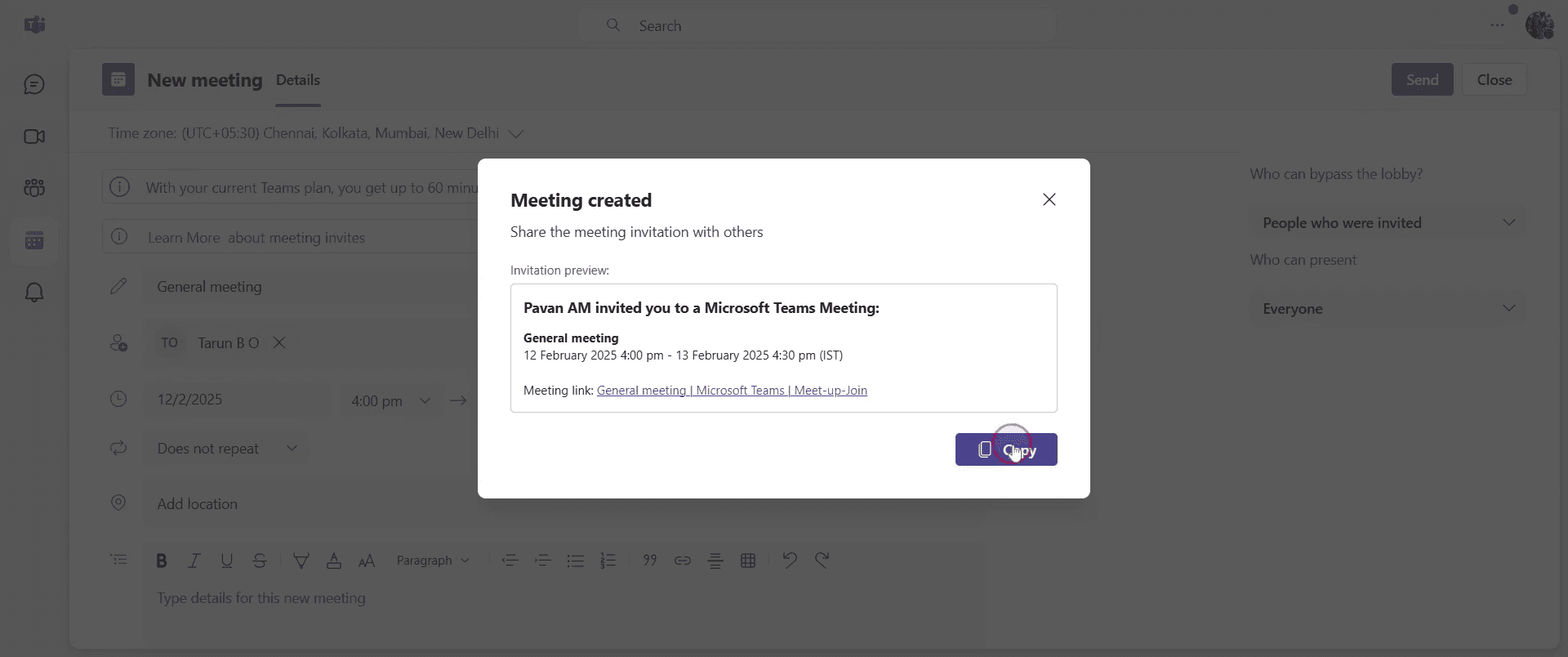
That’s it. This is a step-by-step guide on how to send a Teams meeting invite.
Pro-tips for sending a Teams meeting invite
Use the scheduling assistant to check attendees' availability before sending the invite
Include a clear agenda in the meeting details to keep discussions focused
Enable the meeting options to control participant permissions before the meeting starts
Common pitfalls & how to avoid them while sending a Teams meeting invite
Missing attendees - Double-check the invite list to ensure all necessary participants are included
Meeting link not working - Always use the Copy meeting link option to share the correct link with attendees
Time zone confusion - Verify the selected time zone in the scheduling assistant to avoid scheduling conflicts
Common FAQs for sending a Teams meeting invite
Can I schedule a recurring Teams meeting?
Yes, while creating a new meeting, select the Repeat option and choose the recurrence patternHow do I invite external users to a Teams meeting?
Enter their email addresses in the participant field, and they will receive an invite with the meeting linkCan I send a Teams meeting invite from Outlook?
Yes, open Outlook, go to the calendar, click New Teams Meeting, enter details, and send the inviteHow do I share a Teams meeting invite link manually?
Open the scheduled meeting in Teams, click Copy meeting link, and share it via email or chat
If you're an instructor or content creator looking to make tutorial videos, give Trupeer.ai a try. It transforms rough screen recordings into polished, studio-style videos that are ready for sharing with your audience. Plus, it automatically generates a step-by-step guide based on the video you create. Fascinating, right? Start by creating your first tutorial for free with Trupeer.ai.

