
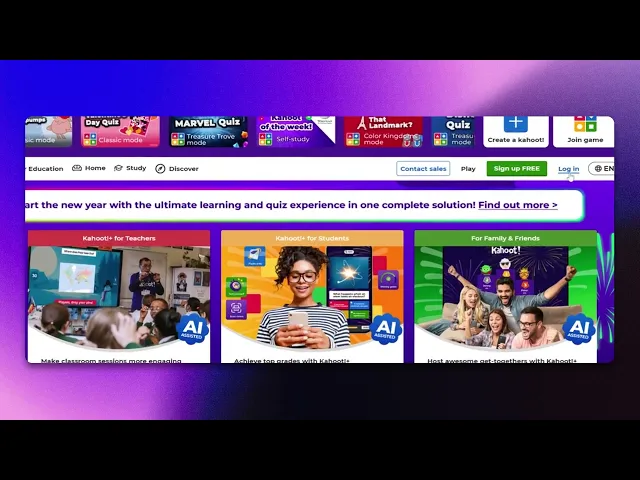
How To Sign In To Kahoot
Discover the simple steps to sign in to Kahoot and enhance your learning experience. Access quizzes and games effortlessly with our comprehensive guide.
This document provides a detailed explanation of how to sign in to Kahoot, from opening your browser to accessing your account. Follow these steps to ensure a seamless login experience.
Step 1
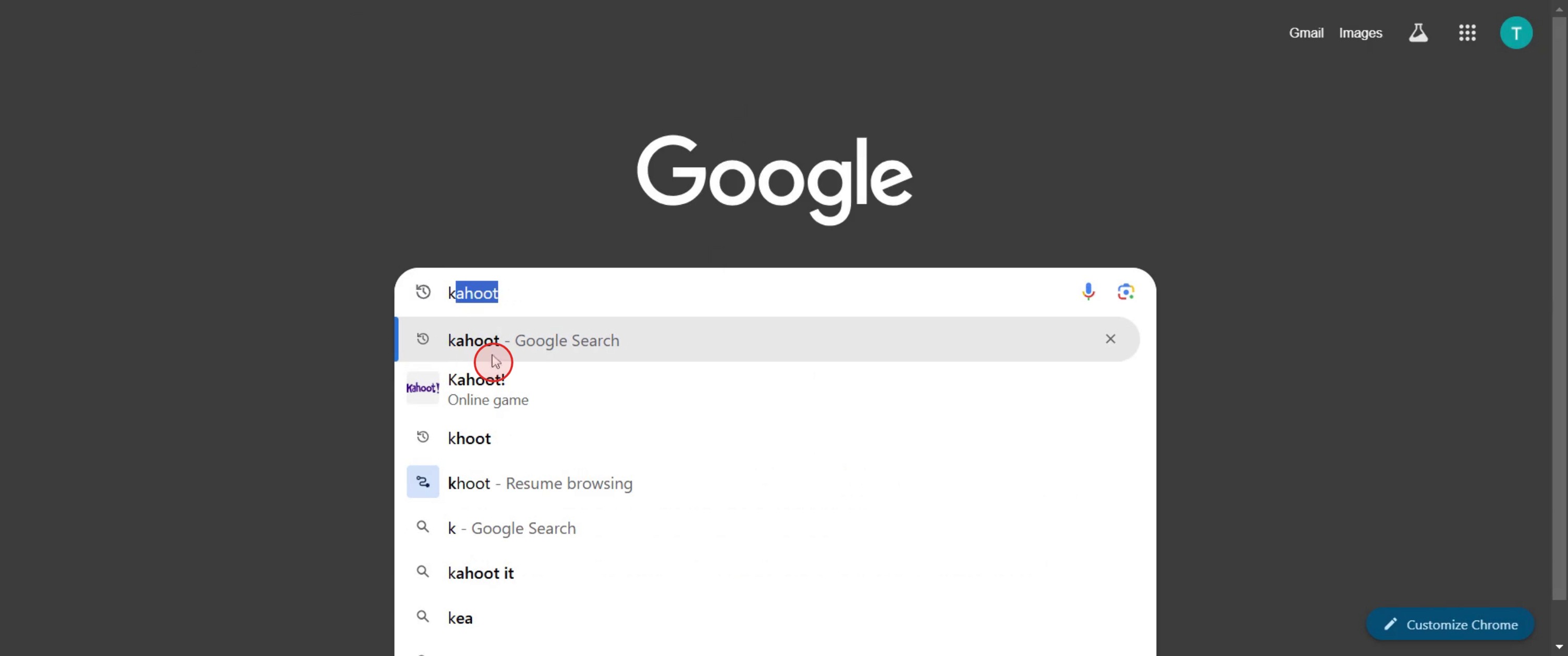
Search for Kahoot.
Step 2
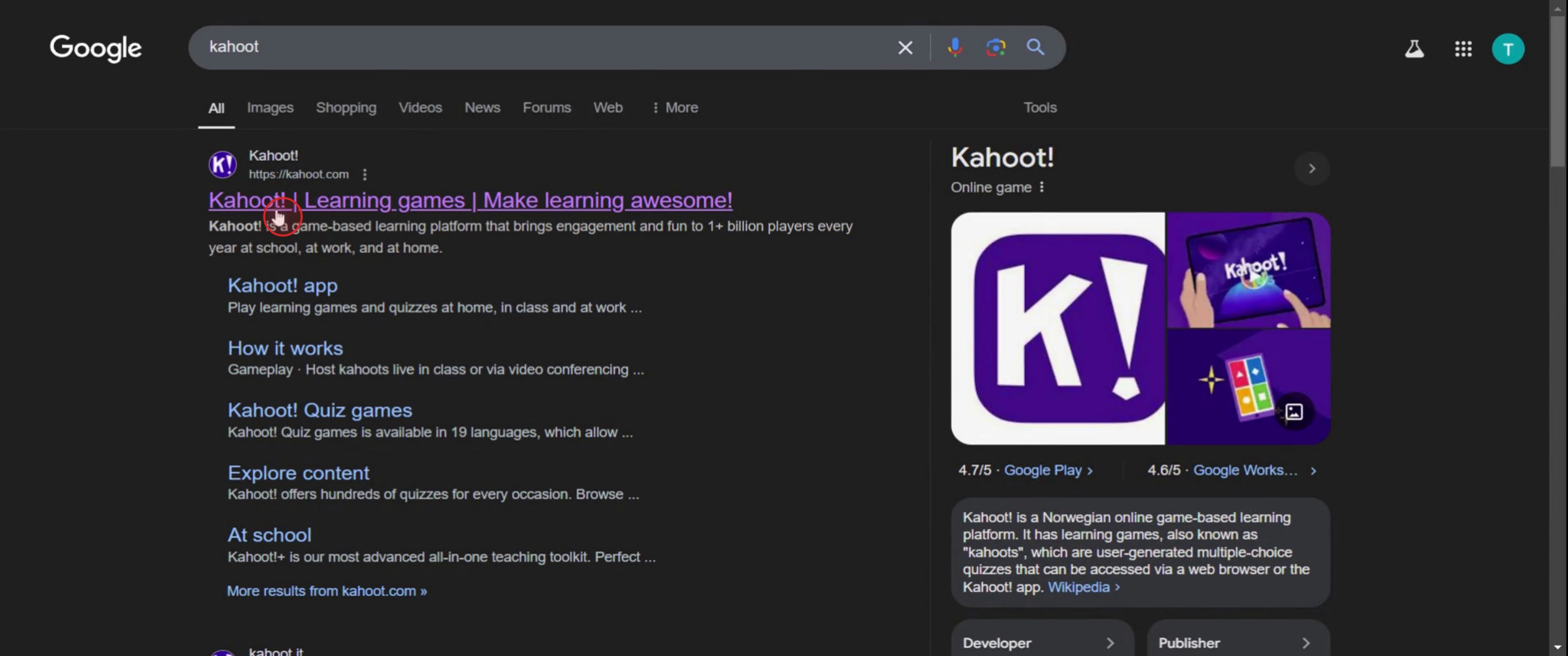
Click on Kahoot,
Step 3
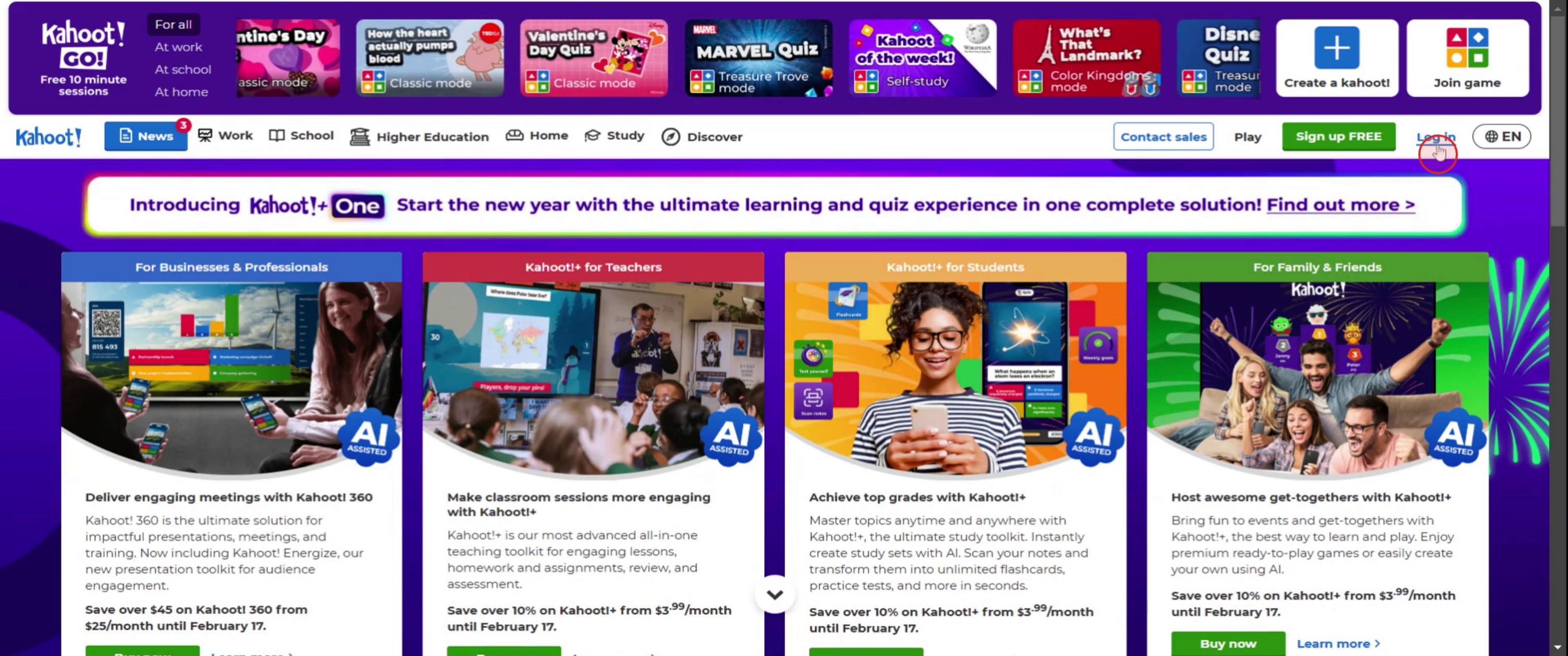
Click on the Login option.
Step 4
Enter the email address.
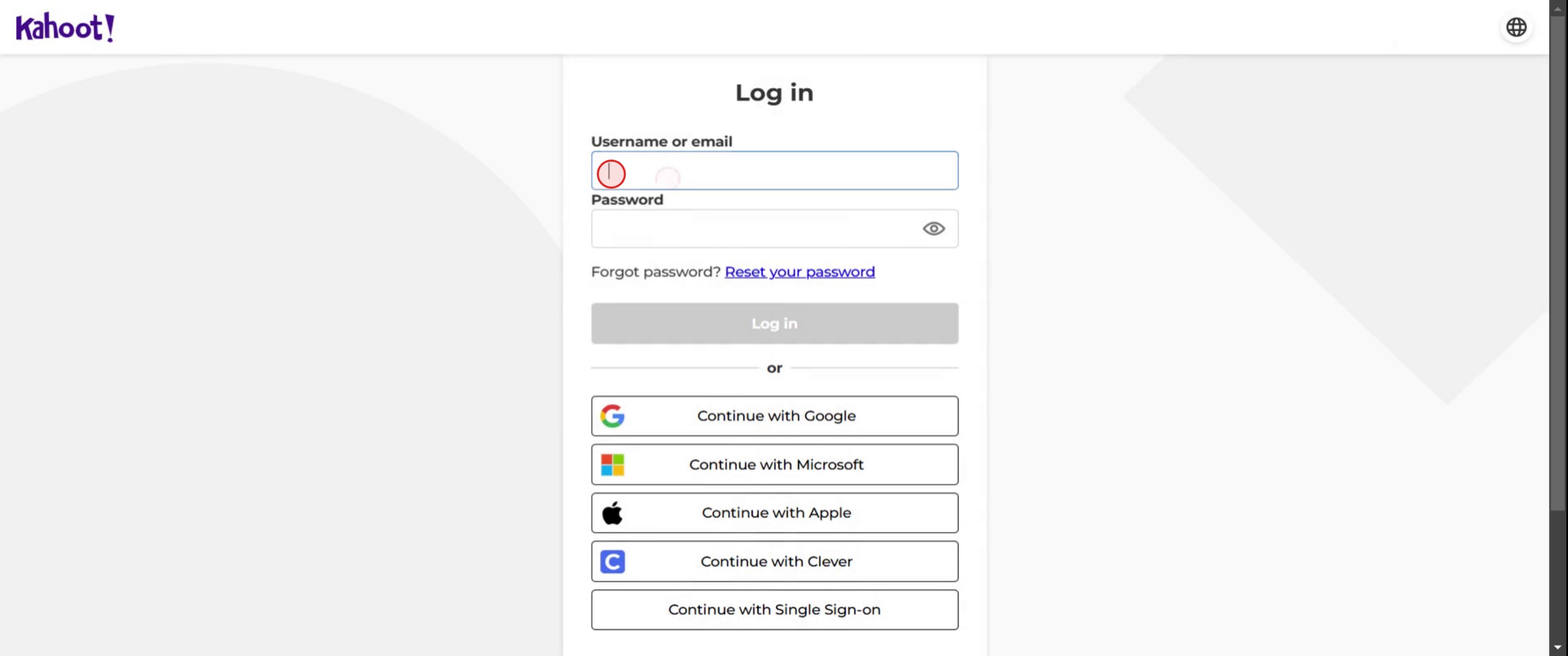
Step 5
Click on Login.
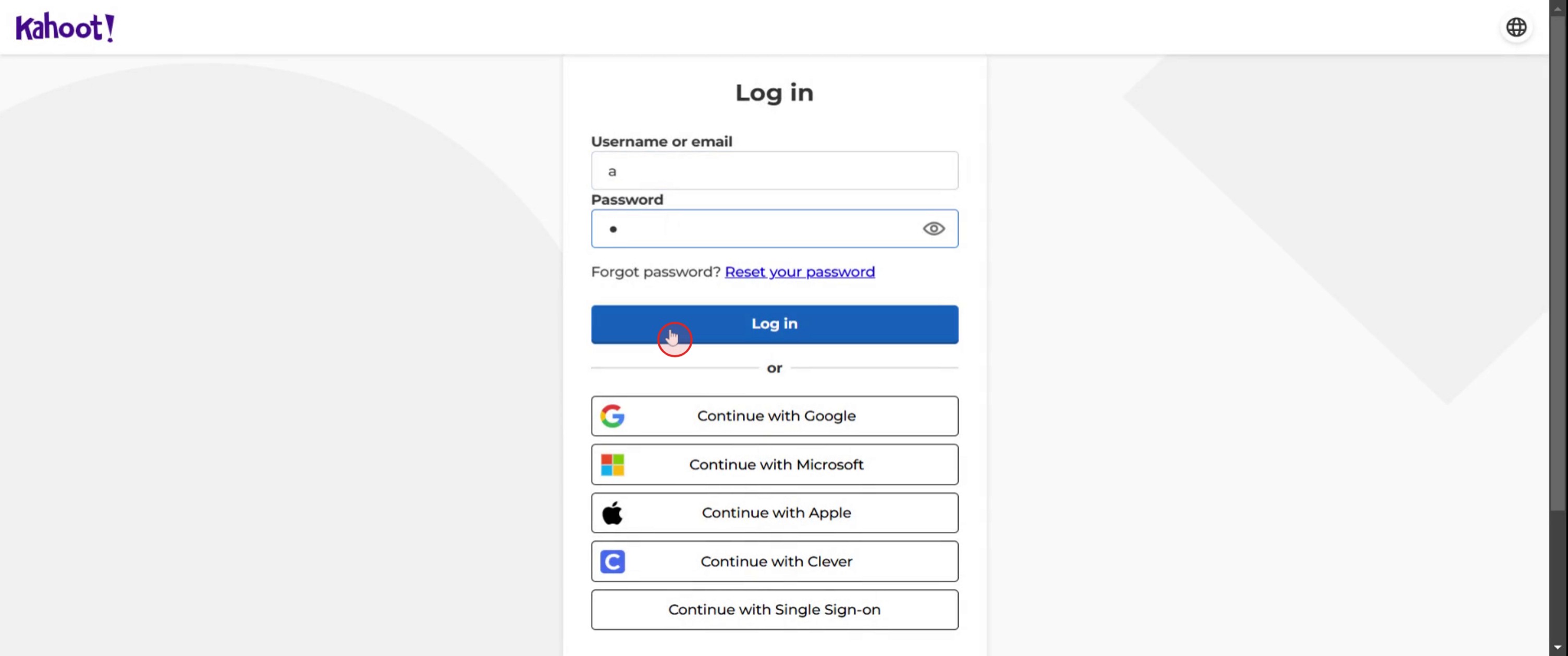
This is a step-by-step guide on how to sign in to Kahoot.
Pro tips for how to sign in to Kahoot
Use the correct login method – Kahoot offers multiple login options (email, Google, Microsoft, Apple) choose the one linked to your account for seamless access.
Enable two-factor authentication – Enhance security by enabling two-factor authentication in your account settings.
Clear cache if facing login issues – If you encounter login problems, clear your browser cache or try a different browser.
Common pitfalls and how to avoid them
Entering the wrong email or password repeatedly can lock you out double-check your credentials before signing in.
Using a school or work account without the correct permissions can cause access issues ensure your account is authorized for Kahoot.
Forgetting to log out on shared devices can compromise security always sign out when using a public or shared computer.
Common FAQs on how to sign in to Kahoot
What should i do if i forgot my Kahoot password?
Click on the Forgot password? link on the sign-in page and follow the instructions to reset your password via email.Can i sign in to Kahoot with my Google or Microsoft account?
Yes, Kahoot allows you to sign in using Google, Microsoft, Apple, or an email/password combination.Why can't i sign in to Kahoot with my school account?
Some school accounts have restrictions check with your administrator to ensure your account is permitted to access Kahoot.Can i stay signed in to Kahoot on my device?
Yes, you can stay signed in, but it's recommended to log out if you're using a shared or public device for security reasons.
This tutorial was created in minutes using Trupeer. To generate your own product tutorials, simply screen record a rough video, and Trupeer will transform it into a polished product tutorial and a step-by-step guide within minutes. Create your first video tutorial and guide with trupeer.ai for free.

