
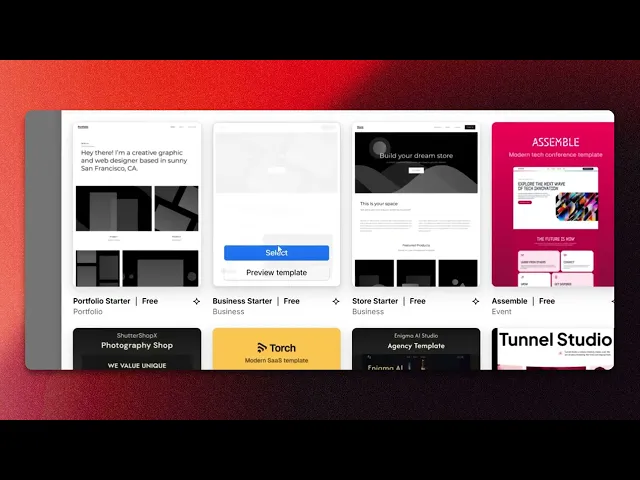
How To Use Webflow Templates
Unlock the potential of Webflow templates with our comprehensive guide. Master the art of website design and elevate your projects effortlessly.
This document provides a concise overview on how to effectively select and utilize a Web flow template to create a new site. Follow these steps to streamline your website creation process with ease.
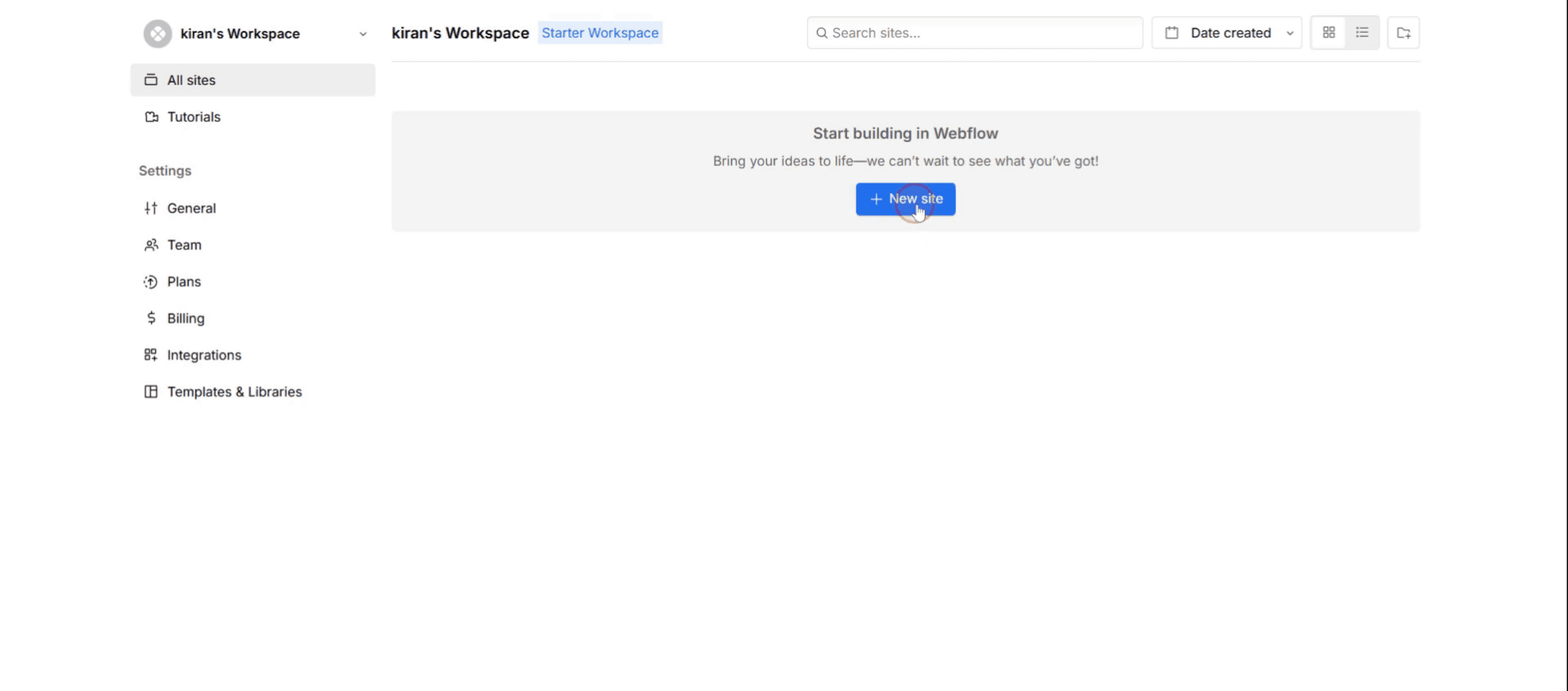
Step 1
Begin by clicking on New Site.
Step 2
Select the template.
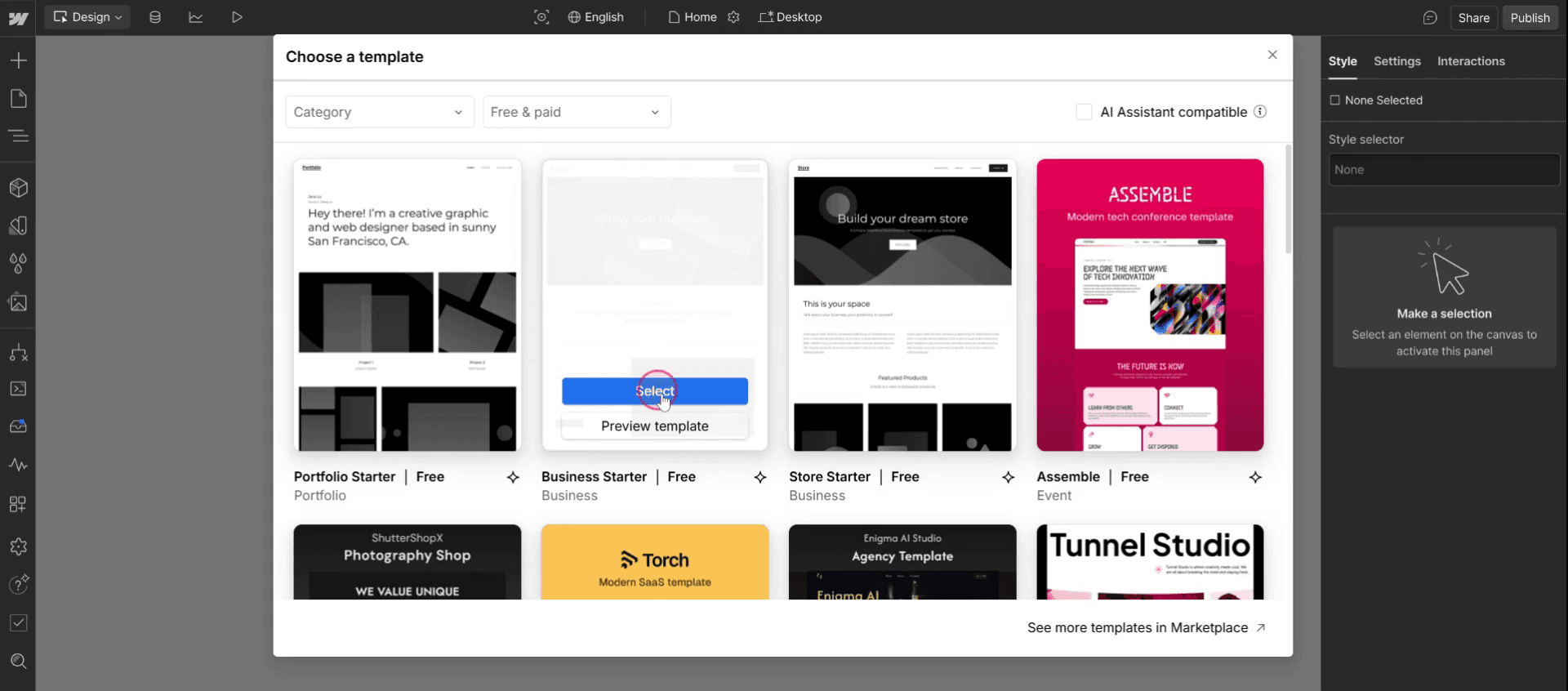
Step 3
You can then proceed to customize the site according to your preferences.
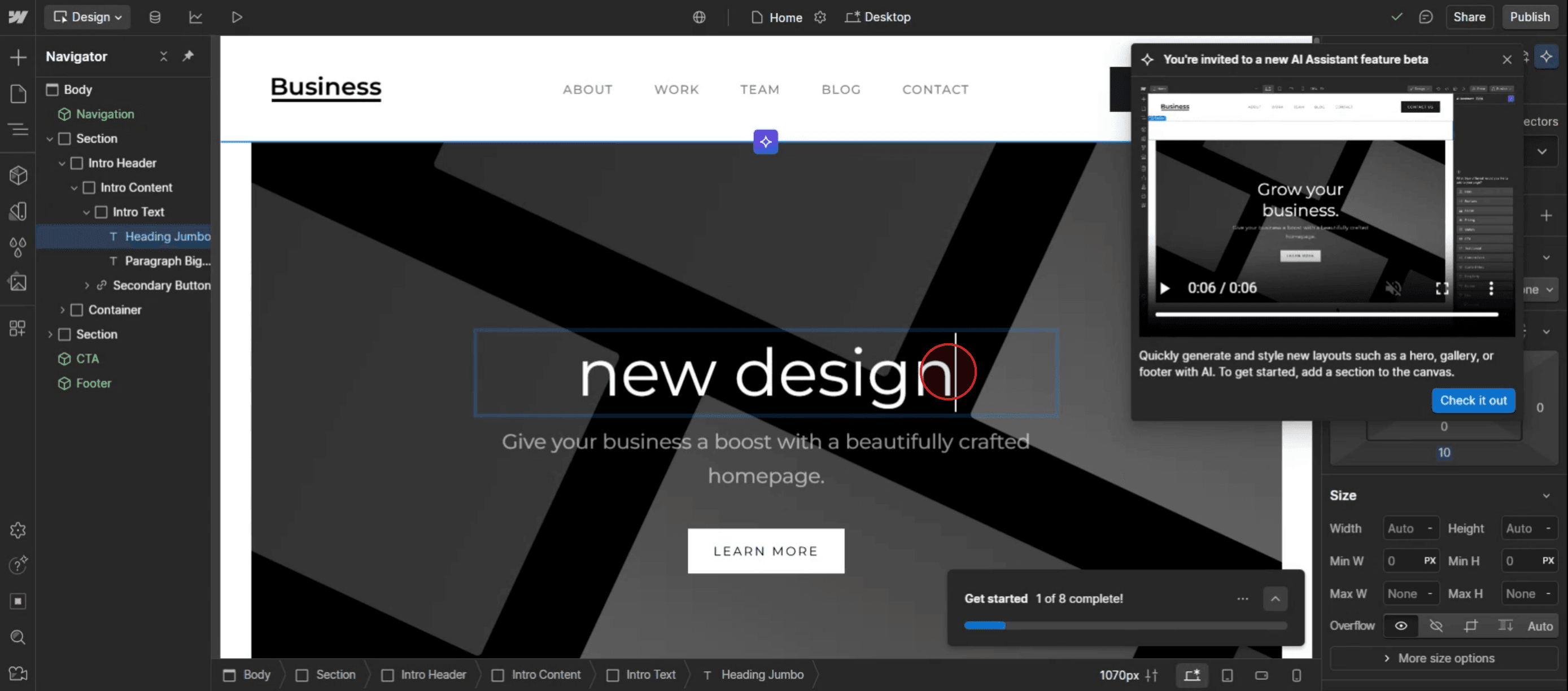
This is the step-by-step process to use Web flow templates. Let’s explore some tips for it.
Pro-tips for using Web flow templates
Choose the Right Template for Your Project – Web flow offers free and premium templates. Pick one that aligns with your project goals and branding.
Use the Web flow Template Marketplace – Browse the Web flow Template Marketplace to explore professionally designed templates for different industries.
Preview the Template Before Buying – Click View Demo on any template to preview its layout, animations, and responsiveness before purchasing.
Common pitfalls & how to avoid them
Over-Relying on Default Styles – Many users forget to customize global styles like fonts and colors, resulting in a generic look. Always edit these settings for a unique design.
Not Checking Mobile Compatibility – Some templates may look great on desktop but break on mobile. Test and tweak designs in Web flow's responsive editor.
Editing Without Duplicating the Template First – Before making major edits, duplicate the template to avoid accidental changes that can’t be reversed.
Common FAQs for using Web flow templates
Can i edit everything in a Web flow template?
Yes, Web flow templates are fully customizable, including fonts, colors, layout, and animations.Can i use a Web flow template for multiple projects?
No, each template license applies to a single project. You need to purchase it again for additional projects.How do i switch templates in Web flow?
Web flow does not allow template switching within a project. You must start a new project with the desired template.
If you're an instructor or content creator looking to make tutorial videos, give a try. It transforms rough screen recordings into polished, studio-style videos that are ready for sharing with your audience. Plus, it automatically generates a step-by-step guide based on the video you create. Fascinating, right? Start by creating your first tutorial for free with trupeer.ai .

