Trupeer Blog
Summarise

Standard Operating Procedures (SOPs) are crucial for transforming a company's knowledge into scalable systems.Writing the SOP is the easy part, rolling it out so people genuinely adopt it follows a change management process. Yet, many businesses struggle with traditional SOPs that become static documents, often forgotten in shared drives. Keeping SOPs current reduces process variation, simplifies onboarding, and makes operational knowledge easier to reuse. If you are still working out what this category covers rather than which product to buy, start with SOP software. This guide explores the best SOP creation software that can help you keep procedures dynamic and accessible. Whether you're a small business owner or part of a large enterprise, finding the right tool can streamline processes and ensure consistency across your team.
Which SOP Creation Software Is Best?
There is no single best SOP creation tool. The right choice depends on whether your priority is capturing workflows, producing documentation, training employees, or running repeatable processes. On that basis:
Best for aI-generated SOPs from screen recordings: Trupeer
Best for straightforward, no-fuss step-by-step guides: Scribe
Best for knowledge-base-driven documentation: Document360
Best for visual, step-by-step guides: Tango
Best for sOPs combined with training and onboarding: Trainual
Best for running SOPs as repeatable, automated workflows: Process Street
Best for simple SOP documentation without complexity: SweetProcess
Best for interactive, engagement-focused SOPs: Whale
Each is expanded below, with what it does well, who it does not suit, and the feature matrix behind these calls.
Best SOP Creation Tools: Head-to-Head Comparison
Features | Trupeer | Scribe | Document360 | Tango | Trainual | Process Street | SweetProcess | Whale |
|---|---|---|---|---|---|---|---|---|
Process Recording | ✔ | ✔ | ❌ | Limited | ✔ | ✔ | ✔ | Limited |
Video Guides | ✔ | ❌ | ✔ | ✔ | ✔ | Limited | ✔ | ✔ |
Step Detection | ✔ | ✔ | Limited | ✔ | ❌ | ✔ | ✔ | ❌ |
AI Script Generation | ✔ | ❌ | ✔ | Limited | ✔ | ❌ | ✔ | ✔ |
Auto Article Generation | ✔ | Limited | ❌ | ✔ | Limited | ✔ | ❌ | ✔ |
AI Voiceover | ✔ | ❌ | ✔ | Limited | ❌ | ✔ | ✔ | ❌ |
Custom Branding | ✔ | ✔ | Limited | ✔ | ✔ | ✔ | Limited | ✔ |
Multi-format Export | ✔ | ❌ | ✔ | Limited | ✔ | ✔ | ❌ | ✔ |
Easy Updates | ✔ | ✔ | ✔ | ❌ | Limited | ✔ | ✔ | ✔ |
Team Collaboration | ✔ | ✔ | ✔ | Limited | ✔ | ✔ | ✔ | Limited |
Version Control | ✔ | Limited | ✔ | ❌ | ✔ | Limited | ✔ | ✔ |
How We Evaluated These Tools
The tools below solve different problems, so a single ranking would be misleading. Each was assessed against the same criteria, grouped by the four jobs SOP software gets bought for:
Creation:
how quickly a procedure can be produced. Process recording, step detection, automatic screenshots, AI script generation, templatesManagement:
how well it is stored and kept current. Version control, search, permissions, collaboration, review. This half of the problem is covered in depth on SOP management softwareExecution:
whether people can run the process inside the tool. Checklists, conditional logic, task assignment, automationTraining:
whether procedures can be assigned and taught. Course structure, assignments, progress tracking
A tool scoring low on execution is not a worse product; it is a different product. The feature matrix above shows where each one actually sits.
The Six Categories These Tools Fall Into
This is the mental model worth having before comparing features, because it explains why products that all call themselves SOP software behave so differently.
Capture-first tools:
Scribe, Tango. Record or click through a process and get a guide. Fast to produce, lighter on managementAI documentation platforms:
Trupeer. Capture plus AI generation of written and video output from one recording, either automatically with an SOP generator or with manual control through an SOP builderSOP documentation platforms:
SweetProcess. Purpose-built structure for procedures, without a heavy automation or training layerWorkflow execution platforms:
Process Street. The procedure is something you run, not just readKnowledge-base platforms:
Document360. Built around organising and searching a large body of documentationTraining platforms:
Trainual, Whale. Procedures exist to be assigned, taught and tracked
Detailed Reviews
Trupeer
Best for: AI-generated SOPs from screen recordings
Tool type: AI documentation
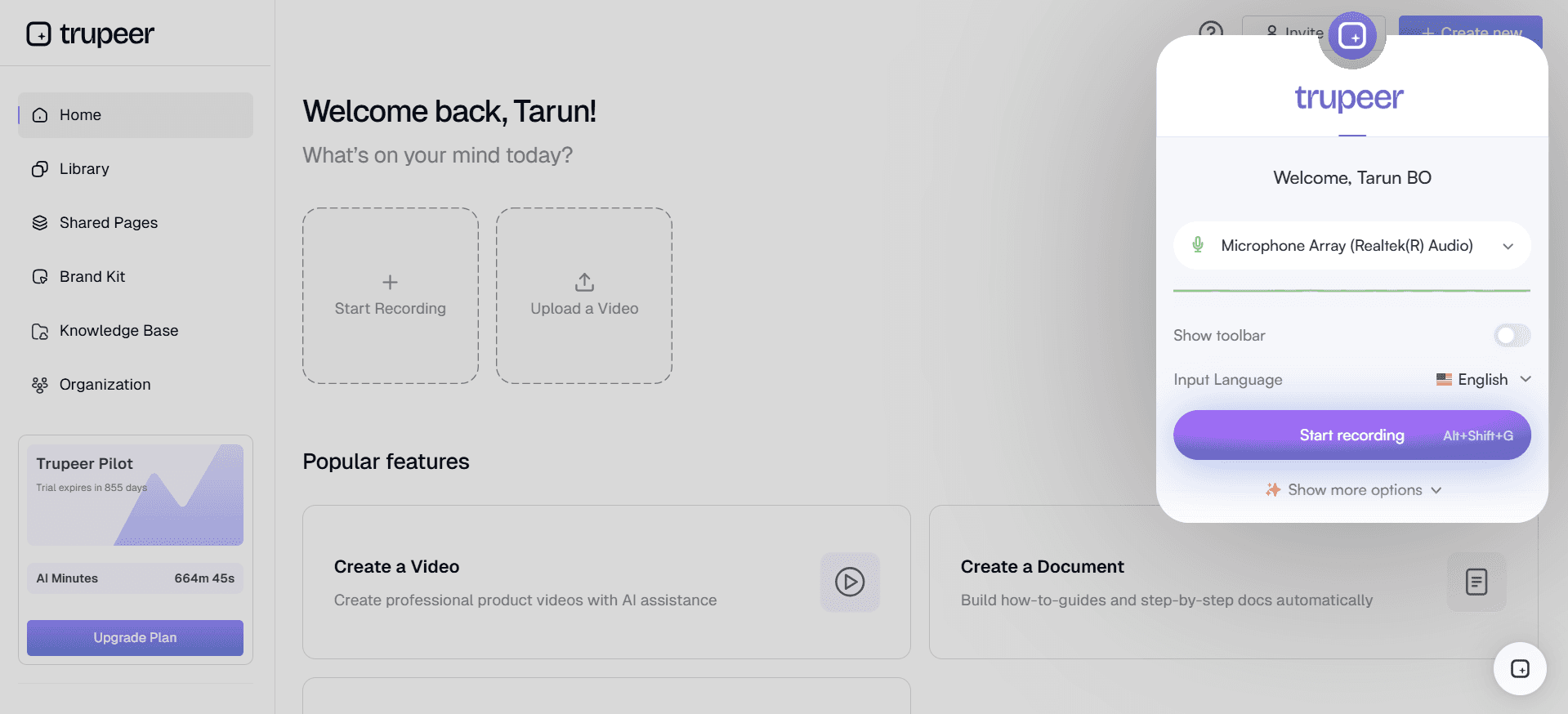
Trupeer records a process and generates a written SOP with screenshots plus a narrated video from the same capture. Process recording and AI script generation are its core, so the draft comes from the workflow as performed rather than from a blank page. Output can be edited, branded and published in multiple languages. It suits teams whose processes happen on screen and who want documentation and video from one session rather than two projects. Its SOP generator and screen recording conversion pages cover the specifics.
Key Features
Process Recording
AI Script Generation
Video Guides and AI Voiceover
Custom Branding Options
Multi-format Export
Easy Updates with Version Control
Team Collaboration Features
Template availability
Pros
Written SOP and narrated video from a single recording
Draft comes from the workflow as performed, not from memory
Multilingual publishing from one source
Version history and staleness reporting for maintenance
Cons
No workflow execution or task assignment, so procedures are read rather than run
No mandatory pre-publication approval gate for regulated sign-off
Output needs human review to add off-screen context, approvals and exceptions
Weaker fit for physical or off-screen processes than for software workflows
Key strength: Recording to written SOP and narrated video from one capture
Not ideal if: you mainly need workflow execution or task management rather than documentation.
Scribe
Best for: Straightforward, no-fuss step-by-step guides
Tool type: Capture-first
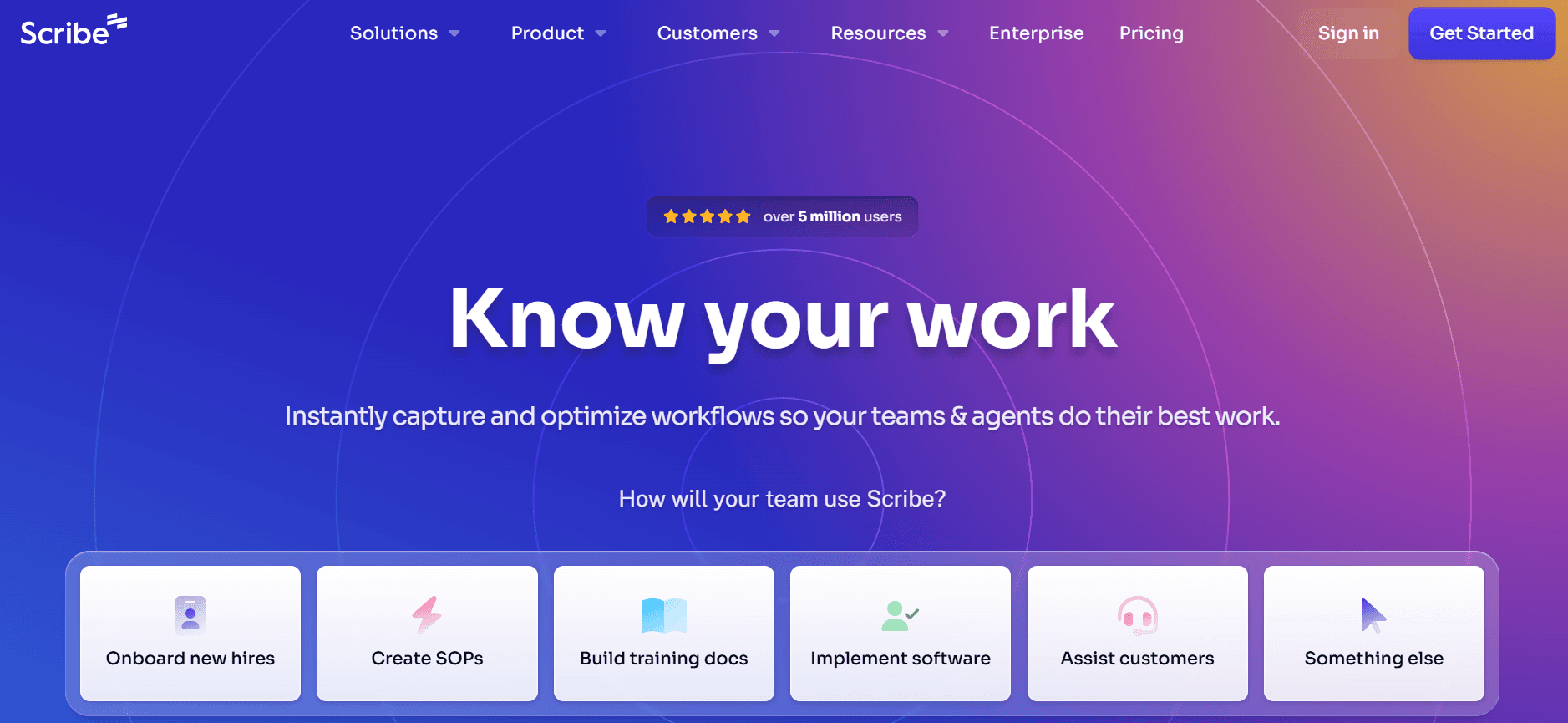
Scribe is perfect for teams that need straightforward, no-fuss SOP creation. It excels in simplicity and ease of use, making it a favorite among smaller teams or those new to digital SOPs. Scribe's process recording capabilities help users create step-by-step guides effortlessly. However, it lacks more advanced features like AI script generation, which some larger teams might find limiting.
Scribe is built for those who prioritize simplicity over extensive functionality. It offers basic collaboration tools and ensures that documentation can be created quickly without needing extensive training or onboarding.
Key Features
Simple Process Recording
Basic Team Collaboration
Limited Custom Branding
Easy Step Detection
Pros | Cons |
|---|---|
Intuitive interface, easy to use | Lacks advanced AI features |
Quick setup and deployment | Limited customization options |
Cost-effective for small teams |
Pricing
Scribe offers a free version with basic features. Their paid plans start at [VERIFY BEFORE PUBLISHING: current pricing]
Key strength: Simple process recording with minimal setup
Not ideal if: you need AI script generation or richer video output.
Document360
Best for: Knowledge-base-driven documentation
Tool type: Knowledge base
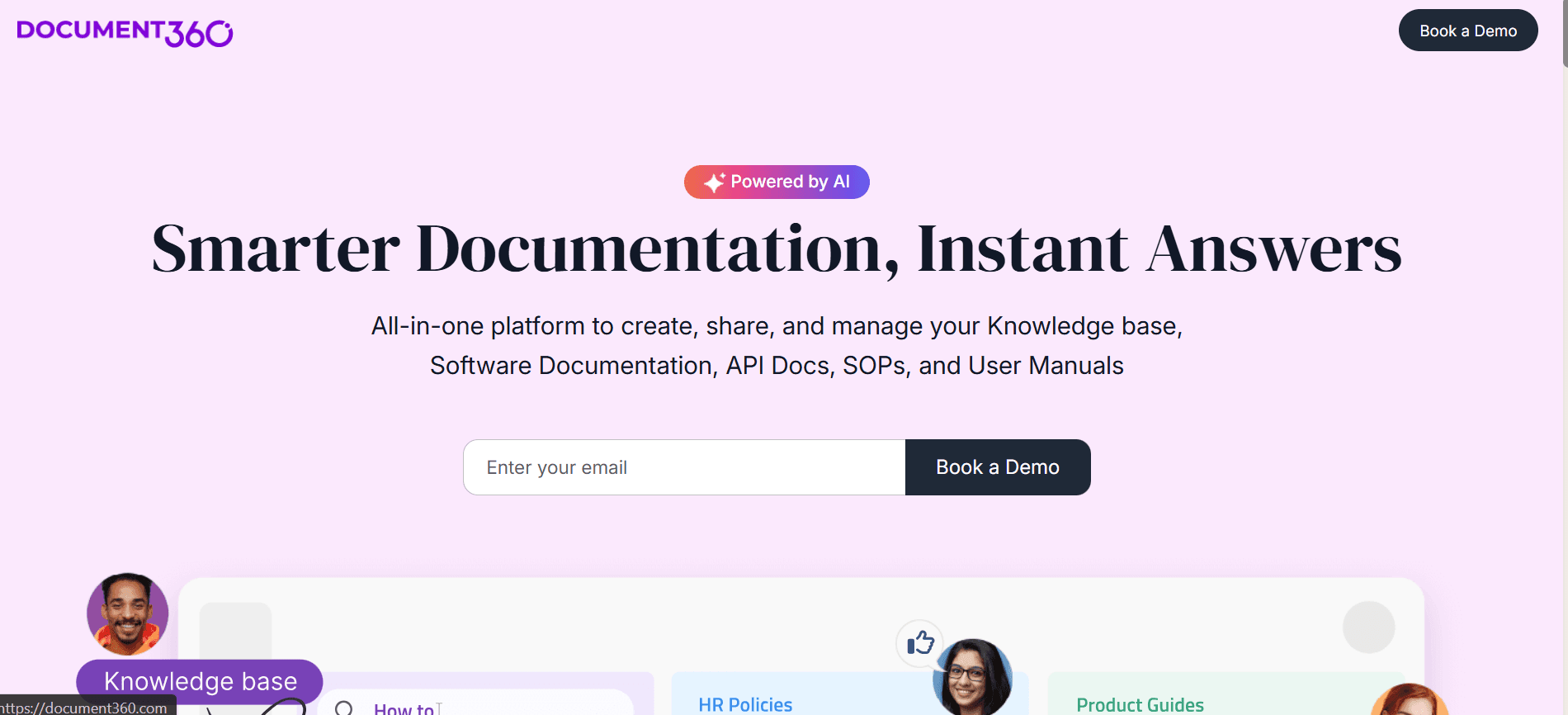
Document360 is a versatile tool designed for organizations that require comprehensive documentation management beyond simple SOPs. It's especially suitable for larger businesses that need to manage extensive knowledge bases. While it doesn't offer process recording, its strength lies in its robust AI capabilities for script and article generation.
Document360 is perfect for teams looking to integrate SOP creation into a broader documentation strategy. The software supports multiple export formats and offers extensive customization options, making it a flexible choice for complex needs.
Key Features
AI Script Generation
Robust knowledge base management
Custom Branding and Multi-format Export
AI Article Generation
Version Control and Team Collaboration
Pros | Cons |
|---|---|
Comprehensive documentation features | No process recording capabilities |
Strong AI integration | May be overkill for simple SOPs |
Excellent version control |
Key strength: Managing extensive documentation beyond single SOPs, with AI article generation
Not ideal if: your priority is capturing workflows, since it has no process recording.
Tango
Best for: Visual, step-by-step guides
Tool type: Capture-first
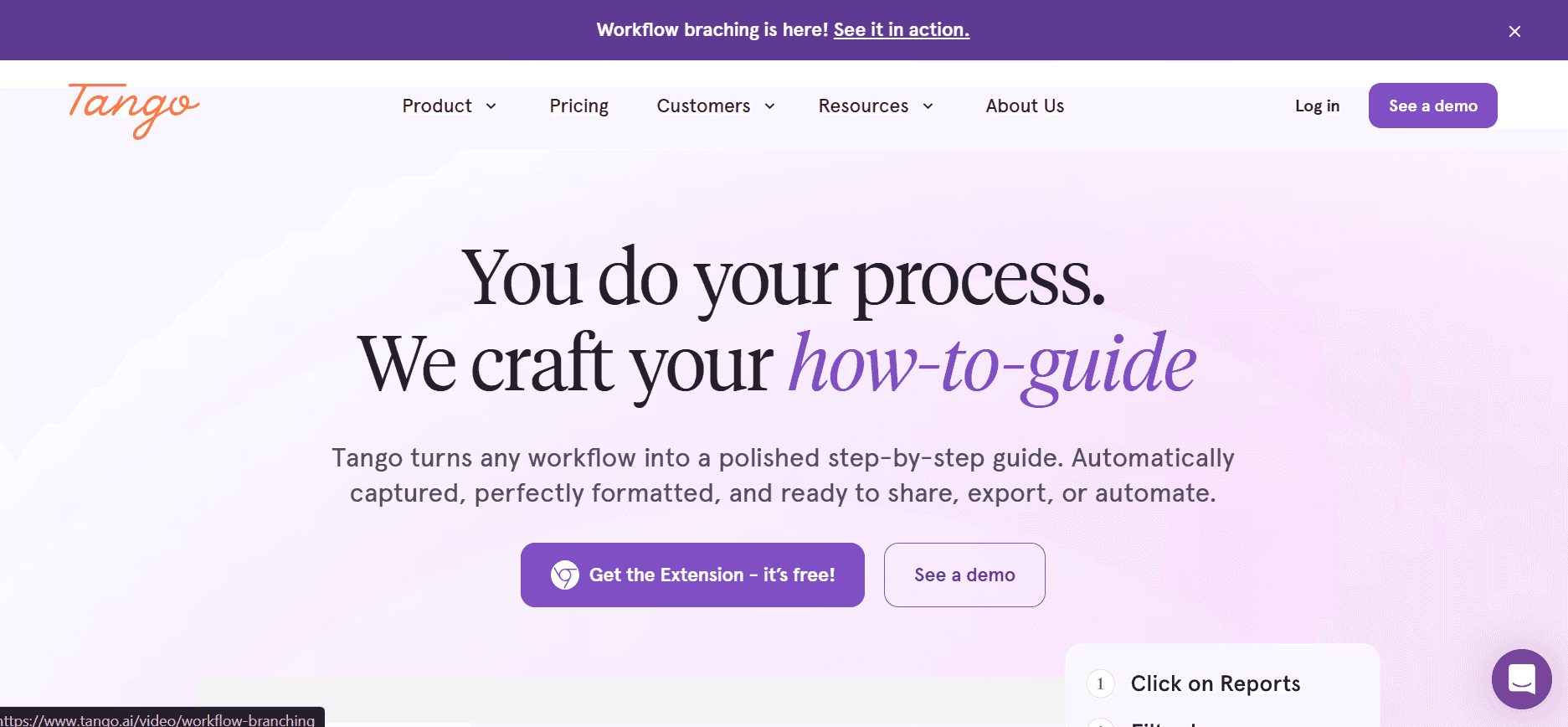
Tango offers a unique approach to SOP creation with its focus on visual guides and step-by-step documentation. It's particularly well-suited for teams that need to create visually engaging SOPs, though it doesn't offer much in terms of AI-driven features. Tango is perfect for creative teams or those in design industries looking to maintain visually appealing documentation.
The tool is built around creating interactive guides and videos, making it a great option for training and onboarding scenarios. However, it lacks some of the more advanced AI-driven features found in other tools.
Key Features
Video Guide Creation
Interactive Step-by-Step Guides
Limited AI Capabilities
Basic Branding Options
Pros | Cons |
|---|---|
Great for creating visual content | Lacks advanced AI features |
Ideal for training scenarios | Limited export options |
Interactive guide capabilities |
Key strength: Visually engaging guides built around interactive walkthroughs
Not ideal if: you want AI-driven generation or a full procedure-management layer.
Trainual
Best for: SOPs combined with training and onboarding
Tool type: Training platform
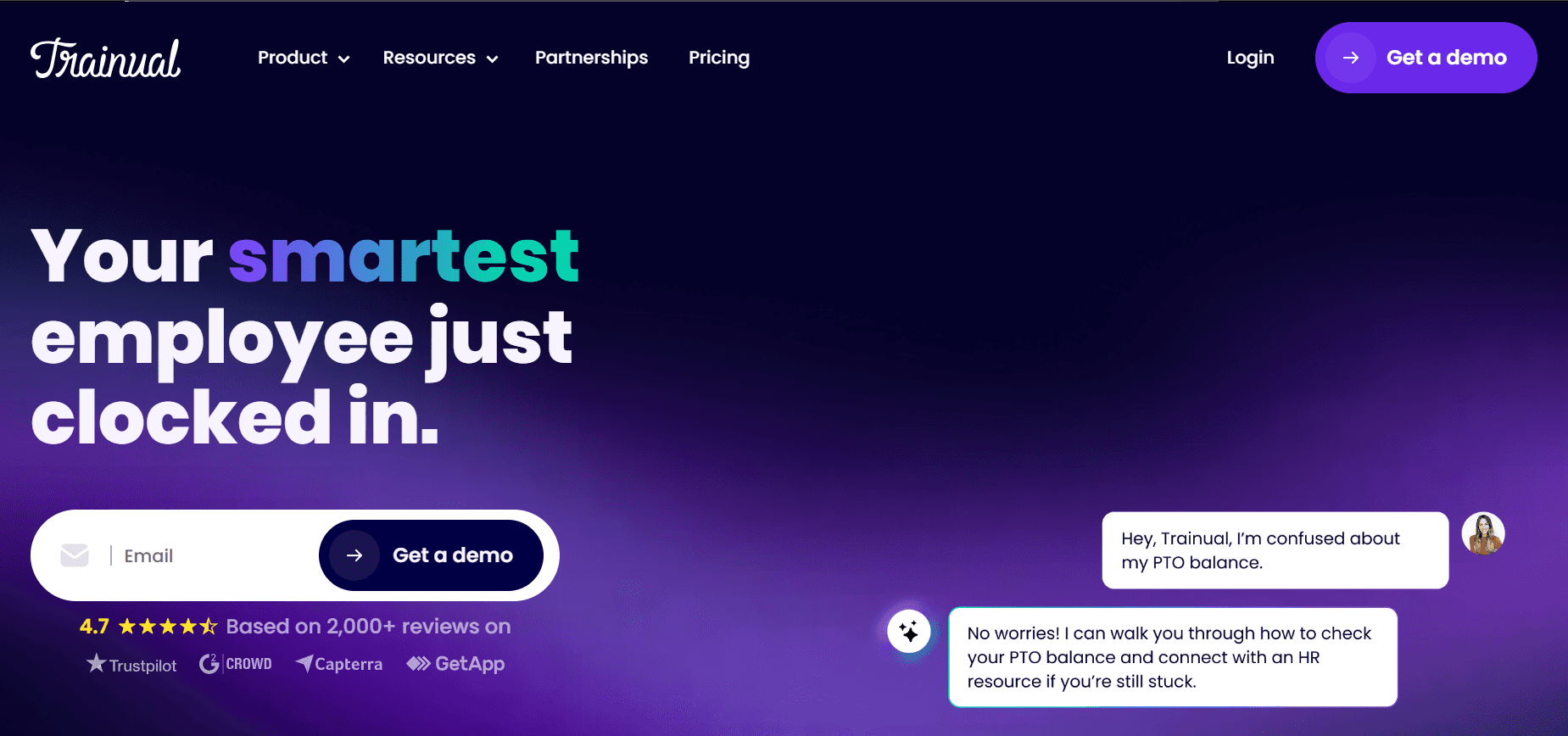
Trainual is specifically designed for small to medium-sized businesses looking to create and manage SOPs efficiently. It's a strong choice for teams that need comprehensive training and onboarding solutions. The tool excels in its ease of use and strong customization options, allowing teams to tailor SOPs to their specific needs.
Trainual offers excellent integration capabilities, making it ideal for businesses that want to connect their SOPs with other tools and platforms. However, it doesn't have the advanced AI features that some competitors offer.
Key Features
Comprehensive Training Solutions
Strong Customization Options
Easy Integration with Other Tools
Team Collaboration and Custom Branding
Pros | Cons |
|---|---|
Excellent for training and onboarding | No AI-driven script generation |
Highly customizable | Limited video capabilities |
Great integration capabilities |
Key strength: Training, onboarding and customisation for small to mid-sized teams
Not ideal if: you only need lightweight screen capture, since step detection is not its strength.
Process Street
Best for: Running SOPs as repeatable, automated workflows
Tool type: Workflow execution
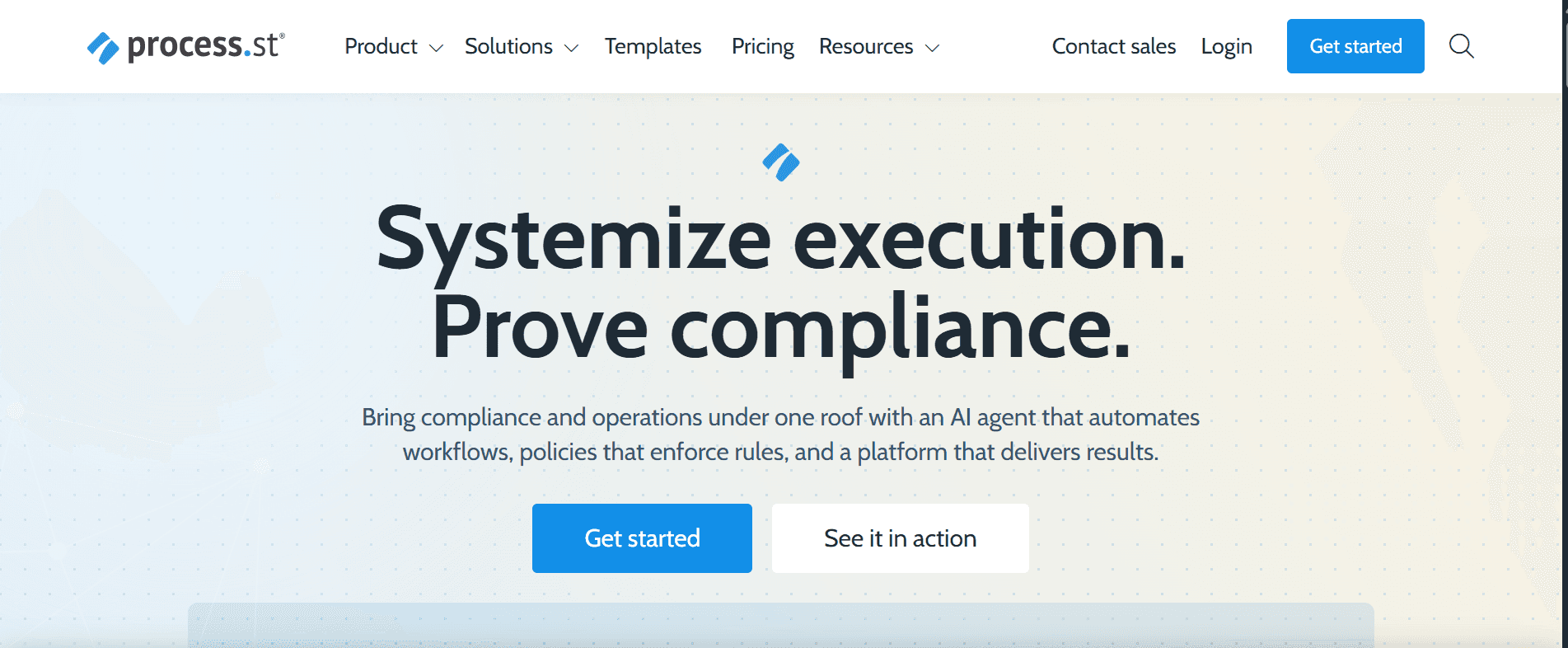
Process Street is a robust tool for creating and managing SOPs, designed for teams that require advanced process management capabilities. It's ideal for businesses that need to standardize and automate workflows across departments. The tool shines in its process automation and easy-to-use interface.
While it offers limited multimedia capabilities, its strength lies in process creation and management. This makes it a great fit for organizations looking to streamline and optimize their workflows efficiently.
Key Features
Advanced Process Management
Process Automation Capabilities
Easy-to-Use Interface
Customizable Workflows
Pros | Cons |
|---|---|
Excellent for process automation | Limited multimedia options |
Highly customizable workflows | No AI script generation |
Great for large teams |
Key strength: Process automation and standardising workflows across departments
Not ideal if: your main goal is screenshot-based documentation rather than execution.
SweetProcess
Best for: Simple SOP documentation without complexity
Tool type: SOP documentation
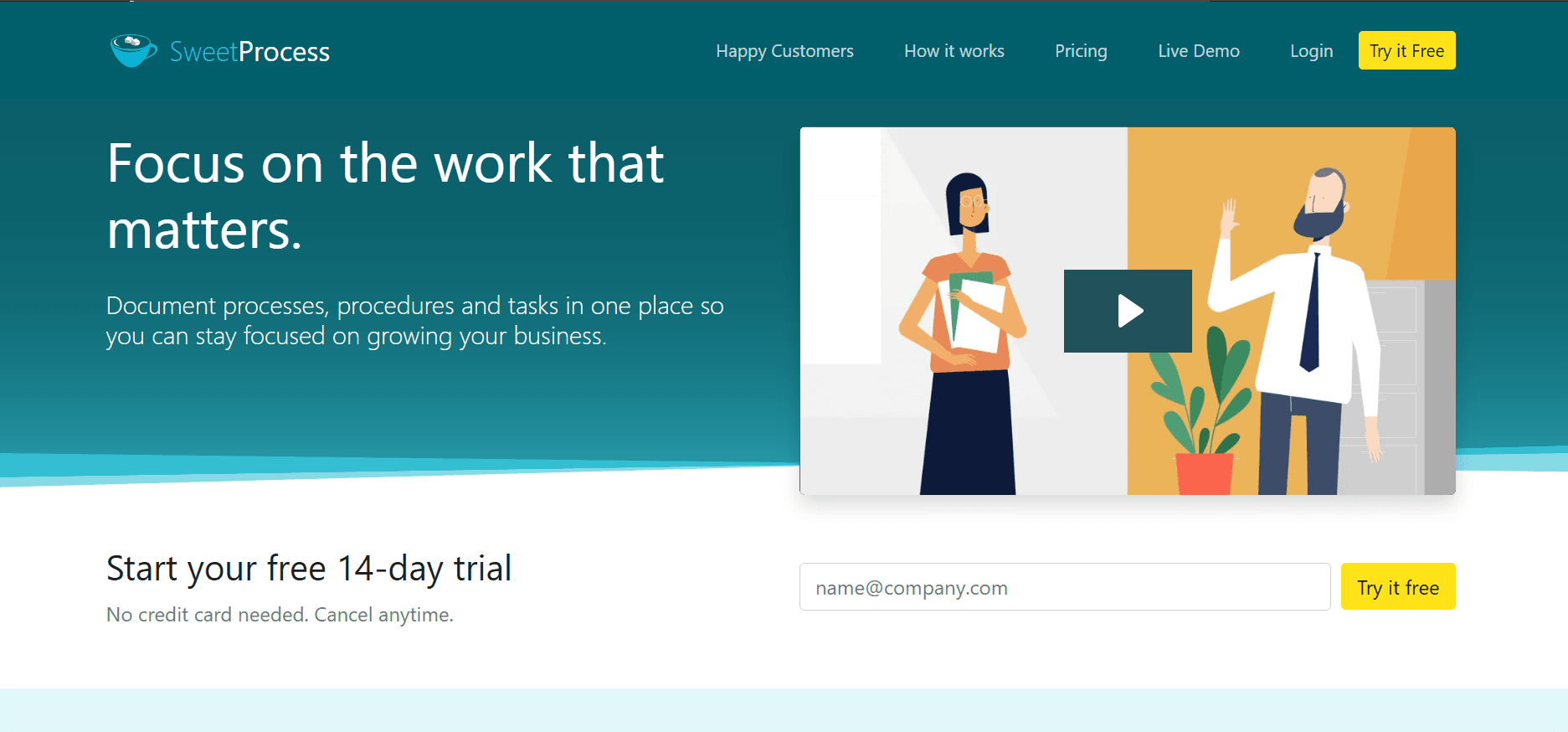
SweetProcess is a straightforward SOP creation tool, best suited for small to medium-sized businesses that need a simple yet effective solution. It's designed to facilitate the documentation of processes without unnecessary complexity. SweetProcess offers a user-friendly interface that makes SOP creation quick and efficient.
While it doesn't boast the most advanced features, it provides enough functionality for teams that require basic documentation and process management. Its simplicity is both its strength and limitation, making it ideal for teams focused on straightforward SOP creation.
Key Features
User-Friendly Interface
Basic process documentation
Team Collaboration Features
Template availability: [VERIFY]
Pros | Cons |
|---|---|
Simple and easy to use | Limited advanced features |
Quick SOP creation | No AI integration |
Cost-effective for small teams |
Key strength: A straightforward interface for documenting processes quickly
Not ideal if: you need advanced automation or a training layer.
Whale
Best for: Interactive, engagement-focused SOPs
Tool type: Training platform

Whale is an SOP creation tool that focuses on creating engaging and interactive SOPs. It's designed for teams that prioritize training and onboarding, offering features that make the learning process more engaging. Whale is particularly effective for teams that want to create SOPs that are more interactive and less text-heavy.
While it offers some AI capabilities, its strength lies in its ability to create visually engaging content, making it ideal for teams in creative fields or those that need to keep training fresh and engaging.
Key Features
Interactive SOP Creation
Visually Engaging Content
Basic AI Capabilities
Template Availability: 30 interactive templates
Pros | Cons |
|---|---|
Great for engaging training content | Limited advanced AI features |
Ideal for creative teams | Limited export options |
Interactive content capabilities |
Key strength: Interactive, less text-heavy SOPs aimed at training and onboarding
Not ideal if: you need step detection or process automation.
What to Look For in SOP Creation Software
The feature matrix above shows how the eight tools compare. This is the checklist to run a shortlist against, in roughly the order that matters:
Workflow capture, by recording or click-through
AI-assisted generation of steps and wording
Screenshots and visual guides, captured rather than pasted
Templates and branding, so output is consistent across authors. If you want to see what a good structure looks like first, there are free SOP templates and a single SOP template to start from
Editing and collaboration, including review before publishing
Version control, with the ability to see and restore earlier versions
Publishing and export, including a file format your quality system accepts
Training and assignment features, if people need teaching rather than telling
Integrations, so procedures surface where the team already works
Enterprise security, including SSO and permissions, if procurement is involved
How to weigh them: creation features decide how many procedures you produce, and maintenance features decide whether they are still right in a year. Most evaluations over-weight the first and skip the second. Ask specifically how a procedure gets updated after the underlying process changes, and time it in the demo.
The rest depends on what you are buying the tool for. If nobody follows procedures today, execution and assignment features matter more than authoring speed. If you have plenty of documentation but do not trust it, version control and review are the deciding features.
Which SOP Software Is Best for Your Team?
Best for small teams
Weight creation speed over governance. A capture-first tool or a straightforward documentation platform will produce more procedures than a system with approval workflows nobody has time to run. Scribe, SweetProcess and Trupeer fit this end. If you want to test the approach before committing budget, a free AI SOP maker is the cheapest way to see what generated output looks like.
Best for enterprise teams
Permissions, version control, search across a large library and separation between business units matter more than authoring speed. Document360 and Process Street are built for scale; Trupeer covers it through workspaces and role separation. Whichever you shortlist, confirm SSO, data residency and security review requirements directly with the vendor. Trupeer covers these on its enterprise page.
Best for BPOs and outsourced operations
The distinguishing needs are client-level separation, high agent turnover and procedures that read clearly in more than one language. For BPOs, multilingual publishing can be particularly important alongside permissions, client separation, admin controls and ease of onboarding. Maintaining a separate document per language is how large libraries drift out of sync, so publishing from a single source is worth weighting. The enterprise and BPO end of this is covered separately in SOP software for large teams and BPOs, and multilingual publishing specifically on translation.
Best for screen-recording documentation
If your processes happen on screen, a capture-first or AI documentation tool removes most of the production work. Trupeer, Scribe and Tango are the relevant three; the difference is how much the tool does after the capture. For the specific mechanics, see converting a screen recording to an SOP, or converting a Teams recording if your walkthroughs already live in meeting recordings.
Best for training and onboarding
You need assignment, progress tracking and course structure on top of the documentation. Trainual and Whale are built for this. A pure documentation tool will leave you tracking completion in a spreadsheet.
Best for process automation and execution
If the goal is that people run the procedure inside the tool, with conditional logic and task handoffs, that is workflow execution rather than documentation. Process Street is the clearest fit here.
Best for technical teams
Runbooks, provisioning and incident procedures need search, versioning and structure more than they need polish. A knowledge-base platform such as Document360 suits this, as does a recording-based tool where re-capturing after a system change is cheap. Either way the output needs somewhere searchable to live, which is what a knowledge base is for.
Best for frontline and industrial teams
Off-screen work needs photo or video capture on a device, mobile access at the point of work, and often audit evidence. None of the eight tools here is built primarily for that, so treat this as a category to shortlist separately rather than a column in this comparison.
What Makes SOP Creation Software Effective
Creation cost decides how many procedures you produce. Revision cost decides whether they are still right in a year. Most evaluations weight the first and skip the second. For the practice of writing and maintaining SOPs rather than choosing a tool, see SOP best practices.
How Much Does SOP Creation Software Cost?
Headline prices in this category are not directly comparable, which is the main reason side-by-side price lists mislead. The models differ:
Per editor:
you pay for people who create procedures, and readers are free or cheap. Suits a small documentation team publishing to a large audiencePer user:
everyone who needs access is billed. Check whether read-only viewers count, because that decides the cost of rolling documentation out company-widePer workspace or flat team fee:
predictable, and usually better value once several people authorUsage-based AI:
charged by minutes processed, generations or translations, on top of a base planAnnual or custom enterprise contracts:
where SSO, data residency or procurement review are involved, the list price stops being the number that matters
The useful comparison is a consistent scenario rather than a starting price. Price each shortlisted tool for the same team shape, for example three people authoring and thirty reading, and include AI usage if you expect to generate regularly.
Trupeer's current plans are on its pricing page.
[VERIFY BEFORE PUBLISHING: current prices for each tool, and a worked cost for one consistent team size. Do not publish figures that have not been checked against each vendor's pricing page.]
Which Tool Should You Choose?
Your need | Best fit | Why |
|---|---|---|
Turn screen recordings into SOPs | Trupeer, Scribe, Tango | Capture-first workflow |
Get a written SOP and a video from one capture | Trupeer | Dual output from a single recording |
Create SOPs and train people on them | Trainual, Whale | Assignment and training layer |
Run SOPs as repeatable workflows | Process Street | Conditional execution and automation |
Simple SOP documentation, nothing more | SweetProcess | Purpose-built, low complexity |
Build a searchable technical knowledge base | Document360 | Structured knowledge base with AI article generation |
Publish procedures in several languages | Trupeer | Multilingual publishing from one source |
Visual guides for design or creative teams | Tango | Interactive visual walkthroughs |
Frequently Asked Questions
What is SOP creation software?
Software for producing standard operating procedures: capturing a process, structuring it into steps, adding screenshots, and publishing it. Tools in this category differ mainly in how much they do after the capture, which is why they range from simple guide recorders to full workflow platforms.
Can SOP creation software generate procedures from screen recordings?
Some can. Capture-first and AI documentation tools record the process and produce ordered steps with a screenshot each; knowledge-base and workflow platforms generally expect you to write the procedure yourself. The feature matrix above shows which of these eight support process recording and step detection. Converting a screen recording to an SOP covers how that works in practice.
Which SOP software is best for training?
Tools with an assignment and progress-tracking layer, since documentation alone leaves you monitoring completion in a spreadsheet. Trainual and Whale are the two here built around training rather than documentation.
Which SOP software is best for workflow automation?
Workflow execution platforms, where the procedure is something people run inside the tool with conditional logic and task handoffs rather than something they read. Process Street is the clearest fit among these eight.
Which SOP software is best for small teams?
Weight creation speed over governance. A small team will get more from a tool that produces procedures quickly than from one with approval workflows nobody has time to run. Capture-first tools and straightforward documentation platforms suit this end of the market.
How much does SOP creation software cost?
Pricing models differ enough that headline prices are not comparable: per editor, per user, per workspace, usage-based for AI, or annual enterprise contracts. Price your shortlist for one consistent team shape, for example three authors and thirty readers, and check whether read-only viewers are billed. Current prices should be verified against each vendor's pricing page.
The Right SOP Tool Depends on What You Need to Fix
Documentation is too slow to produce:
capture-first or AI documentation toolsProcedures exist but nobody follows them:
workflow execution platformsPeople need teaching, not just telling:
training platformsNobody can find anything:
knowledge-base platformsYou have plenty of SOPs but do not trust them:
that is a maintenance problem rather than a creation one, and it is covered on SOP management software
If the shortlist comes down to recording-based creation, the specifics are on converting a screen recording to an SOP and the SOP generator. For the category itself rather than a product choice, see SOP software.


