
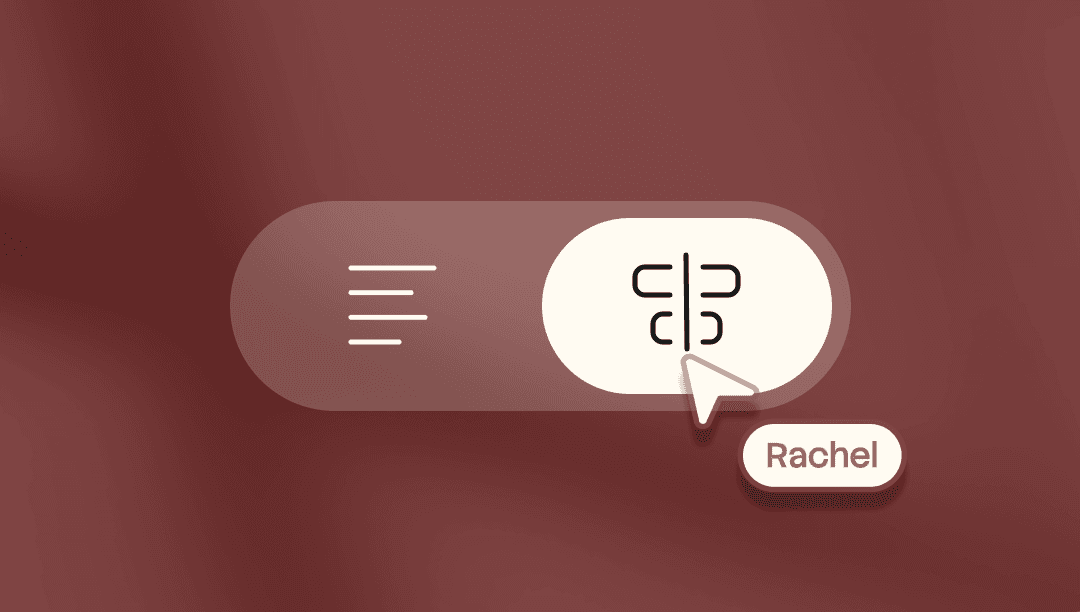
Precise control over every frame of your video. Land any word on any frame. Trim video and script independently. Reshape sections of your video.
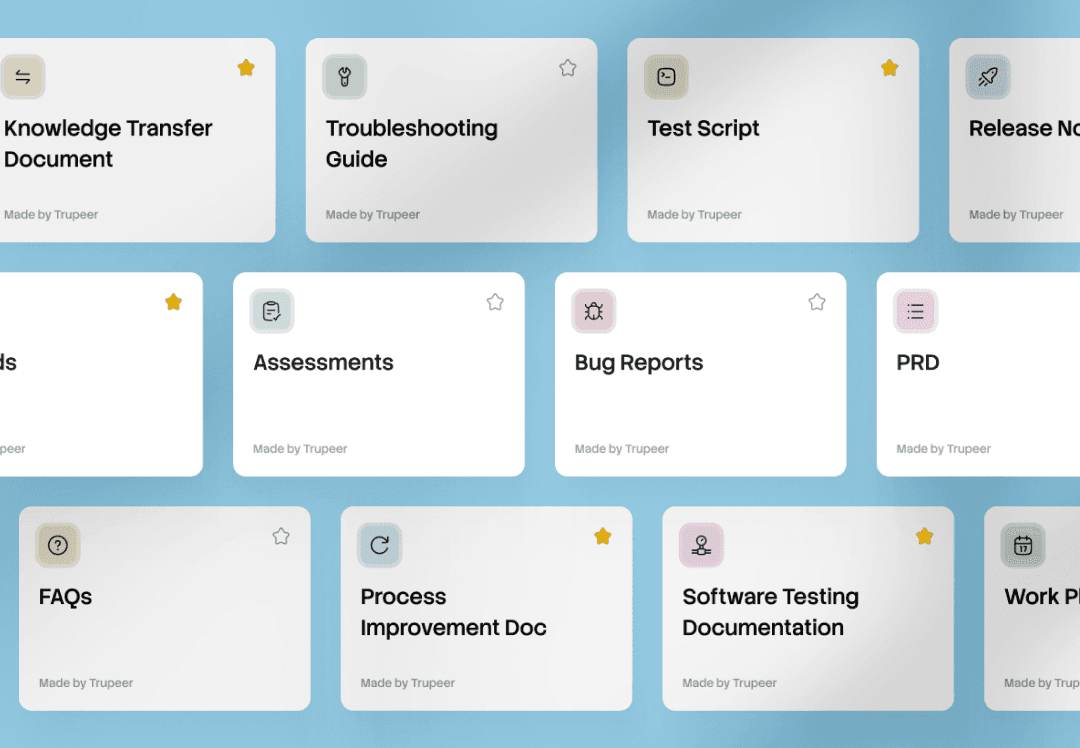
One recording, every document. A Skill bundles your prompts, formatting, and rules. Apply it to any recording and Trupeer generates ready-to-use docs and videos.
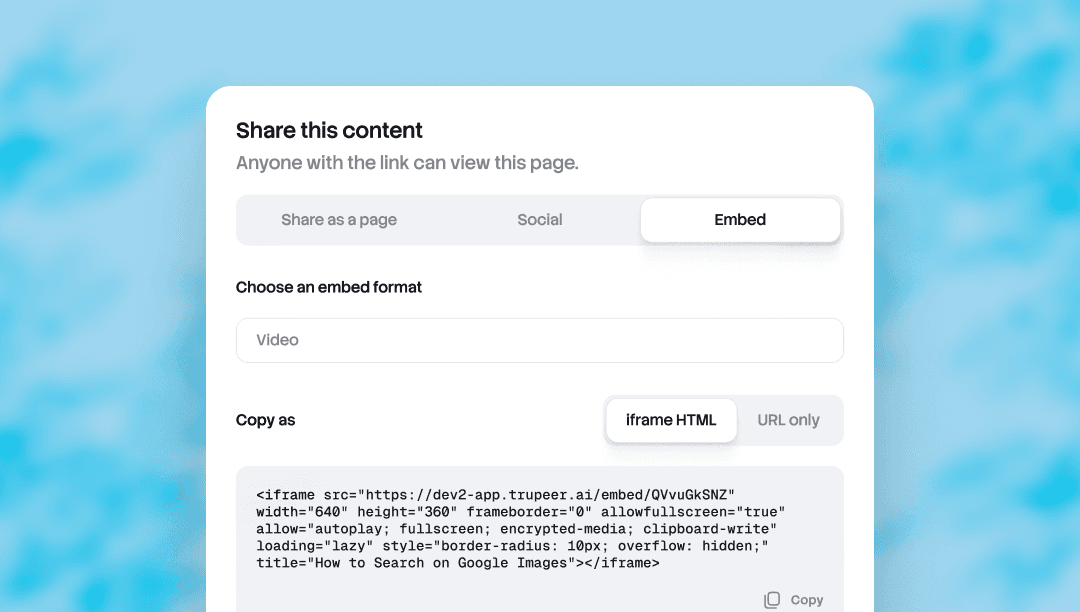
Embed Anywhere lets you drop any Trupeer doc or video into any tool that accepts an iframe.
Notion, Confluence, Zendesk, Webflow, a help center, a CMS, a wiki. Update the source in Trupeer, and every embed updates automatically. No re-export, no re-paste, no version drift across surfaces.
Useful for teams whose content lives in more than one place and needs to stay current everywhere.
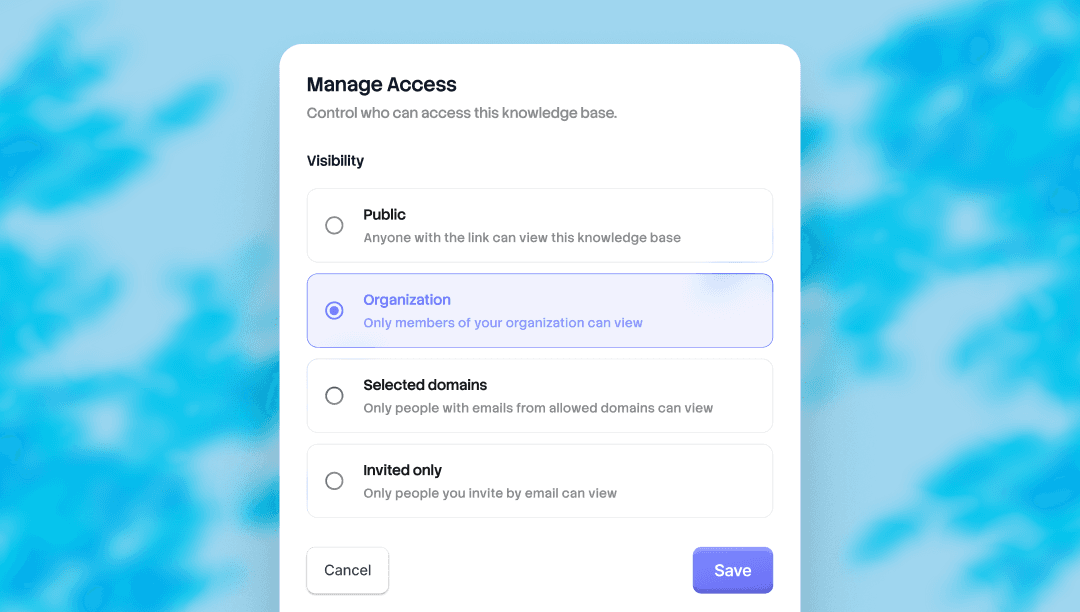
Choose who sees what. Every knowledge base and shared page in Trupeer now ships with four levels of access. Set the visibility per surface, change it whenever.
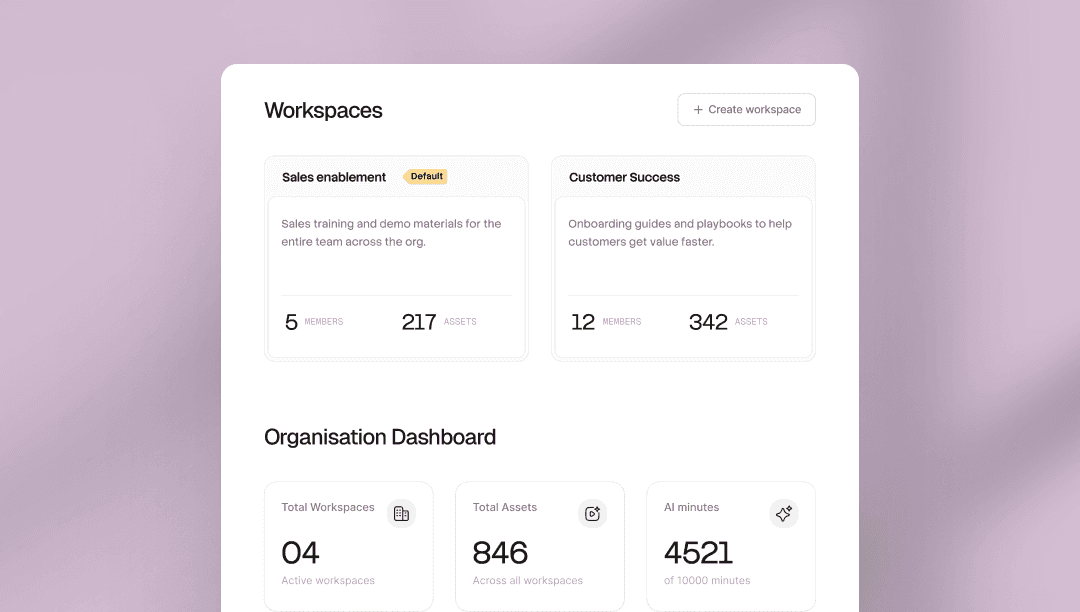
One organization. Each team with its own space. Run multiple teams inside one Trupeer organization, each workspace with its own admins, members, Skills, and library.
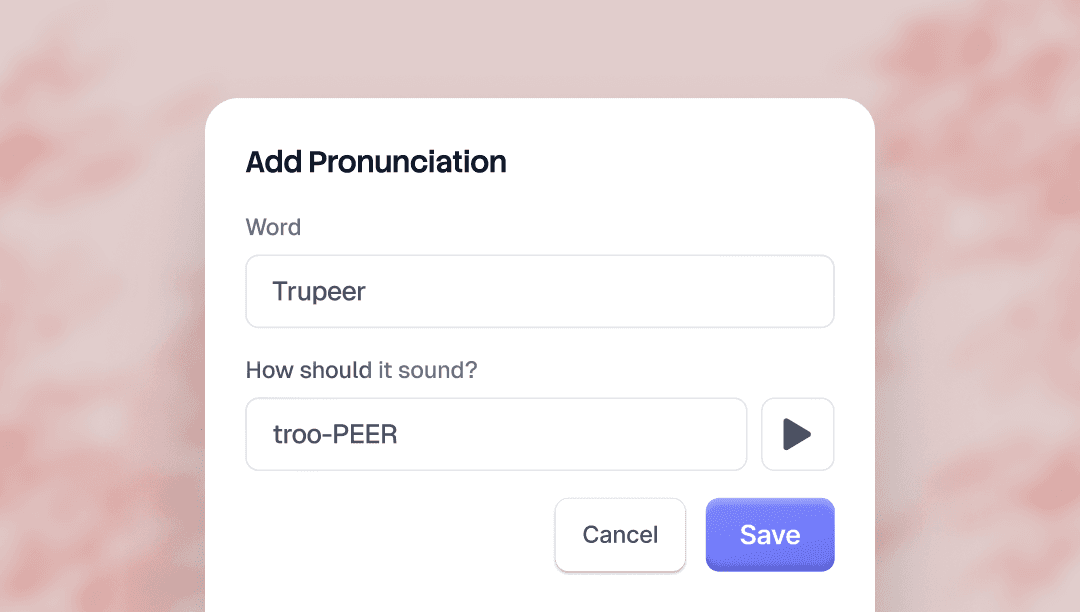
Alias Pronunciations lets you control how Trupeer's AI voice says specific words. Type the word as it's written, then type it again the way it should sound.
For "Trupeer," you'd write "true peer." The AI voice picks it up across every video.
There's a preview button on the brand kit page so you can hear the result before saving.
Useful for brand names, product names, acronyms, and any term the AI voice tends to mispronounce.
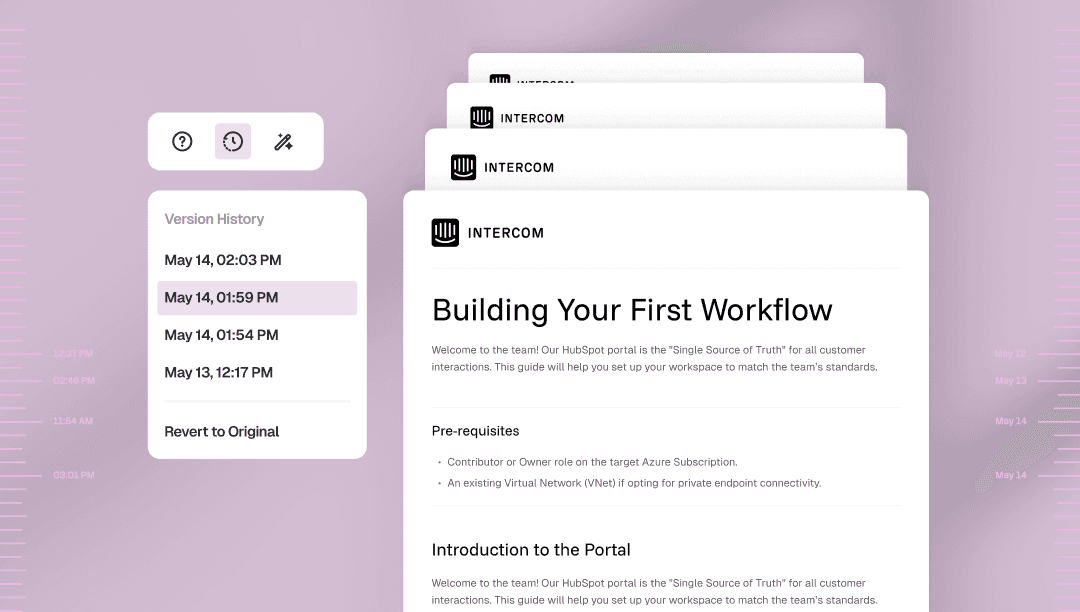
Doc Version History saves every change you make to a document automatically, with a timestamp.
Open the version panel from the doc toolbar to jump back to any earlier version, or revert all the way to the original. One click, no manual checkpoints, no lost work.
Useful for editing without second-guessing yourself, restructuring freely, or recovering the paragraph you wish you hadn't cut.

