Trupeer Blog

Buyer's Overview
Documentation teams often find themselves bogged down by the sheer volume of formatting and structuring work, leaving less time for crafting the actual content. A staggering 60-70% of their time is consumed by these repetitive tasks. AI-powered documentation tools aim to alleviate this burden, allowing teams to focus more on accuracy and clarity.
One study found that automating documentation processes can increase team efficiency by up to 50%, freeing up significant resources for content quality improvement.
This guide is designed for documentation managers, technical writers, and content strategists looking to streamline their processes with AI. You'll get insights into different tools, their capabilities, and how they can transform your documentation workflow.
Best AI Documentation Tools: Head-to-Head Comparison
Feature | Trupeer | Scribe | Tango | Document360 | Notion AI | Confluence AI | GitBook AI | Archbee |
|---|---|---|---|---|---|---|---|---|
Core Features | ||||||||
Free Tier | Yes | No | Limited | Yes | No | Limited | Yes | No |
Multi-language | Yes | Limited | Yes | No | Yes | Yes | Limited | No |
AI Capabilities | ||||||||
AI Writing | Yes | Yes | No | Yes | Yes | Limited | Yes | No |
Auto Step Capture | Yes | No | Yes | No | Limited | Yes | No | Limited |
AI Voiceover | Yes | No | Limited | No | Yes | Limited | Yes | No |
Video Generation | Yes | No | Yes | No | Limited | No | Yes | No |
Professional Features | ||||||||
Smart Templates | Yes | Limited | Yes | No | Yes | Yes | Limited | No |
Integrations | ||||||||
API Integration | Yes | Limited | Yes | No | Yes | Limited | Yes | No |
Trupeer

Trupeer stands out for its advanced AI capabilities, offering a seamless experience for teams looking to automate documentation processes. It's particularly beneficial for large organizations that need to maintain consistency across a wide range of documents. Trupeer's unique strength lies in its ability to generate content in multiple languages, making it ideal for global teams.
Key Features
AI-driven content generation
Multi-language support
Advanced AI writing capabilities
Smart templates for quick setup
API integration for custom workflows
Auto step capture
Limited video generation
AI voiceover (limited)
Pros | Cons |
|---|---|
Highly accurate AI writing reduces editing time significantly. | Limited AI voiceover capabilities may not suit all needs. |
Supports over 20 languages, ideal for global teams. | Video generation is basic and lacks advanced features. |
Free tier available for small teams or startups. | Requires training to fully leverage advanced features. |
Pricing
Trupeer offers a free tier with basic functionalities. Paid plans start at $29 per month per user.
"Trupeer has transformed our documentation process. The AI capabilities are top-notch, and we've saved countless hours."
Scribe
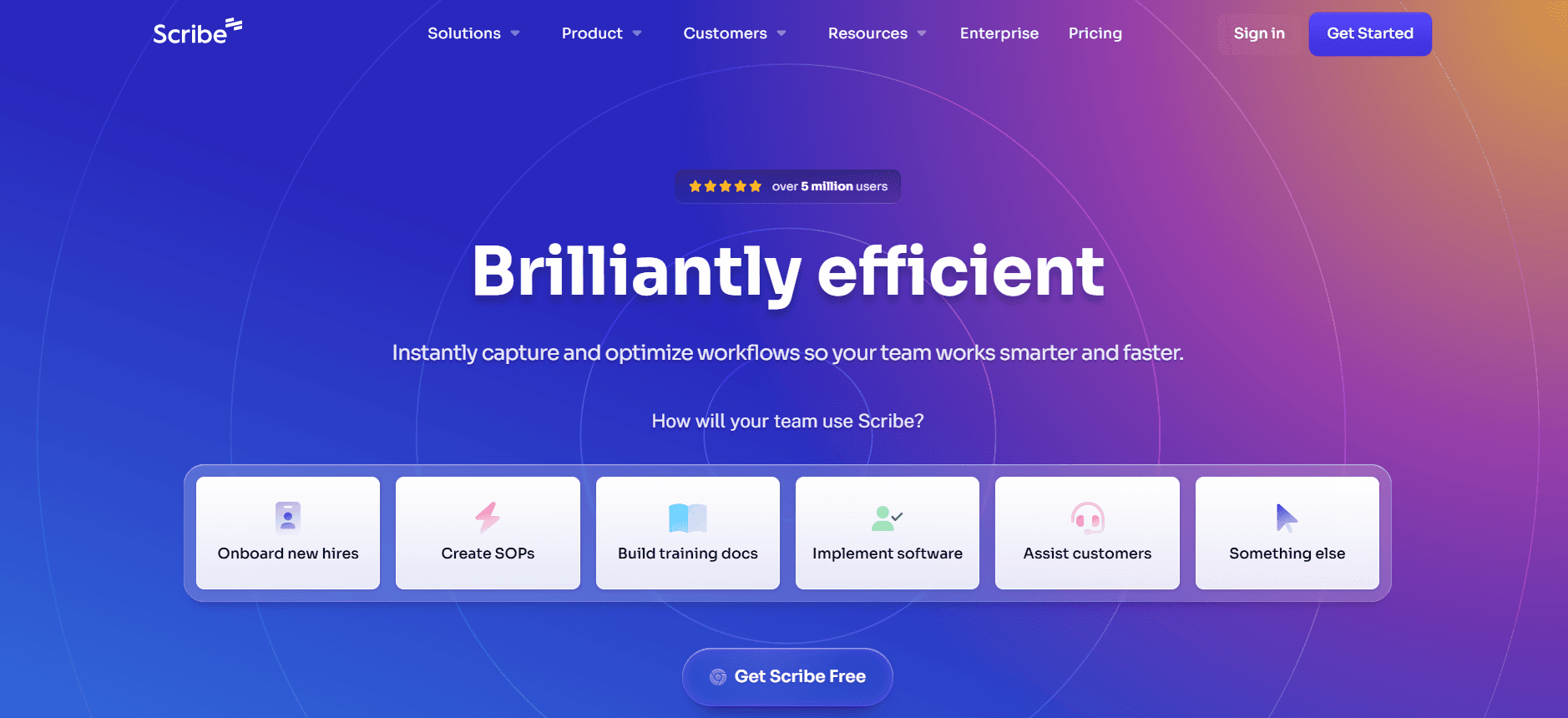
Scribe focuses on simplifying the documentation process through automation and streamlined workflows. It's well-suited for small to medium-sized teams looking for a straightforward solution without extensive setup requirements. However, its lack of an auto step capture feature may be a drawback for some users.
Key Features
Automated documentation workflows
Simple user interface
Basic AI writing capabilities
Smart document templates
Limited API integrations
Multi-language support (limited)
No video generation
No AI voiceover
Pros | Cons |
|---|---|
Easy to use, even for non-technical team members. | Lacks advanced AI capabilities found in other tools. |
Offers smart templates that reduce setup time. | Doesn't support auto step capture, limiting automation. |
Provides a limited free tier for trial and evaluation. | No video or voiceover features, which can limit multimedia documentation. |
Pricing
Scribe does not offer a free tier. Paid plans start at $15 per month per user.
Tango
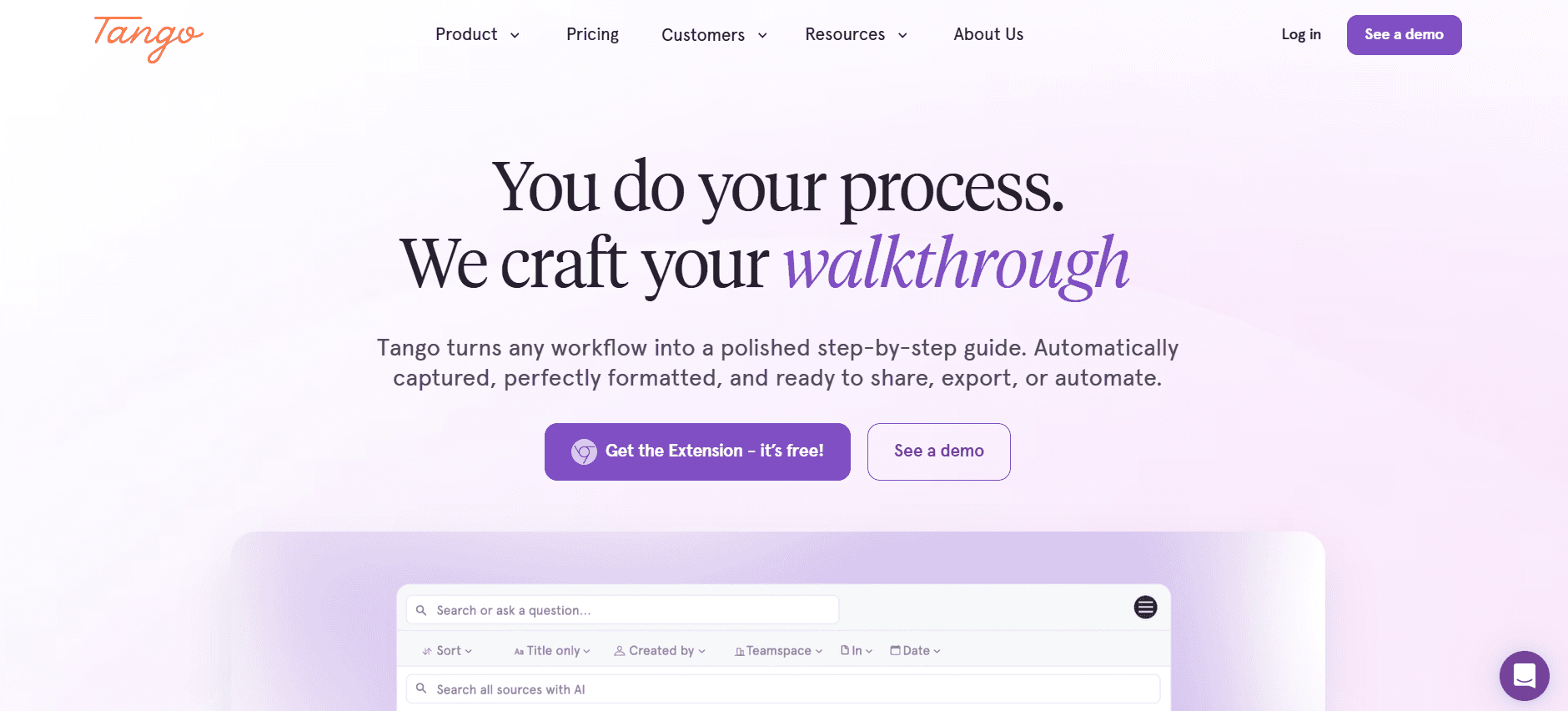
Tango excels in capturing step-by-step processes automatically, making it an excellent choice for teams that require detailed procedural documentation. It's particularly popular among technical support teams and educators. However, its AI writing features are not as robust as some competitors.
Key Features
Automatic step capture
Step-by-step guides with screenshots
Basic AI writing capabilities
Limited video generation
Smart templates
API integrations for workflow automation
Multi-language support
No AI voiceover
Pros | Cons |
|---|---|
Excellent for creating detailed procedural guides quickly. | AI writing features are not as advanced as other tools. |
Supports multiple languages, beneficial for international teams. | Video generation is limited and lacks customization. |
Offers smart templates to jumpstart documentation. | Doesn't include AI voiceover capabilities. |
Pricing
Tango offers a limited free tier with basic features. Paid plans start at $25 per month per user.
Document360
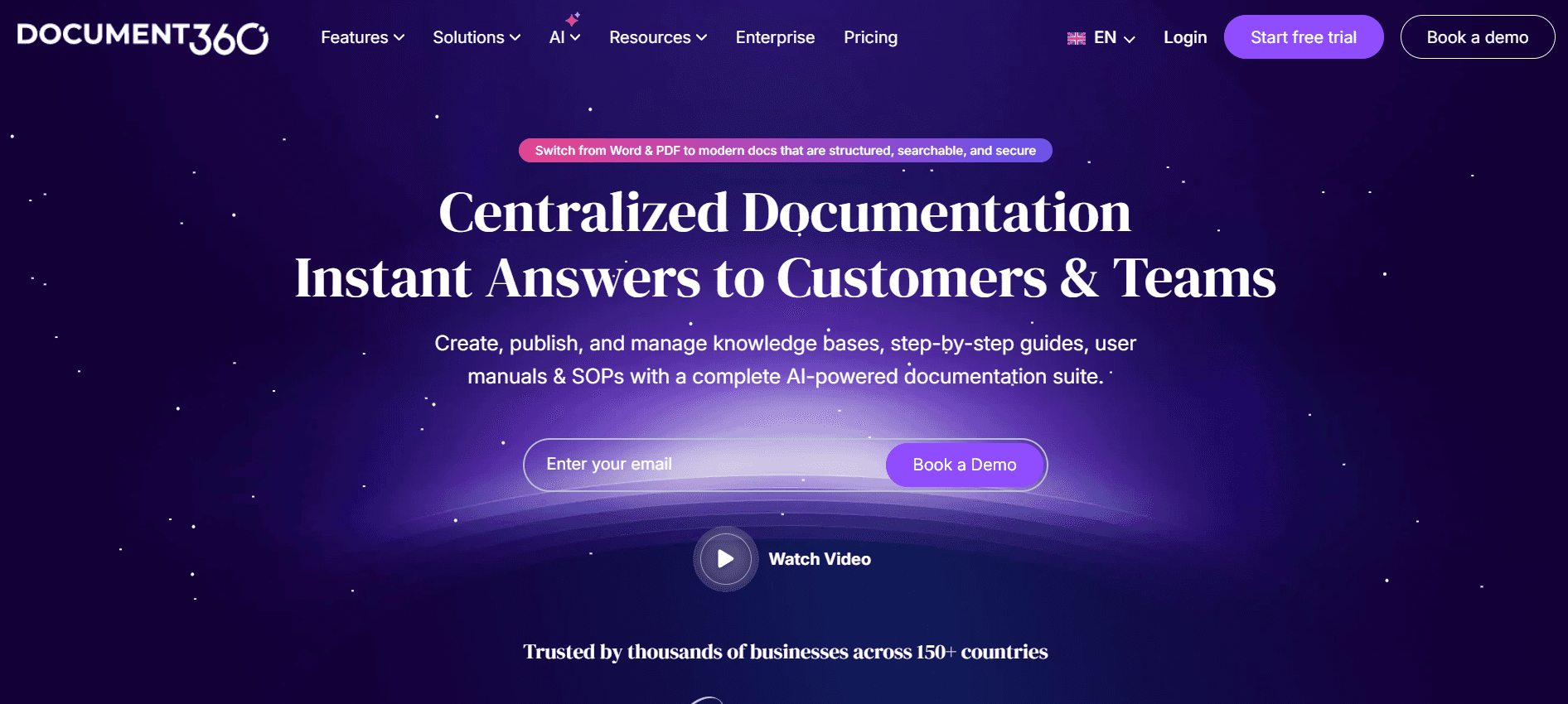
Document360 is tailored for businesses that need a robust knowledge base platform. Its strength lies in its ability to create, manage, and publish content in a structured way. However, it lacks some AI capabilities like auto step capture and video generation that other tools offer.
Key Features
Comprehensive knowledge base management
Advanced content categorization
Basic AI writing capabilities
Smart templates for easy setup
Multi-language support
No auto step capture
No video generation
No AI voiceover
Pros | Cons |
|---|---|
Ideal for creating and managing a large knowledge base. | Lacks auto step capture, which can slow down documentation creation. |
Excellent categorization features for structured content management. | Doesn't support video generation or AI voiceovers. |
Supports multiple languages, which is great for global teams. | Basic AI writing features may require more manual input. |
Pricing
Document360 has a free tier with limited features. Paid plans begin at $39 per month per user.
Notion AI
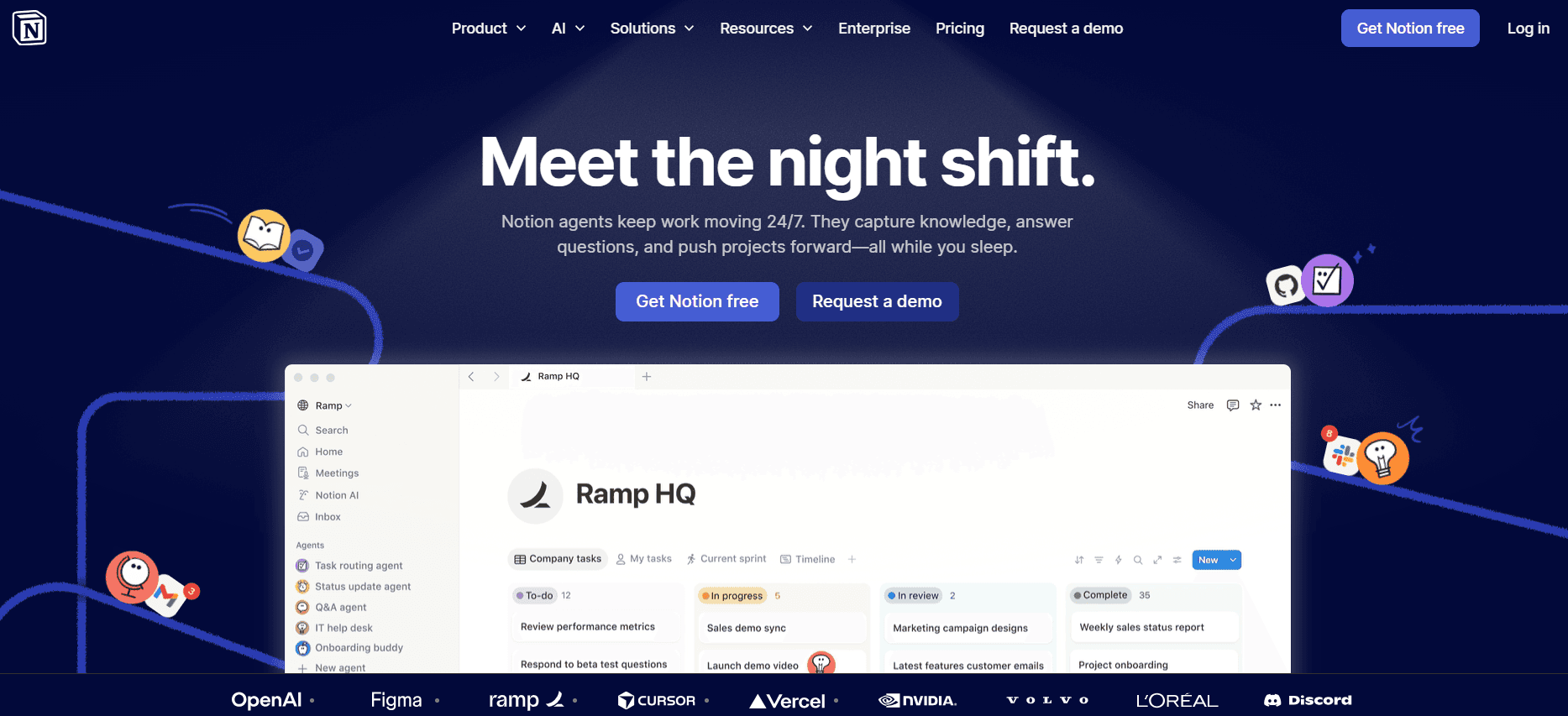
Notion AI is known for its versatile and intuitive platform that enhances productivity for teams needing a collaborative workspace. It's particularly useful for teams that value flexibility and creativity in documentation. However, its AI capabilities are not as specialized in documentation as some other options.
Key Features
Collaborative workspace with AI enhancements
Flexible content organization
Basic AI writing capabilities
AI voiceover for enhanced multimedia content
Smart templates
API integrations for extended functionality
Multi-language support
Limited video generation
Pros | Cons |
|---|---|
Highly flexible, allowing for creative documentation solutions. | AI features are broad and not deeply focused on documentation alone. |
Offers AI voiceover, enhancing multimedia capabilities. | Video generation is limited and lacks advanced features. |
Supports multiple languages, useful for diverse teams. | May require customization to fit specific documentation needs. |
Pricing
Notion AI does not offer a free tier. Paid plans start at $10 per month per user.
Confluence AI

Confluence AI integrates seamlessly with other Atlassian products, making it a strong contender for teams already using this ecosystem. It offers limited AI capabilities focused on improving collaboration and content creation. However, it lacks advanced multimedia features such as video generation and AI voiceovers.
Key Features
Integration with Atlassian tools
Collaborative content creation
Limited AI writing capabilities
Smart templates for efficient setup
Basic API integrations
Multi-language support
No video generation
No AI voiceover
Pros | Cons |
|---|---|
Seamlessly integrates with Atlassian's suite of tools. | Limited AI capabilities compared to dedicated documentation tools. |
Offers collaborative features that enhance team productivity. | No support for video generation or AI voiceovers. |
Supports multiple languages for global reach. | AI writing features are basic and may require significant editing. |
Pricing
Confluence AI offers a limited free tier. Paid plans start at $5 per month per user.
GitBook AI

GitBook AI is designed for technical teams needing to document code and API processes efficiently. It's especially beneficial for engineering teams and offers strong integrations with development tools. However, its focus on technical documentation means it may lack some features needed for broader documentation purposes.
Key Features
Technical documentation focus
Integration with development tools
Basic AI writing capabilities
Smart templates for technical documents
API integrations
Limited video generation
Multi-language support
No AI voiceover
Pros | Cons |
|---|---|
Excellent for technical and code documentation. | Focused on technical documentation, less suited for non-technical needs. |
Integrates well with existing development tools. | Video generation is limited and lacks advanced options. |
Supports multiple languages, beneficial for diverse coding teams. | Doesn't offer AI voiceover capabilities for documentation. |
Pricing
GitBook AI provides a free tier with limited features. Paid plans start at $19 per month per user.
Archbee
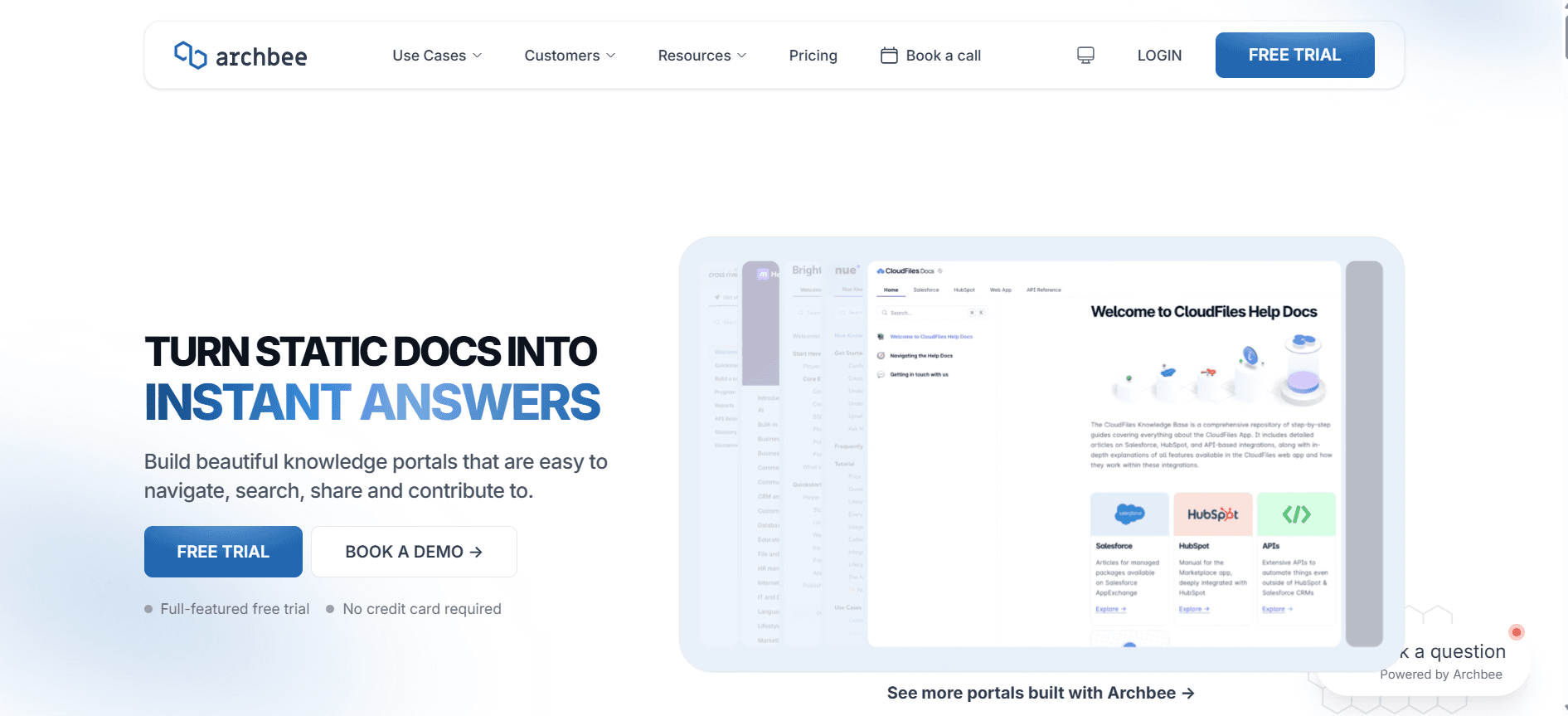
Archbee is designed for product teams that need to create and manage product documentation collectively. It excels in collaboration features and offers an intuitive interface for non-technical users. However, its AI capabilities are not as advanced as some competitors, particularly in multimedia support.
Key Features
Collaborative documentation platform
Intuitive user interface
Basic AI writing capabilities
Smart templates for product documentation
API integrations
Multi-language support
No video generation
No AI voiceover
Pros | Cons |
|---|---|
Great for collaborative product documentation efforts. | AI capabilities are limited and not specialized. |
Intuitive interface makes it easy for non-technical users. | No support for video generation or AI voiceovers. |
Supports multiple languages, useful for international teams. | Basic AI writing features may require more manual editing. |
Pricing
Archbee does not offer a free tier. Paid plans start at $30 per month per user.
AI Documentation Tools Challenges: What Teams Struggle With
1. Creating First Drafts Takes Too Long
Even experienced writers find initial drafts time-consuming, oft en spending hours on research and structuring.
Manual drafting can lead to inconsistencies and errors, especially in technical content.
Teams struggle to keep pace with rapid project timelines, delaying overall documentation processes.
Revisions and iterations further extend the time required to finalize a document.
2. Keeping Documentation Current with Every Product Sprint
Frequent product updates require documentation updates, which can overwhelm teams.
Manual tracking of changes and updates is prone to errors and omissions.
Teams often lack the resources to ensure real-time documentation updates.
Outdated documentation can lead to customer dissatisfaction and increased support requests.
3. Inconsistent Formatting Across Different Team Members
Different writing styles and formats can confuse users and reduce documentation quality.
Maintaining a consistent brand voice is challenging without standardized templates.
Formatting errors can detract from the professionalism of the documentation.
Teams spend additional time revising documents to align with company standards.
4. No Automatic Screenshot or Step-Capture Capabilities
Manual capturing of screenshots is tedious and can introduce errors.
Documenting step-by-step processes is labor-intensive and time-consuming.
Visual aids are essential for user understanding but are often underutilized.
Teams may miss critical steps or details when manually capturing screenshots.
5. Translation and Localization Create Bottlenecks for Global Teams
Manual translation processes are slow and can delay product launches.
Ensuring accuracy in localized content is challenging and resource-intensive.
Cultural nuances can be difficult to capture without expert translators.
Global teams struggle to provide timely support due to language barriers.
Challenge | Traditional Process | Business Impact | Time Cost |
|---|---|---|---|
Creating First Drafts | Manual drafting and revisions | Delays in project timelines | 30-40% of writer's time |
Keeping Documentation Current | Manual updates post-sprints | Outdated documentation issues | 20-30% additional time |
Inconsistent Formatting | Manual template adjustments | Reduced professionalism | 10-15% extra time per doc |
No Automatic Screenshot Capture | Manual screenshot editing | Potential errors in guides | 15-20% of project time |
Translation and Localization | Manual translation processes | Delayed global launches | Up to 40% of additional time |
Must-Have Features in AI Documentation Tools
AI Writing and Auto-Completion
AI writing capabilities are essential for generating high-quality content quickly. These tools help you draft initial versions of documents, suggesting improvements and corrections as you type. This feature not only speeds up the writing process but also enhances the overall quality of the documentation by reducing errors and inconsistencies.
Tools like Trupeer excel in AI writing, providing advanced algorithms that ensure content remains clear and concise. The auto-completion feature is particularly useful for technical documentation, where precision is key.
Automated Step Capture from Screen Activity
Automated step capture tools allow you to document processes visually by capturing screenshots and steps directly from your screen. This feature is invaluable for creating tutorials and guides, as it ensures that all necessary steps are documented accurately and efficiently.
Tango is a standout tool in this area, offering seamless integration with your workflow to automatically capture each step as you complete it, eliminating the need for manual screenshots.
Smart Screenshot Annotation
Smart screenshot annotation enhances your documentation by allowing you to add notes, highlights, and other annotations directly to screenshots. This feature is particularly beneficial for creating user guides that require detailed visual instructions.
Scribe offers robust annotation tools that make it easy to add context to your screenshots, ensuring that users understand each step of a process clearly.
AI Voiceover Generation for Video Docs
For teams producing video documentation, AI voiceover generation can significantly streamline the process. This feature enables you to add narrations to your videos without the need for professional voice actors, saving both time and money.
Notion AI provides a solid voiceover generation tool that supports multiple languages, making it ideal for global teams looking to create multilingual video content.
One-Click Export in Multiple Formats
Being able to export documentation in various formats is crucial for compatibility across different platforms and devices. One-click export features allow you to easily convert your documents into PDF, HTML, Markdown, and other formats without additional formatting work.
Document360 excels here, offering a wide range of export options to ensure that your documentation is accessible to all users, regardless of their preferred format.
These must-have features are critical for a comprehensive and efficient documentation process. By leveraging the right tools, teams can overcome common documentation challenges and focus more on delivering high-quality content to their audiences.
How to Choose AI Documentation Tools Based on Your Use Case
Product Documentation Teams at SaaS Companies
Product documentation teams in SaaS companies need tools that can handle frequent updates and complex technical details. The dynamic nature of software requires documentation that evolves alongside the product, making automation and easy updates crucial.
Key Challenges:
Frequent product updates
Complex technical content
Maintaining consistency across documents
Solutions Needed:
Real-time collaboration tools
Automated update features
Advanced templating systems
Tool | Real-Time Collaboration | Automated Updates | Advanced Templates |
|---|---|---|---|
Trupeer | Yes | Yes | Yes |
Confluence AI | Yes | Limited | Yes |
Technical Writers and Content Operations
Technical writers often juggle multiple projects and need tools that simplify complex content creation. Their focus is on clarity and precision, making features like AI writing and automated formatting indispensable.
Key Challenges:
High workload with multiple projects
Need for precise and clear documentation
Time-consuming formatting tasks
Solutions Needed:
AI writing tools
Automated formatting
Customizable templates
Tool | AI Writing | Automated Formatting | Customizable Templates |
|---|---|---|---|
Scribe | Yes | Limited | Yes |
Tango | No | Yes | Yes |
Engineering and API Documentation
Engineering teams need documentation tools that integrate well with development processes and support technical content. The ability to document APIs and integrate with existing development tools is crucial.
Key Challenges:
Complex technical content
Integration with development tools
Frequent updates and changes
Solutions Needed:
Technical documentation support
API integration
Version control features
Tool | Technical Support | API Integration | Version Control |
|---|---|---|---|
GitBook AI | Yes | Yes | Yes |
Archbee | Yes | Yes | No |
HR and Compliance Documentation
HR teams require documentation tools that ensure compliance and easy accessibility for employees. Features like multilingual support and secure document sharing are critical.
Key Challenges:
Ensuring legal compliance
Accessibility for all employees
Secure document handling
Solutions Needed:
Multilingual support
Secure document sharing
Compliance tracking
Tool | Multilingual Support | Secure Sharing | Compliance Tracking |
|---|---|---|---|
Document360 | Yes | Yes | Limited |
Trupeer | Yes | Yes | Yes |
Customer Self-Service Help Centers
Customer support teams use help centers to provide self-service options to users. Documentation tools that support easy searchability and user-friendly content are essential.
Key Challenges:
Providing instant user support
Ensuring content is easily searchable
Keeping information up-to-date
Solutions Needed:
Search-friendly content
Automated updates
User-friendly interface
Tool | Searchability | Automated Updates | User Interface |
|---|---|---|---|
Notion AI | Yes | Limited | Yes |
Archbee | Yes | No | Yes |
Best Practices for Using AI Documentation Tools
Before Implementation
Assess your team's specific needs and choose tools that align with your goals.
Set clear objectives for what you hope to achieve with AI documentation tools.
Ensure all team members receive training on the new tools to maximize efficiency.
Conduct a trial run to identify any potential issues before full implementation.
During Use
Regularly update the content to ensure all information is current and accurate.
Utilize smart templates to maintain consistency and save time on formatting.
Encourage collaboration through real-time editing and feedback features.
Monitor tool usage to identify which features are most beneficial to your team.
After Implementation
Collect feedback from users to understand the tool's impact on productivity.
Review documentation regularly to ensure it meets your quality standards.
Evaluate the ROI of the tools to determine their value to your organization.
Stay informed about updates and new features that can enhance your processes.
Frequently Asked Questions
What is the primary benefit of using AI documentation tools?
AI documentation tools automate repetitive tasks, allowing teams to focus more on content quality and less on formatting and structuring.Are AI documentation tools suitable for all industries?
Yes, they are versatile enough to be used across various industries, from tech and finance to HR and customer service.Can these tools integrate with existing software?
Most tools offer API integrations to seamlessly connect with your existing software stack.How reliable is the AI-generated content?
While AI-generated content is generally accurate, it often requires human oversight to ensure quality and relevance.Do these tools offer free trials or tiers?
Many tools offer free tiers or trials, allowing you to test their features before committing to a paid plan.What factors influence the cost of these tools?
Pricing is typically based on the number of users, features required, and the level of support provided.How difficult is it to implement these tools?
Implementation is generally straightforward, but it varies depending on the complexity of the tool and your existing processes.What kind of support is available during implementation?
Most providers offer onboarding support, tutorials, and customer service to assist with implementation.
Closing
AI documentation tools are reshaping how teams approach document creation, offering significant improvements in efficiency and quality. By automating tedious tasks, these tools free up valuable time for more strategic efforts, allowing teams to produce better content faster.
If you're ready to transform your documentation process, consider exploring Trupeer's offerings. Visit Trupeer to learn more about how our solutions can meet your unique needs and drive your team's success forward.


