Trupeer Blog
Summarise

Creating user guides is a task that often gets overshadowed by other pressing business needs. The harsh reality is that most user manuals become outdated shortly after they're published. A staggering amount of time, typically 8 to 12 hours, is spent crafting a single user guide from scratch. This involves capturing screenshots, writing detailed instructions, formatting the content, and proofreading. According to a report by TechSmith in 2025, companies that adopted automated documentation tools saved up to 60% of time compared to traditional methods. It's the same idea behind the user manual guide capture the manual once and reuse it instead of redoing the work.
Companies that adopted automated documentation tools saved up to 60% of time compared to traditional methods.
This guide covers a variety of tools designed to streamline the creation of user guides. It's perfect for project managers, technical writers, and content creators who need efficient solutions for documentation. We'll explore each tool's strengths, limitations, and unique features to help you choose the right tool for your needs.
Best User Guide Tools: Head-to-Head Comparison
Feature | Trupeer | Scribe | Document360 | Tango | Notion | Confluence | GitBook |
|---|---|---|---|---|---|---|---|
Auto-Capture Steps | Yes | Yes | Limited | Yes | No | No | Yes |
AI Writing | Yes | Limited | No | Yes | No | No | Limited |
Video Support | Yes | No | Limited | Yes | Yes | Yes | No |
PDF Export | Yes | Yes | Yes | No | Yes | Yes | Yes |
Web Knowledge Base | Yes | No | Yes | No | Yes | Yes | Yes |
Version Control | Yes | No | Yes | Limited | Yes | Yes | Yes |
Team Collaboration | Yes | Yes | Yes | Limited | Yes | Yes | Yes |
Search | Yes | Limited | Yes | Limited | Yes | Yes | Yes |
Templates | Yes | Yes | Limited | Yes | Limited | Yes | Limited |
Free Tier | Yes | Yes | No | Yes | Yes | No | Yes |
Trupeer

Trupeer is an advanced tool designed for creating comprehensive user guides quickly. It's particularly useful for teams that need to produce documentation rapidly and keep it up-to-date effortlessly. Trupeer excels in its ability to auto-capture steps from screen recordings, coupled with AI-generated writing which drastically reduces the time spent on manual documentation tasks.
Its standout feature is the ability to maintain dynamic guides that evolve with new product releases. However, it might be overwhelming for users not accustomed to AI-driven interfaces. Trupeer is best suited for tech-savvy teams looking for robust documentation solutions.
Key Features
Screen activity auto-capture
AI-generated writing suggestions
Real-time collaboration with team members
Version control and history tracking
Multi-format export options including PDF and HTML
Customizable templates
Integrated search functionality
Web-based knowledge base support
"Trupeer transformed our documentation process, reducing creation time by over 50%."
Pros | Cons |
|---|---|
Automates step capture to save time. | Complex setup for new users. |
AI writing improves documentation quality. | Requires training to maximize potential. |
Strong collaboration and version control features. | Overwhelming for small teams. |
Pricing
Trupeer offers a free tier for small teams with basic features; premium plans start at $29 per user per month.
Scribe
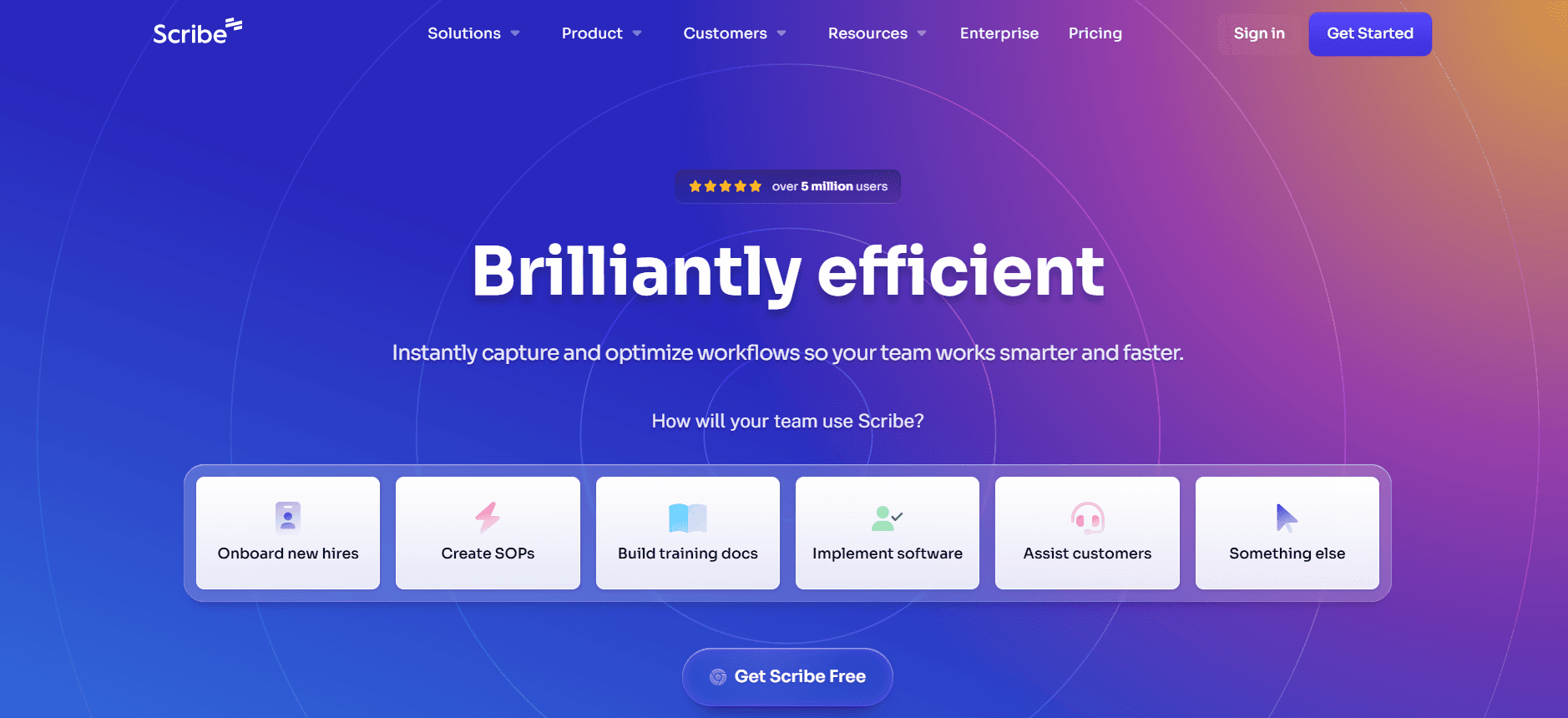
Scribe is a user-friendly tool that simplifies the creation of step-by-step guides. It's particularly valuable for small teams and individual users who need straightforward documentation without the bells and whistles. Scribe's distinct advantage is its simplicity and ease of use, making it accessible to non-technical users. However, it lacks some advanced features like AI writing and video support, which might limit its applicability for complex documentation needs.
Key Features
Simple step-by-step guide creation
Basic templates for quick start
Easy-to-use interface
PDF export capabilities
Basic search functionality
Limited team collaboration tools
Pros | Cons |
|---|---|
Intuitive and easy to use for beginners. | Lacks advanced AI features. |
Quick setup with minimal learning curve. | No video support for interactive guides. |
Affordable pricing plans. | Limited to basic documentation needs. |
Pricing
Scribe offers a free tier with basic functionalities; paid plans begin at $12 per user per month.
Document360
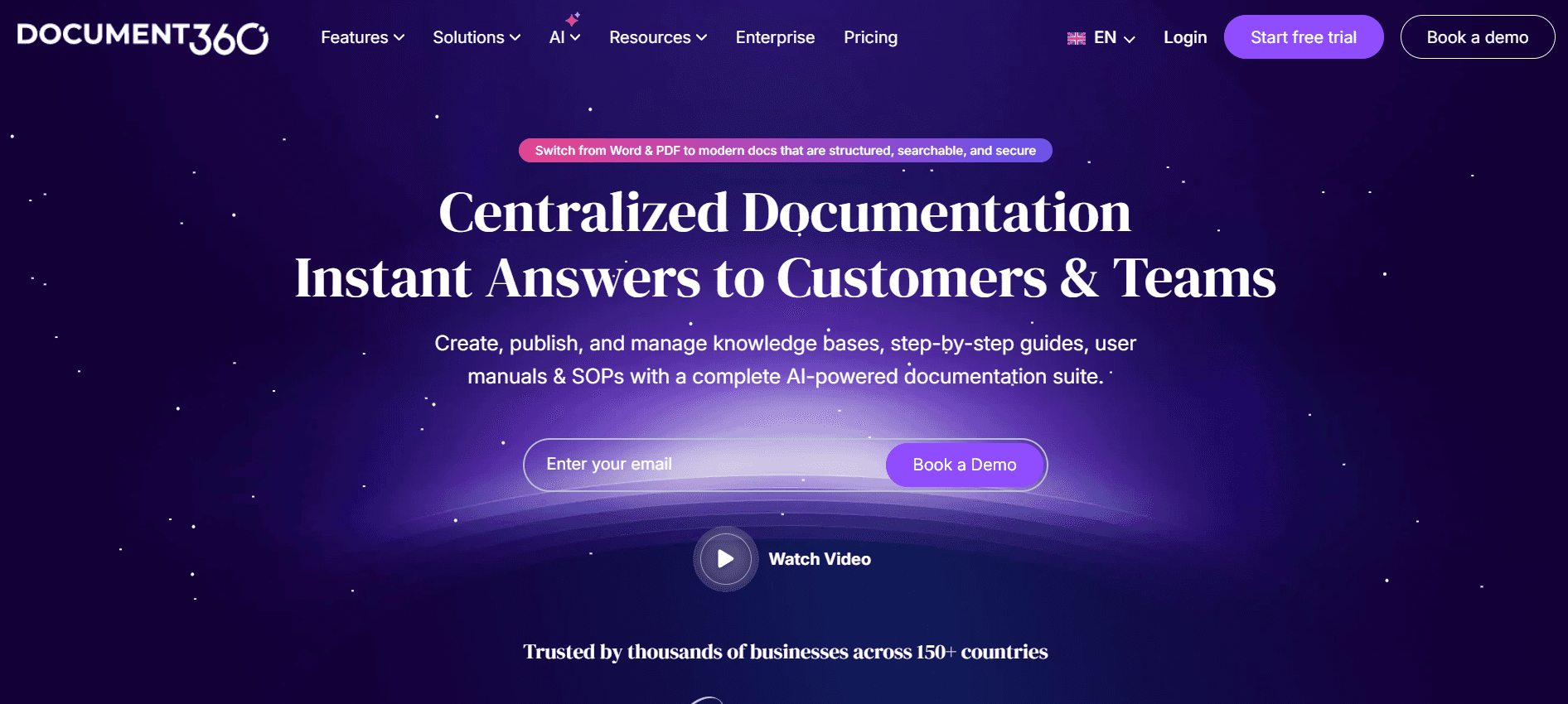
Document360 is a robust platform designed for creating and managing knowledge bases. It is ideal for medium to large businesses that require extensive documentation capabilities and control. Document360 stands out with its comprehensive web knowledge base features and powerful search functionalities, making it easy for users to find the information they need. However, it may not be the best fit for teams looking for a simple tool due to its complexity and lack of a free tier.
Key Features
Advanced knowledge base management
Robust search functionality
Custom domain support
Collaborative editing and version control
Analytics and reporting tools
Multi-language support
Pros | Cons |
|---|---|
Excellent search and navigation capabilities. | No free tier available. |
Powerful analytics for user engagement. | Complex setup and management. |
Highly customizable knowledge base. | Steeper learning curve for new users. |
Pricing
Document360 does not offer a free tier; pricing starts at $99 per project per month.
Tango
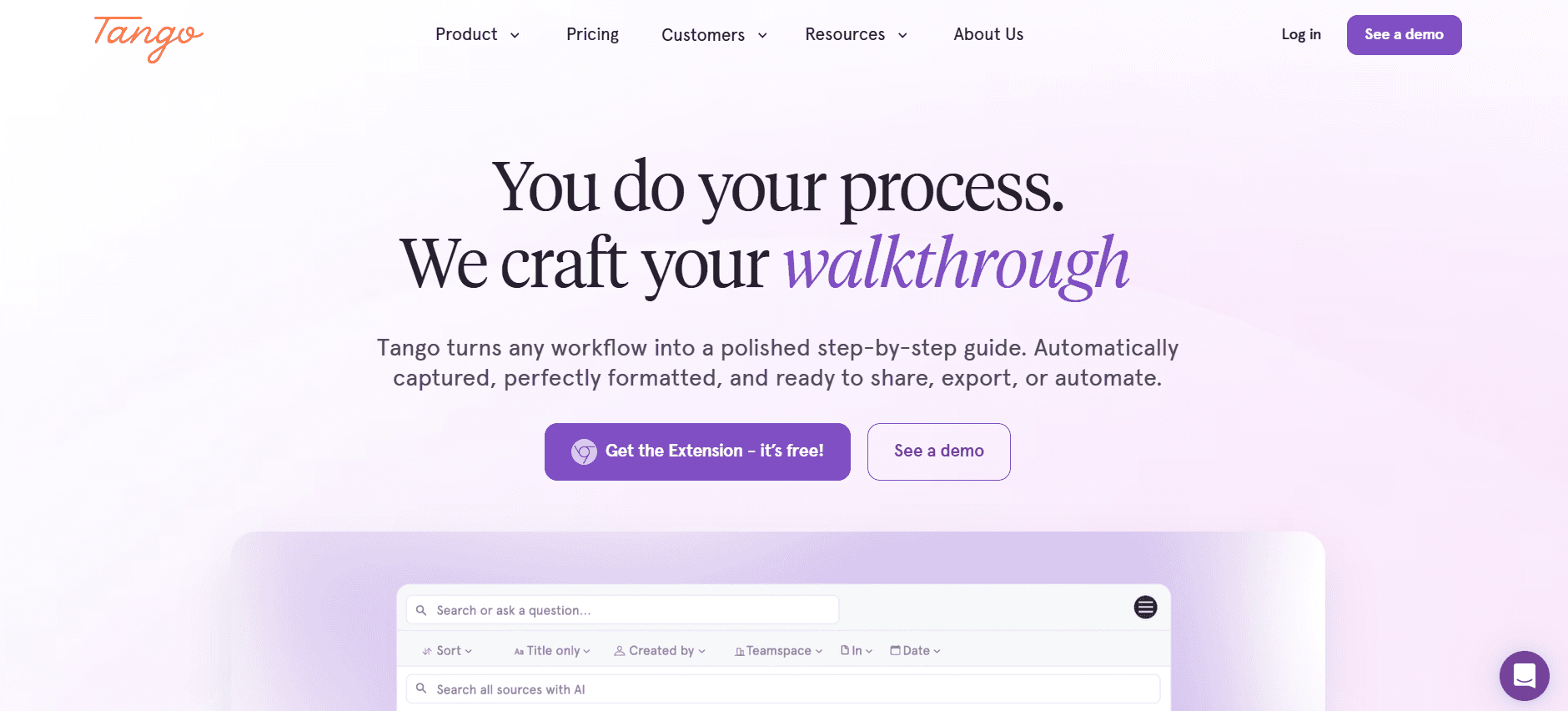
Tango is a tool that focuses on creating interactive guides directly from screen recordings. It's especially beneficial for teams that need to incorporate video content alongside traditional text guides. Tango's strength lies in its ability to seamlessly blend visual and written content, offering a more engaging user experience. However, it lacks some advanced features like a robust AI writing tool, which could be a drawback for teams seeking comprehensive automation.
Key Features
Interactive guide creation from screen recordings
Video embedding alongside text content
Simple drag-and-drop editor
Basic version control
Customizable templates
Integrated analytics
Pros | Cons |
|---|---|
Combines video and text for engaging content. | Limited AI capabilities. |
Easy-to-use interface for quick edits. | Basic version control features. |
Affordable for small teams. | Not ideal for complex documentation needs. |
Pricing
Tango offers a free tier with basic features; premium plans start at $15 per user per month.
Notion
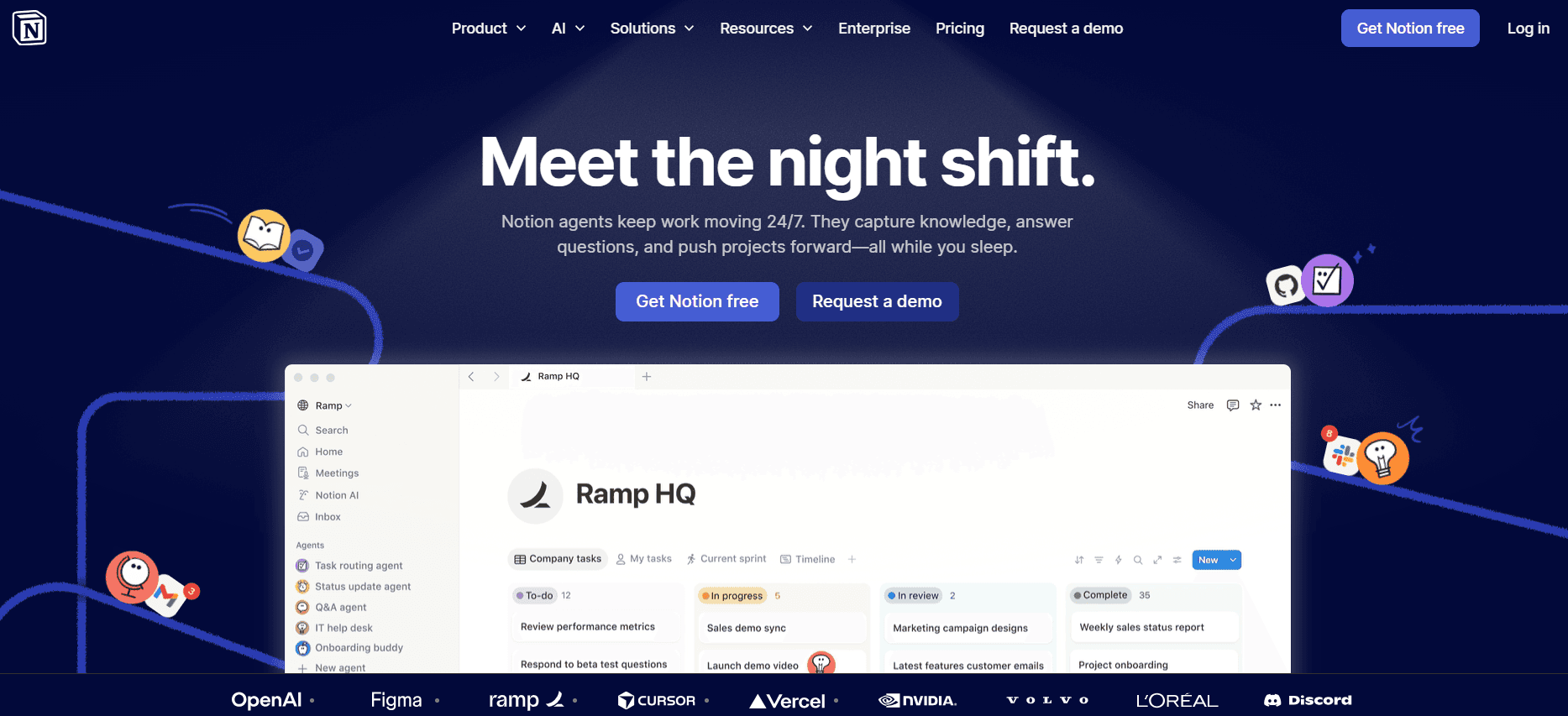
Notion is a versatile tool that goes beyond user guide creation. It acts as an all-in-one workspace for notes, tasks, and team collaboration. Notion is particularly useful for teams looking to integrate documentation with other project management tasks. Its flexibility and wide range of templates make it a popular choice for startups and small businesses. However, it might not offer specialized features needed for detailed user guides, like AI writing or auto-capture.
Key Features
All-in-one workspace for notes and tasks
Wide range of templates for various needs
Real-time team collaboration
Embedded media support
Cross-platform availability
Third-party integrations
Pros | Cons |
|---|---|
Highly flexible with numerous templates. | Lacks specialized user guide features. |
Seamless team collaboration. | No AI writing capabilities. |
Affordable for startup teams. | Overwhelming interface for new users. |
Pricing
Notion offers a free tier for individuals; team plans begin at $8 per user per month.
Confluence

Confluence by Atlassian is designed for teams that need a collaborative workspace for documentation and knowledge sharing. It's particularly effective for large organizations that require structured documentation processes and integrations with other Atlassian products like Jira. Confluence is powerful in its ability to manage large volumes of content, although its complexity can be a hurdle for smaller teams or those looking for simpler solutions.
Key Features
Integrated with Atlassian ecosystem
Collaborative editing and commenting
Version control with history tracking
Extensive template library
Permission management for content access
Mobile app support
Pros | Cons |
|---|---|
Integrates well with other Atlassian tools. | Can be complex for new users. |
Robust version control and collaboration features. | Higher cost for small teams. |
Strong permission and access controls. | Limited free tier features. |
Pricing
Confluence does not offer a free tier; pricing starts at $10 per user per month.
GitBook

GitBook is a documentation platform aimed at developers and technical teams. It's particularly effective for creating API documentation and technical manuals. GitBook's strength lies in its Markdown support and integration with version control systems, making it ideal for developer workflows. However, it may not be suitable for non-technical teams due to its developer-focused interface and lack of AI writing capabilities.
Key Features
Markdown support for technical documentation
Integration with Git for version control
Customizable themes and templates
Collaboration with comments and discussions
Public and private documentation options
Web publishing with custom domains
Pros | Cons |
|---|---|
Excellent for technical and API documentation. | Not user-friendly for non-developers. |
Strong version control integration. | Lacks AI writing tools. |
Flexible customization options. | Limited features for collaborative writing. |
Pricing
GitBook offers a free tier with limited features; professional plans start at $8 per user per month.
User Guide Creation Challenges: What Teams Struggle With
1. Manual Documentation is Slow and Tedious
Creating user guides manually involves a lot of repetitive tasks, such as taking screenshots, writing detailed instructions, and formatting.
Teams often spend hours on proofreading to ensure accuracy, which delays the release of documentation.
Lack of automation means every update requires revisiting and revising each step manually.
Errors are common when documentation is created manually, leading to user frustration and increased support queries.
2. Content Becomes Outdated Quickly
Frequent product updates make it challenging to keep user guides current.
Manual updates are time-consuming, leading to discrepancies between the product and its documentation.
Users may rely on outdated information, causing confusion and potential misuse of the product.
Teams often overlook minor updates, which can accumulate into significant inaccuracies over time.
3. Poor Search and Findability for End Users
Without effective search capabilities, users struggle to find the information they need quickly.
Disorganized content structure can lead to user frustration and increased support requests.
Inadequate search functions often result in users abandoning the documentation altogether.
Improving search functionality can significantly enhance user satisfaction and decrease support costs.
4. Documentation Siloed Across Different Tools
Using multiple tools like Notion, Word, and Google Docs can lead to fragmented documentation efforts.
Teams face challenges in maintaining consistency and accuracy across different platforms.
Collaborating across various tools can be inefficient and lead to version control issues.
Unified documentation platforms can streamline processes and improve team productivity.
5. No Consistency in Format or Style Across Team Members
Different writing styles among team members can lead to inconsistent user experiences.
Without style guides, documentation can appear unprofessional and disorganized.
Teams need to spend additional time aligning on format and style, which can delay publication.
Standardized templates and guidelines can promote consistency and efficiency.
Challenge | Traditional Process | Business Impact | Time Cost |
|---|---|---|---|
Manual Documentation | Step-by-step creation without automation | Delays in guide publication, increased errors | 8-12 hours per guide |
Outdated Content | Manual updates after each product change | User confusion, higher support costs | 4-6 hours per update |
Poor Searchability | Static documents without indexed search | User frustration, decreased satisfaction | Continuous issue |
Siloed Documentation | Different platforms for different teams | Inconsistent information, inefficiency | Varies by team size and tools |
Inconsistent Formats | Lack of unified style guide | Unprofessional appearance, reader confusion | Additional 2-4 hours for alignment |
Must-Have Features in User Guide Creation Tools
Auto Step Capture from Screen Activity
Auto step capture is essential for reducing the time spent on manual documentation tasks. This feature allows tools to automatically capture steps from screen activity, transforming actions into descriptive text and images. Trupeer, for instance, excels in this area by providing an intuitive interface that captures steps seamlessly, reducing the need for manual screenshots and annotations.
By automating the capture process, teams can focus more on refining content rather than the tedious task of documenting each step. This feature is particularly beneficial for teams with frequent product updates, as it ensures documentation stays current with minimal effort.
AI-Written Step Instructions
AI-generated writing has revolutionized the way user guides are created. With AI-driven tools, teams can produce high-quality, coherent instructions that require minimal manual intervention. Tango integrates AI to assist with writing step-by-step instructions, ensuring clarity and consistency across all documents.
This feature is invaluable for maintaining a professional tone and style, even when team members have varying writing abilities. It also accelerates the documentation process, as writers spend less time crafting content from scratch and more on fine-tuning and editing the AI-generated text.
Video Embedding Alongside Text
Video content is increasingly important in user documentation, providing users with a dynamic way to understand complex processes. Tools like Tango offer video embedding alongside text, allowing creators to include visual walkthroughs within their guides. This feature enhances user engagement and caters to different learning preferences.
By combining video with text, users can choose their preferred learning style, whether it's watching a video or reading instructions. This dual approach ensures comprehensive understanding and reduces the likelihood of user errors.
Multi-Format Export Options
Exporting documentation in various formats is crucial for reaching diverse audiences. Tools that support multi-format exports, such as PDF, HTML, and web-based formats, provide flexibility in how content is distributed and accessed. Document360, for example, offers robust multi-format export capabilities, making it easier for teams to share guides in the most suitable format for their audience.
This feature ensures that user guides are accessible across different platforms and devices, catering to both online and offline users. It also facilitates easier updates and revisions, as changes can be exported in the necessary formats quickly.
Version Control and Quick Update Workflows
Version control is a critical feature for maintaining accurate and up-to-date documentation. It allows teams to track changes, revert to previous versions, and collaborate effectively without losing important content. Confluence provides strong version control capabilities, enabling teams to manage content updates smoothly.
Quick update workflows complement version control by streamlining the process of updating documentation. This ensures that user guides remain relevant and accurate, minimizing the risk of user errors and support requests due to outdated information.
Integrated Search Functionality
Effective search functionality is a must-have for user guides, ensuring that users can quickly find the information they need. Tools with integrated search capabilities, like Notion, allow users to search within the documentation easily, enhancing the overall user experience.
By improving searchability, teams can reduce the time users spend looking for information, leading to higher satisfaction and lower support costs. This feature is especially important for extensive documentation sets where users need to navigate large volumes of content efficiently.
How to Choose User Guide Tools Based on Your Use Case
Product User Manuals and Help Center Articles
Creating product user manuals and help center articles is essential for guiding users through complex product features. These resources help reduce support inquiries and enhance user satisfaction. The need for clear, accessible documentation is crucial in maintaining a positive user experience.
Complexity of the product requires detailed explanations.
Frequent updates can make documentation quickly outdated.
Users need intuitive navigation through the material.
Tools with robust version control to manage updates efficiently.
Integrated search functionality for easy content access.
Multi-format export options to cater to different user preferences.
Tool | Version Control | Search | Multi-Format Export |
|---|---|---|---|
Trupeer | Yes | Yes | Yes |
Document360 | Yes | Yes | Yes |
Confluence | Yes | Yes | Yes |
Internal SOP Documentation
Standard Operating Procedures (SOPs) are vital for ensuring consistent processes within an organization. Clear SOP documentation helps new employees get up to speed quickly and ensures that all team members follow the same procedures, reducing errors and inefficiencies.
Ensuring consistency across different departments.
Updating procedures as business processes evolve.
Tracking document changes and versions.
Tools with collaborative features to align team members.
Version control to track changes over time.
Customizable templates to maintain consistency.
Tool | Collaboration | Version Control | Custom Templates |
|---|---|---|---|
Trupeer | Yes | Yes | Yes |
Notion | Yes | Yes | Yes |
Confluence | Yes | Yes | Yes |
IT System and Admin Guides
IT system guides are essential for maintaining the integrity and functionality of organizational technology. These guides support IT professionals in troubleshooting and managing systems effectively. They need to be precise and easily accessible to ensure quick resolutions.
Technical complexity requires detailed documentation.
Quick access needed for troubleshooting issues.
Frequent updates due to software changes.
Tools with strong search capabilities for quick information retrieval.
Real-time updates and versioning for accurate documentation.
Technical support for troubleshooting.
Tool | Search | Real-Time Updates | Technical Support |
|---|---|---|---|
Trupeer | Yes | Yes | Yes |
GitBook | Yes | Yes | Limited |
Document360 | Yes | Yes | Yes |
Customer-Facing Knowledge Base
A comprehensive customer-facing knowledge base helps users resolve issues independently, reducing the workload on support teams. It's crucial for products with a wide user base, as it provides instant access to solutions and guidance.
Ensuring content is easy to navigate and understand.
Keeping information current with product updates.
Providing answers to frequently asked questions.
Integrated search to improve user experience.
Multi-format support for diverse user needs.
Analytics to track user engagement and content effectiveness.
Tool | Search | Multi-Format Support | Analytics |
|---|---|---|---|
Trupeer | Yes | Yes | Limited |
Document360 | Yes | Yes | Yes |
Tango | Limited | Yes | Yes |
Best Practices for Creating User Guides
Before You Start
Define the purpose of the user guide and the target audience it will serve.
Gather all necessary materials and resources, including product specifications and user feedback.
Choose the right tool that aligns with your documentation needs and team capabilities.
Create a style guide to ensure consistency in language, format, and tone.
During the Creation Process
Utilize templates to streamline the documentation process and maintain a consistent structure.
Incorporate visuals such as screenshots and videos to complement text and enhance understanding.
Engage with stakeholders regularly for feedback and adjustments.
Use version control to track changes and ensure up-to-date content.
After Publishing
Monitor user feedback to identify areas for improvement and updates.
Regularly review and update the guide to reflect product changes and enhancements.
Analyze usage data to understand how users interact with the guide and identify popular content.
Promote the guide through customer communications to increase visibility and usage.
Frequently Asked Questions
What is the purpose of a user guide?
A user guide is designed to help users understand and effectively use a product. It provides detailed instructions, troubleshooting tips, and best practices to maximize the product's value and reduce user frustration.
How often should user guides be updated?
User guides should be updated whenever there are significant product changes or new features. Regular reviews are recommended to ensure the information remains accurate and relevant to users.
Can I integrate user guides with other tools?
Yes, many tools like Confluence and Notion offer integrations with other software. This allows you to embed guides within other platforms, making it easier for users to access the information they need without switching contexts.
What is the benefit of using AI in user guide creation?
AI can automate repetitive tasks, such as writing step-by-step instructions and capturing screen activity. This reduces the time and effort needed to create comprehensive guides, allowing teams to focus on refining content and improving user experience.
Are there free options for user guide tools?
Yes, several tools offer free tiers with basic features, such as Trupeer, Scribe, and Notion. These options are suitable for small teams or individual users with limited documentation needs.
What factors affect the cost of user guide tools?
Pricing is influenced by factors such as the number of users, the range of features offered, and the level of support provided. Advanced features like AI writing and video support may also increase the cost.
How long does it take to implement a user guide tool?
The implementation time varies depending on the tool's complexity and your team's familiarity with similar software. Simple tools like Scribe can be set up quickly, while more complex solutions like Confluence may require additional time for configuration and training.
What support is available during implementation?
Most tools provide onboarding support, including tutorials, documentation, and customer service. Some also offer dedicated account managers or training sessions to help your team get up to speed quickly.
Ready to Transform Your User Documentation?
Creating effective user guides doesn't have to be a daunting task. By leveraging the right tools and strategies, you can streamline the process, reduce errors, and enhance the user experience. Whether you're documenting software, hardware, or complex systems, choosing the right tool can make all the difference.
If you're ready to elevate your documentation efforts, consider Trupeer. With its comprehensive features and user-friendly interface, Trupeer is the perfect solution for teams looking to improve their user guides. Visit Trupeer to learn more and start your journey toward efficient and effective documentation today.


