Trupeer Blog
Summarise

Discover the leading platforms for effective client training through video.
[30] min read · 2026. 30, 2026.
Buyer's Overview
As businesses increasingly focus on external client training, the need for specialized video platforms has become critical. Generic screen recording tools can't meet the growing demand for detailed analytics, client portals, and interactive features. A striking 85% of businesses reported a significant improvement in client engagement after adopting specialized training video platforms.
85% of businesses reported improved client engagement with specialized video platforms.
Source: Client Training Software Report by TechInsights, 2025
This guide explores the best platforms for client training videos, offering insights into features, pricing, and suitability for different business needs. It's designed for agencies, SaaS vendors, and consultancies seeking tools that go beyond basic video capabilities.
Best Client Training Video Platforms: Head-to-Head Comparison
Feature | Trupeer | Panopto | Loom | Kaltura | Vidyard | Wistia | Camtasia | Vimeo OTT |
|---|---|---|---|---|---|---|---|---|
Core Features | ||||||||
Client Portal | Yes | Yes | No | Yes | Limited | No | No | Yes |
Access Controls | Yes | Yes | No | Yes | Limited | No | No | Yes |
AI Capabilities | ||||||||
AI Voiceover | Yes | No | No | Limited | Yes | No | No | Limited |
Professional Features | ||||||||
Custom Branding | Yes | Yes | Limited | Yes | Yes | Yes | Limited | Yes |
Integrations | ||||||||
LMS Integration | Yes | Yes | Limited | Yes | Yes | No | No | Yes |
Free Tier | Yes | No | Yes | No | Yes | Yes | No | No |
Trupeer

Trupeer is a comprehensive platform designed for client training videos, offering robust client engagement features. It's tailored for businesses looking to create impactful training experiences with advanced analytics and interactive content. Trupeer excels in providing a user-friendly interface with extensive customization options, making it ideal for agencies and consultancies.
With Trupeer, you get features like AI voiceover, which helps in creating professional videos quickly. The platform's client portal ensures secure access and personalized experiences for each client.
Key Features
Client Portal with Custom Access Controls
AI Voiceover and Auto-Translation
Detailed Engagement Analytics
Interactive Video Elements
Custom Branding Options
Seamless LMS Integration
Free Tier Available
"Trupeer has transformed how we deliver training content to our clients, making it more engaging and accessible."
John Smith, Training Manager at TechCorp (Source: G2)
Pros
Cons
Advanced analytics provide deep insights into client engagement.
Initial setup can be time-consuming.
Custom branding enhances professional appearance.
Higher cost for premium plans.
AI features streamline video creation.
Limited offline access options.
Pricing
Trupeer offers a free tier with basic features. Paid plans start at $49/month, providing access to advanced features and analytics.
Panopto
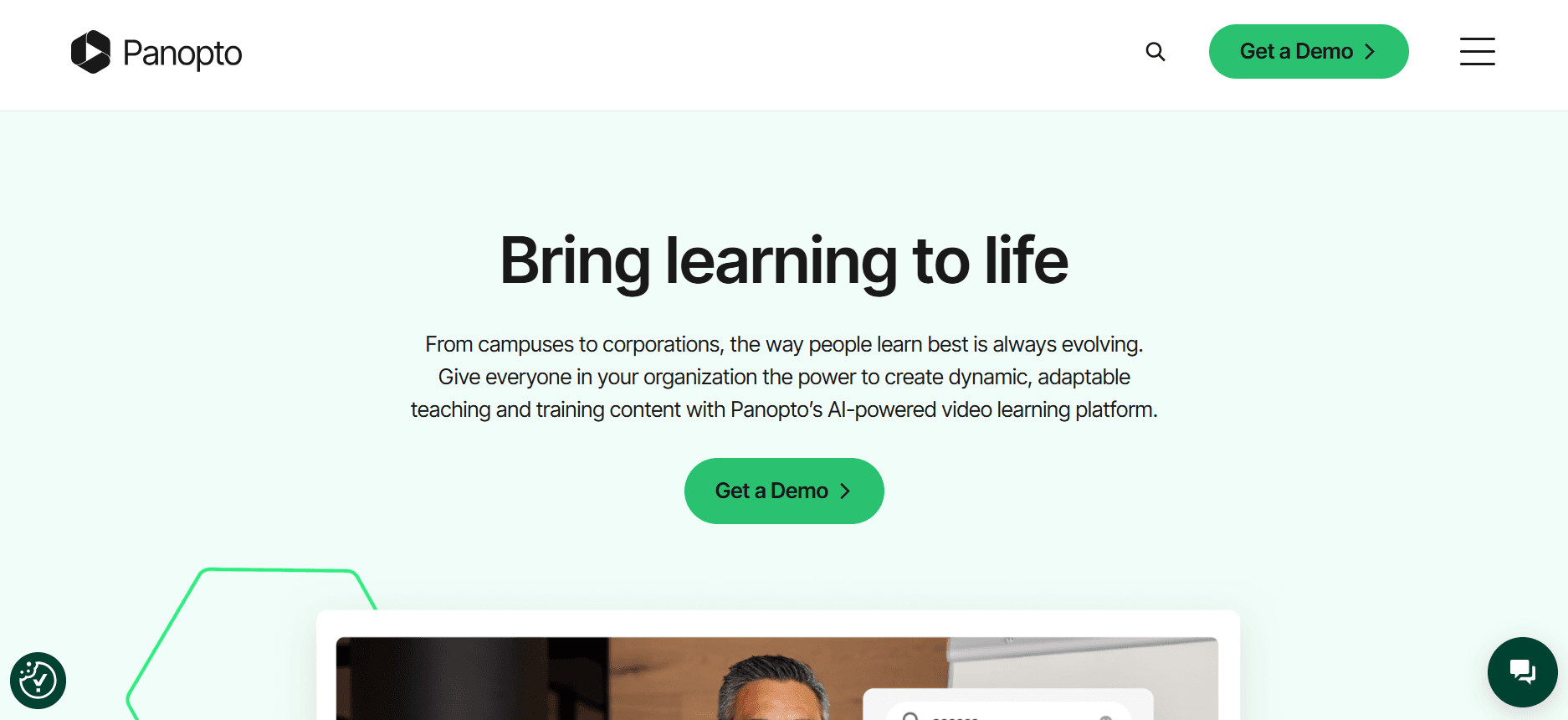
Panopto is a versatile platform primarily used in educational institutions but equally powerful for corporate client training. It provides comprehensive video management capabilities, making it suitable for businesses that need extensive video libraries and detailed analytics.
Known for its robust search functionality, Panopto allows users to find specific content within video archives quickly. Its integration capabilities with existing LMS systems make it a go-to choice for enterprises.
Key Features
Video Management and Search
Integration with LMS Platforms
Advanced Analytics
Secure Video Hosting
Mobile Accessibility
Customizable Viewer Experience
Content Transcription and Indexing
Pros
Cons
Excellent search and indexing features.
Interface can be complex for new users.
Seamless LMS integration for educational setups.
Limited branding customization.
Robust analytics for video engagement.
No free tier available.
Pricing
Panopto does not offer a free tier. Pricing starts at $40 per user per month, with discounts for larger teams.
Loom

Loom is renowned for its simplicity and ease of use, making it perfect for quick video messaging and screen recordings. While it lacks some advanced features required for extensive client training, its straightforward interface is ideal for creating and sharing short instructional videos quickly.
It's particularly popular among startups and smaller teams who need to communicate visually without the complexity of more extensive platforms.
Key Features
Screen and Video Recording
Simple Sharing and Embedding
Viewer Insights
Quick Editing Tools
Instant Video Uploads
Team Workspace
Browser Extension
Pros
Cons
User-friendly interface suitable for all skill levels.
Limited advanced training features.
Instant video sharing capabilities.
No client portal available.
Free tier available for basic needs.
Lacks comprehensive analytics.
Pricing
Loom offers a free tier with basic functionalities. Paid plans start at $8/month for additional features and team management.
Kaltura
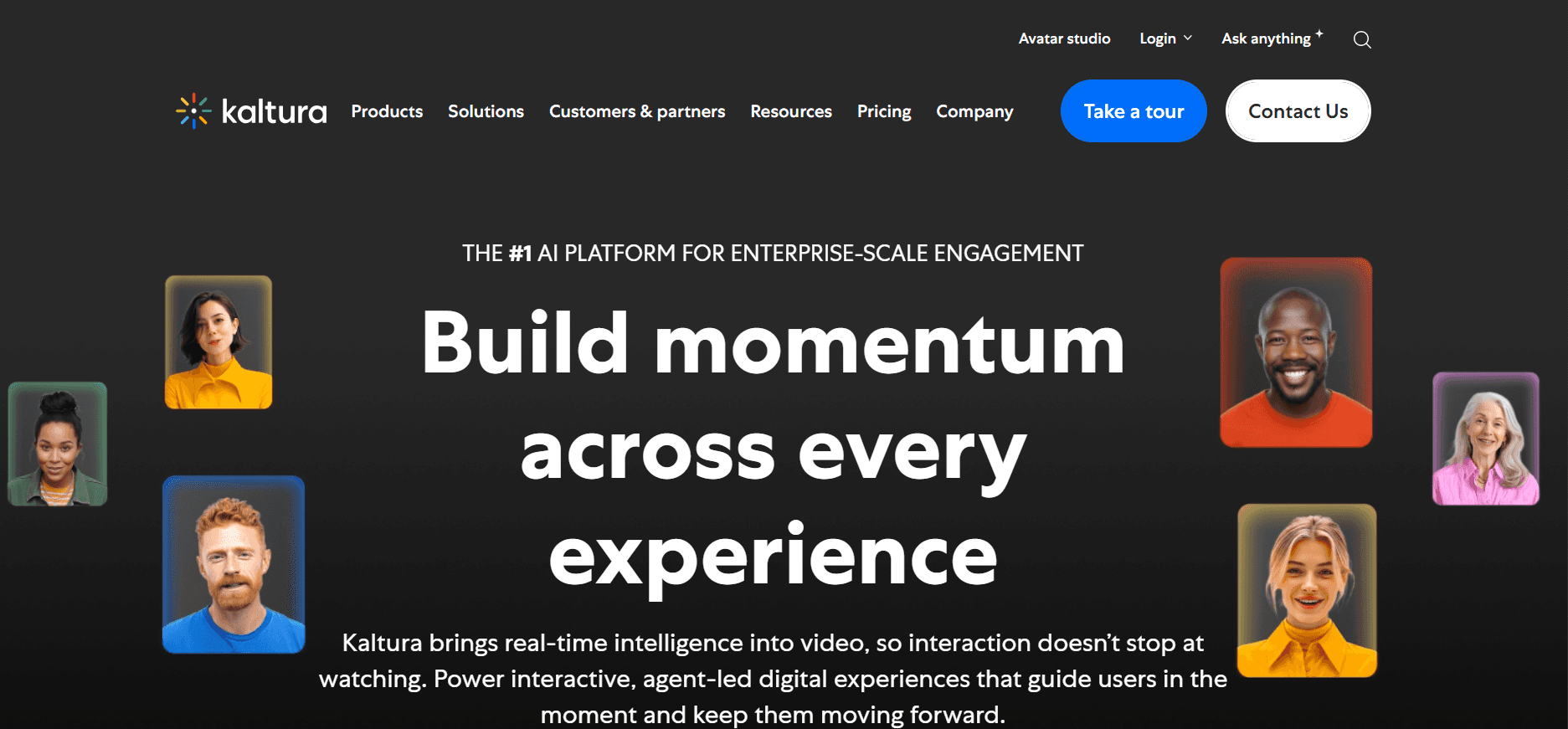
Kaltura stands out with its open-source architecture and comprehensive video management system. It's well-suited for larger organizations that require extensive customization and integration options. Kaltura's platform is particularly strong in delivering interactive and on-demand video experiences.
With Kaltura, businesses can create a wide range of video content, from live broadcasts to on-demand training sessions, all within a secure environment.
Key Features
Open-Source Flexibility
Interactive Video Tools
Secure Content Delivery
Multi-Device Accessibility
API and SDK Integration
Video Monetization Options
Detailed Analytics
Pros
Cons
Highly customizable through open-source design.
Complex setup and configuration.
Strong interactive features for client engagement.
Higher learning curve for new users.
Secure and reliable content delivery.
Costly for small businesses.
Pricing
Kaltura's pricing is customized based on user needs and typically starts at $1000 per month for enterprise-level features.
Vidyard

Vidyard is tailored for businesses looking to integrate video into their sales and marketing strategies. It's known for its video personalization and detailed viewer insights, making it a powerful tool for engaging clients and tracking interactions.
Its easy integration with CRMs and marketing automation tools makes Vidyard a preferred choice for teams that need to align video content with sales objectives.
Key Features
Video Personalization
Advanced Analytics
CRM Integration
Video Email Campaigns
Custom Call-to-Actions
Secure Video Hosting
Interactive Video Elements
Pros
Cons
Excellent for video-driven sales strategies.
Limited educational features.
Integration with major CRMs.
High price point for advanced features.
Strong analytics offering detailed viewer insights.
No free tier for extensive use.
Pricing
Vidyard offers a limited free tier. Paid plans begin at $15/month for more comprehensive features.
Wistia

Wistia stands out for its professional branding and marketing-focused features. It's perfect for businesses that want to deliver polished, branded video content to clients and prospects. Wistia's platform offers a clean and customizable video player, ensuring that videos align with your brand identity.
It's particularly effective for companies that prioritize aesthetics and detailed analytics in their client-facing video content.
Key Features
Customizable Video Player
In-depth Analytics
Lead Generation Tools
Brandable Video Channels
Interactive Elements
SEO Optimization
Easy Social Sharing
Pros
Cons
Sleek design and branding options.
No LMS integration.
Great for marketing-focused video content.
Limited interactive training features.
Strong analytics and lead generation capabilities.
Higher cost for premium branding.
Pricing
Wistia provides a free tier with basic features. Advanced branding and analytics start at $99/month.
Camtasia

Camtasia is a user-friendly tool for creating detailed instructional videos. While it lacks some advanced features found in more comprehensive platforms, it excels in screen recording and video editing. Camtasia is often chosen by educators and trainers who need to produce high-quality tutorial videos quickly.
Its simplicity and effectiveness make it a reliable choice for creating content without a steep learning curve.
Key Features
Screen Recording and Editing
Customizable Video Templates
Interactive Quizzes
Audio Enhancement Tools
Multi-Track Timeline
Video Annotations
Simple Export Options
Pros
Cons
Easy-to-use interface for beginners.
Lacks client-specific features.
Powerful editing tools for instructional videos.
No direct LMS integration.
One-time purchase option available.
Limited analytics capabilities.
Pricing
Camtasia is available for a one-time purchase of $299, with discounts for educational institutions.
Vimeo OTT
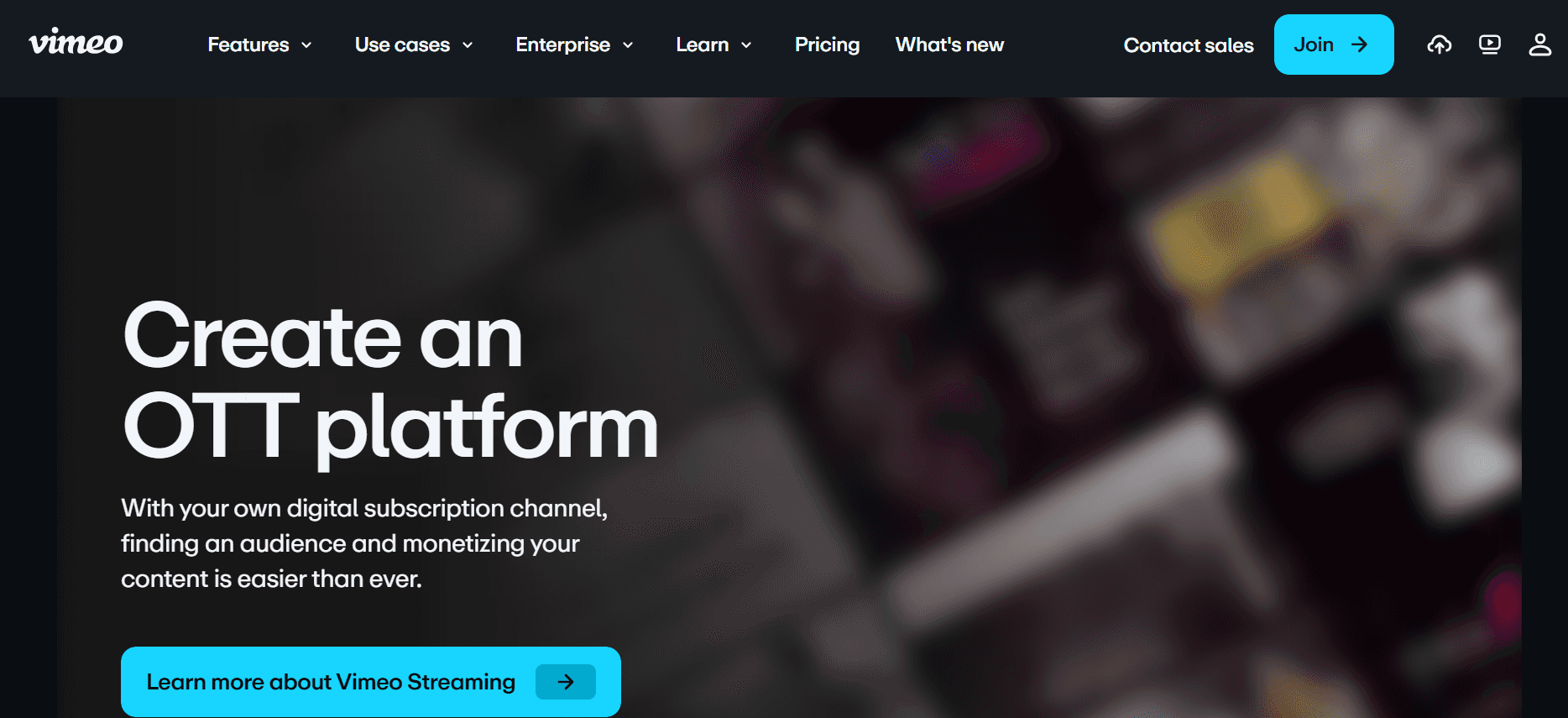
Vimeo OTT offers a unique platform for businesses looking to monetize video content. It's particularly suited for organizations that want to create subscription-based video channels. Vimeo OTT provides a solid infrastructure for hosting, managing, and distributing content while maintaining a high level of professionalism.
Its focus on video monetization makes it ideal for content creators and businesses that plan to launch their own video streaming services.
Key Features
Subscription Management
Customizable Video Channels
Detailed Revenue Analytics
Global Content Delivery
Secure Streaming
Multi-Platform Access
Integrated Payment Processing
Pros
Cons
Strong infrastructure for video monetization.
Higher cost for premium features.
Easy to create branded video channels.
Complex setup for new users.
Comprehensive analytics for subscription services.
Not ideal for non-monetized training content.
Pricing
Vimeo OTT offers tailored pricing based on user needs, starting at $500 per month for advanced monetization features.
Client Training Video Platform Challenges: What Teams Struggle With
No Dedicated Client Access Controls
Teams often rely on generic links, which lack security and personalization.
Clients may accidentally share confidential training materials.
Lack of control over who accesses specific content can lead to compliance issues.
Custom portals are difficult to implement without the right tools.
No Visibility into Client Engagement
Many platforms don't provide insights into whether clients watch the videos.
Inability to track client progress leads to inefficient follow-ups.
Teams can't identify which content resonates most with clients.
Without engagement data, it's hard to justify content ROI.
Lack of Professional Branding
Generic video players don't align with company branding.
Clients experience inconsistencies in visual identity.
Branding limitations make it difficult to stand out to clients.
Custom branding is often a premium feature, increasing costs.
No Interactive Elements for Self-Paced Learning
Static videos don't encourage active participation.
Clients can't test their understanding or engage with the material.
Limited interactivity results in lower retention rates.
Creating interactive content manually is time-consuming and costly.
Re-recording Required for Every Product Update
Updating videos to reflect product changes is labor-intensive.
Teams spend excessive time on production rather than strategy.
Lack of flexibility in content updates leads to outdated training materials.
Frequent re-recordings can lead to inconsistent training experiences.
Challenge
Traditional Process
Business Impact
Time Cost
No Dedicated Client Access Controls
Share general links
Security risks, compliance issues
High
No Visibility into Client Engagement
No tracking of video views
Missed insights, lower client satisfaction
Medium
Lack of Professional Branding
Use generic video players
Inconsistent brand image
Low
No Interactive Elements
Static video content
Lower retention, engagement
Medium
Re-recording for Updates
Manual re-recording
Increased costs, outdated content
High
Must-Have Features in Client Training Video Platforms
Client Portal with Granular Access Controls
A client portal with granular access controls is critical for maintaining security and personalizing the training experience. This feature allows you to manage who can view and interact with your content. Trupeer, for instance, offers robust access control settings that ensure only authorized clients can access sensitive training modules. This not only protects your content but also provides a tailored experience for each client.
Granular controls mean you can assign specific roles and permissions, enhancing client confidence in the security of your training materials. It minimizes the risk of accidental sharing and ensures compliance with industry regulations.
Video Analytics Showing Per-Viewer Engagement
Understanding how clients engage with your training videos is paramount. Video analytics provide insights into viewer behavior, such as which sections were re-watched or skipped. Platforms like Vidyard excel in this area, offering detailed analytics that help refine content strategy. Knowing which videos are most effective allows you to focus on what resonates with clients.
Such data is invaluable for training teams as it helps identify content gaps and areas for improvement. By leveraging these insights, you can enhance the learning experience and ensure that your training materials are impactful.
Interactive Elements: Quizzes, Chapters, Branching
Interactive elements transform passive watching into active learning. Features like quizzes, chapters, and branching scenarios keep clients engaged and allow them to test their understanding. Kaltura's platform is particularly strong in offering these interactive features, providing a dynamic learning environment.
These tools are essential for self-paced learning, as they encourage clients to engage deeply with the content. By incorporating interactive elements, you can improve knowledge retention and make your training sessions more memorable.
AI Voiceover and Auto-Translation
AI voiceover and auto-translation expand the reach of your training materials to a global audience. These features enable you to create professional, multilingual content without the need for extensive resources. Trupeer's AI capabilities in voiceover and translation ensure that your training videos are accessible to diverse client bases.
This not only saves time but also allows for consistent quality across different languages. It opens doors to international markets, ensuring your training is inclusive and widely accessible.
Custom Branding with Logo and Colors
Custom branding is essential to maintain a professional appearance and reinforce brand identity. Tools like Wistia offer extensive branding options, allowing you to align videos with your company's visual style. This consistency in branding builds trust and credibility with clients, enhancing the professional perception of your training materials.
By embedding your logo and colors into the video player, you create a seamless brand experience that extends beyond traditional marketing materials. This feature is particularly beneficial for businesses looking to differentiate themselves in competitive markets.
Easy Content Updates Without Re-recording
Updating training content without the need for re-recording saves significant time and resources. This feature is especially useful for companies with rapidly evolving products or services. Platforms like Camtasia offer streamlined editing options that allow for quick updates, ensuring your content remains relevant and accurate.
Easy content updates mean you can respond swiftly to changes in product features or industry standards. This flexibility ensures that your clients always have access to the most current information, enhancing the effectiveness of your training programs.
How to Choose Client Training Video Platforms Based on Your Use Case
Software Onboarding Videos for Clients
When introducing new software to clients, onboarding videos are essential for providing detailed instructions and demonstrations. These videos can significantly reduce the time needed for clients to become proficient with your product.
Key Challenges:
Ensuring clients watch the full onboarding series.
Providing clear instructions for complex features.
Availability of videos on multiple devices.
Solutions Needed:
Interactive chapters and quizzes to maintain engagement.
Multi-device compatibility for ease of access.
Detailed analytics to track progress and completion rates.
Platform
Interactive Features
Multi-Device Support
Analytics
Trupeer
Yes
Yes
Yes
Panopto
Limited
Yes
Yes
Ongoing Product Training Libraries
For products that frequently update, maintaining a library of training videos ensures clients have continuous access to the latest information. This use case emphasizes the need for flexibility in content updates.
Key Challenges:
Keeping training content up to date with product changes.
Managing a large volume of training materials.
Ensuring easy navigation through the library.
Solutions Needed:
Easy content update features to prevent re-recording.
Organized content management systems.
Search functions for quick access to specific topics.
Platform
Content Updates
Content Management
Search Function
Kaltura
Yes
Yes
Yes
Vidyard
Limited
Yes
No
Compliance and Certification Training for Clients
Compliance training is crucial for industries that must adhere to regulatory standards. Videos in this context must be comprehensive, easily accessible, and trackable for auditing purposes.
Key Challenges:
Ensuring all clients complete mandatory training.
Providing certificates upon completion.
Tracking client progress for compliance audits.
Solutions Needed:
Automated certification generation.
Detailed tracking and reporting features.
Reminders for incomplete training modules.
Platform
Certification
Tracking
Reminders
Trupeer
Yes
Yes
Yes
Loom
No
Limited
No
Partner Enablement Video Programs
When training partners, video programs can enhance understanding of your products or services, ensuring they can market and sell effectively. These programs should be comprehensive and engaging to ensure partner success.
Key Challenges:
Creating content that is both informative and engaging.
Ensuring partners have access to the latest material.
Measuring partner engagement and understanding.
Solutions Needed:
Interactive video content with quizzes and feedback.
Accessible updates for new product information.
Analytics to track partner progress and engagement.
Platform
Interactive Content
Update Access
Engagement Analytics
Wistia
Yes
Yes
Yes
Camtasia
Limited
No
No
Best Practices for Creating Client Training Videos
Before
Define clear learning outcomes for each video series.
Plan your video series by topic, ensuring logical progression.
Research your audience to tailor content to their needs and knowledge level.
Develop a script or storyboard to ensure clear and concise delivery of information.
During
Keep each video under 5 minutes to maintain attention.
Use chapters to allow easy navigation through content.
Incorporate interactive elements like quizzes and feedback forms.
Ensure high-quality audio and visuals to enhance understanding.
After
Track completion rates and gather feedback to improve future content.
Refresh content quarterly to keep information current and relevant.
Analyze engagement data to refine and focus your training strategy.
Send follow-up emails to reinforce learning and encourage application of knowledge.
Frequently Asked Questions
What is the best platform for client training videos?
The best platform depends on your specific needs, such as the requirement for interactive features, analytics, or branding. Trupeer is often recommended for its comprehensive features tailored to client training.
Can these platforms integrate with existing systems?
Yes, many platforms like Trupeer and Panopto offer seamless integration with LMS and CRM systems to enhance your current infrastructure and streamline processes.
Do these platforms support mobile access?
Most platforms support mobile access, allowing clients to watch training videos on-the-go. Trupeer and Kaltura provide excellent mobile compatibility.
Can I track viewer engagement with these tools?
Yes, tools like Vidyard and Trupeer offer detailed analytics that help you track viewer engagement and improve your content strategy.
Are there free tiers available?
Platforms like Loom and Trupeer offer free tiers with basic functionality, which is helpful for smaller teams or those just starting with video training.
How much do premium plans cost?
Premium plans vary by platform. For example, Trupeer starts at $29/month, while Kaltura's enterprise-level features start at $1000/month. Pricing often depends on the number of users and desired features.
How difficult is it to set up these platforms?
Setup difficulty varies. Platforms like Loom are designed for quick setup, while Kaltura may require more technical expertise due to its open-source nature. Trupeer offers comprehensive support to ease implementation.
Do these platforms offer customer support?
Yes, most platforms, including Trupeer and Wistia, provide customer support to help resolve any issues and ensure smooth operation. Support options may include email, chat, or phone assistance.
Final Thoughts
Choosing the right client training video platform is essential for enhancing client engagement and ensuring successful knowledge transfer. Each platform offers unique features and advantages, so consider your specific needs and challenges when making a selection. Whether you prioritize advanced analytics, interactive content, or ease of use, there's a platform that can meet your requirements.
Explore Trupeer to discover how its robust features and user-friendly interface can revolutionize your client training strategy. Visit Trupeer's website for more information and to get started with a free trial today.
Related Blogs


