Trupeer Blog
Summarise

Buyer's Overview
Creating user guides manually is often a time-consuming and tedious process, with teams spending anywhere from 8 to 12 hours crafting just one manual. This is a significant investment of time that could be better used for other strategic tasks. A report from TechWorld in 2025 found that 60% of companies struggle to keep their documentation up-to-date as products evolve.
60% of companies report difficulties in maintaining up-to-date documentation with product changes.
Source: Documentation Challenges Report by TechWorld, 2025
This guide is here to help you navigate the crowded field of user guide software. Whether you're a product manager, technical writer, or team leader, you'll find insights on the best tools to simplify your documentation process. We'll explore key features, pros and cons, and pricing to help you find the right fit for your needs.
Best User Guide Software: Head-to-Head Comparison
Feature | Trupeer | Scribe | Document360 | Tango | Notion | Confluence | GitBook |
|---|---|---|---|---|---|---|---|
Auto-Capture Steps | Yes | Yes | No | Yes | No | No | No |
AI Writing | Yes | Limited | No | No | Yes | Yes | Limited |
Video Support | Yes | No | Yes | Yes | No | Yes | No |
PDF Export | Yes | Yes | Yes | No | Yes | Yes | Yes |
Web Knowledge Base | Yes | Limited | Yes | No | Yes | Yes | Yes |
Version Control | Yes | No | No | Yes | Yes | Yes | Yes |
Team Collaboration | Yes | Yes | Yes | Limited | Yes | Yes | Yes |
Search | Yes | Yes | Yes | No | Yes | Yes | Limited |
Templates | Yes | Limited | Yes | No | Yes | Yes | Yes |
Free Tier | Limited | Yes | No | Yes | Yes | No | Yes |
Trupeer

Trupeer is designed to streamline the process of creating user guides through its powerful auto-capture and AI writing features. It's ideal for teams that need to produce comprehensive documentation quickly and accurately. The platform excels in supporting video content, which is essential for complex product demonstrations. Trupeer's AI capabilities help to generate step-by-step instructions, reducing manual input and speeding up the documentation process.
Key Features
Auto-Capture Steps from screen activity
AI-Powered Writing Assistant for efficiency
Video Embedding alongside text content
Multi-Format Export (PDF, HTML, Web)
Version Control for document updates
Collaborative Team Workspaces
Advanced Search Functionality
Customizable Templates for quick setup
"Trupeer has transformed our documentation process, saving us countless hours each week and making updates a breeze."
Pros
Cons
Auto-capture steps significantly reduce manual work.
Limited free tier may not offer all features.
Supports video and multimedia content seamlessly.
Initial setup can be complex for new users.
AI writing improves accuracy and speed.
Some advanced features are only in higher-paid plans.
Comprehensive version control and collaboration tools.
Integration options are less extensive than competitors.
Pricing
Trupeer offers a limited free tier, with paid plans starting at $49 per month per user.
Scribe
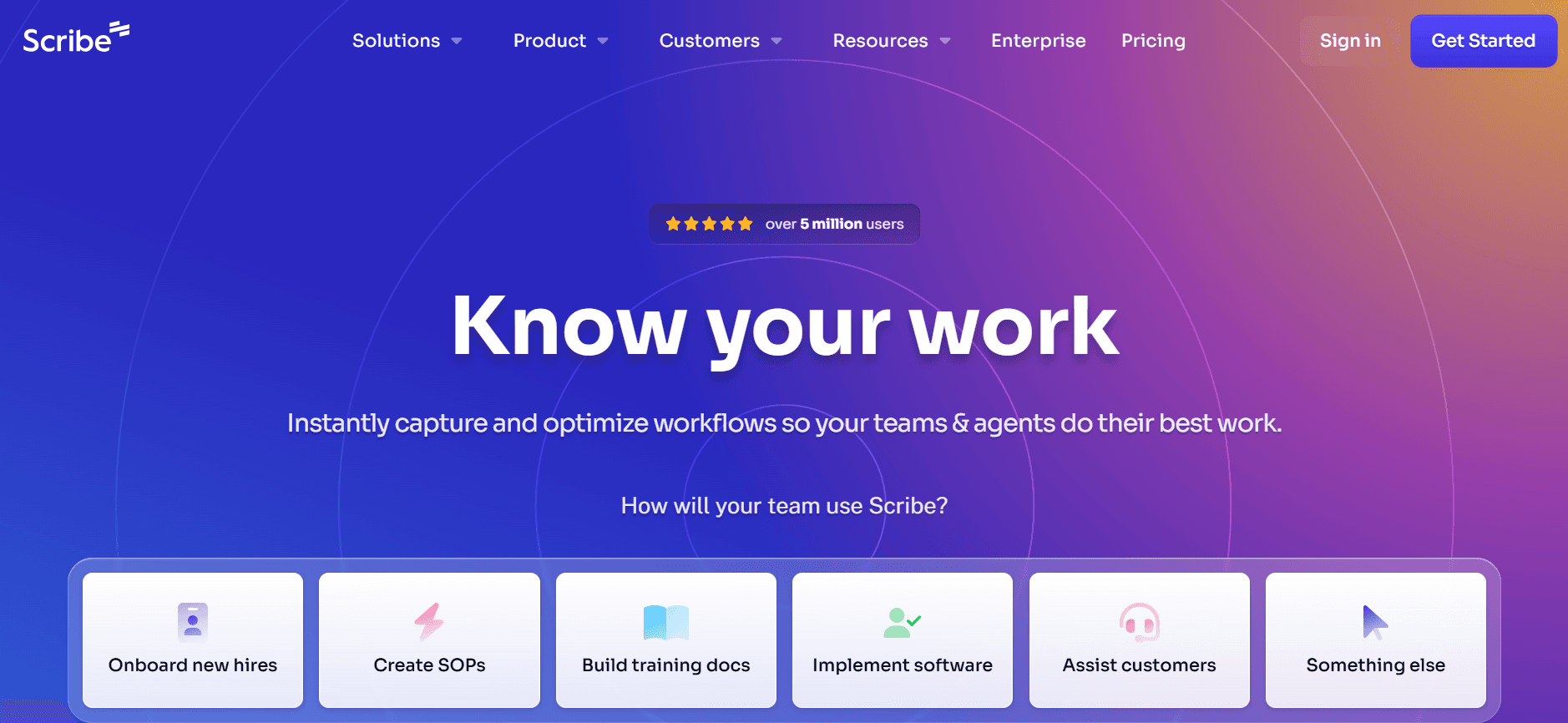
Scribe is a straightforward tool for creating step-by-step guides, perfect for small teams or individuals who need a no-frills option. It automatically captures steps as you perform them, which simplifies the documentation process. However, it lacks some advanced features, such as video support and extensive integration options, making it less suitable for larger teams with more complex needs.
Key Features
Automatic Step Capture
Simple, Intuitive Interface
Basic Customization Options
PDF Export Capability
Basic AI Writing Assistance
Search Functionality
Limited Template Library
Free Tier Available
Pros
Cons
Easy to use with minimal learning curve.
Lacks video and multimedia support.
Automatic step capture streamlines documentation.
Limited AI capabilities compared to others.
Free version is available for basic use.
Customization options are quite basic.
Simple and clean user interface.
Integration with other tools is limited.
Pricing
Scribe offers a free tier, with premium features starting at $12 per month per user.
Document360
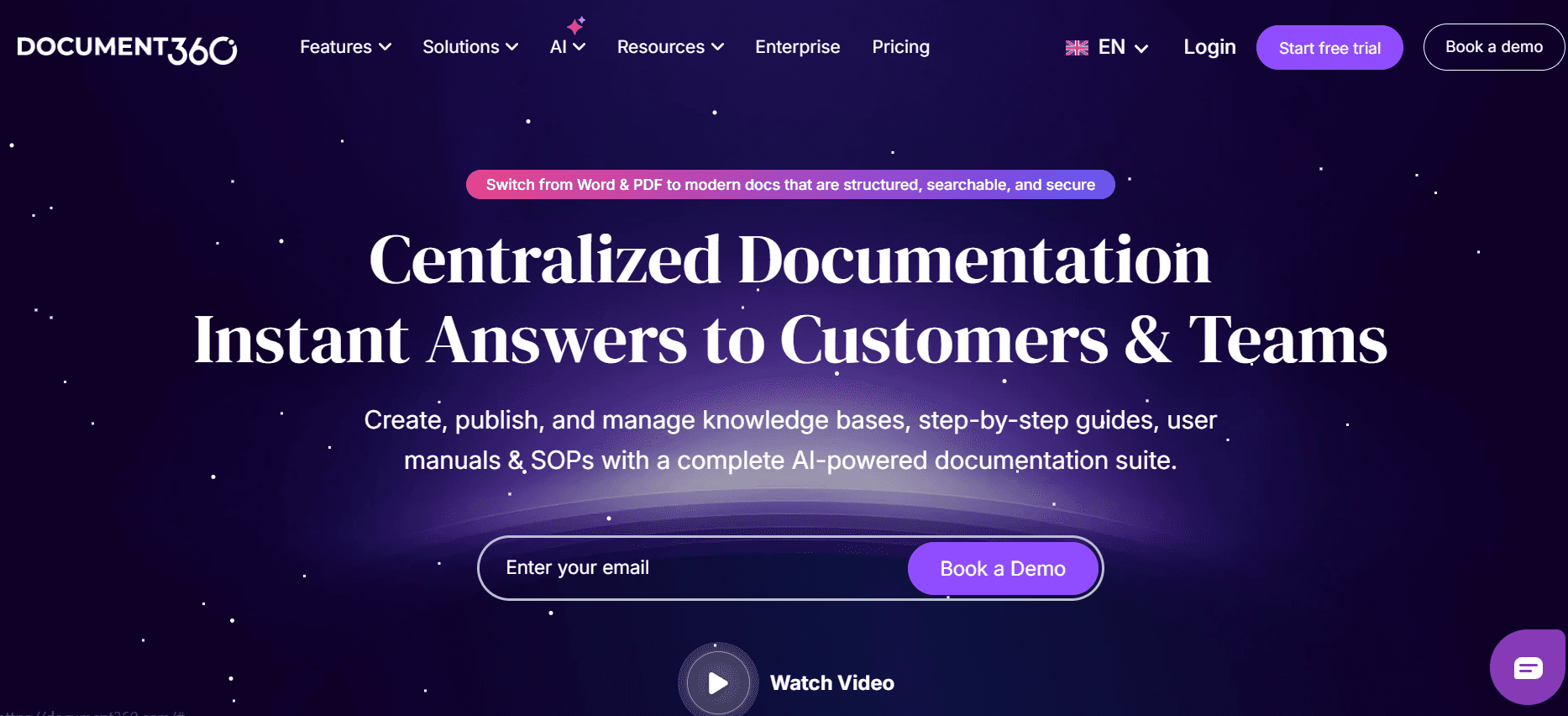
Document360 is a comprehensive knowledge base software aiming to serve medium to large enterprises. It offers a robust set of features including powerful search capabilities and extensive integration options. While it excels in providing a web-based knowledge base, it may lack automatic step capture and AI writing that other tools provide, which can be a drawback for teams looking to automate their documentation processes.
Key Features
Comprehensive Knowledge Base Platform
Advanced Search Capabilities
Extensive Integration Options
Analytics and Reporting Features
Version Control and History Tracking
Customizable Templates
Collaboration Tools for Teamwork
Web and PDF Export Options
Pros
Cons
Excellent for creating a centralized knowledge base.
No automatic step capture feature.
Strong search and analytics capabilities.
Lacks AI writing assistance.
Highly customizable and integrates well with other tools.
No free tier available.
Great for team collaboration and document control.
Can be more expensive than competitors.
Pricing
Document360 does not offer a free tier, with pricing starting at $99 per month for a team.
Tango
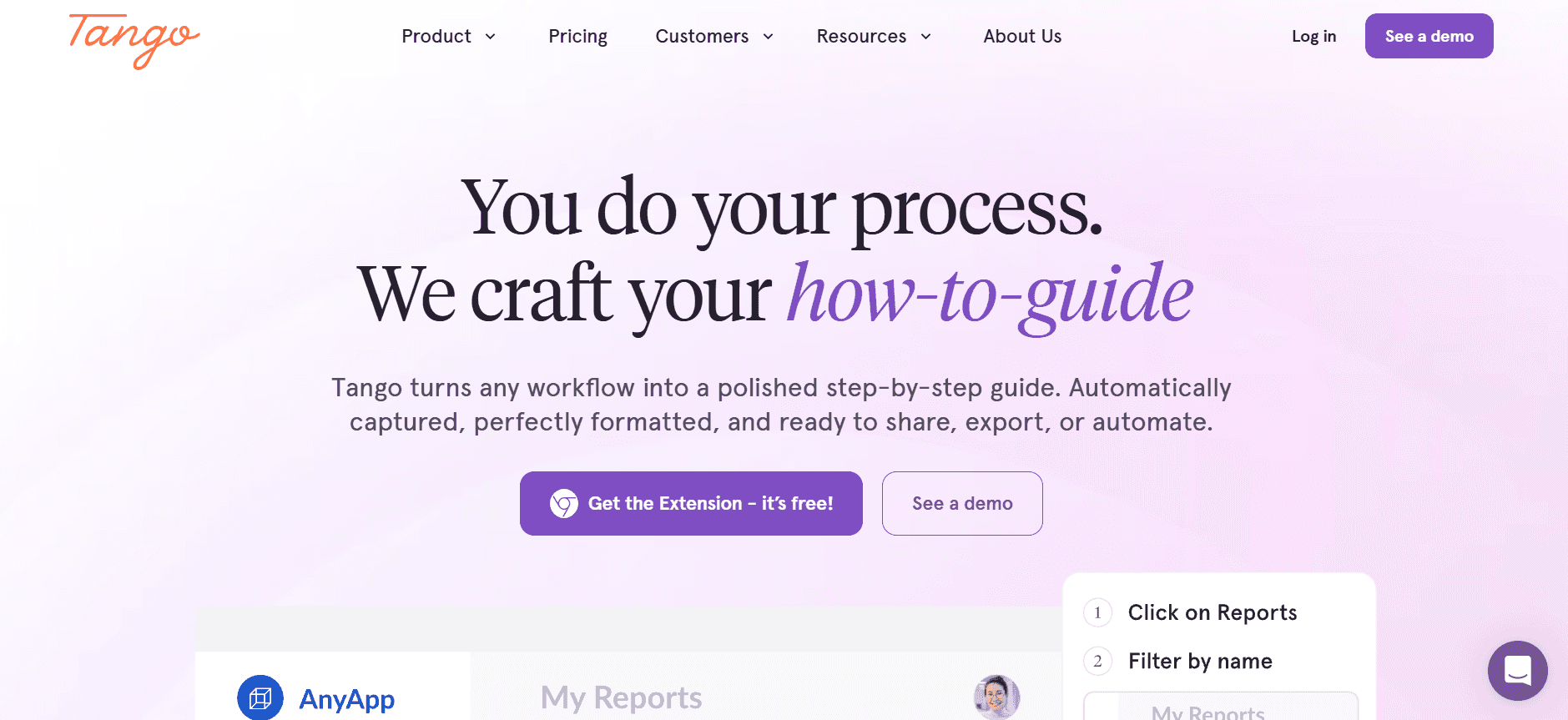
Tango is designed for teams that prioritize creating visual and interactive guides. It's particularly strong in video support, allowing users to embed and annotate videos directly within their guides. This makes it a great fit for teams that need to showcase complex processes visually. However, the lack of an AI writing feature and limited integration options might not suit all needs.
Key Features
Video Embedding and Annotation
Interactive Guide Creation
Easy-to-Use Interface
Version Control for Updates
Basic Template Options
Limited Team Collaboration Features
PDF Export Capability
Step-by-Step Guide Creation
Pros
Cons
Excellent video support and annotation features.
Lacks AI writing functionality.
Great for creating interactive and visual guides.
Limited integration with other tools.
User-friendly interface simplifies guide creation.
Collaboration features are basic.
Version control ensures content is up-to-date.
No free tier; pricing can be high for some users.
Pricing
Tango offers no free tier, with pricing starting at $20 per month per user.
Notion
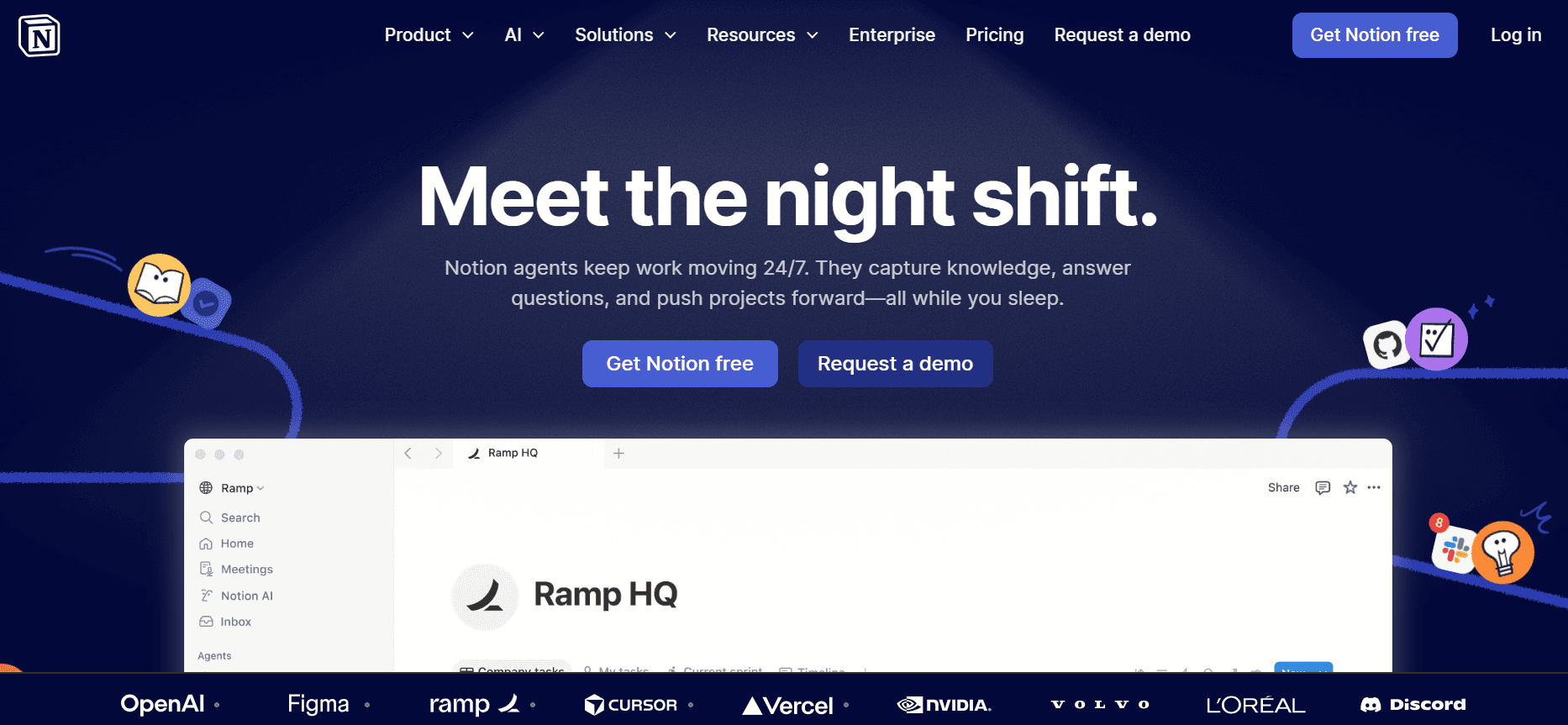
Notion is a versatile tool known for its flexibility and ease of use, making it popular for a variety of documentation needs. It allows teams to create detailed guides, embed multimedia, and collaborate effectively. While it doesn't specialize in user guides, its broad capabilities make it suitable for teams looking for an all-in-one solution. However, it lacks some specific features like auto-capture and advanced AI writing.
Key Features
Flexible Content Creation Platform
Multimedia Embedding Options
Collaboration and Sharing Tools
Search and Navigation Features
Customizable Templates
Web and PDF Export Options
Version History and Control
Embedded Databases and Lists
Pros
Cons
Highly flexible and supports a wide range of content types.
No auto-capture feature for steps.
Excellent collaboration and sharing capabilities.
Lacks advanced AI writing support.
Free tier available with useful features.
Can be overwhelming for new users due to its versatility.
Easy to embed and manage multimedia content.
Not specifically tailored for user guide creation.
Pricing
Notion offers a free tier with paid plans starting at $10 per month per user.
Confluence
Confluence is developed by Atlassian and is tailored for teams that need to create collaborative documentation. It's widely used for agile project management and team collaboration, making it suitable for organizations that rely on comprehensive documentation for internal processes. While it excels in team collaboration and integration with other Atlassian tools, it may not have the best features for creating detailed user guides with multimedia content.
Key Features
Strong Team Collaboration Tools
Integration with Atlassian Products
Version Control and History Tracking
Template Library for Quick Setup
Search and Navigation Tools
Web-Based Documentation Platform
Access Control and Permissions
Analytics and Reporting Features
Pros
Cons
Excellent for team collaboration and project management.
No AI writing or auto-capture features.
Integrates seamlessly with Atlassian suite.
More suited for internal documentation than user guides.
Comprehensive version control and history tracking.
No free tier; can be costly for small teams.
Strong search and organizational capabilities.
Limited multimedia support compared to other tools.
Pricing
Confluence does not offer a free tier, with pricing starting at $5 per month per user.
GitBook
GitBook is designed for creating and hosting documentation, particularly for developer guides and API documentation. It provides a clean interface and is highly customizable, making it a favorite among technical teams. While it excels in creating web-based documentation, it might not be the best choice for those needing multimedia support or advanced AI features.
Key Features
Web-Based Documentation Hosting
Clean and Customizable Interface
Markdown Support for Technical Writing
Version Control and Collaboration Tools
Search and Navigation Features
API Documentation Support
Integration with Git Repositories
Custom Domain Support
Pros
Cons
Ideal for developer and API documentation.
Lacks multimedia support such as video embedding.
Highly customizable and integrates with Git.
No AI writing capabilities.
Clean and intuitive interface for writing and hosting content.
Limited free tier with basic features only.
Supports custom domains for branded documentation.
May not suit non-technical teams due to its focus.
Pricing
GitBook provides a limited free tier, with pricing for paid plans starting at $8 per month per user.
User Guide Software Challenges: What Teams Struggle With
Manual Documentation Process
Time-consuming tasks like taking screenshots, writing, and formatting.
Requires significant proofreading to ensure accuracy and consistency.
High potential for human error, leading to inaccuracies.
Resource-intensive, often requiring dedicated personnel or teams.
Outdated Content Post-Release
Frequent product updates make it tough to keep guides current.
Manual updates lag behind product changes, leading to customer confusion.
Outdated guides can damage brand reputation and trust.
Requires continuous monitoring and updating to maintain relevance.
Poor Search and Findability
Complex navigation structures hinder users from finding needed information.
Lack of advanced search features results in inefficient information retrieval.
Inadequate indexing and categorization exacerbate accessibility issues.
User frustration increases when answers are hard to locate.
Documentation Siloed Across Tools
Information scattered in different platforms like Notion, Word, and Google Docs.
Lack of a centralized system complicates information management.
Collaboration is hindered when content is not easily accessible by all team members.
Increases the risk of duplication and inconsistency across documents.
Inconsistent Format and Style
Different team members use varying styles and formats.
Lack of standardized templates or guidelines leads to a disjointed user experience.
Inconsistencies can reduce professional credibility and user trust.
Requires additional effort to unify documentation across teams.
Challenge
Traditional Process
Business Impact
Time Cost
Manual Documentation
Manual writing and formatting by team members.
High risk of errors and lower productivity.
8-12 hours per guide
Outdated Content
Infrequent manual updates after product changes.
Customer dissatisfaction and increased support tickets.
2-4 hours per update cycle
Poor Searchability
Basic keyword search with no filtering.
Reduced user engagement and higher abandonment rates.
Ongoing impact due to inefficiency
Documentation Siloes
Scattered documentation across multiple tools.
Increased redundancy and decreased collaboration.
Continuous time loss in managing scattered documents
Inconsistent Format
No standardized templates or style guides.
Unprofessional appearance and brand dilution.
2-3 hours for style harmonization per document
Must-Have Features in User Guide Software
Auto Step Capture
This feature allows tools to automatically record steps as you execute tasks on your screen. This significantly reduces the time spent on capturing screenshots and documenting each step manually. Tools like Trupeer and Scribe excel in this area, providing seamless step capture functionality that automatically converts actions into documented steps.
By automating this process, teams can focus more on refining the content rather than spending hours on tedious data entry. This feature not only speeds up the creation process but also minimizes errors associated with manual documentation.
AI-Written Step Instructions
AI writing capabilities enhance the documentation process by generating step-by-step instructions based on captured actions. This not only ensures consistency in language and style but also improves accuracy by reducing human error. Trupeer incorporates advanced AI to assist in generating clear and concise instructions.
AI writing is particularly beneficial for teams that lack dedicated technical writers, as it aids in maintaining a professional tone and clarity across all documentation. This feature is crucial for ensuring that user guides are both accessible and easy to understand for the end-user.
Video Embedding Alongside Text
Providing users with multimedia options enhances comprehension, especially for complex procedures that benefit from visual demonstration. Tools such as Tango specialize in embedding and annotating video content within guides, offering users a richer learning experience.
Video support is essential for effectively conveying intricate processes that are difficult to describe with text alone. This feature helps cater to different learning preferences and can significantly improve user engagement and satisfaction.
Multi-Format Export
The ability to export documentation in various formats such as PDF, HTML, and web-based platforms is essential for reaching a wider audience. Trupeer and Document360 facilitate easy conversion of guides into multiple formats, ensuring compatibility with different user needs and preferences.
Multi-format export ensures that documentation can be accessed in the most convenient form for users, whether they prefer printed guides or digital formats. This flexibility is crucial for accommodating diverse environments and user requirements.
Version Control and Quick Update Workflows
Version control is a critical feature that allows teams to track changes, revert to previous versions, and manage updates efficiently. Confluence and GitBook offer robust version control systems that ensure documentation stays relevant and accurate over time.
Quick update workflows allow teams to rapidly implement changes without compromising the integrity of the documentation. This feature is vital for maintaining up-to-date user guides, especially in fast-paced industries where product changes occur frequently.
Collaborative Team Workspaces
Collaboration features enable teams to work together effectively on documentation projects. Notion and Confluence are strong in this area, providing tools for real-time collaboration, commenting, and feedback collection.
These collaborative environments not only facilitate teamwork but also improve the quality of the final product by incorporating diverse perspectives and expertise. Effective collaboration tools are indispensable for teams that prioritize efficiency and quality in their documentation efforts.
How to Choose User Guide Software Based on Your Use Case
Product User Manuals and Help Center Articles
For companies that need comprehensive product manuals and help center articles, the priority is often on producing detailed documentation quickly and efficiently. These manuals are crucial for customer satisfaction as they provide essential guidance and troubleshooting steps.
Key Challenges:
Keeping manuals up-to-date with frequent product updates.
Ensuring manuals are detailed yet easy to understand.
Providing multimedia support to enhance user experience.
Solutions Needed:
Tools with robust version control and quick update features.
AI-powered writing to streamline content creation.
Multimedia support for a richer user experience.
Tool
Version Control
AI Writing
Multimedia Support
Trupeer
Yes
Yes
Yes
Document360
Yes
No
Yes
Tango
Yes
No
Yes
Internal SOP Documentation
Standard Operating Procedures (SOPs) are vital for maintaining consistency and ensuring compliance across an organization. These documents need to be clear, concise, and accessible to all relevant team members.
Key Challenges:
Ensuring consistency in format and style across documents.
Facilitating easy updates and revisions.
Providing easy access for all team members.
Solutions Needed:
Standardized templates for uniformity.
Version control for easy updates and revisions.
Collaborative features for team access and input.
Tool
Templates
Version Control
Collaboration
Notion
Yes
Yes
Yes
Confluence
Yes
Yes
Yes
Scribe
Limited
No
Yes
IT System and Admin Guides
IT system and admin guides often require a high level of technical detail and precision. These guides are essential for system administrators and IT teams to manage and troubleshoot systems effectively.
Key Challenges:
Documenting complex technical processes accurately.
Ensuring guides are comprehensive yet easy to navigate.
Providing ongoing access to updated information.
Solutions Needed:
Tools with strong search and indexing capabilities.
High customization for technical documentation.
Robust version control to track changes.
Tool
Customization
Search Capability
Version Control
GitBook
Yes
Yes
Yes
Document360
Yes
Yes
No
Trupeer
Yes
Yes
Yes
Customer-Facing Knowledge Base
Customer-facing knowledge bases are critical for providing users quick access to information and self-service support. These resources reduce the burden on customer support teams and improve user satisfaction.
Key Challenges:
Ensuring content is easily searchable and accessible.
Providing clear, concise information for a broad audience.
Keeping information current and relevant.
Solutions Needed:
Advanced search and categorization features.
AI writing for streamlined content creation.
Version control for easy updates.
Tool
Search Capability
AI Writing
Version Control
Trupeer
Yes
Yes
Yes
Document360
Yes
No
No
Notion
Yes
Yes
Limited
Best Practices for Creating User Guides
Before Creating Your Guide
Identify the target audience and their specific needs.
Define the scope and objectives of the guide.
Gather all necessary information and resources beforehand.
Choose the right tool with features that fit your needs.
During the Creation Process
Utilize templates to ensure consistency in format and style.
Incorporate multimedia elements for enhanced understanding.
Collaborate with team members to refine content quality.
Make use of AI writing tools to improve efficiency and accuracy.
After Publishing Your Guide
Regularly update content to reflect product changes.
Solicit user feedback to identify areas for improvement.
Monitor analytics to understand user engagement and behavior.
Maintain a centralized repository for easy access and management.
Frequently Asked Questions
What is user guide software? User guide software helps teams create, manage, and update documentation such as manuals and help guides. It simplifies the process through features like auto-capture, AI writing, and multimedia support.
Who benefits from using user guide software? Product managers, technical writers, support teams, and anyone involved in creating instructional content can benefit from these tools. They are essential for businesses that need to provide detailed, up-to-date documentation.
Can user guide software integrate with other tools? Yes, most user guide software offers integration with various platforms like CRM systems, project management tools, and more. Check each tool's documentation for specific integrations available.
Do these tools support multimedia content? Many tools, such as Trupeer and Tango, support embedding videos and images to enhance the user experience. This feature is crucial for visual learners and complex processes.
Is there a free version available? Some tools like Scribe and Notion offer free tiers, which include basic features. For advanced functionality, you may need to upgrade to a paid plan.
How much does user guide software typically cost? Pricing varies based on the tool and features offered. Basic plans start around $10 per month per user, while more advanced tools may cost upwards of $100 per month for teams.
How long does it take to implement user guide software? Implementation time depends on the complexity of the tool and the size of your team. Simple tools can be set up in a few days, whereas more comprehensive solutions may take a few weeks.
What kind of support is available during implementation? Most providers offer onboarding resources, tutorials, and customer support to assist with the implementation process. It's advisable to take advantage of these resources to ensure a smooth transition.
Closing
Choosing the right user guide software can drastically improve your documentation processes, saving time and ensuring accuracy. By understanding your specific use case and the features each tool offers, you can make an informed decision that aligns with your team's needs.
Ready to streamline your documentation process? Explore Trupeer's innovative features and take your user guides to the next level. Visit Trupeer to learn more and get started today.


