Trupeer Blog
AI for Technical Documentation: Complete Guide for 2026
Learn how AI helps create technical documentation faster in 2026. Discover tools, workflows, and best practices for manuals and guides.

Buyer's Overview
Technical documentation teams often find themselves bogged down in formatting and structuring tasks, taking up to 70% of their time, leaving less room for crafting accurate and clear content. The constant need to update documents with every product sprint can become overwhelming. AI for technical documentation is reshaping the way teams work, automating redundant processes and allowing professionals to focus on what truly matters: content quality. According to a recent study, 85% of organizations using AI tools reported a 50% reduction in documentation errors.
"85% of organizations using AI tools reported a 50% reduction in documentation errors."
This guide is tailored for technical writers, content managers, engineering teams, and anyone looking to optimize their documentation workflow through AI. We'll cover leading tools in the industry, their features, and how they can address specific challenges faced by documentation teams.
Best AI Documentation Tools: Head-to-Head Comparison
Feature | Trupeer | Scribe | Tango | Document360 | Notion AI | Confluence AI | GitBook AI | Archbee |
|---|---|---|---|---|---|---|---|---|
Core Features | ||||||||
AI Writing | Yes | Yes | No | Yes | Yes | Yes | Yes | Yes |
Auto Step Capture | Yes | Yes | Yes | No | Limited | No | Yes | Yes |
Screenshot Annotation | Yes | Yes | Limited | No | Yes | No | Yes | Yes |
AI Capabilities | ||||||||
AI Voiceover | Yes | No | No | Limited | Yes | No | Limited | No |
Video Generation | Yes | No | No | No | Limited | No | Yes | No |
Professional Features | ||||||||
Smart Templates | Yes | Limited | Limited | Yes | Yes | Yes | Yes | Yes |
Multi-language | Yes | No | No | Yes | Yes | Yes | Yes | Yes |
Integrations | ||||||||
API Integration | Yes | Yes | No | Yes | Limited | Yes | Limited | Yes |
Free Tier | Yes | Yes | Yes | No | Yes | No | Limited | Yes |
Trupeer
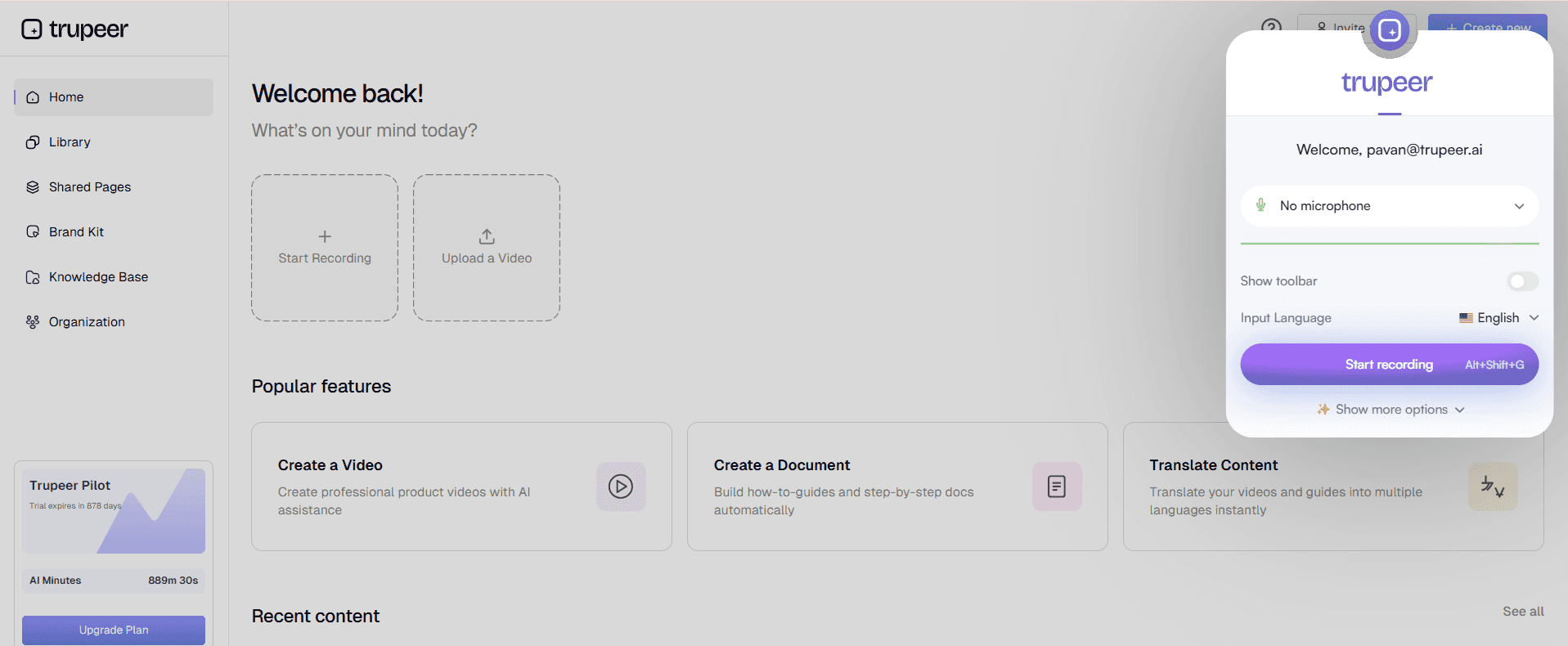
Trupeer stands out as a comprehensive AI-driven tool designed to simplify technical documentation. It's tailored for technical writers and product teams who require precision and efficiency. Trupeer offers intelligent document creation, which reduces the time spent on drafting and editing. Its AI capabilities extend to voiceover and video generation, allowing teams to create rich multimedia content effortlessly.
Key Features
AI-powered writing assistant
Automatic step capture from screen activity
Smart screenshot annotation
AI voiceover for video documentation
Multi-language support
API integration for seamless workflows
Customizable smart templates
Video generation capabilities
"Trupeer has transformed our documentation process, making it quicker and more precise than ever before."
Pros | Cons |
|---|---|
Comprehensive AI features for writing and multimedia. | Learning curve for new users. |
Supports over 20 languages. | Requires a stable internet connection for full functionality. |
Customizable smart templates streamline workflows. | No offline mode available. |
Pricing
Trupeer offers a free tier with basic features. Paid plans start at $25 per user per month.
Scribe
Scribe is a popular tool for teams that focus heavily on process documentation. It's ideal for industries where step-by-step guides are crucial, such as manufacturing and healthcare. Scribe excels in capturing detailed workflows and translating them into easy-to-understand documents.
Key Features
Step-by-step process capture
Automated documentation generation
Collaboration tools for team efficiency
Integration with popular project management tools
Secure cloud storage for documents
Template library for quick document creation
Multi-format export options
API for custom integrations
Pros | Cons |
|---|---|
Excellent for capturing detailed workflows. | Limited AI voiceover and video features. |
Seamless integration with project management tools. | No multi-language support. |
Secure document storage with easy access. | Basic version lacks advanced AI capabilities. |
Pricing
Scribe offers a free tier with limited features. Paid plans start at $15 per user per month.
Tango
Tango is designed for teams that need quick and accessible documentation solutions. It's particularly useful for startups and small businesses that require efficient onboarding and training materials. Tango provides an intuitive interface that makes it easy to capture and share workflows in minutes.
Key Features
Simple workflow capture
Instant sharing options
Basic screenshot annotation
Collaboration features for team projects
Cloud-based document storage
Customizable templates
User-friendly interface
Quick onboarding process
Pros | Cons |
|---|---|
Easy to use for quick documentation. | Limited AI capabilities. |
Perfect for small teams and startups. | No video or voiceover capabilities. |
Fast onboarding and training documentation. | Basic screenshot annotation features. |
Pricing
Tango provides a free version with core features. Paid plans begin at $10 per user per month.
Document360
Document360 caters to businesses that require robust knowledge base solutions. It's suitable for companies with extensive documentation needs, such as SaaS providers and IT firms. Document360 offers a powerful platform for creating, managing, and sharing knowledge easily.
Key Features
Comprehensive knowledge base management
Advanced search functionality
Version control for documents
Customizable branding options
Integration with third-party tools
Analytics and reporting features
Multi-language support
User roles and permissions management
Pros | Cons |
|---|---|
Extensive knowledge base capabilities. | No AI voiceover or video generation. |
Great for large teams with complex documentation needs. | Higher price point for advanced features. |
Offers detailed analytics and reporting. | Limited AI writing features. |
Pricing
Document360 doesn't offer a free tier. Paid plans are available starting at $99 per project per month.
Notion AI
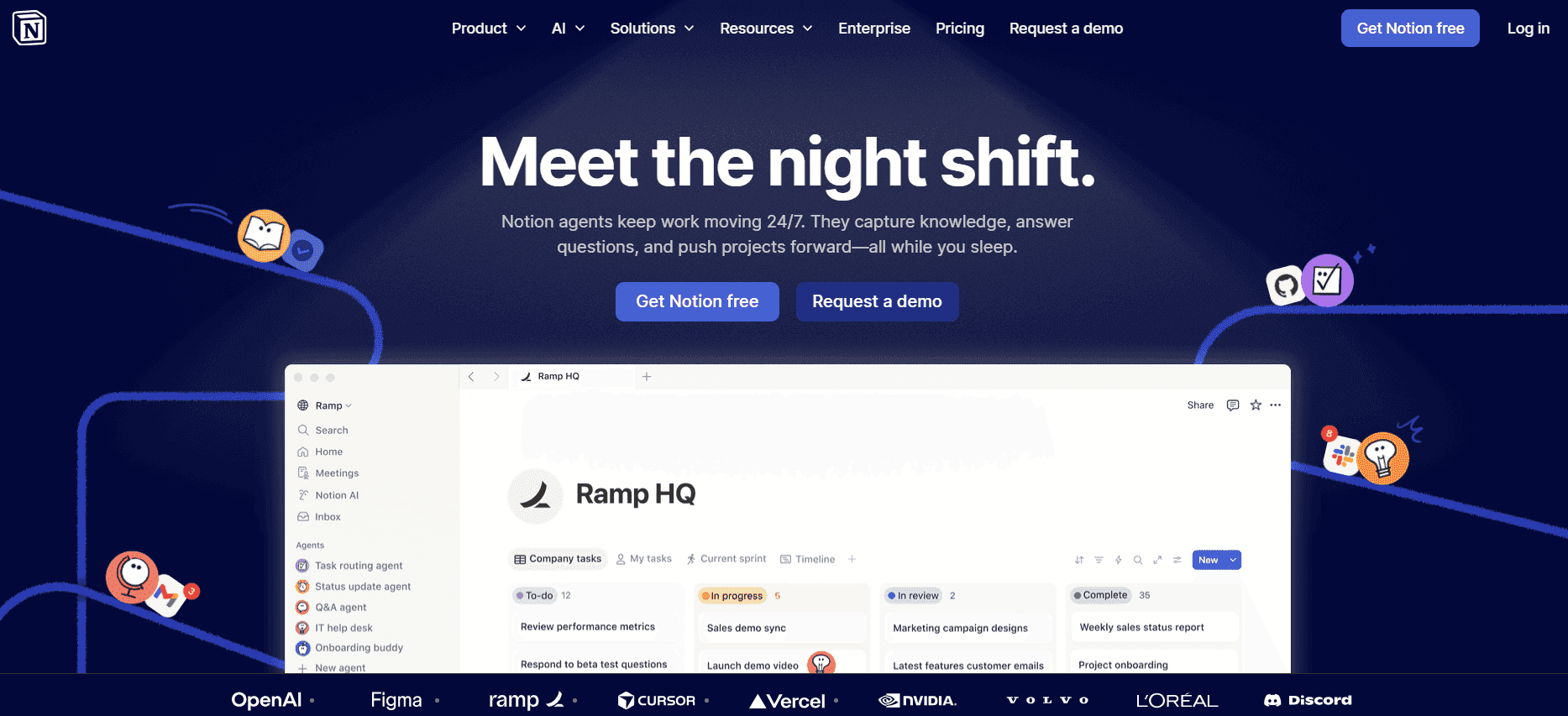
Notion AI provides a flexible platform that combines note-taking, task management, and AI-enhanced writing. It's ideal for creative teams and individuals who need an all-in-one workspace. Notion AI excels in providing an adaptable environment for various documentation needs.
Key Features
AI-enhanced writing and notes
Task and project management tools
Collaboration features for teams
Customizable workspace organization
Database and spreadsheet handling
Integration with multiple apps
Multi-language support
Smart templates for diverse projects
Pros | Cons |
|---|---|
Combines writing, task management, and collaboration. | Limited video and voiceover capabilities. |
Highly adaptable for various documentation needs. | Can be overwhelming for new users. |
Integrates well with a wide range of apps. | Requires time to set up and organize fully. |
Pricing
Notion AI offers a free plan with basic functionalities. Paid plans start at $8 per user per month.
Confluence AI

Confluence AI is part of the Atlassian suite, offering a robust platform for collaboration and document management. It's ideal for large enterprises and teams that require comprehensive integration with other Atlassian products. Confluence AI enhances productivity through seamless collaboration features.
Key Features
Document collaboration and sharing
Integration with Atlassian tools
Advanced search and organization options
Customizable user permissions
Template library for fast setup
AI-powered content suggestions
Multi-language capabilities
Robust security features
Pros | Cons |
|---|---|
Seamless integration with Atlassian products. | Limited standalone AI features. |
Excellent for large teams needing collaboration. | Complex for users not familiar with Atlassian. |
Strong security and user permissions. | Higher cost for smaller teams. |
Pricing
Confluence AI doesn't offer a free tier. Paid plans start at $10 per user per month.
GitBook AI
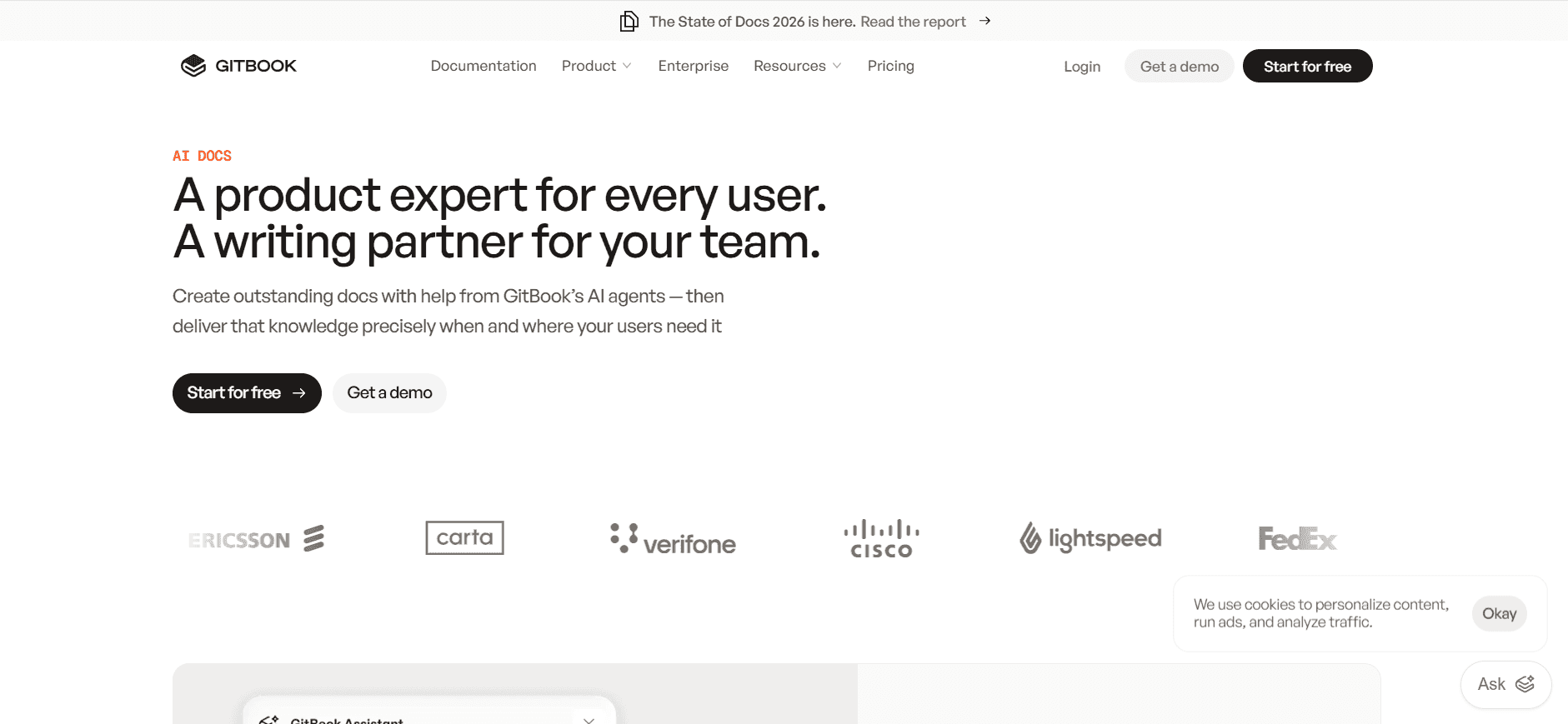
GitBook AI is a documentation tool known for its simplicity and efficiency. It caters to software development teams who need a straightforward way to document code and APIs. GitBook AI simplifies the creation of developer-friendly documentation with its intuitive features.
Key Features
Markdown-based editor
Real-time collaboration
Version control for documents
Integration with GitHub and other repositories
Custom domain and branding options
API documentation generation
Multi-language support
Search and navigation features
Pros | Cons |
|---|---|
Perfect for developer documentation. | Limited multimedia capabilities. |
Simple and effective Markdown-based editor. | No voiceover or video generation. |
Seamlessly integrates with Git repositories. | Basic features in the free version. |
Pricing
GitBook AI offers a limited free tier. Paid plans start at $4 per user per month.
Archbee
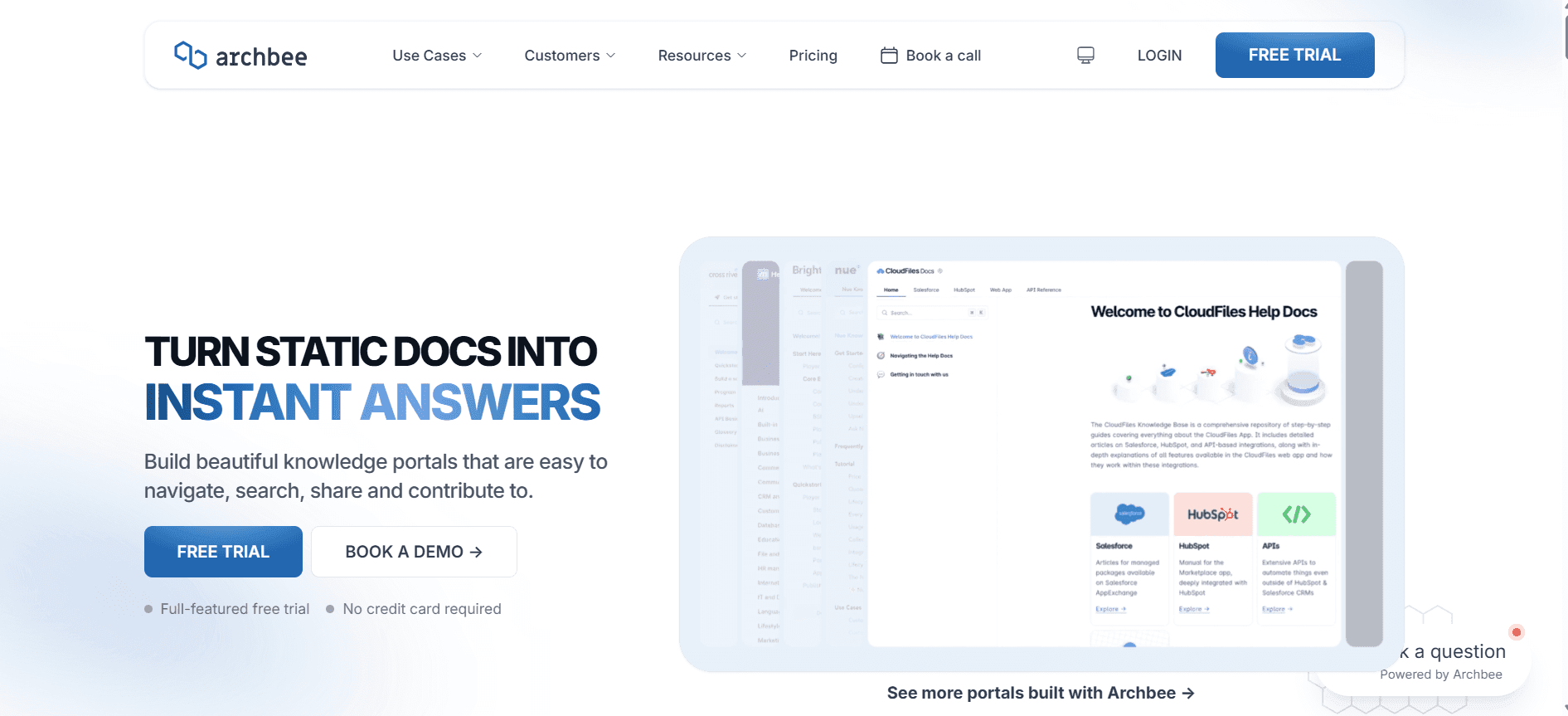
Archbee is a powerful documentation tool for startups and tech companies. It's designed to make documentation easy and accessible, with features that support team collaboration and knowledge sharing. Archbee is well-suited for teams that need to create internal documentation quickly and efficiently.
Key Features
Real-time collaborative editor
Custom branding for documents
Integration with Slack, GitHub, and more
Version history and control
Multi-language support
Template library for rapid documentation
API and code documentation support
Search and indexing features
Pros | Cons |
|---|---|
Great for internal team documentation. | Limited AI writing features. |
Seamless integration with popular tools. | No video or voiceover options. |
Customizable branding and templates. | Higher cost for additional integrations. |
Pricing
Archbee offers a free tier with basic features. Paid plans start at $6 per user per month.
AI Documentation Challenges: What Teams Struggle With
1. Creating First Drafts Takes Too Long
Even experienced writers can spend hours on initial drafts, delaying project timelines.
Manual drafting often results in inconsistent quality, requiring additional review cycles.
Without AI assistance, writers may struggle to maintain a consistent tone and style.
Drafting from scratch increases cognitive load, leading to writer fatigue.
2. Keeping Documentation Current with Every Product Sprint
Frequent product updates necessitate constant documentation revisions.
Lack of synchronization between development and documentation teams can lead to outdated information.
Manual updates are prone to errors, impacting document reliability.
Rapid release cycles leave little time for thorough documentation updates.
3. Inconsistent Formatting Across Different Team Members
Varied writing styles can confuse readers and dilute the brand voice.
Inconsistent formatting increases the time needed for final reviews and approvals.
Without standard templates, documents may not adhere to company guidelines.
Disparate formatting requires additional time for alignment and consistency checks.
4. No Automatic Screenshot or Step-Capture Capabilities
Manually capturing and annotating screenshots is time-consuming and cumbersome.
Lack of automation can lead to missed steps or inaccurate visual guides.
Manual processes reduce scalability, especially for large documentation projects.
Errors in visual documentation can lead to user frustration and increased support tickets.
5. Translation and Localization Create Bottlenecks for Global Teams
Manual translation processes are slow and resource-intensive.
Localized documents often need multiple rounds of review, delaying publication.
Inaccurate translations can lead to misunderstandings and user dissatisfaction.
Without AI, managing multiple language versions is labor-intensive and costly.
Challenge | Traditional Process | Business Impact | Time Cost |
|---|---|---|---|
Creating First Drafts | Manual writing | Inconsistent quality, longer reviews | 5-10 hours per document |
Keeping Documentation Current | Manual updates | Outdated information, increased errors | 3-5 hours per update |
Inconsistent Formatting | Varied team styles | Confusion, brand dilution | 2-4 hours per document |
No Automatic Screenshot Capture | Manual annotation | Missed steps, user frustration | 2-3 hours per visual guide |
Translation and Localization | Manual translation | Delays, increased costs | 10-20 hours per language |
Must-Have Features in AI Documentation Tools
AI Writing and Auto-Completion
AI writing tools automate the creation and completion of documentation, reducing the cognitive load on writers. These tools use natural language processing to generate coherent text, ensuring consistency and tone alignment across documents. For example, Trupeer's AI writing assistant reduces drafting time by up to 50%, allowing teams to focus more on quality content curation.
Auto-completion features further enhance efficiency by predicting and suggesting text as you type. This function is particularly beneficial for repetitive tasks or frequently used phrases, ensuring that writers maintain a steady pace without sacrificing quality.
Automated Step Capture from Screen Activity
Automated step capture tools allow you to record workflows directly from screen activity, transforming them into detailed documentation instantly. This feature is invaluable for creating user guides or process documents that require precise step-by-step instructions. Tools like Scribe excel in capturing these processes, simplifying the task of translating complex workflows into accessible documents.
By eliminating the need for manual input, automated step capture ensures accuracy and completeness in documentation, which is crucial for user satisfaction and operational efficiency.
Smart Screenshot Annotation
Smart screenshot annotation tools enable users to capture, annotate, and insert screenshots with minimal effort. These features are essential in visual-heavy documentation where screenshots play a critical role in user understanding. Tango offers basic annotation capabilities, providing accessible tools for startups and small teams.
Annotations can include highlights, labels, and arrows that guide users through processes, enhancing clarity and reducing support queries. This automated approach also ensures consistency across visual elements, critical for maintaining professional standards.
AI Voiceover Generation for Video Docs
AI voiceover generation is a game-changer for teams producing video documentation. It allows for the quick creation of professional-quality voiceovers without the need for human voice actors. Trupeer's AI voiceover capabilities enable teams to produce multimedia content that aligns perfectly with their textual documentation.
This feature is especially useful for tutorials and training videos, providing an engaging and accessible experience for users. By automating voiceover production, teams can significantly cut down on time and costs associated with traditional recording and editing processes.
One-Click Export in Multiple Formats (PDF, HTML, Markdown)
The ability to export documents in multiple formats with a single click is a must-have for efficient documentation management. This feature supports diverse distribution needs, whether you’re publishing online or providing offline access. Tools like Notion AI excel in offering a range of export options, supporting seamless transitions between different document formats.
One-click export streamlines the publication process, ensuring that documents are readily available in the required format without the need for additional conversion tools. This capability is essential for maintaining a consistent output across various platforms and devices.
Multi-language Support
In a globalized business environment, multi-language support is critical for reaching diverse audiences. AI documentation tools with robust translation capabilities enable teams to create localized content rapidly. Document360 provides excellent multilingual features, ensuring that documentation is accessible to users worldwide.
Automated translations reduce the workload on human translators and increase the speed of content delivery. This feature ensures that all users, regardless of language, have access to accurate and timely information, enhancing the overall user experience and satisfaction.
How to Choose AI Documentation Tools Based on Your Use Case
Product Documentation Teams at SaaS Companies
SaaS companies require robust documentation to support continuous product updates and customer onboarding. The primary goal is to produce accurate, up-to-date guides that enhance user experience and reduce support tickets.
Key Challenges:
Rapid product changes require frequent documentation updates.
Ensuring consistency and accuracy across multiple documents.
Scaling documentation processes to match product growth.
Solutions Needed:
AI writing and auto-completion to streamline drafting.
Automated update alerts for synchronization with product releases.
Multi-user collaboration features for team efficiency.
Tool | AI Writing | Auto-Updates | Collaboration |
|---|---|---|---|
Trupeer | Yes | Yes | Yes |
Scribe | Yes | No | Yes |
Technical Writers and Content Operations
Technical writers need tools that enhance their ability to produce high-quality, detailed documents efficiently. The focus is on minimizing repetitive tasks and maximizing content quality.
Key Challenges:
High volume of writing leads to burnout and errors.
Maintaining a consistent style across various documents.
Time-consuming manual formatting and editing.
Solutions Needed:
AI-powered writing assistants to reduce workload.
Style and grammar checks for uniformity.
Automated formatting tools to save time.
Tool | AI Assistant | Style Check | Auto-Formatting |
|---|---|---|---|
Notion AI | Yes | Yes | Yes |
Document360 | No | Limited | Yes |
Engineering and API Documentation
Engineering teams require documentation tools that integrate seamlessly with code repositories and enable the creation of precise API documentation. The focus is on accuracy and integration with development workflows.
Key Challenges:
Ensuring API documentation is up-to-date with code changes.
Integrating documentation with existing development tools.
Maintaining technical accuracy and completeness.
Solutions Needed:
Version control integration with Git and other repositories.
Automated API documentation generation tools.
Real-time collaboration features for developer input.
Tool | Version Control | API Generation | Collaboration |
|---|---|---|---|
GitBook AI | Yes | Yes | Yes |
Archbee | Yes | Limited | Yes |
HR and Compliance Documentation
HR teams need tools that simplify the creation and updating of compliance-related documents. The focus is on ensuring legal accuracy and ease of access for employees.
Key Challenges:
Frequent updates required by regulatory changes.
Ensuring documents are easily accessible to all employees.
Maintaining confidentiality and security of sensitive information.
Solutions Needed:
Automated update notifications for compliance changes.
Secure document management systems.
User-friendly access protocols for employee use.
Tool | Compliance Updates | Secure Access | User-Friendly |
|---|---|---|---|
Document360 | Yes | Yes | Yes |
Confluence AI | Limited | Yes | Yes |
Best Practices for Implementing AI Documentation Tools
Before Implementation
Identify specific pain points and objectives for your documentation process.
Evaluate current workflows to determine where AI can add the most value.
Research and shortlist tools that align with your business needs and budget.
Engage stakeholders across departments for input and buy-in.
During Implementation
Conduct thorough onboarding sessions to familiarize teams with new tools.
Customize tools to fit your existing workflows and document standards.
Set up regular training sessions to ensure continuous learning and adaptation.
Establish clear guidelines for AI tool usage and human oversight.
After Implementation
Gather feedback from users to identify areas for improvement.
Monitor the impact of AI tools on documentation quality and efficiency.
Regularly update tools and processes to keep pace with technological advancements.
Celebrate successes and share learnings across the organization to encourage adoption.
Frequently Asked Questions
What is AI for technical documentation?
AI for technical documentation involves using artificial intelligence to automate tasks like writing, editing, and formatting, making the documentation process faster and more efficient.
Who can benefit from AI documentation tools?
Technical writers, content managers, product teams, and any organization that requires detailed and accurate documentation can benefit from AI documentation tools.
How do AI tools ensure the accuracy of documentation?
AI tools use natural language processing and machine learning algorithms to produce accurate content, though human oversight is often recommended to ensure technical precision.
Can AI tools be integrated with existing software systems?
Yes, many AI documentation tools offer API integrations and can work alongside existing software systems and platforms.
Are there free versions of AI documentation tools available?
Yes, many tools offer free tiers with basic features, allowing users to test the software before committing to a paid plan.
What factors influence the pricing of AI documentation tools?
Pricing is typically influenced by the number of users, the complexity of features, and the level of support and customization required.
How long does it take to implement an AI documentation tool?
The implementation time varies by tool and organizational needs but can typically range from a few days to several weeks, depending on the complexity and scale of deployment.
What support is available during the implementation phase?
Most vendors offer onboarding, training, and technical support to assist with the implementation and ensure a smooth transition.
Do AI documentation tools require training for effective use?
Yes, training is essential to maximize the benefits of AI tools and ensure that users can effectively incorporate them into their workflows.
Can AI for technical documentation generate demo videos and written docs to embed in documentation?
Yes, and this is one of the most powerful applications of AI for technical documentation in 2026. Rather than treating video content and written documentation as two separate workflows, tools like Trupeer generate both from a single screen recording. The demo video and written doc are produced simultaneously, stay in sync with each other, and can be embedded directly into your technical documentation pages. This is especially valuable for engineering teams who need to ship complete, multi-format documentation alongside every product release without doubling their workload.
How does AI for technical documentation help create developer walkthroughs?
AI dramatically reduces the time and effort required to produce developer walkthroughs one of the most important but often neglected forms of technical documentation. Instead of manually writing out every step of an API integration, SDK setup, or configuration flow, developers can record the process on screen and let the AI generate a structured, annotated walkthrough in minutes. The result includes written steps, screenshots, and an embeddable video all from one recording. Tools like Trupeer and GitBook AI are particularly strong for this use case, with Trupeer adding the video output that GitBook AI lacks.
How does AI support release documentation when new features ship?
Release documentation is notoriously difficult to keep current because it needs to exist the moment a feature goes live. AI tools for technical documentation solve this by making content creation fast enough to be part of the release workflow itself. When a new feature is ready, teams record a screen walkthrough, and the AI generates the release doc including written steps, screenshots, and video in minutes. This eliminates the lag between what ships and what gets documented, ensuring engineers, partners, and users are always working from accurate, up-to-date information.
What is feature-driven content and how does AI help teams create it for technical documentation?
Feature-driven content is documentation that is created specifically around a new feature at the time it ships as part of the release process, not as a retrospective task. For technical documentation teams, this means producing written guides, developer walkthroughs, and demo videos that accompany every feature launch. AI tools make this achievable even for small teams by compressing what used to take days into a workflow that takes minutes. Record the feature, let the AI generate the documentation, and publish alongside the release. Trupeer is particularly well-suited for this because it generates both written docs and a demo video from a single recording, covering all the formats a technical release requires.
Closing
As AI continues to evolve, its role in technical documentation becomes increasingly significant. By automating repetitive tasks, AI tools free up valuable time, allowing teams to focus on enhancing content quality and meeting user needs. Whether you're in software development, HR, or any field requiring precise documentation, AI tools can transform your workflow.
Explore the capabilities of Trupeer and see how it can revolutionize your documentation process. Visit Trupeer to learn more and start your journey towards efficient and effective documentation today.

