
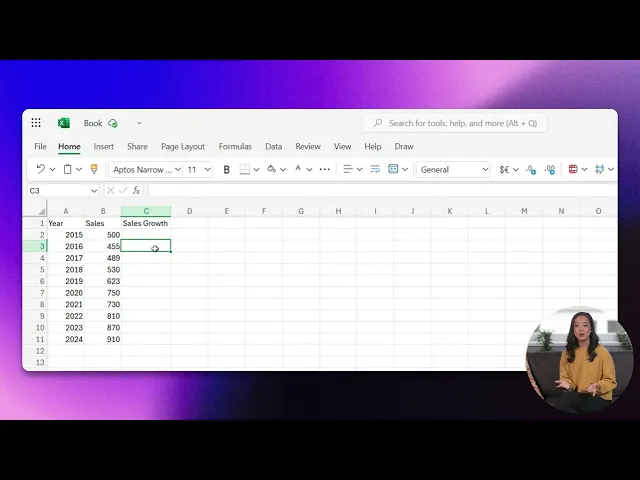
How To Calculate Sales Growth Rate Using Formula
Discover how to calculate sales growth rate using a simple formula. Enhance your business insights and drive growth with our comprehensive guide.
In this process, you will learn how to calculate the sales growth rate using Microsoft Excel. We will cover the necessary steps to calculate the growth rate from existing sales data and convert these calculations into percentage form for better understanding.
Step 1
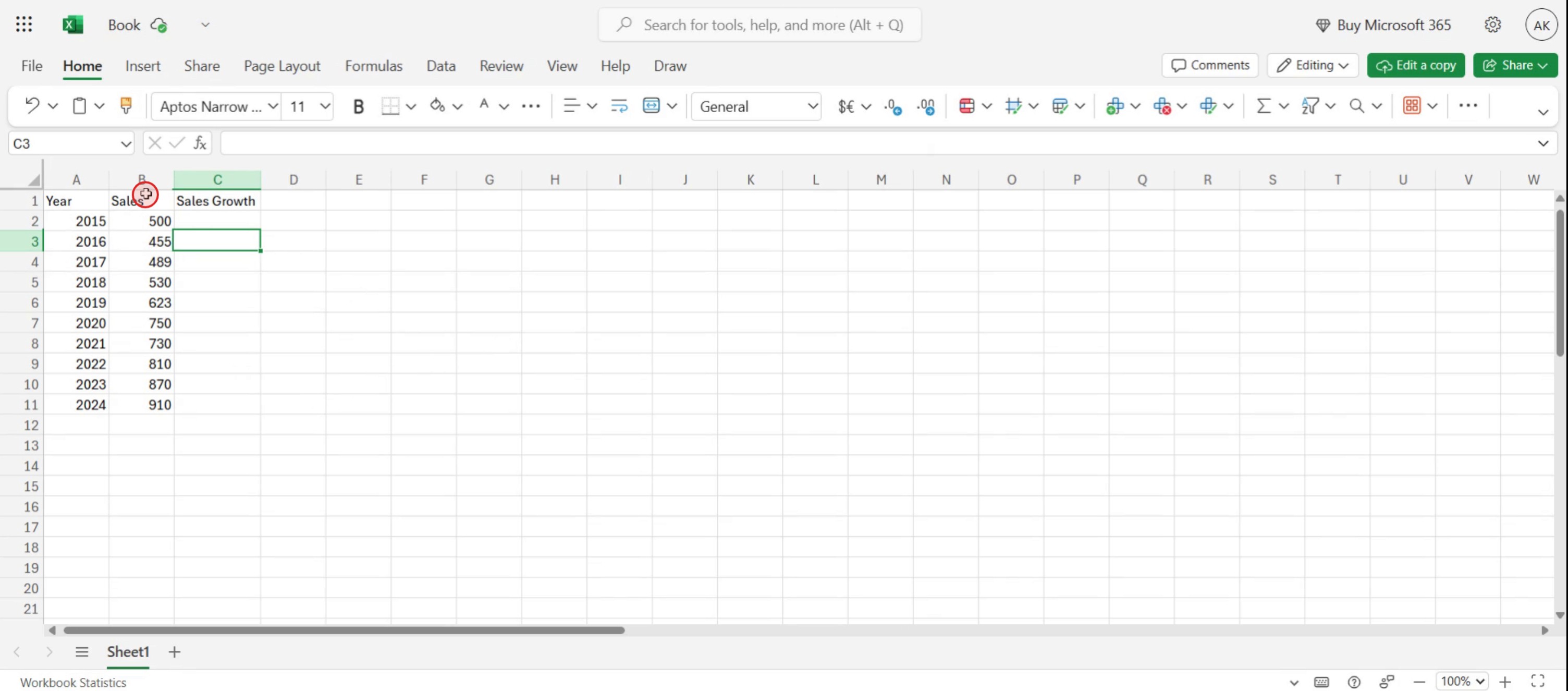
Locate your sales data within the spreadsheet.
Step 2
Click on the 2016 sales growth column and prepare to enter a formula in the formula bar.
Step 3
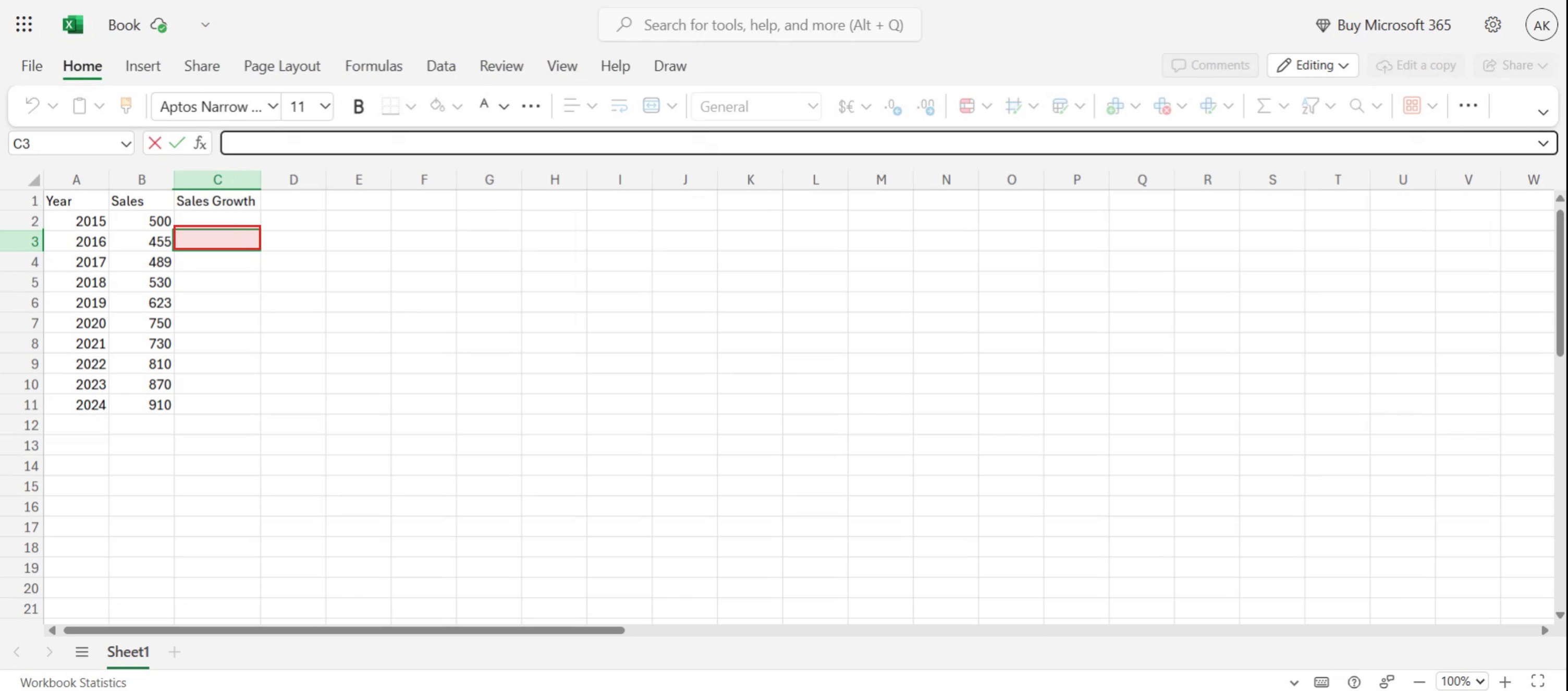
Input the appropriate formula into the formula bar.
Step 4
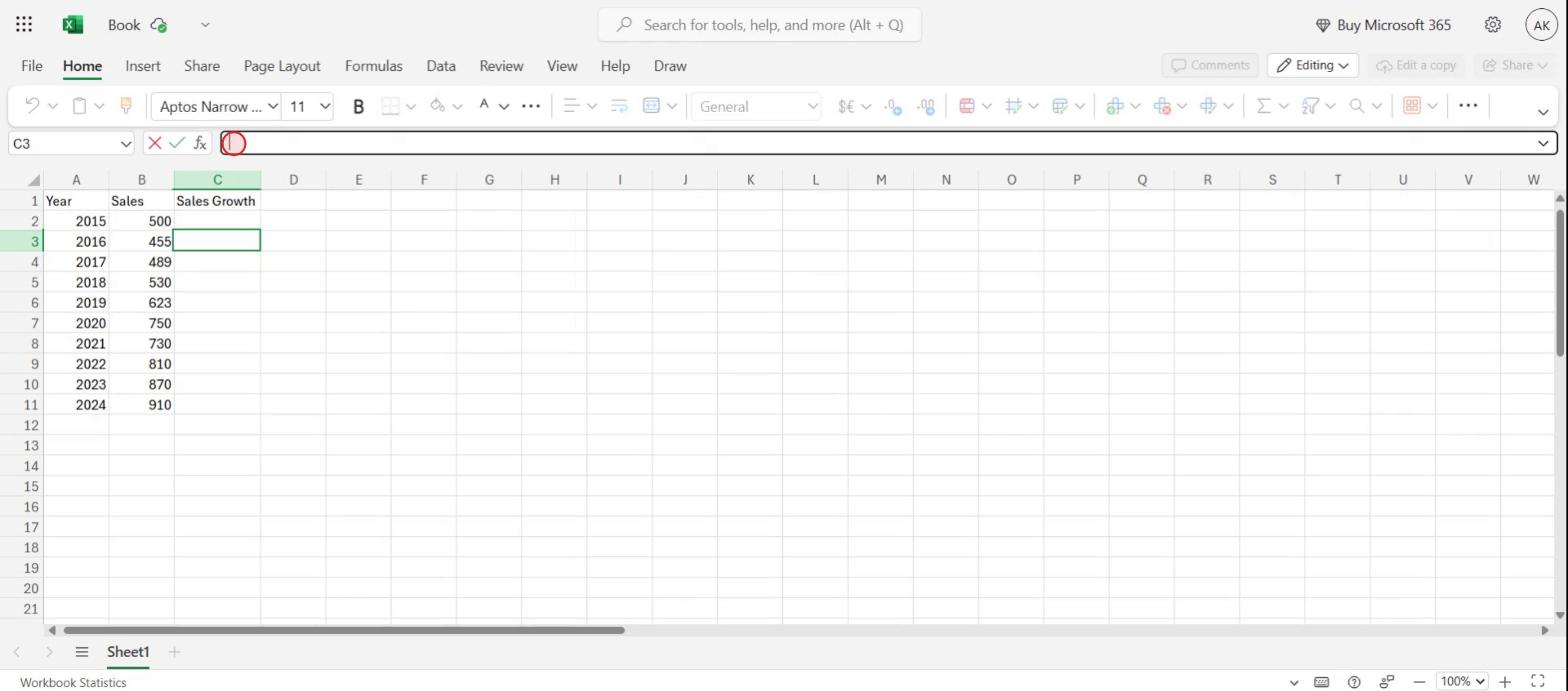
You should enter the exact formula into your Excel sheet as shown. then Press the Enter key.
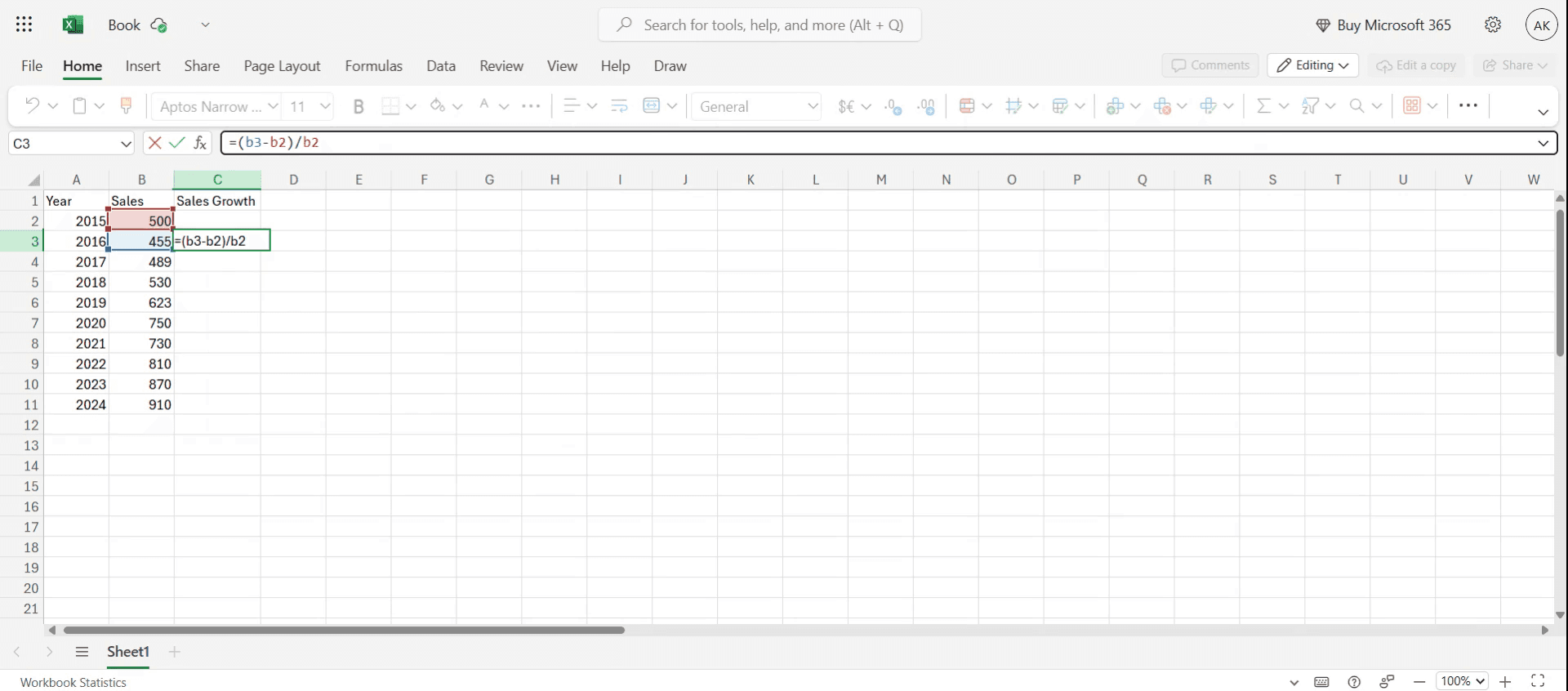
Step 5
Select the cell with the computed value and drag it down to fill the cells.
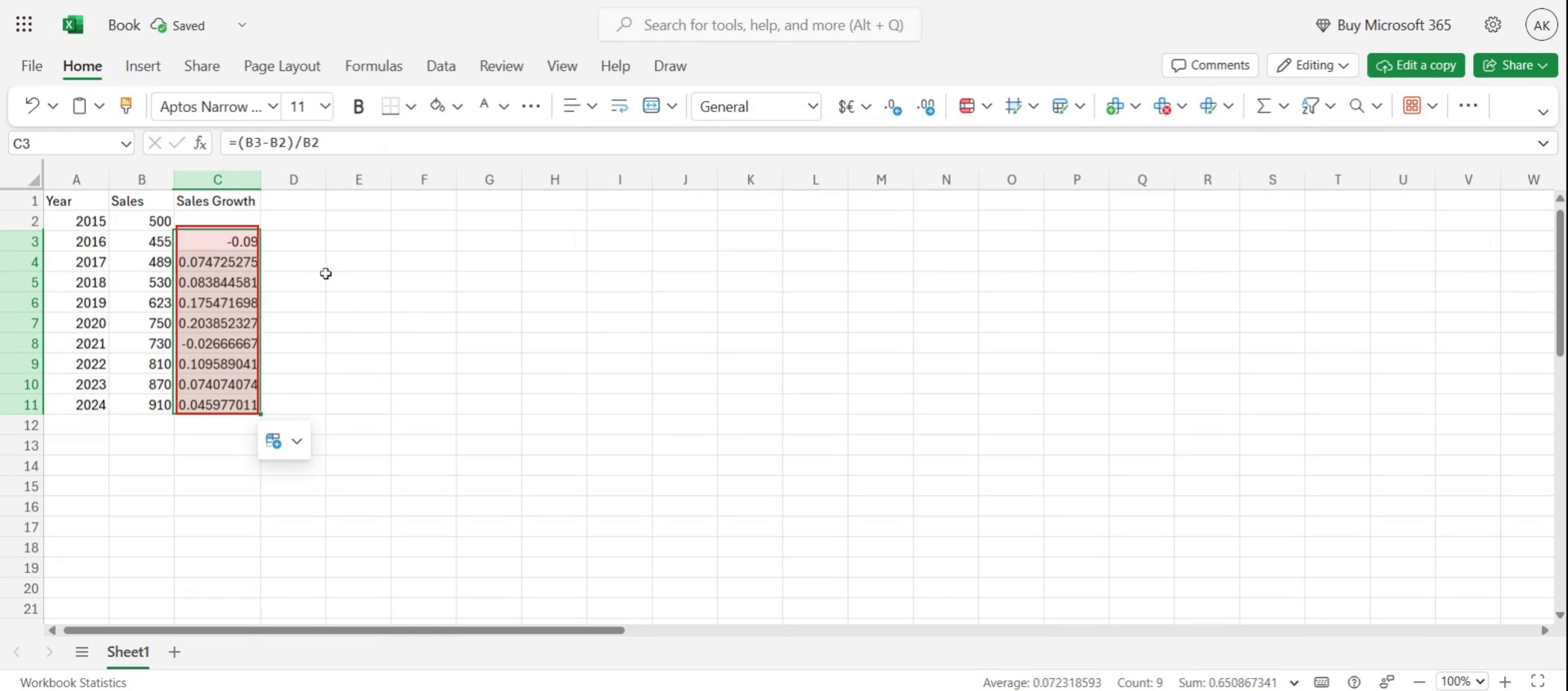
Step 6
The calculated sales growth rates may initially display as decimal values.
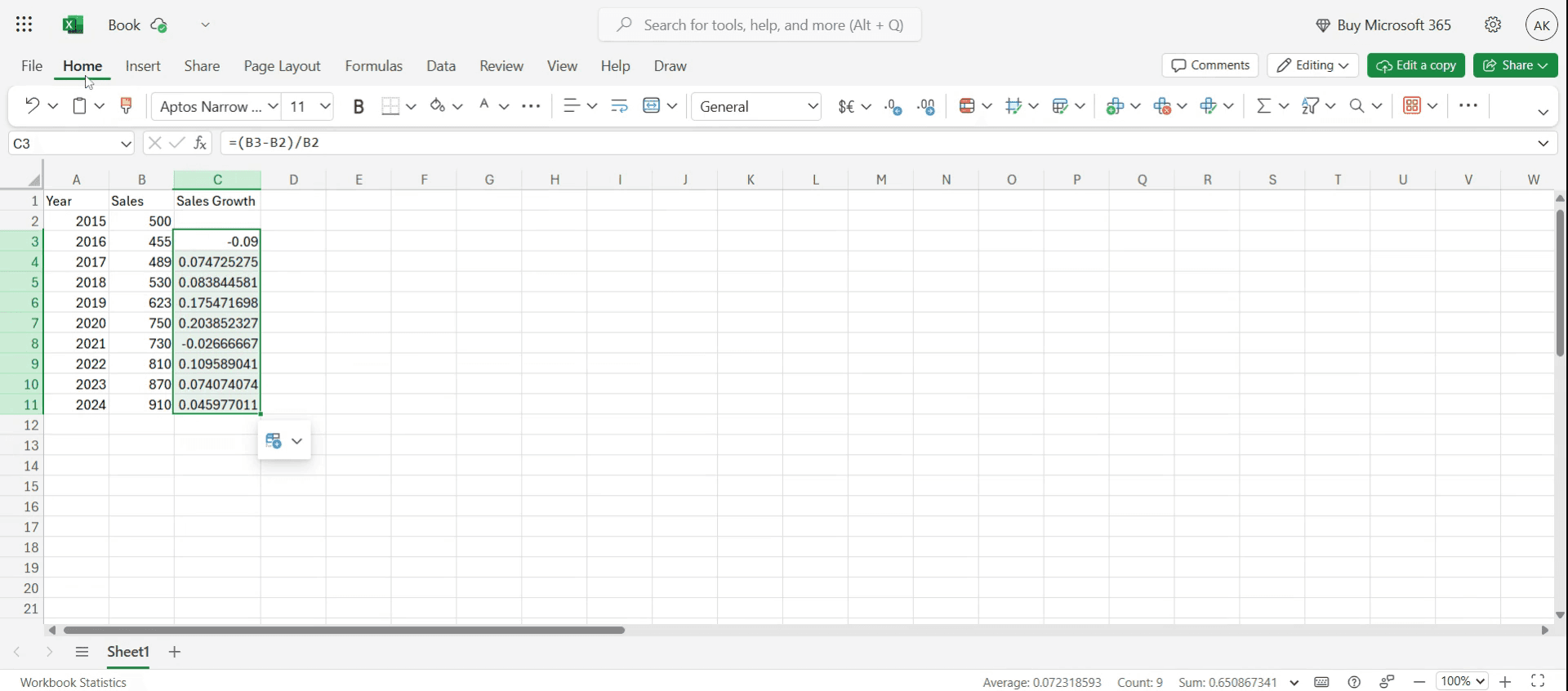
Step 7
Click on percentage from the general dropdown menu.
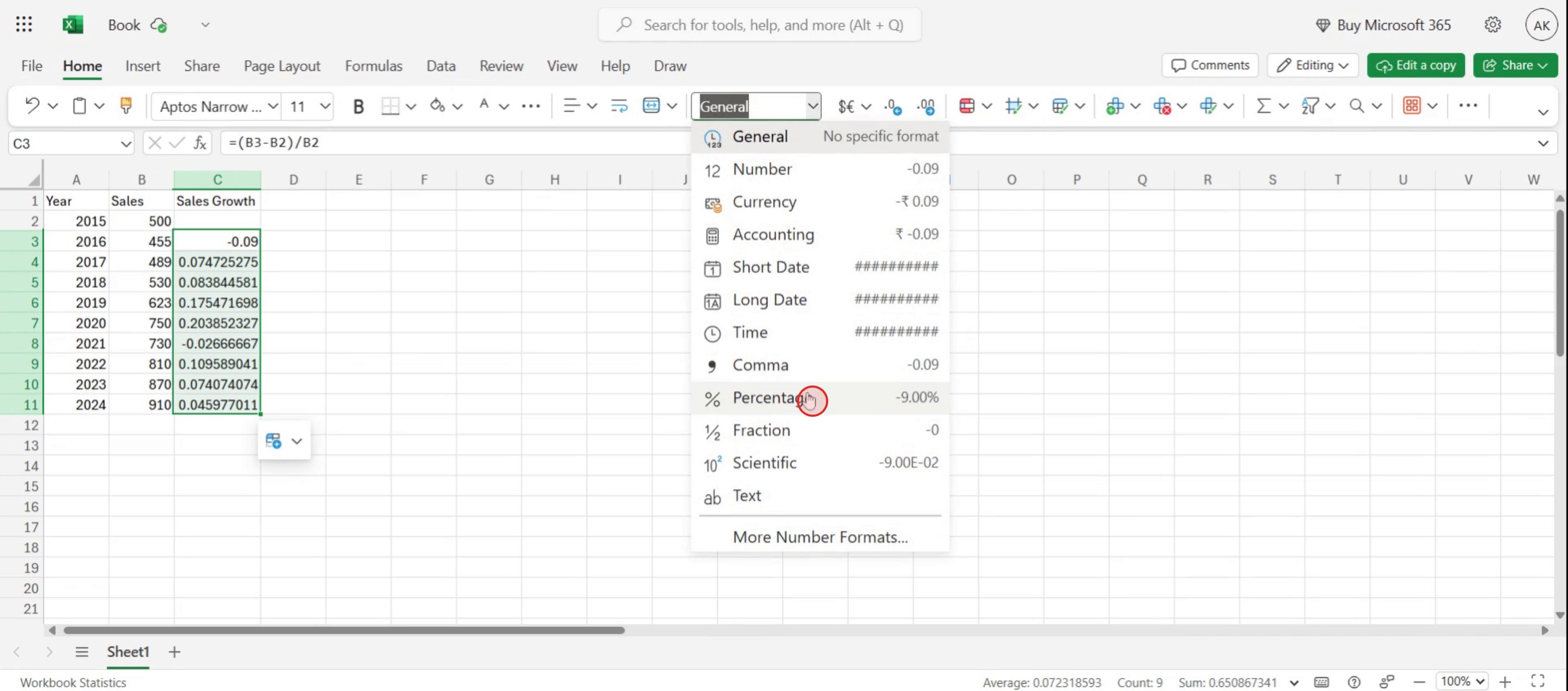
Step 8
This action will convert the decimal values into percentages.
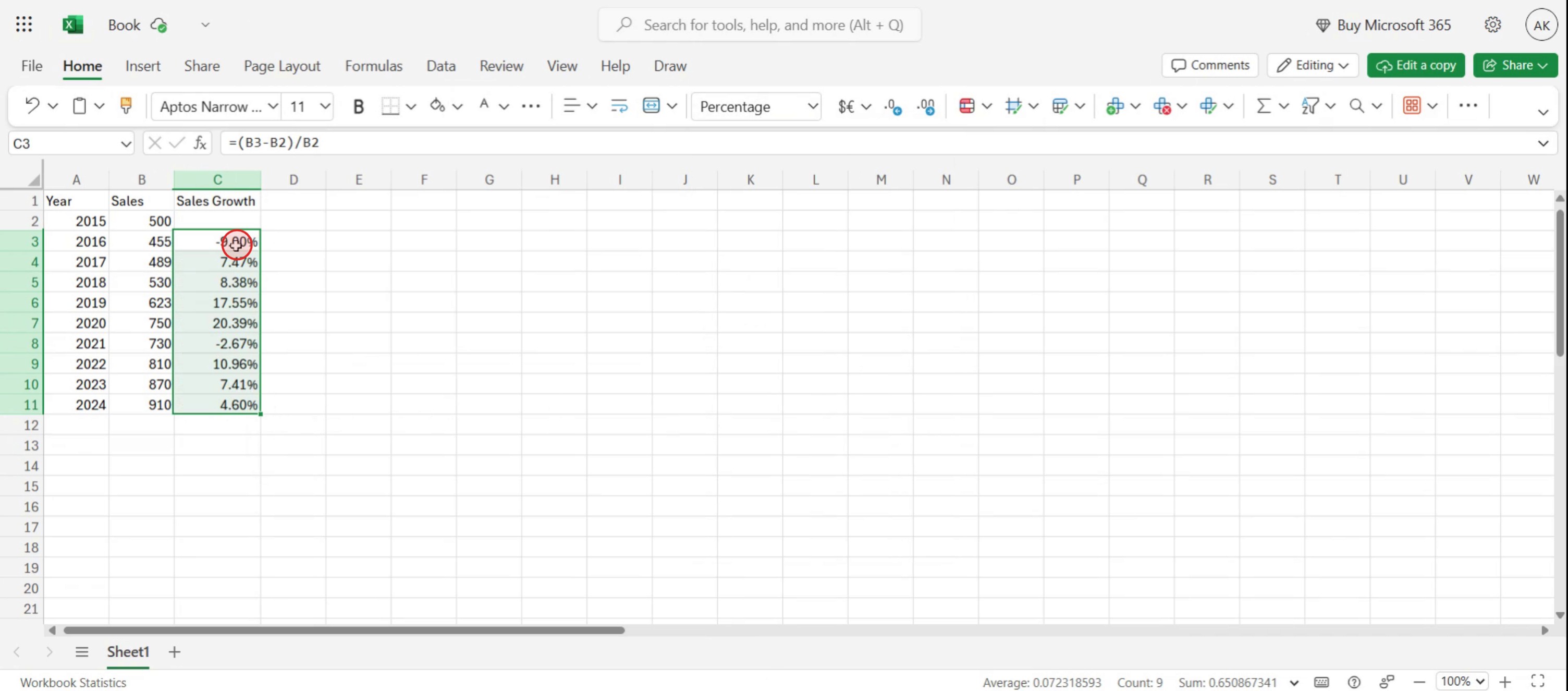
This is a step-by-step guide on how to calculate sales growth rate using formula.
Pro tips for how to calculate sales growth rate using formula
Use the right formula – Always apply the correct sales growth formula:
Growth Rate=(Current Sales−Previous Sales / Previous Sales)×100Consider timeframes – Ensure consistency in the period being measured (monthly, quarterly, or yearly) for accurate comparisons.
Account for anomalies – Exclude one-time events, seasonal spikes, or outliers to get a true reflection of sales growth.
Common pitfalls and how to avoid them
Misplacing numbers in the formula leads to incorrect results—always subtract previous sales from current sales before dividing.
Ignoring negative growth when sales decrease—use absolute values and clearly indicate negative growth trends.
Comparing inconsistent periods—always align sales data to the same time intervals to avoid misleading growth calculations.
Common FAQs for how to calculate sales growth rate using formula
1. What is the formula for how to calculate sales Growth rate using formula?
The standard formula for How to calculate sales Growth rate using formula is
Growth Rate=(Current Sales−Previous Sales / Previous Sales)×100
2. Can i use Excel for how to calculate sales Growth rate using formula?
Yes! In Excel,
use the formula: =((B2−A2)/A2)∗100= ((B2 - A2) / A2) * 100=((B2−A2)/A2)∗100
where A2 contains previous sales and B2 contains current sales.
3. What does a negative result mean when using how to calculate sales Growth rate using formula?
A negative growth rate indicates that sales have declined compared to the previous period.
This suggests a need for strategy adjustments to boost revenue.
If you're an instructor or content creator looking to make tutorial videos, give a try. It transforms rough screen recordings into polished, studio-style videos that are ready for sharing with your audience. Plus, it automatically generates a step-by-step guide based on the video you create. Fascinating, right? Start by creating your first tutorial for free with trupeer.ai.

