
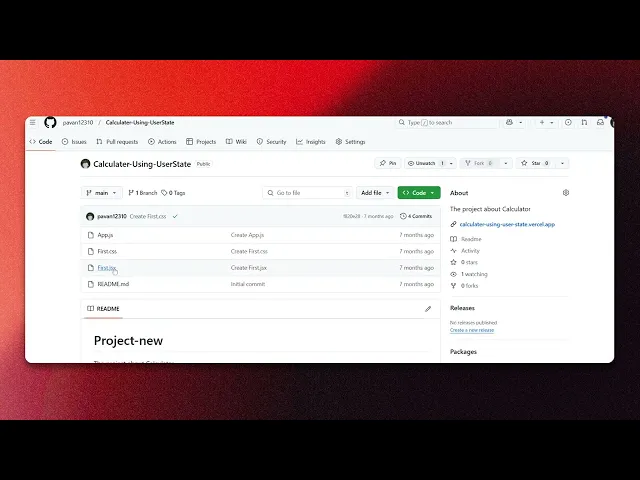
How To Download Code From GitHub
Discover the step-by-step guide on how to download code from GitHub effortlessly. Access repositories and enhance your coding skills today.
This document provides a clear and concise process to download code from GitHub. By following these steps, you will be able to successfully copy the desired code onto your device.
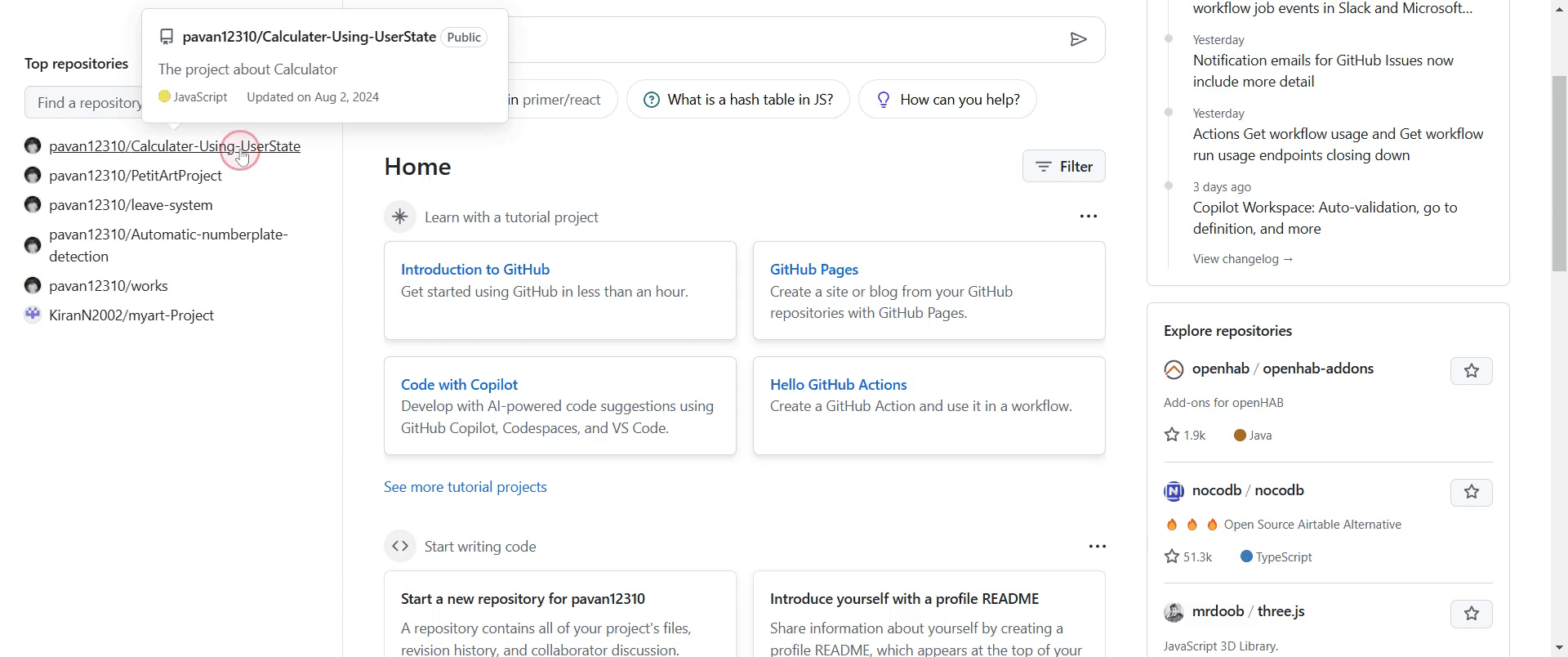
Step 1
Go to the desired existing repository. Click to enter the repository.
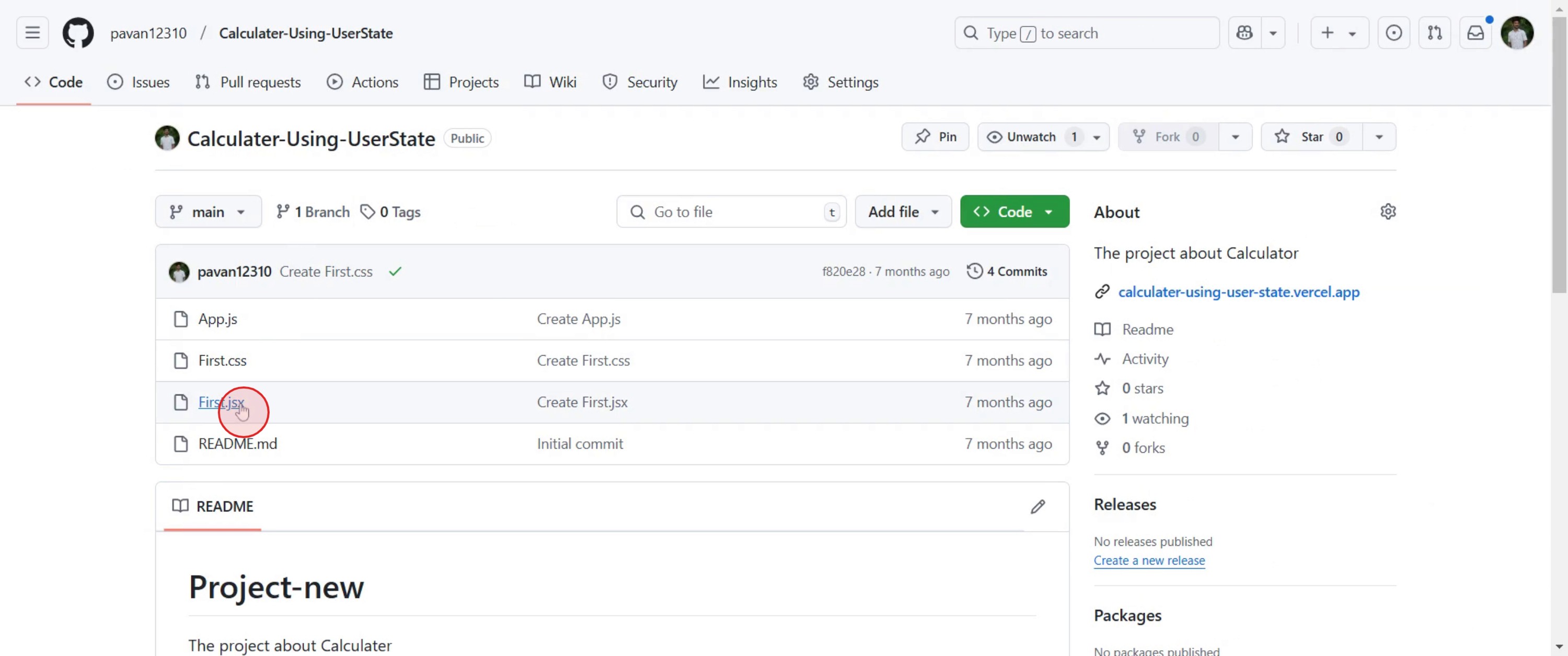
Step 2
locate the specific file you wish to download and click on it.
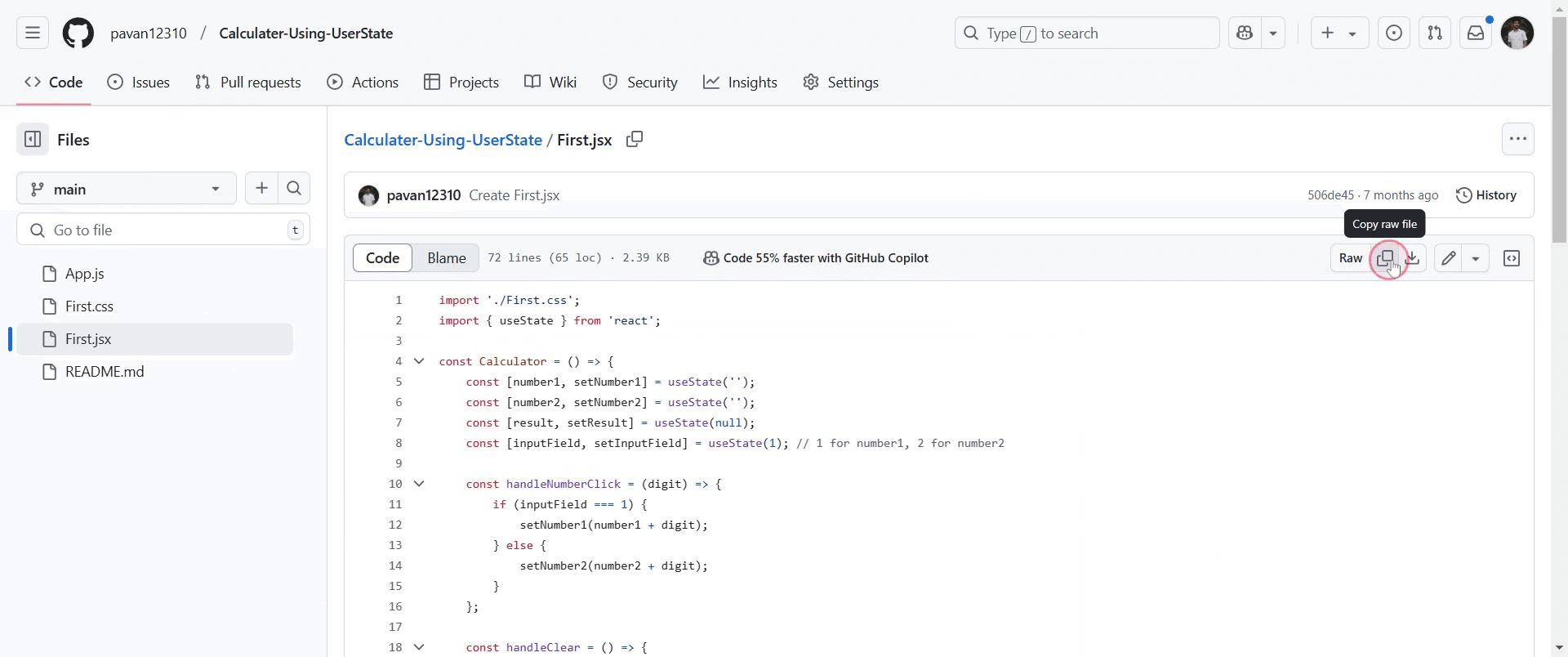
Step 3
After selecting the file, you will see a copy option. Click on this option to copy the code to your clipboard.
This is a step-by-step guide on how to download code from GitHub.
Pro-tips for downloading code from GitHub
Use the Code button on the GitHub repository page to access the download options, either via HTTPS, SSH, or by downloading as a ZIP file.
If you're working with a large repository, consider cloning the repository using Git to maintain access to future updates and changes.
Download the repository as a ZIP file if you don't need to make changes or keep the repository up to date.
Common pitfalls & how to avoid them while downloading code from GitHub
Not selecting the correct branch ensure you are downloading the right branch if your project has multiple branches.
Ignoring the need for Git if you want to contribute to the repository or stay updated, cloning the repo using Git is more efficient than just downloading the ZIP file.
Downloading a repository without checking its license ensure the repository’s license allows for your intended use, especially for commercial purposes.
Common FAQs for downloading code from GitHub
How do I download a specific version of a repository from GitHub?
You can download a specific version by checking out the release tags on GitHub or by selecting a particular branch or commit and downloading it as a ZIP file.Can I download the code from a private GitHub repository?
Yes, but you need to have access permissions to the private repository. Either clone the repository using Git after authentication or download the code as a ZIP if you have access.Can I download only specific files from a GitHub repository?
GitHub doesn't offer a direct way to download individual files. However, you can clone the repository and manually extract the files you need, or use a third-party service for selective file downloads.Is there any difference between downloading code as a ZIP and cloning a repository from GitHub?
Downloading a ZIP file gets you a snapshot of the code at the time of the download, whereas cloning a repository with Git allows you to keep the repository synchronized with updates and contributions.
If you're an instructor or content creator looking to make tutorial videos, give Trupeer.ai a try. It transforms rough screen recordings into polished, studio-style videos that are ready for sharing with your audience. Plus, it automatically generates a step-by-step guide based on the video you create. Fascinating, right? Start by creating your first tutorial for free with Trupeer.ai.

