

How To Use Claude For Coding
Unlock the potential of Claude for coding with our expert guide. Learn techniques and best practices to streamline your programming projects efficiently.
This guide explains how to use a cloud platform for generating and executing code based on user queries. Follow these steps to generate code, receive guidelines, and customize outputs to meet your needs efficiently.
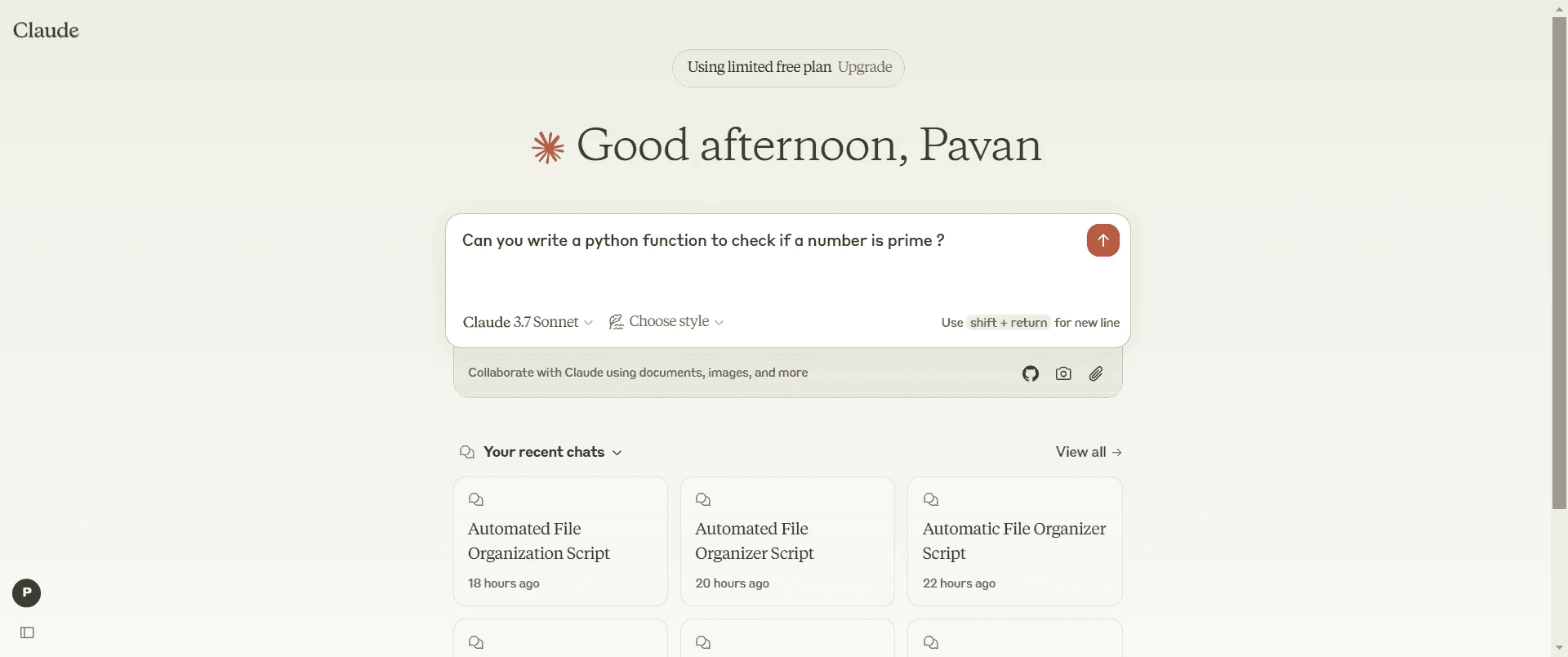
Step 1
In the search bar, input your query tailored to the programming language you wish to use.
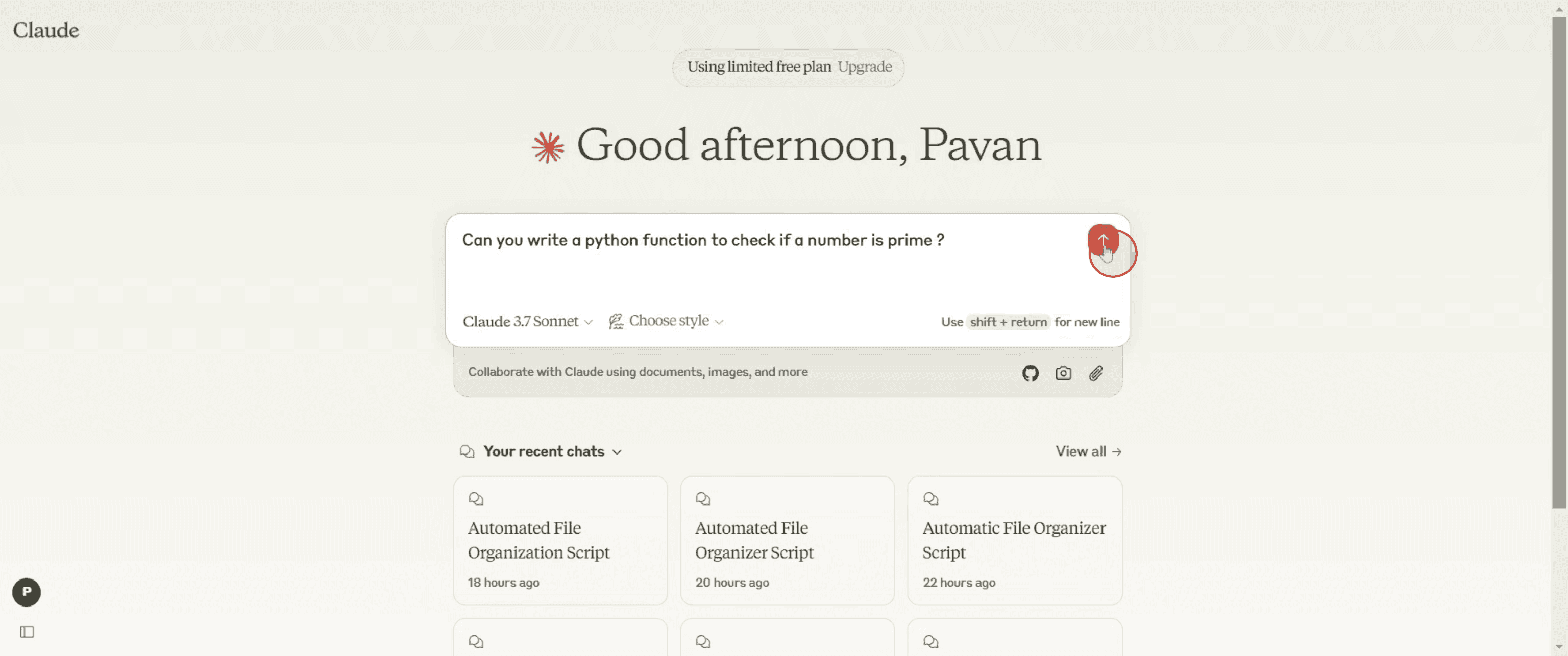
Step 2
Click the "Generate" button.
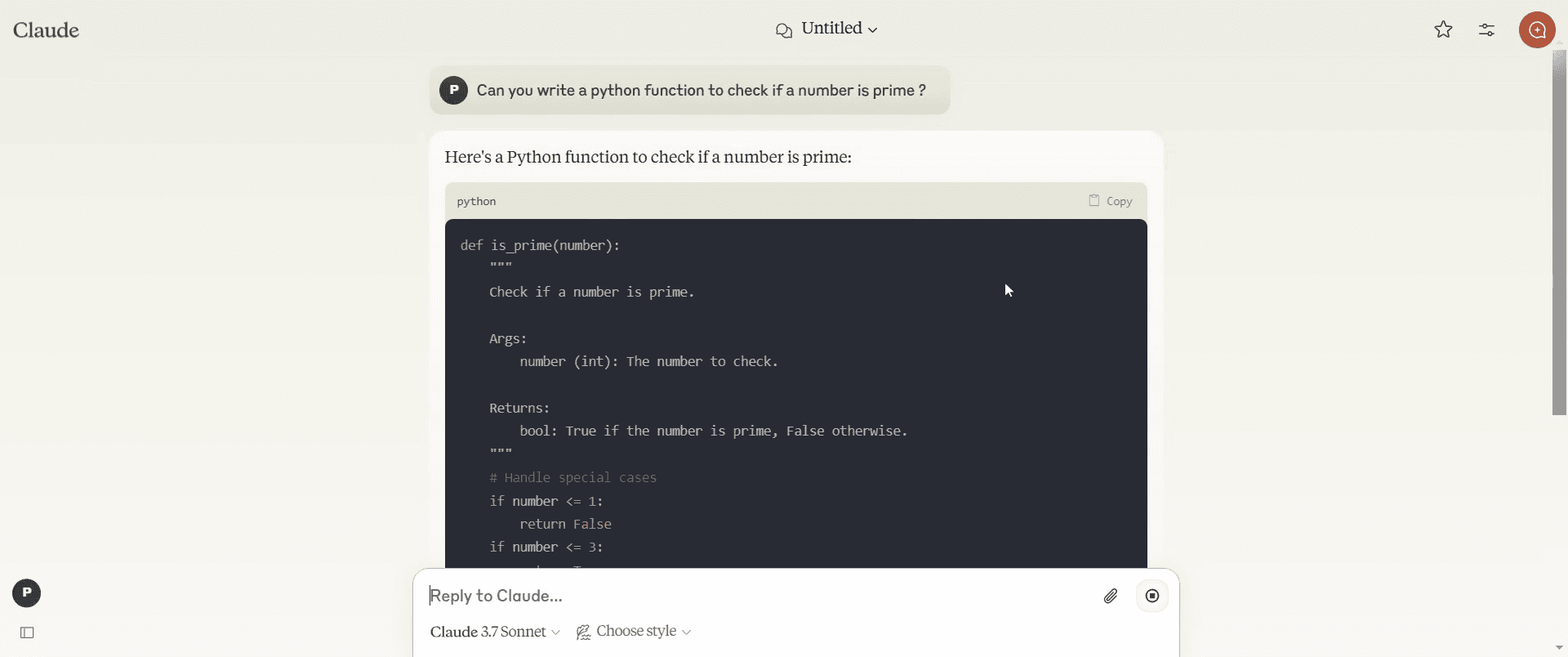
Step 3
The platform will produce the code based on your specifications.
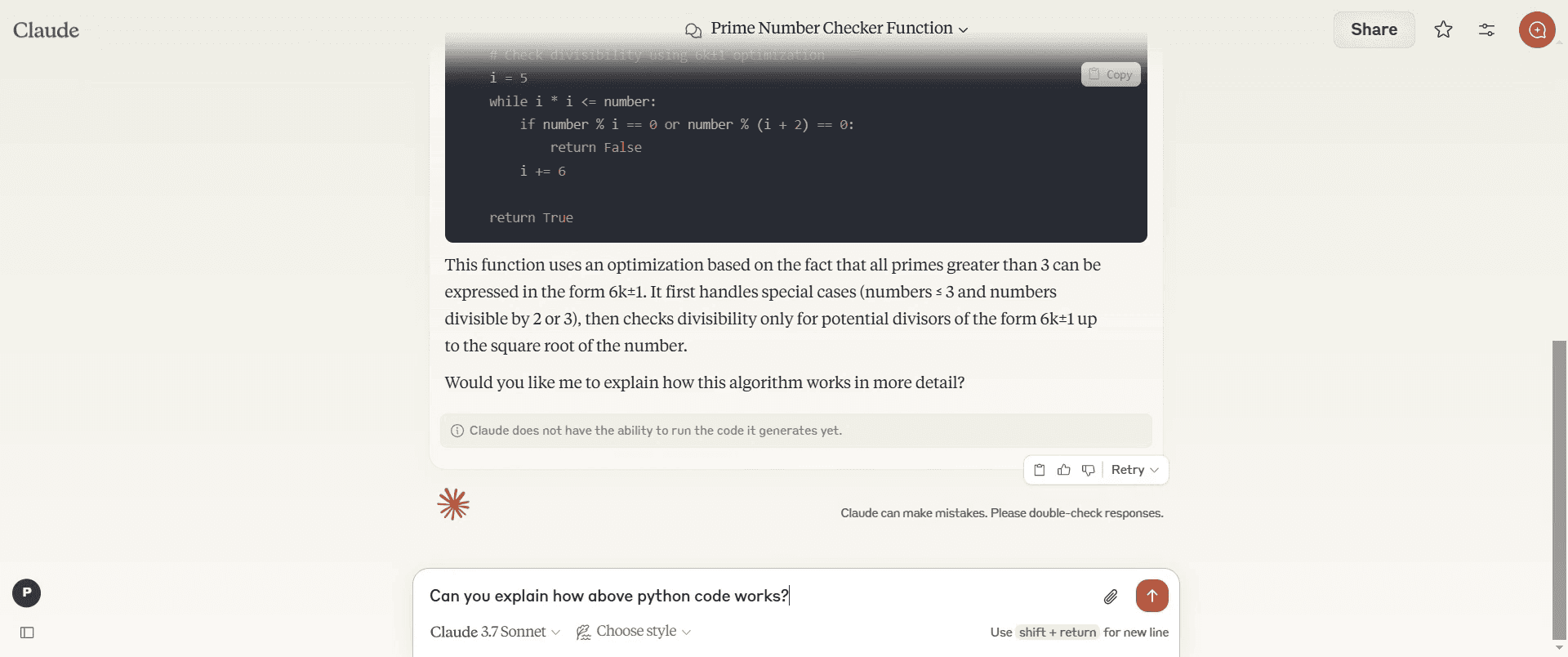
Step 4
Provide an additional query to refine the results and achieve the desired output.
Step 5
The platform will generate a comprehensive Python code based on your input.
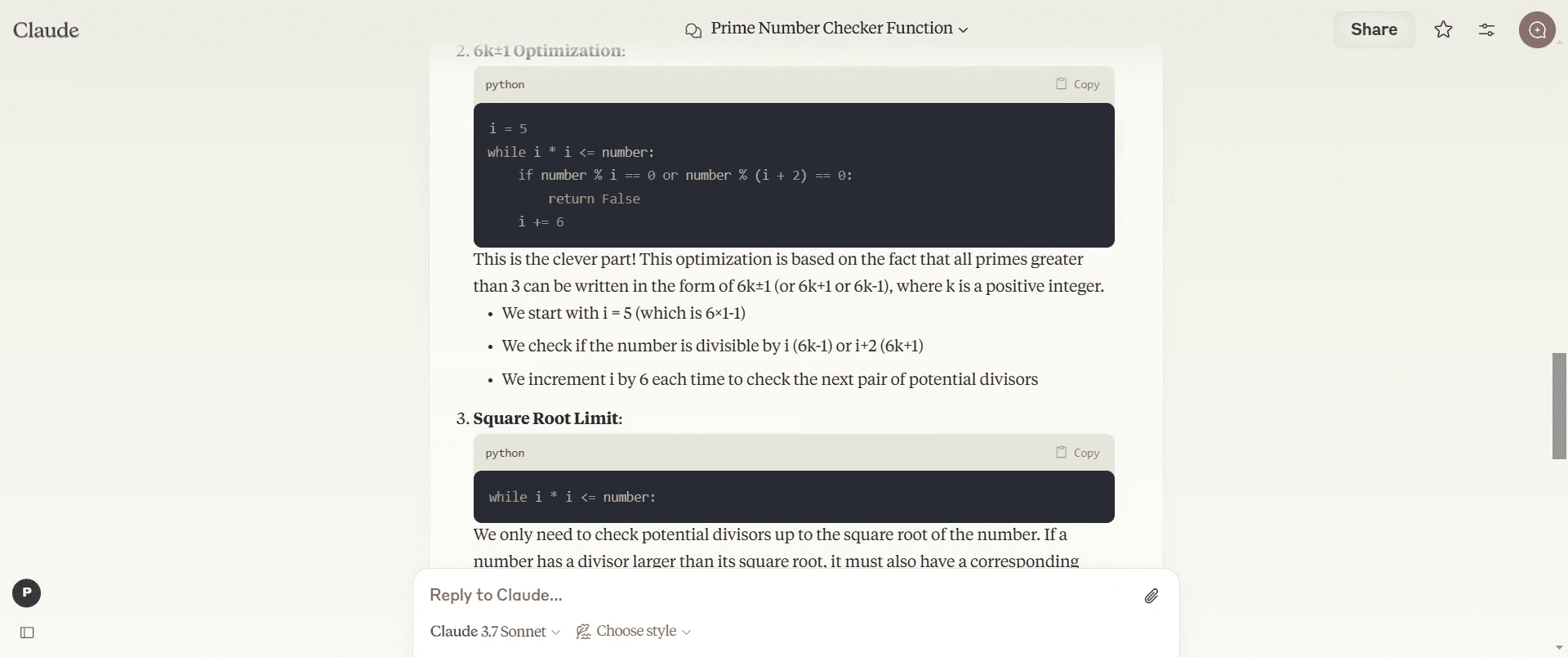
Step 6
Feel free to provide additional input.
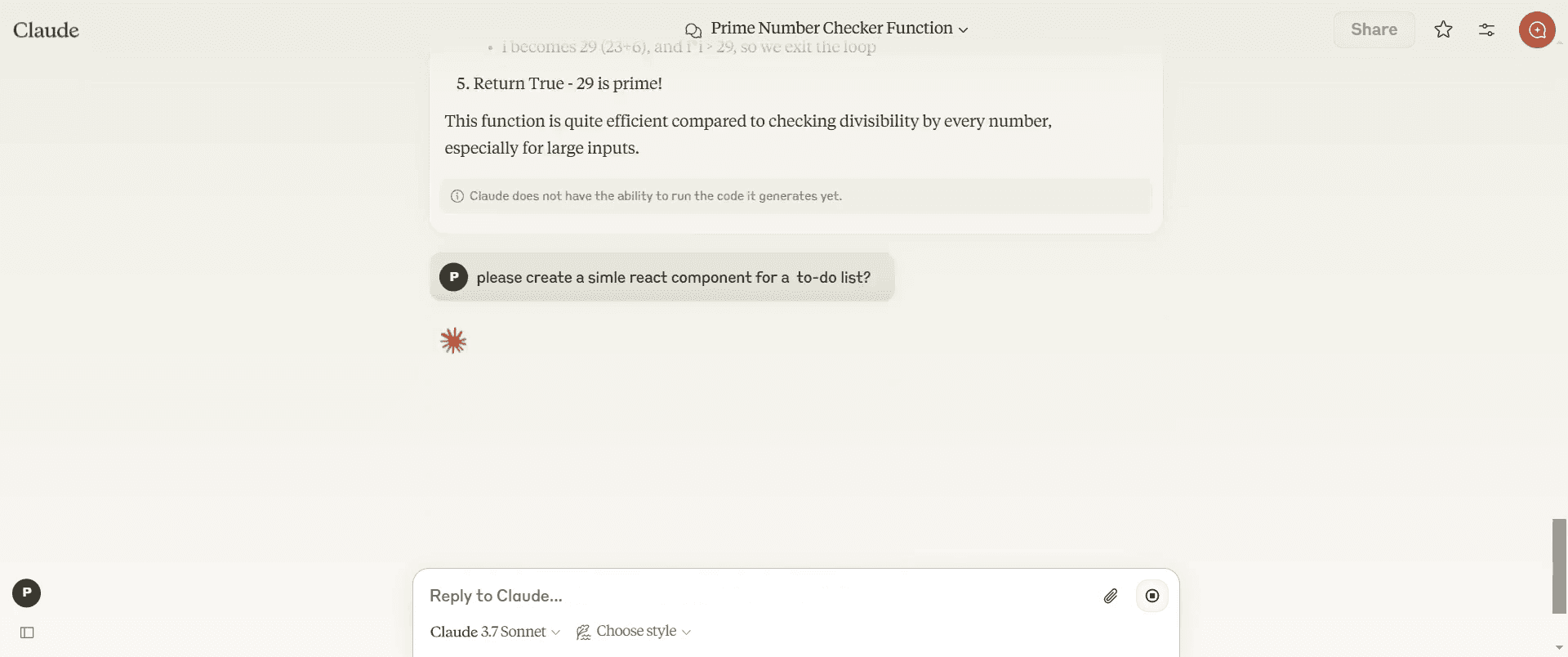
Step 7
The platform will deliver the code tailored to your needs, and you can view the output directly to verify its correctness.
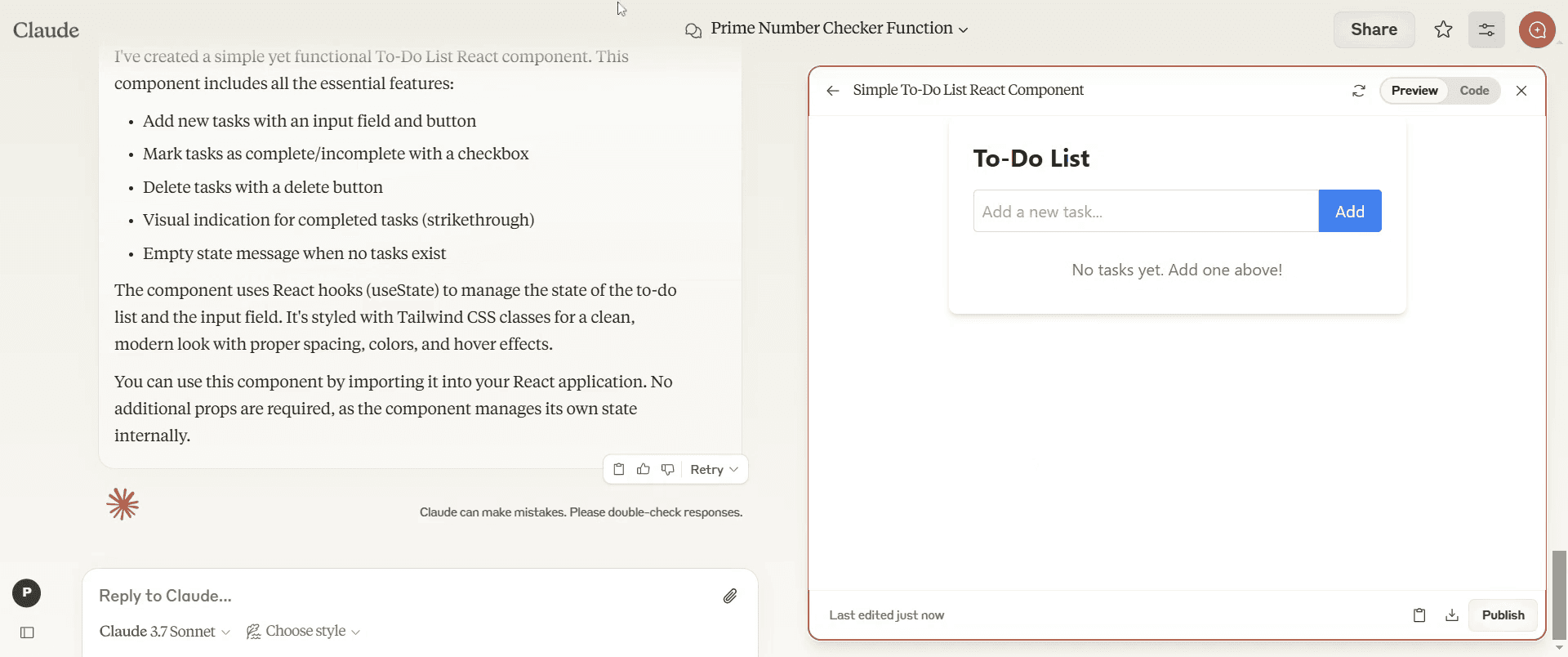
That's it. This is a step-by-step guide on how to use Claude for coding.
Pro-tips for using Claude for coding
Provide clear and detailed prompts to get accurate and relevant code suggestions.
Specify the programming language and desired functionality to refine Claude’s responses.
Review and test the generated code to ensure correctness and security before implementation.
Common pitfalls & how to avoid them while using Claude for coding
Not specifying the language – Always mention the programming language to get precise code snippets.
Relying solely on AI-generated code – Verify and test the code manually to avoid errors or inefficiencies.
Ignoring best practices – Follow coding standards and security guidelines when implementing AI-generated code.
Common FAQs for using Claude for coding
How do I improve the accuracy of Claude’s coding responses?
Provide clear, specific prompts with context and desired outcomes for better results.Can Claude help with debugging?
Yes, you can paste your code and ask Claude to analyze and suggest fixes.Does Claude AI offer real-time coding assistance?
Claude provides instant code suggestions, but it is not an interactive live coding environment like an IDE.Is Claude AI suitable for professional software development?
It can assist with coding, but human review is essential to ensure quality, security, and best practices.
If you're an instructor or content creator looking to make tutorial videos, give Trupeer.ai a try. It transforms rough screen recordings into polished, studio-style videos that are ready for sharing with your audience. Plus, it automatically generates a step-by-step guide based on the video you create. Fascinating, right? Start by creating your first tutorial for free with Trupeer.ai.

