Trupeer Blog
User Guide Generator Online: The Complete Guide for 2026

Buyer's Overview
Creating a user guide from scratch can be a daunting task, often requiring 8 to 12 hours of painstaking work. This includes capturing screenshots, writing instructions, and formatting the final document. Unfortunately, many user guides are outdated by the time they're published due to the fast pace of software updates and changes. According to recent statistics, 60% of companies find their documentation processes slow and cumbersome.
60% of companies report that their documentation processes are inefficient and slow.
Source: Documentation Efficiency Report by TechInsights, 2025
, you'll discover the best tools available for generating user guides online, including Trupeer, Scribe, Document360, Tango, Notion, Confluence, GitBook, and more. Whether you're a tech startup, a large enterprise, or a freelance consultant, these tools cater to a range of needs. You'll learn about their features, strengths, and weaknesses, helping you choose the right tool for your specific requirements.
Best User Guide Generator Tools: Head-to-Head Comparison
Feature | Trupeer | Scribe | Document360 | Tango | Notion | Confluence | GitBook |
|---|---|---|---|---|---|---|---|
Core Features | |||||||
Auto-Capture Steps | Yes | Yes | Limited | Yes | No | No | Limited |
AI Writing | Yes | Yes | No | Limited | No | No | Yes |
Professional Features | |||||||
Video Support | Yes | Limited | Yes | No | No | No | Limited |
PDF Export | Yes | Yes | Yes | No | Yes | Yes | Yes |
Integrations | |||||||
Web Knowledge Base | Yes | No | Yes | No | Yes | Yes | Yes |
Version Control | Yes | Limited | Yes | No | Limited | Yes | Yes |
Team Collaboration | Yes | Yes | Yes | No | Yes | Yes | Yes |
Search | Yes | Limited | Yes | No | Yes | Yes | Yes |
Templates | Yes | No | Yes | Limited | Yes | Limited | Yes |
Free Tier | Yes | Yes | No | Limited | Yes | No | Limited |
Trupeer

Trupeer is a comprehensive platform designed for teams that need to create detailed user guides quickly. It excels in auto-generating documentation from screen recordings, making it ideal for software companies and IT departments. Trupeer's AI-driven capabilities ensure that step-by-step guides are both accurate and easy to understand. Its robust version control and collaboration tools make it a standout choice for larger teams working across multiple projects.
Despite its many strengths, Trupeer might not be the best fit for very small teams or individuals who need only basic documentation tools. However, for those looking for a sophisticated solution that can handle complex documentation needs, Trupeer is a strong contender.
Key Features
AI-driven step-by-step documentation
Auto-capture from screen recordings
Robust version control
Team collaboration tools
PDF and HTML export options
Integrated web knowledge base
Customizable templates
Advanced search functionality
"Trupeer has streamlined our documentation process significantly. We save hours every week, and our guides are always up-to-date."
Pros | Cons |
|---|---|
Excellent auto-capture capabilities | Overkill for small teams |
Strong AI writing tools | Complex setup for new users |
Integrates well with other platforms | Higher cost for full features |
Comprehensive export options | Requires training for advanced features |
Pricing
Free tier available; paid plans start at $49/month.
Scribe
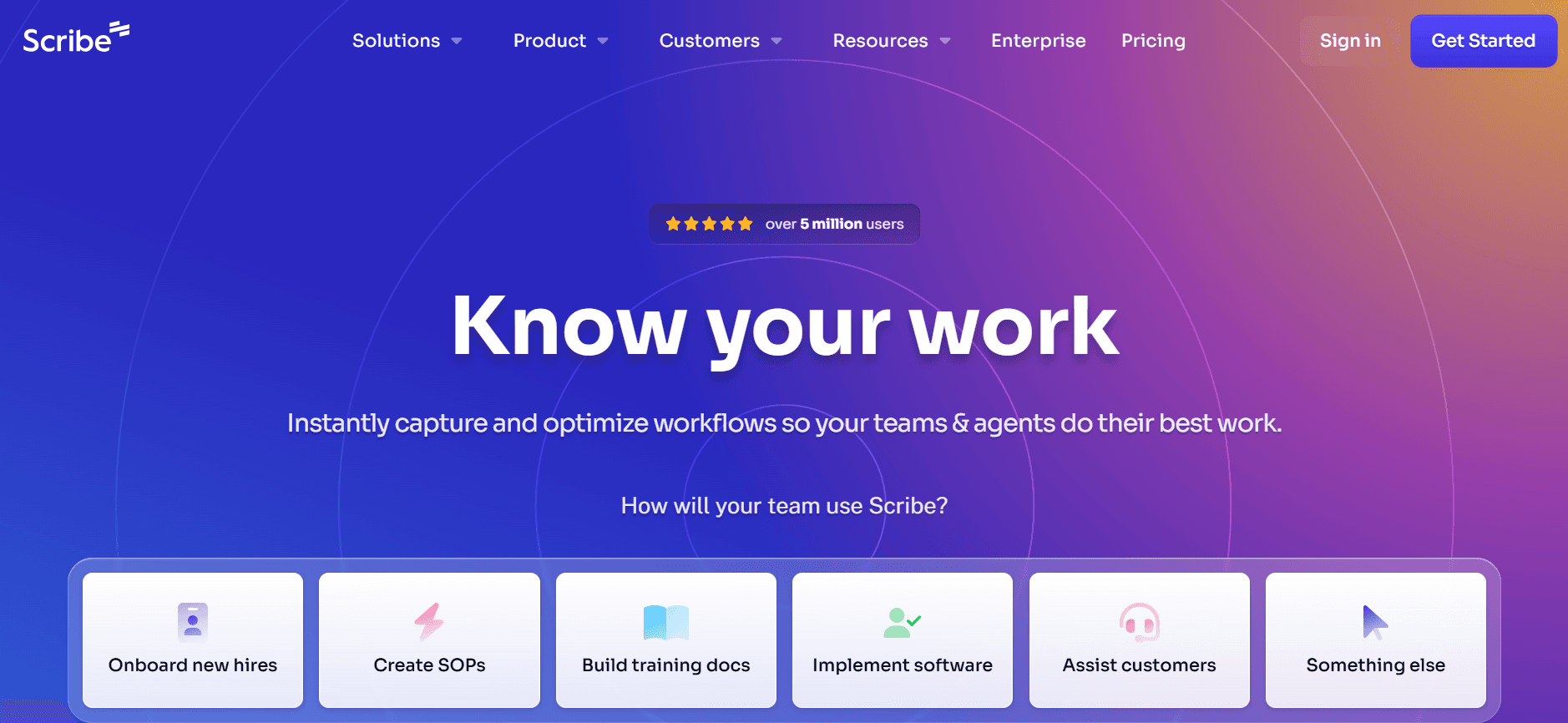
Scribe is a user-friendly tool designed for individuals and small teams who need to create guides rapidly. With its intuitive interface, users can quickly capture steps and generate guides in a matter of minutes. Scribe is particularly appealing to freelancers and small businesses that require a simple yet effective documentation solution.
However, Scribe's limited integration capabilities might be a drawback for larger teams that depend on interconnected systems. It also lacks some advanced features like comprehensive version control, but its quick deployment and ease of use make it a popular choice for many.
Key Features
Step-by-step capture
Easy-to-use interface
Quick guide generation
PDF export
Basic AI writing support
Collaboration tools for small teams
Free tier available
Limited integrations
Pros | Cons |
|---|---|
Very easy to use | Limited advanced features |
Quick setup | Integrations are basic |
Affordable pricing | Limited version control |
Good for small teams | Not ideal for large enterprises |
Pricing
Free tier available; paid plans start at $12/month.
Document360
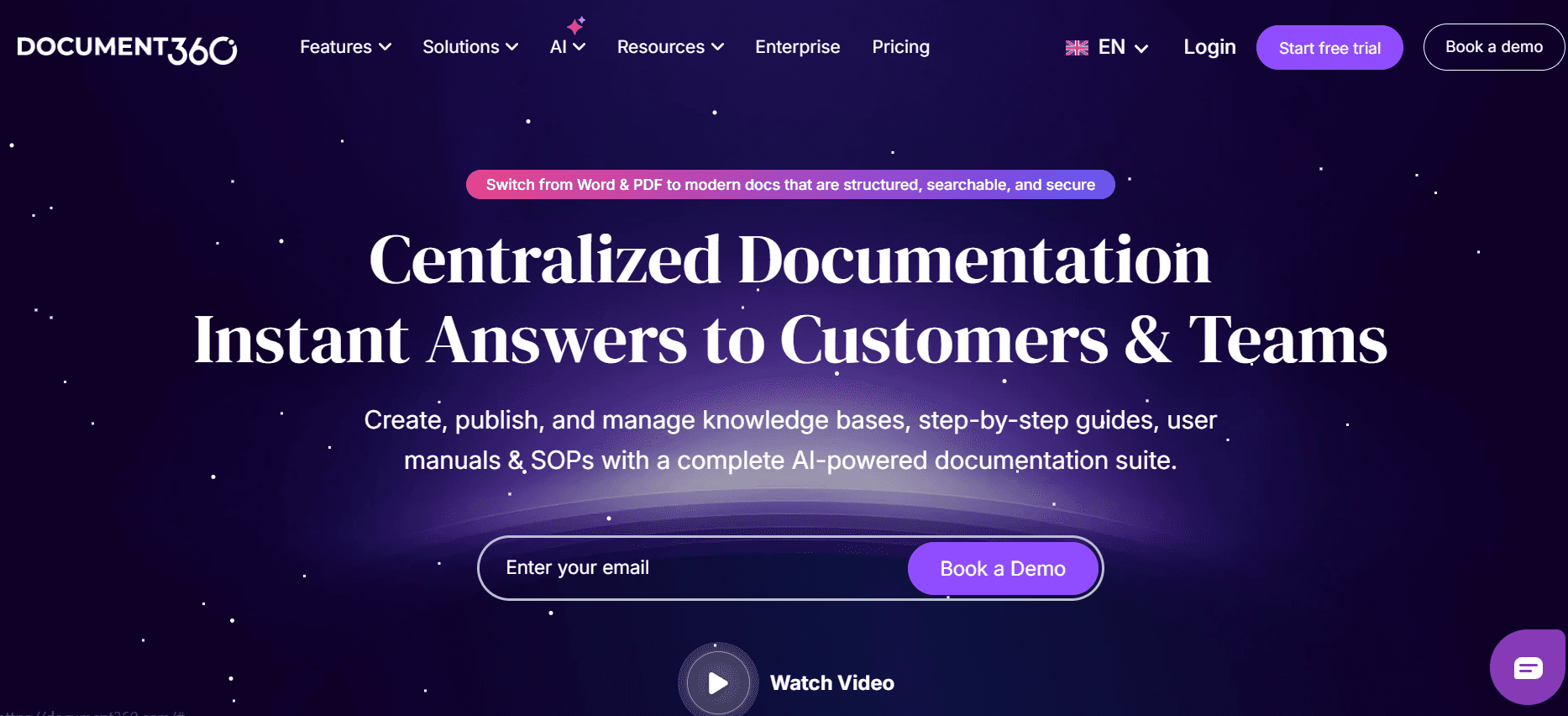
Document360 is a robust knowledge base solution tailored for medium to large companies. It's particularly strong in managing large volumes of documentation with features like version control and extensive search capabilities. Document360 is perfect for organizations that need to maintain detailed records and ensure their documentation is always up-to-date and easily accessible.
While Document360 is powerful, its complexity can be a hurdle for smaller teams or those without a dedicated documentation professional. It also lacks AI writing features, which can slow down the process for teams looking to automate more of their workflow. Nonetheless, for those who need a comprehensive knowledge base solution, Document360 delivers.
Key Features
Comprehensive version control
Advanced search capabilities
Extensive integrations
Customizable templates
PDF and HTML export options
Web knowledge base
User-friendly interface
Team collaboration tools
Pros | Cons |
|---|---|
Strong version control | Steep learning curve |
Excellent search functionality | No AI writing capabilities |
Highly customizable | Higher cost than some competitors |
Robust integrations | Too complex for small teams |
Pricing
No free tier; paid plans start at $99/month.
Tango
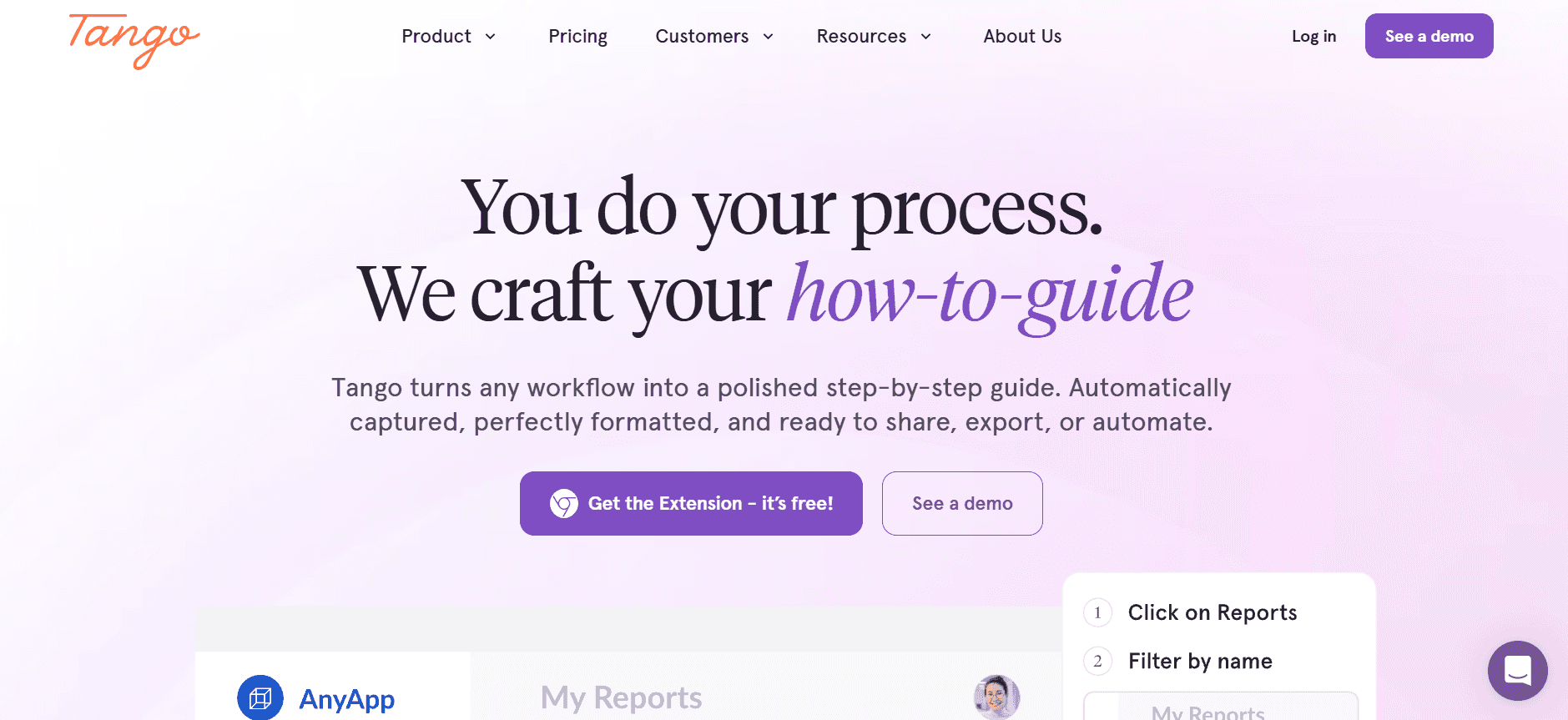
Tango offers a unique approach to documentation by focusing on visual storytelling. It's an excellent fit for creative teams that want to integrate more visual elements into their user guides. Tango's tools allow users to create interactive guides and tutorials that are both engaging and informative.
However, Tango's limited text-based features can be a drawback for teams that need detailed written documentation. Its lack of robust AI tools also limits its usefulness for teams seeking automation in their documentation process. But for visual content creators, Tango is a strong choice.
Key Features
Interactive guide creation
Visual storytelling tools
Easy-to-use design interface
Basic export options
Limited AI writing support
Templates for visual content
Collaboration features
Limited text-based documentation
Pros | Cons |
|---|---|
Great for visual content | Limited text features |
Intuitive design tools | No robust AI tools |
Engaging interactive guides | Limited export formats |
Good for creative teams | Not suitable for detailed guides |
Pricing
Free tier available; paid plans start at $15/month.
Notion
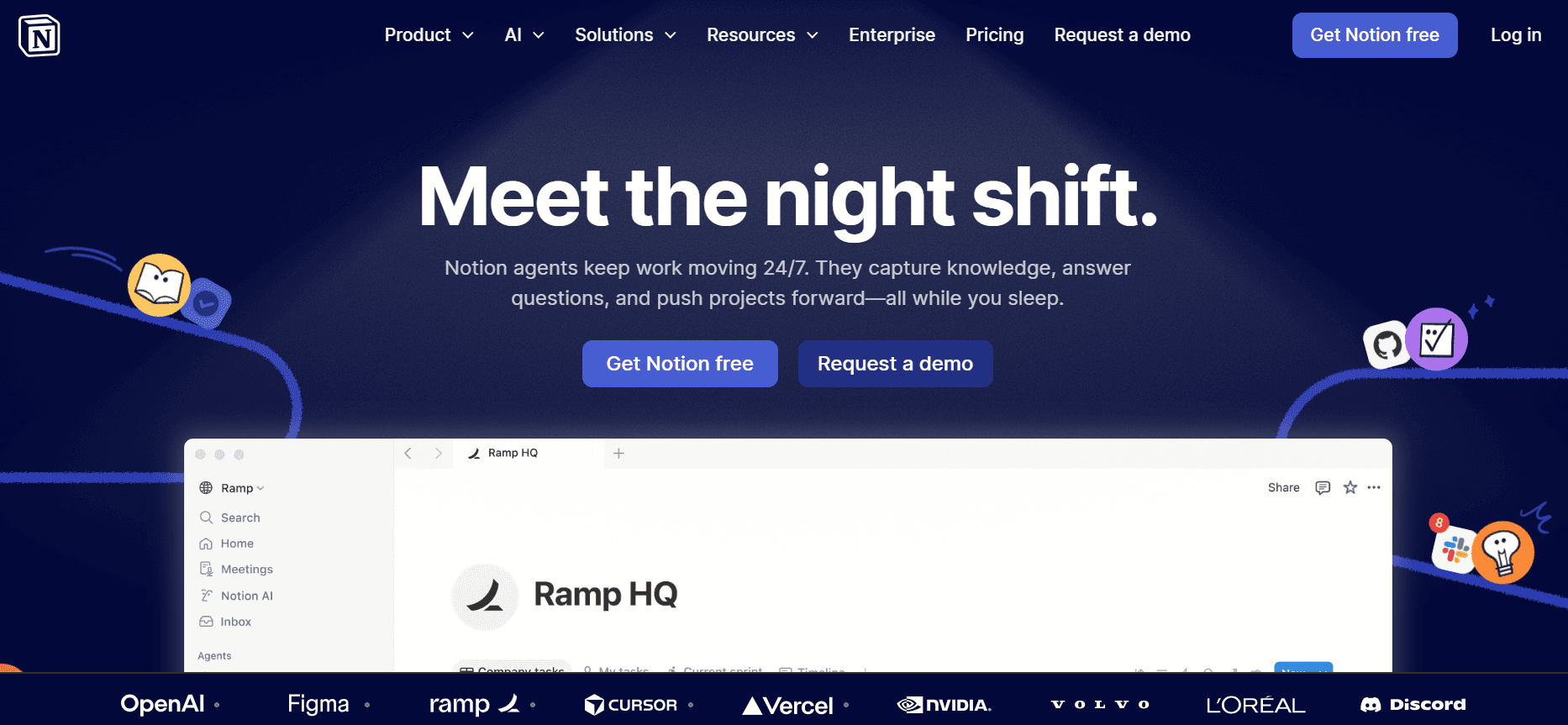
Notion is known for its versatility and is a favorite among teams that require a flexible documentation tool. A great choice for startups and small businesses, Notion offers a wide array of features that allow for personalized documentation workflows. Its integration capabilities make it a collaborative hub for teams looking to centralize their work.
However, Notion lacks some of the specialized features found in dedicated user guide generators, such as automatic step capture and AI-driven writing. This means that while it's versatile, it may not be the most efficient tool for teams focused solely on user guide creation.
Key Features
Highly customizable workspace
Collaboration and sharing tools
Integration with other apps
Template library
Basic export options
Extensive note-taking features
Search and tagging
Web-based platform
Pros | Cons |
|---|---|
Highly versatile | Lacks specialized features |
Great for collaboration | No auto step capture |
Integrates well with apps | Not AI-driven |
Customizable workflows | Can be overwhelming for new users |
Pricing
Free tier available; paid plans start at $8/month.
Confluence
Confluence is designed for teams that need to collaborate on complex projects. It's particularly well-suited for software development teams that require a centralized place to document processes and share knowledge. With comprehensive integration options, Confluence serves as a central hub for organizations that need to maintain a consistent flow of information.
However, Confluence's interface can be challenging for beginners, and its focus on collaboration can be overkill for smaller teams. It also lacks some advanced AI and automation features, making it less suitable for teams that want to automate their documentation process entirely.
Key Features
Strong collaboration tools
Integration with Atlassian suite
Customizable templates
Version control
Robust search function
Web-based knowledge base
Team analytics
Security and compliance
Pros | Cons |
|---|---|
Great for team collaboration | Complex for new users |
Comprehensive integrations | No advanced AI features |
Centralized information hub | Overly complex for small teams |
Strong version control tools | Higher pricing for full features |
Pricing
No free tier; paid plans start at $10/month per user.
GitBook
GitBook is tailored for developers and tech teams that need to create and maintain documentation alongside code. It offers a streamlined interface that integrates directly with Git, allowing for seamless version control and collaboration among developers. GitBook is highly suitable for teams that prioritize technical documentation and need a tool that fits into their existing workflows.
Despite its strengths, GitBook may not be the best choice for non-technical teams or those looking for a more visual documentation approach. It lacks some of the ease-of-use features found in more generalist tools, making it better suited for those with technical expertise.
Key Features
Integration with Git
Version control
Markdown support
Customizable templates
Team collaboration
Web-based documentation
Advanced search features
Technical focus
Pros | Cons |
|---|---|
Great for technical teams | Not user-friendly for non-tech users |
Seamless Git integration | Limited visual documentation tools |
Strong version control | Higher learning curve |
Markdown support | Narrow focus on developers |
Pricing
Limited free tier; paid plans start at $8/month per user.
User Guide Generator Challenges: What Teams Struggle With
1. Manual Documentation Processes
Creating user guides manually can be incredibly time-consuming, often taking several hours to complete a single document.
Teams spend excessive time capturing screenshots, writing detailed instructions, and formatting documents.
Errors are more likely to occur without automation, leading to inaccuracies in the final product.
Resources are often diverted from other critical tasks to focus on documentation efforts.
2. Keeping Documentation Up-to-Date
Software updates can quickly render existing documentation obsolete, requiring continual updates.
Teams often struggle to keep pace with frequent product changes and releases.
Outdated guides can lead to user confusion and increased support requests.
Lack of a streamlined process for updating documents can slow down response times.
3. Poor Search and Findability
End users often have difficulty locating the information they need within extensive documentation.
Inadequate search functionalities can frustrate users, leading to a poor user experience.
Documentation is often scattered across various platforms, making it hard to maintain consistency.
Users may resort to contacting support due to the inability to find answers independently.
4. Siloed Documentation Across Tools
Information is often spread across multiple tools like Notion, Google Docs, and Word, leading to inconsistencies.
Team members may be unaware of the latest updates or changes made in different places.
Collaboration is hindered when documentation is not centralized, affecting overall productivity.
Teams face challenges in maintaining a single source of truth for all documentation.
5. Lack of Consistency in Style and Format
Without standardized templates, documentation can lack a uniform look and feel, confusing users.
Different writing styles from team members can lead to inconsistent voice and tone across documents.
Inconsistent formatting can make it difficult for users to follow instructions clearly.
Branding and company guidelines may not be consistently applied, impacting professionalism.
Challenge | Traditional Process | Business Impact | Time Cost |
|---|---|---|---|
Manual Documentation | Manual writing and formatting | Slow production times and errors | 8-12 hours per guide |
Updating Documentation | Frequent manual edits | Outdated guides and user confusion | 2-4 hours per update |
Poor Searchability | Limited search functions | User frustration and increased support | 1-2 hours lost per user |
Documentation Siloes | Information scattered across tools | Inconsistent information and collaboration issues | Varies significantly |
Lack of Consistency | No standardized templates | Unprofessional appearance and user confusion | 1-2 hours per document |
Must-Have Features in User Guide Generator Tools
1. Auto Step Capture from Screen Activity
Auto step capture is essential for efficiently creating user guides. This feature automatically records actions taken on the screen, generating detailed steps that can be directly included in documentation. It significantly reduces the time spent on manually capturing and describing each step, making the process faster and less prone to error. For instance, Trupeer excels in this area by allowing users to record and convert screen activities into comprehensive guides almost instantaneously.
2. AI-Written Step Instructions
AI-driven writing can enhance the clarity and precision of user guides. By leveraging AI, tools can generate concise and accurate step-by-step instructions based on the captured screen activity. This not only speeds up the documentation process but also ensures consistency in tone and style. Scribe, for example, offers basic AI writing support, which can be particularly beneficial for smaller teams needing to produce polished documents quickly.
3. Video Embedding Alongside Text
Embedding video tutorials within user guides can greatly enhance the learning experience. Video content provides a visual reference that can complement written instructions, catering to different learning preferences. Document360 offers robust video support, making it an excellent choice for teams that want to incorporate multimedia elements into their documentation. This feature is especially useful for demonstrating complex processes that are best shown rather than described.
4. Multi-Format Export (PDF, Web, HTML)
Exporting documentation in various formats ensures accessibility and convenience for users. Whether it's a downloadable PDF, an online web page, or HTML for integration into other platforms, having multiple export options is crucial. Trupeer's ability to provide diverse export formats ensures that teams can distribute their guides in the most suitable format for their audience. This flexibility is key for reaching users across different devices and platforms.
5. Version Control and Quick Update Workflows
Effective version control is vital for maintaining accuracy and consistency in documentation. With frequent software updates, having a tool that supports version control allows teams to track changes, revert to previous versions if necessary, and ensure that the most current information is always available. GitBook integrates seamlessly with Git, providing robust version control that is particularly beneficial for developer teams managing technical documentation.
6. Team Collaboration Tools
Collaboration features are essential for teams working on documentation projects. These tools facilitate real-time collaboration, allowing multiple team members to contribute simultaneously and ensuring that everyone is aligned. Platforms like Confluence offer strong collaboration capabilities, making it easier for teams to work together efficiently, whether they're in the same office or spread across different locations. This is especially important for larger teams that require a coordinated approach to documentation.
How to Choose a User Guide Generator Based on Your Use Case
Product User Manuals and Help Center Articles
For companies focused on delivering intuitive product user manuals and comprehensive help center articles, choosing the right tool is crucial. These guides must be clear, detailed, and easy to navigate, offering users the information they need without frustration.
Key Challenges:
Creating detailed yet concise content
Ensuring guides are accessible and easy to navigate
Keeping documentation up-to-date with product changes
Solutions Needed:
Tools with strong content structuring capabilities
Easy updating processes and version control
Searchable formats and user-friendly interfaces
Tool | Best Feature |
|---|---|
Trupeer | Comprehensive auto-capture and AI writing |
Document360 | Advanced search and knowledge base features |
Internal SOP Documentation
Standard Operating Procedures (SOPs) are essential for maintaining consistency across internal processes. Tools that facilitate streamlined SOP creation help ensure that all team members are aligned and aware of the correct procedures.
Key Challenges:
Ensuring consistency across documents
Facilitating updates as processes change
Centralizing access for all team members
Solutions Needed:
Customizable templates and formats
Version control and easy access for updates
Centralized platforms with collaboration features
Tool | Best Feature |
|---|---|
Confluence | Strong team collaboration tools |
Notion | Highly customizable workspaces |
IT System and Admin Guides
Creating comprehensive IT system and admin guides requires a tool that can handle technical details and complex workflows. These guides are crucial for IT departments to maintain systems and ensure smooth operations.
Key Challenges:
Documenting complex technical processes
Maintaining accuracy and up-to-date information
Facilitating collaboration among IT teams
Solutions Needed:
Technical documentation support
Integration with other technical tools
Robust version control
Tool | Best Feature |
|---|---|
GitBook | Seamless Git integration and technical focus |
Confluence | Integration with Atlassian suite |
Customer-Facing Knowledge Base
Customer-facing knowledge bases need to be comprehensive, easy to navigate, and visually appealing to enhance user experience and reduce support requests.
Key Challenges:
Providing easy access to a wide range of information
Keeping the content engaging and user-friendly
Ensuring the information is always current
Solutions Needed:
Interactive and visually appealing content
Strong search capabilities
Easy content updates and management
Tool | Best Feature |
|---|---|
Tango | Engaging visual storytelling tools |
Document360 | Web knowledge base integration |
Developer and API Documentation
For teams focused on developer guides and API documentation, choosing a tool that can handle technical content and integrate seamlessly with development workflows is essential.
Key Challenges:
Ensuring technical accuracy
Facilitating collaboration between developers
Integrating documentation with code repositories
Solutions Needed:
Markdown support and technical features
Integration with development tools
Advanced version control systems
Tool | Best Feature |
|---|---|
GitBook | Markdown support and Git integration |
Trupeer | Auto-capture and AI enhancements |
Best Practices for User Guide Creation
Before Documentation
Identify the target audience and tailor the content to their needs.
Gather all necessary information and resources before starting the documentation process.
Create a structured outline to organize content logically.
Select the appropriate tool that best fits the project requirements and team size.
Set clear goals and timelines for the documentation project.
During Documentation
Use clear and concise language to enhance readability.
Incorporate visuals such as screenshots or videos to support text.
Regularly save progress and back up documentation files.
Encourage collaboration and feedback from team members.
Ensure consistency in style and formatting throughout the document.
After Documentation
Conduct a thorough review and proofreading to catch any errors.
Seek feedback from end-users to identify areas for improvement.
Update documentation regularly to reflect any changes or updates.
Monitor user engagement and adjust content based on analytics.
Maintain a centralized repository for easy access and distribution.
Frequently Asked Questions
What is a user guide generator?
A user guide generator is a software tool that automates the creation of user manuals and guides. It helps teams produce documentation quickly by capturing screen actions, generating text, and providing templates to ensure consistency and professionalism.
Why should I use a user guide generator?
Using a user guide generator saves time and reduces errors in the documentation process. It allows for quick updates, ensures consistency across documents, and often includes collaboration features that improve team efficiency and productivity.
Can I integrate these tools with my existing software?
Most user guide generators offer integrations with popular software tools. For example, GitBook integrates seamlessly with Git for version control, and Confluence offers integrations with tools in the Atlassian suite. Always check the specific integrations available for each tool.
Do these tools support multi-language documentation?
Many user guide generators offer multi-language support, allowing you to create documentation in various languages. This feature is crucial for organizations with a global user base. Check individual tools for their language capabilities.
Are there free options available for user guide generators?
Yes, some tools like Scribe and Tango offer free tiers with basic features. These can be a good starting point for small teams or individuals. However, advanced features typically require a paid subscription.
How do I choose the right pricing plan?
Consider your team's size, the complexity of your documentation needs, and your budget. Evaluate the features offered in each plan and choose one that provides the best value for your specific requirements.
How long does it take to implement a new user guide tool?
Implementation time can vary depending on the complexity of the tool and your team's familiarity with similar software. Generally, it can take anywhere from a few hours to a couple of days to fully integrate and begin using a new tool effectively.
What support is available for new users?
Most tools offer support through tutorials, help centers, and customer service. Some also provide onboarding sessions or training webinars to help new users get started. Check the support options available for each tool to ensure you have the help you need.
Conclusion
Choosing the right user guide generator tool can transform the way your team creates and manages documentation. By understanding your specific use cases and challenges, you can select a tool that not only meets your needs but also enhances efficiency and productivity.
Trupeer stands out as a leader in this space, offering comprehensive features that cater to both small teams and large enterprises. Visit Trupeer.ai to learn more about how it can help your organization streamline its documentation process.

