
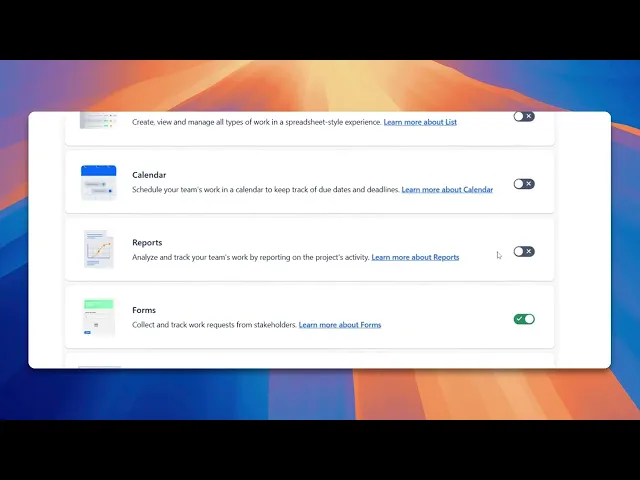
How Do I See Old Sprints in Jira
Discover how to view old sprints in Jira with our comprehensive guide. Learn step-by-step methods to access your sprint history effectively.
This guide provides a detailed walkthrough on how to access previous sprints in Jira. By following these steps, you will be able to enable and view historical reports, including old sprint data within your Jira project.
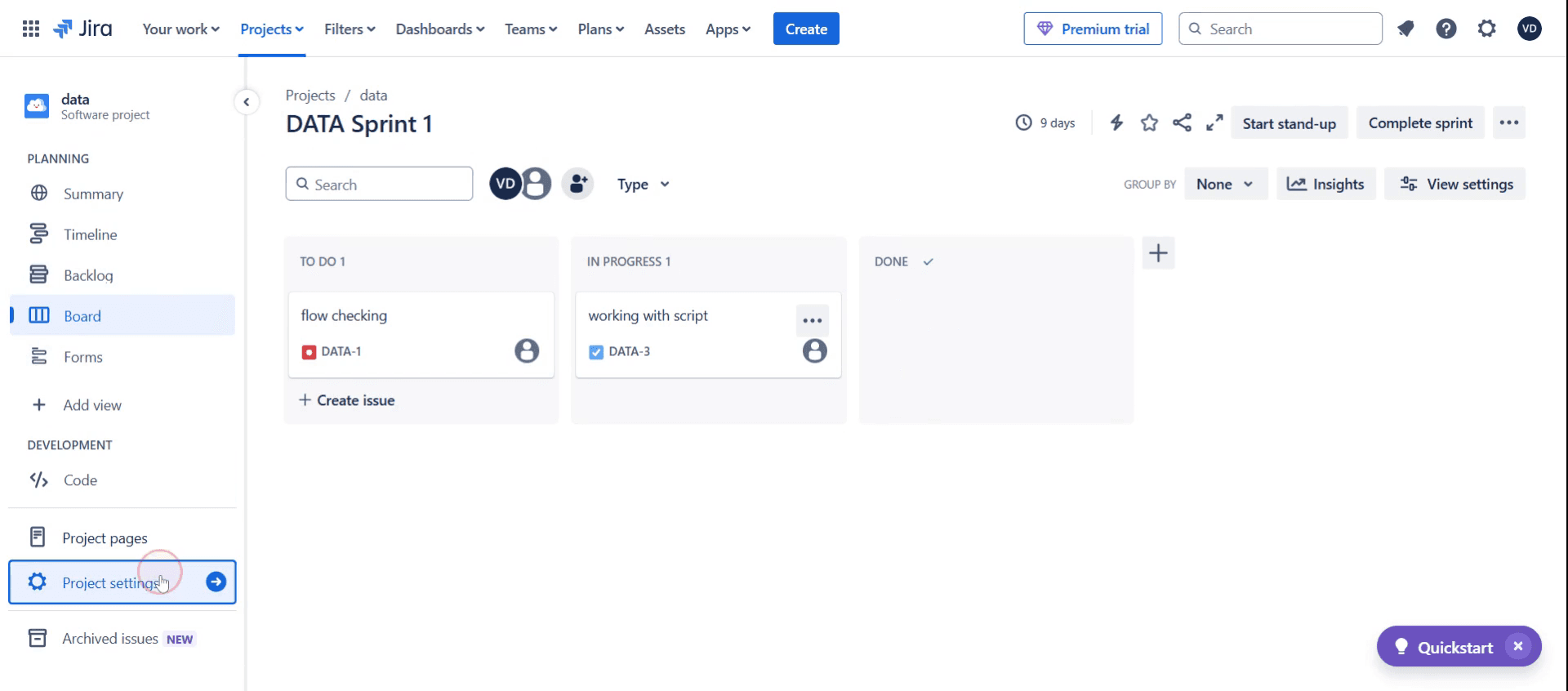
Step 1
Clicking on Project Settings.
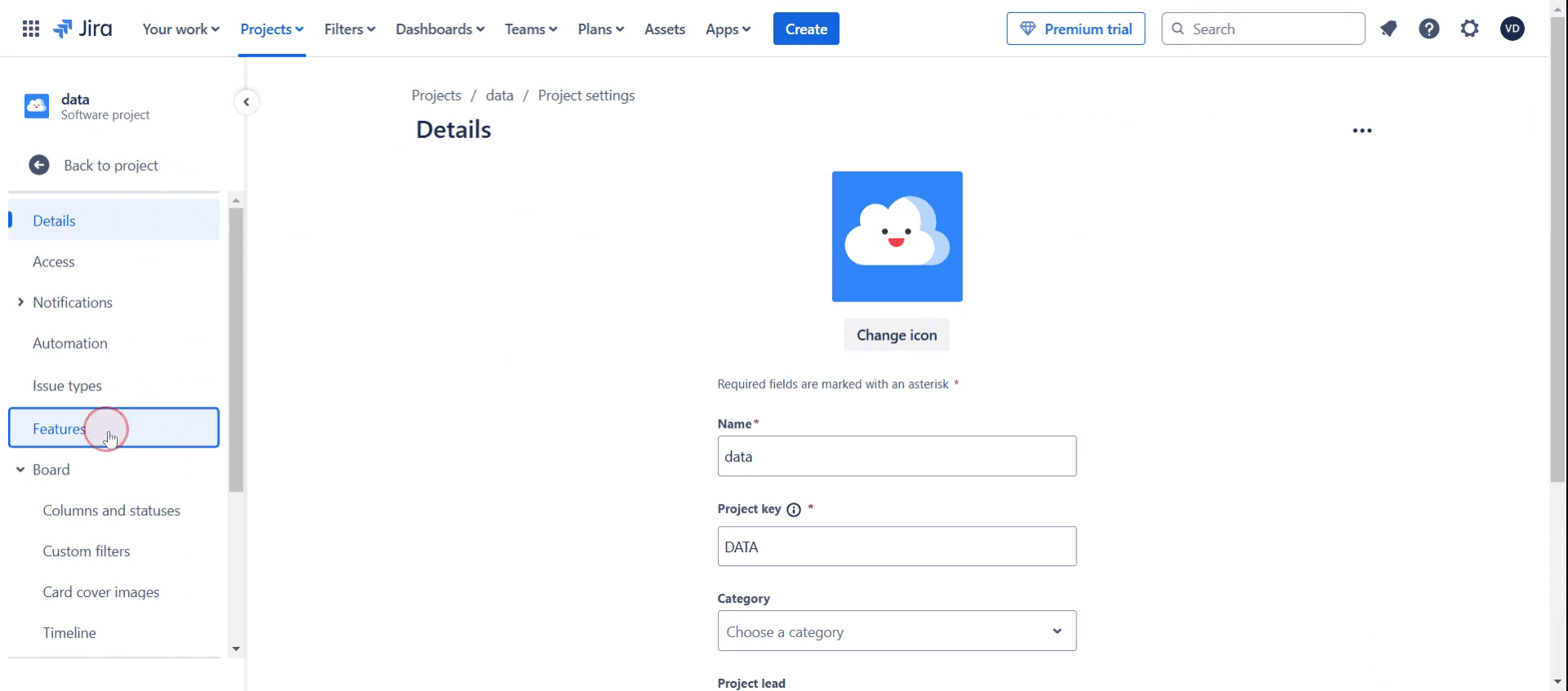
Step 2
Select Features option,
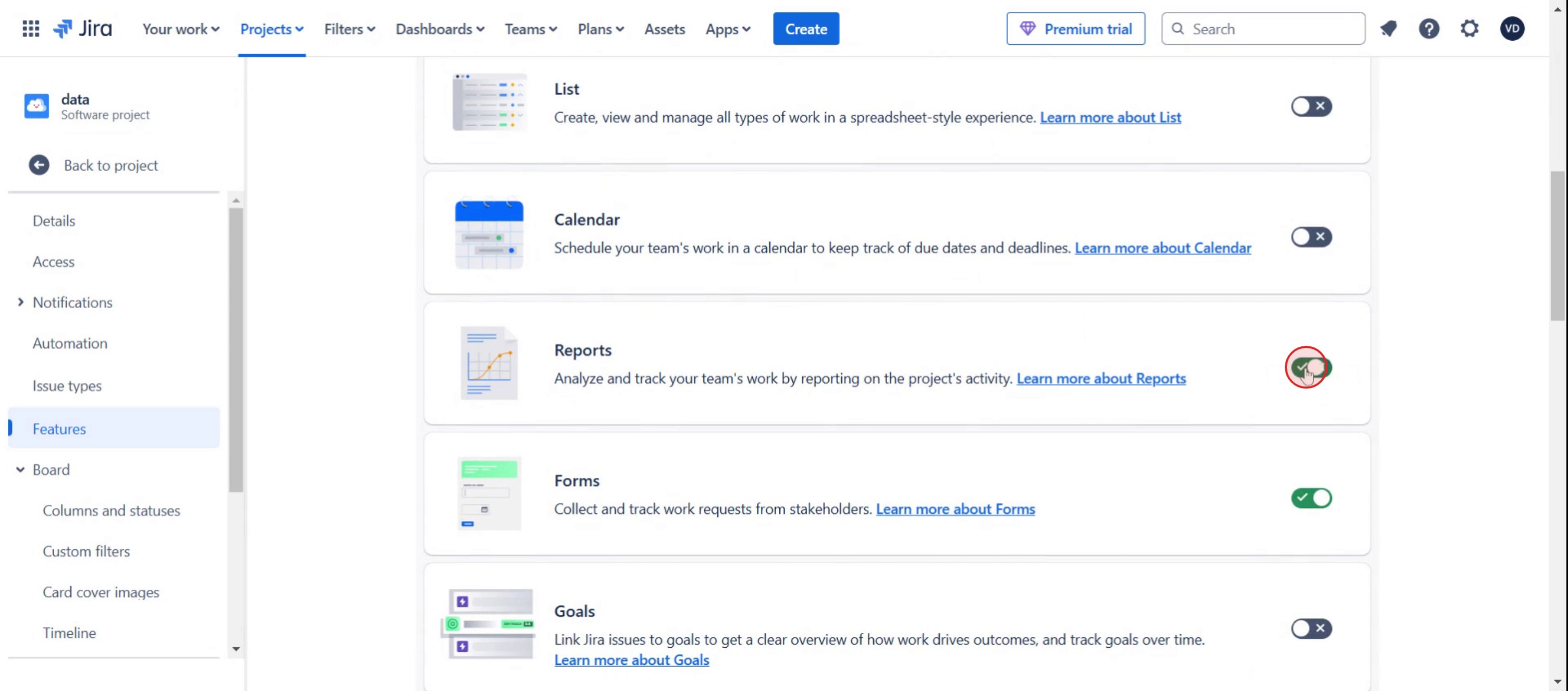
Step 3
Enable the Reports option,
Step 4
Then click on back in the project view,
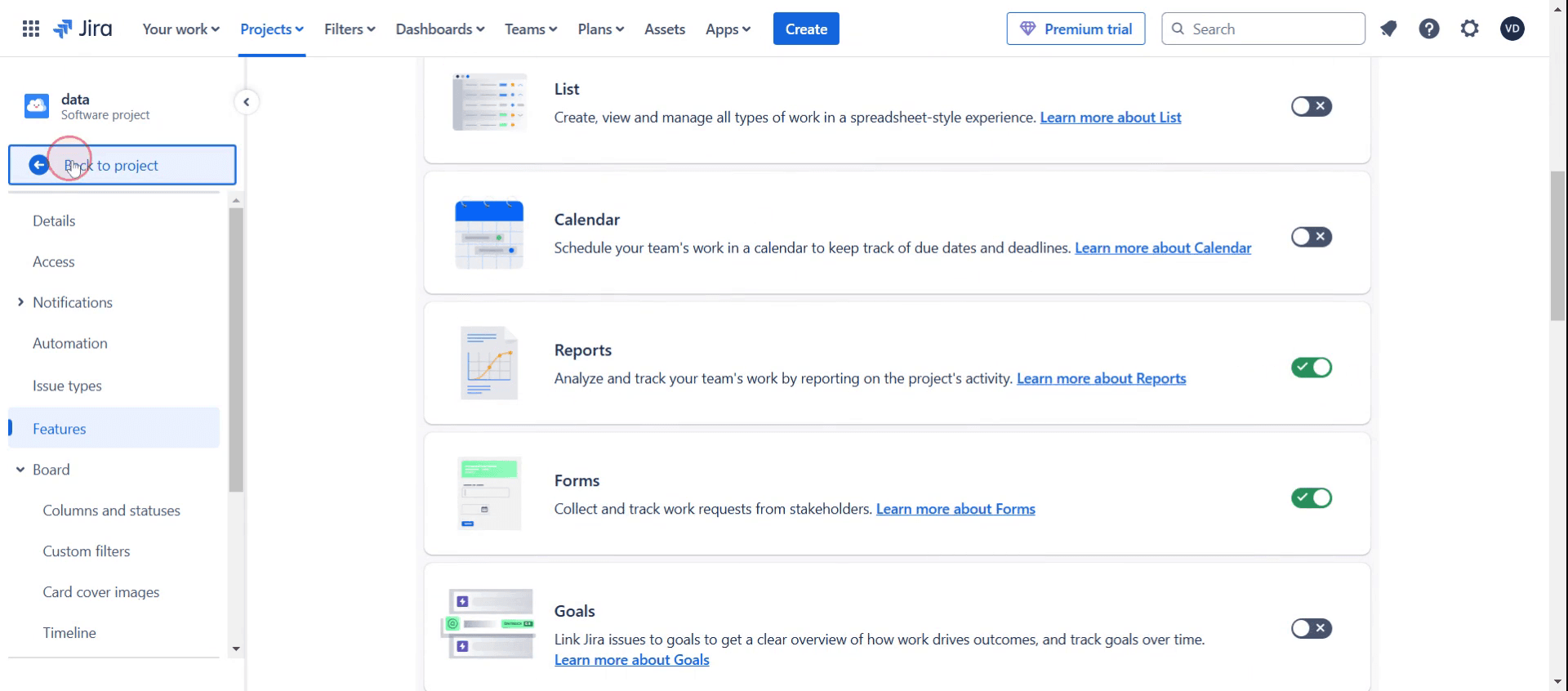
Step 5
Then select Reports option,
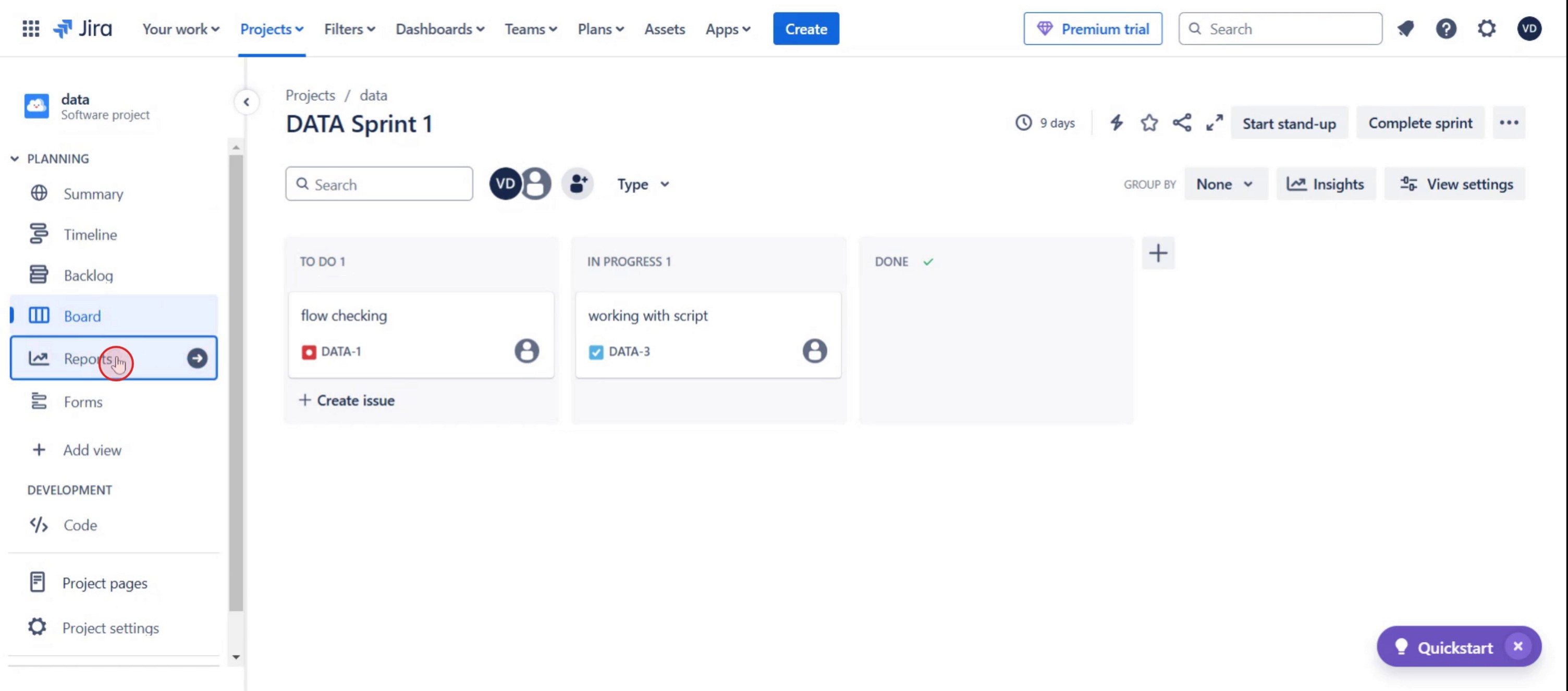
Step 6
Click on the Burn Report option.
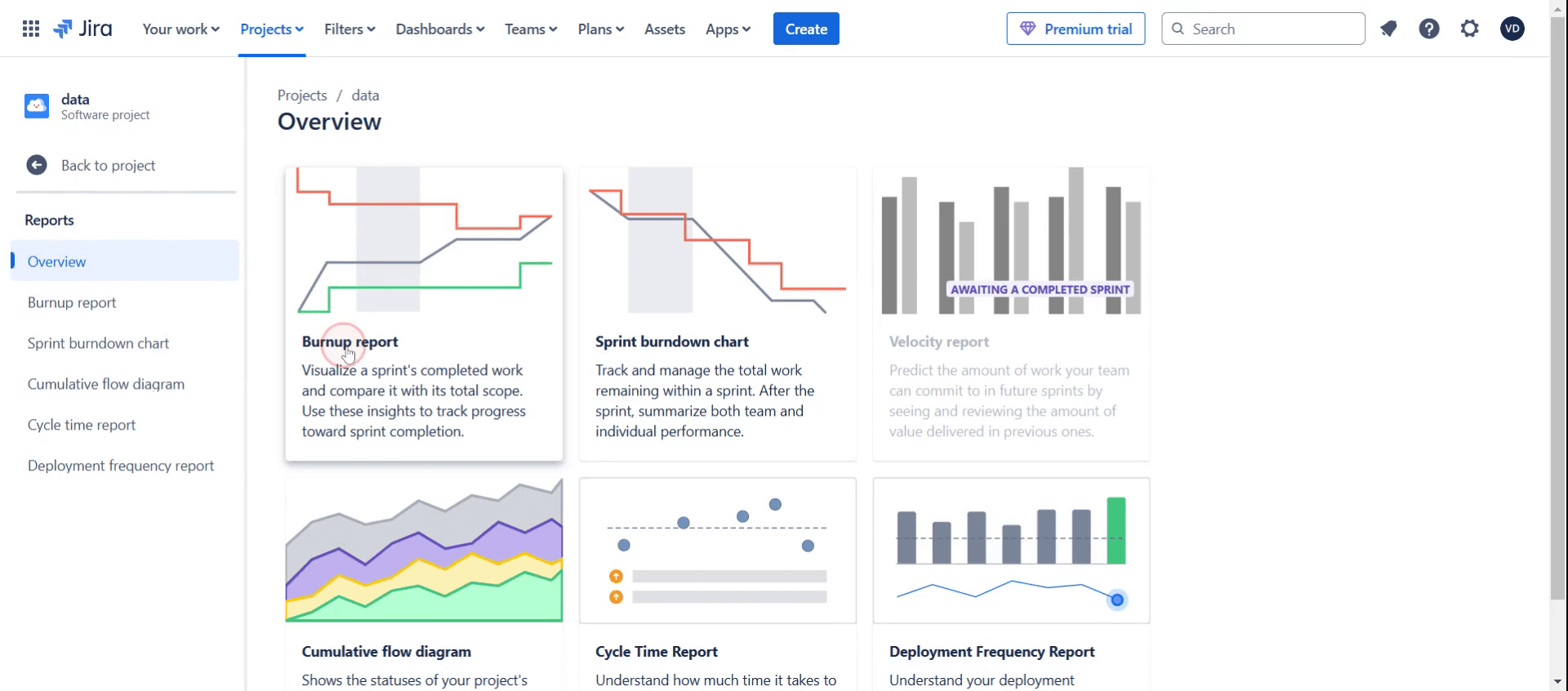
Step 7
Select an existing sprint.
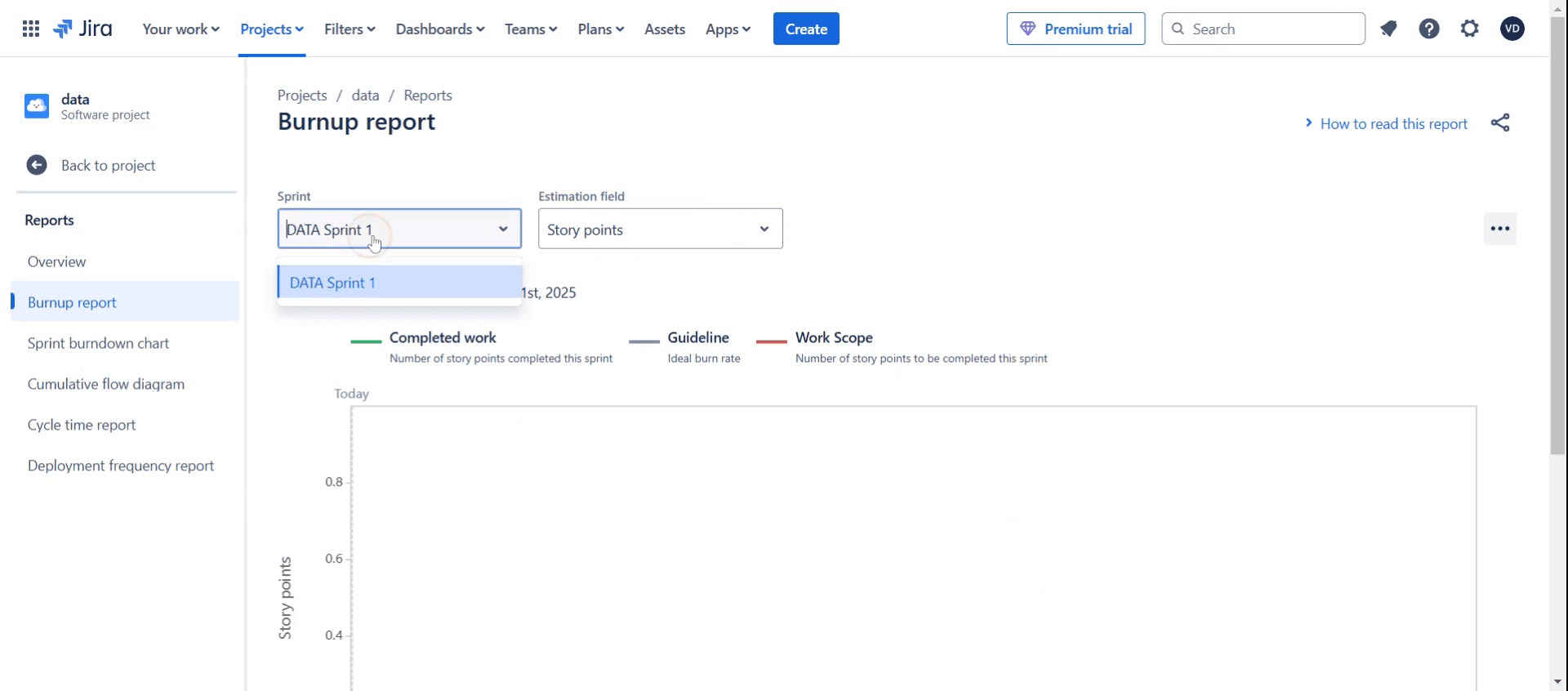
This is a step-by-step guide on how do i see Old Sprints in Jira.
Pro tips on how do i see old sprints in Jira
Use the Sprint Report in Jira’s Reports section to quickly access details of past sprints, including completed tasks and velocity trends.
Apply JQL (Jira Query Language) with the
sprint in closedSprints()filter to find issues associated with old sprints efficiently.Ensure you have the right project permissions, as certain sprint details may be restricted based on your Jira role or access level.
Common pitfalls and how to avoid them
Forgetting to check board settings may cause old sprints to be hidden—always configure board filters properly.
Using the wrong JQL query can return incomplete results—double-check syntax and filters for accuracy.
Not having access to closed sprints in project permissions can prevent viewing old sprint data—request necessary permissions from the Jira admin.
Common FAQs on how do i see old sprints in Jira
Can i view completed tasks from old sprints?
Yes, you can access completed tasks by opening the Sprint Report or using a JQL query likesprint in closed Sprints().Why can’t i see old sprints in Jira?
If old sprints are not visible, check your board settings, permissions, and filters to ensure they are configured correctly.Is there a way to retrieve details of a specific old sprint?
Yes, use the Sprint Report and apply a specific sprint name or ID in a JQL search to retrieve its details.Do i need admin rights to see old sprints in Jira?
Not necessarily, but certain access levels may be required depending on your team’s Jira permissions and settings.
If you're an instructor or content creator looking to make tutorial videos, give a try. It transforms rough screen recordings into polished, studio-style videos that are ready for sharing with your audience. Plus, it automatically generates a step-by-step guide based on the video you create. Fascinating, right? Start by creating your first tutorial for free with trupeer.ai .

