Trupeer Blog

Summarise with:
Claude
ChatGPT
Gemini
Perplexity
Grok
Why DAP pricing is so opaque
Digital adoption platforms rarely publish pricing. WalkMe, Whatfix, Pendo, and most of the enterprise set rely on "contact sales" gates because pricing varies wildly by seat count, applications covered, and whether you're licensing the in-app guidance engine, the analytics module, or the full documentation suite. A mid-market buyer with 500 seats might pay $30,000 a year. An enterprise with 15,000 seats on SAP and Salesforce might pay $400,000 for the same "product." Neither number is posted anywhere.
That opacity has pushed a lot of teams toward leaner tools that pair in-app guidance with on-demand video walkthroughs instead of heavyweight platforms that require a six-month rollout. Before you talk to any DAP vendor, it helps to know what the range actually looks like and where buyers get burned on renewal. Knowing the lay of the land can save you from sticker shock and allow you to make informed decisions that won't derail your budget unexpectedly.
Moreover, the lack of transparent pricing creates a barrier to entry for smaller organizations that might benefit from DAPs but can't afford to engage in lengthy sales discussions just to get a price quote. This environment has led to a demand for more straightforward, cost-effective solutions that can be easily evaluated and implemented, such as Trupeer's AI tools for creating SOPs and digital guides.
DAP pricing at a glance
Vendor | Pricing model | Typical annual spend | Published pricing? |
|---|---|---|---|
WalkMe | Per app + user tier | $50,000 to $400,000 | No |
Whatfix | Per user + modules | $30,000 to $250,000 | No |
Pendo | Per MAU tier | $25,000 to $200,000 | Partial (free tier, 500 MAU) |
Userpilot | Per MAU | $7,200 to $60,000 | Yes (starts $299/mo) |
Appcues | Per MAU tier | $3,600 to $36,000 | Yes (starts $300/mo) |
Apty | Per user | $20,000 to $150,000 | No |
UserGuiding | Per MAU | $1,700 to $15,000 | Yes (starts $89/mo) |
Trupeer | Per user | $2,400 to $50,000 | Partial |
The four pricing models you'll run into
Per user (named seats)
In a per-user or named seat model, you pay for every employee who will see guidance. WalkMe, Apty, and most enterprise DAPs use this model. It's predictable because you know exactly how many seats you're buying, but it does penalize you for giving guidance to occasional users, which is exactly the group that needs it most. If your organization has fluctuating user numbers, you might find this model restrictive and potentially costly.
While this model offers predictability in budgeting, it's crucial to accurately estimate how many users will genuinely need access to avoid overpaying. Companies often underestimate the number of users who will intermittently require guidance, leading to either unexpected costs or a lack of necessary user support. This model works best for organizations with stable user numbers and consistent software usage patterns.
Per monthly active user (MAU)
The per-monthly active user (MAU) model charges based on how many unique users actually load the DAP in a given month. Pendo, Appcues, Userpilot, and UserGuiding use this model. It's friendlier for products with long-tail usage, where not every user logs in every day, but it's harsher for products with seasonal spikes, such as during onboarding or product launches.
This model allows for flexibility and can be more cost-effective for organizations with varying usage patterns. However, it can also lead to unexpected costs during peak periods. Understanding your usage patterns is essential here: if you frequently experience spikes, ensure that your vendor offers a sensible approach to handling overages, such as a true-up model. This can prevent you from incurring hefty fees during high-usage months.
Per app or per module
In the per app or per module model, vendors like WalkMe and Whatfix add line items for each application you want to cover. A Salesforce + Workday + SAP rollout is three separate SKUs. This is where sticker prices can balloon as you expand the number of covered applications. Each app or module adds complexity and cost, making this model potentially expensive for organizations using multiple platforms.
This model requires a careful evaluation of which applications truly need in-app guidance. Companies often discover that not all apps require the same level of support, and prioritizing critical applications can lead to significant savings. This model is ideal for organizations that need targeted support across specific applications and have the budget to manage the associated costs.
Flat platform fee + overages
Some of the smaller DAPs and newer entrants charge a flat platform fee with usage overages. It's simpler to budget because you know your base cost, but it gets punishing at scale if your actual usage exceeds projections. This model is attractive for its simplicity but requires careful monitoring of usage metrics to avoid unexpected costs.
If your organization anticipates growth or unpredictable usage, negotiating terms around overages is crucial. Ensure that your vendor provides clear visibility into usage patterns and offers flexible options for scaling up without incurring punitive fees. This model suits smaller organizations or those in the early stages of DAP adoption, where simplicity in budgeting is a priority.
What each DAP actually costs in 2026
WalkMe
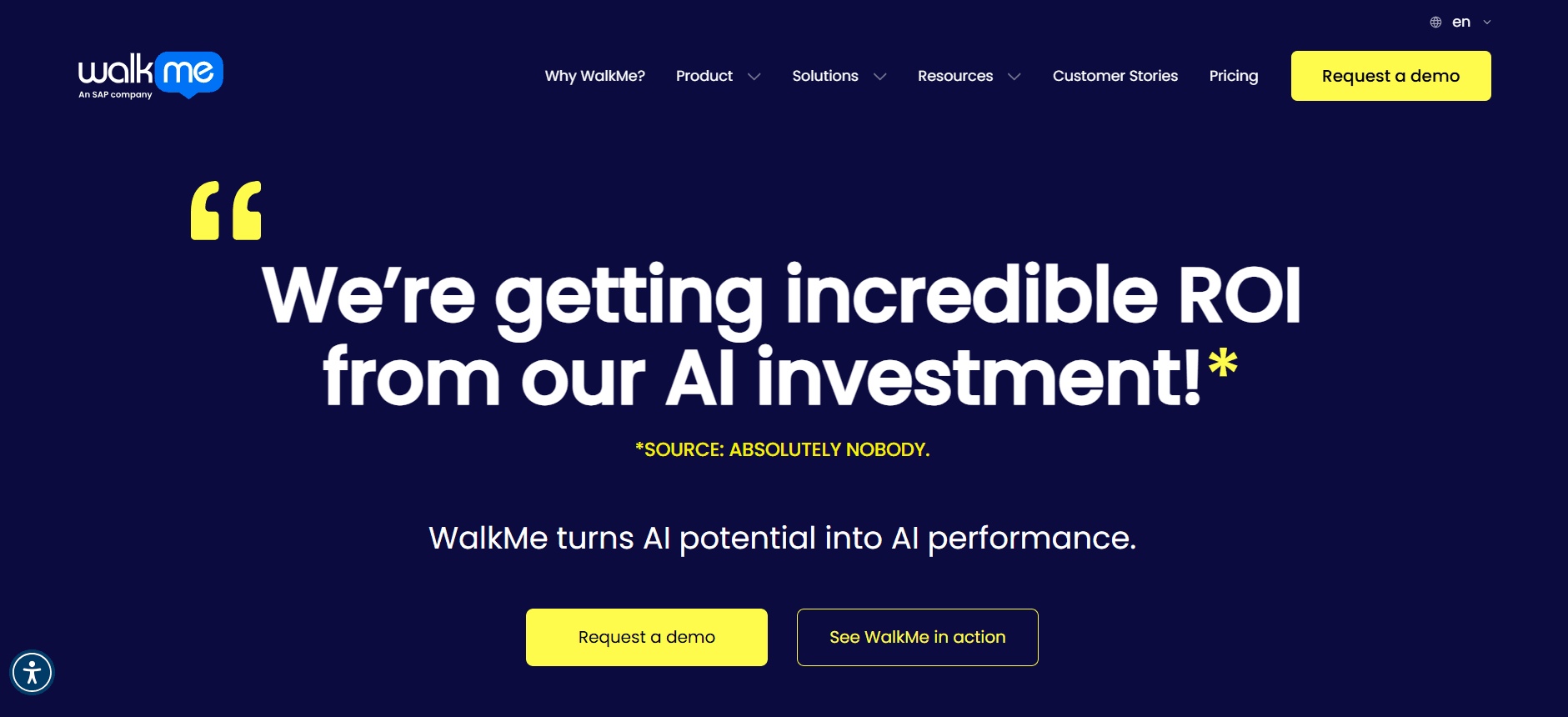
WalkMe quotes typically land between $50,000 and $400,000 per year. Entry deals often cover three apps and 2,000 to 5,000 users, while large enterprise rollouts that cover SAP, Salesforce, and Workday across 15,000 seats can easily exceed $300,000. WalkMe charges separately for analytics, mobile, and its newer AI features, so the list of line items grows quickly. Multi-year commitments usually come with a 10-15% discount.
Choosing WalkMe means handling a complex menu of features and modules, each with its own cost. For organizations committed to comprehensive digital adoption, this can be a worthy investment, but it's essential to conduct a thorough needs assessment to avoid paying for unnecessary features. WalkMe excels in environments that demand high customization and solid integration capacities.
Whatfix
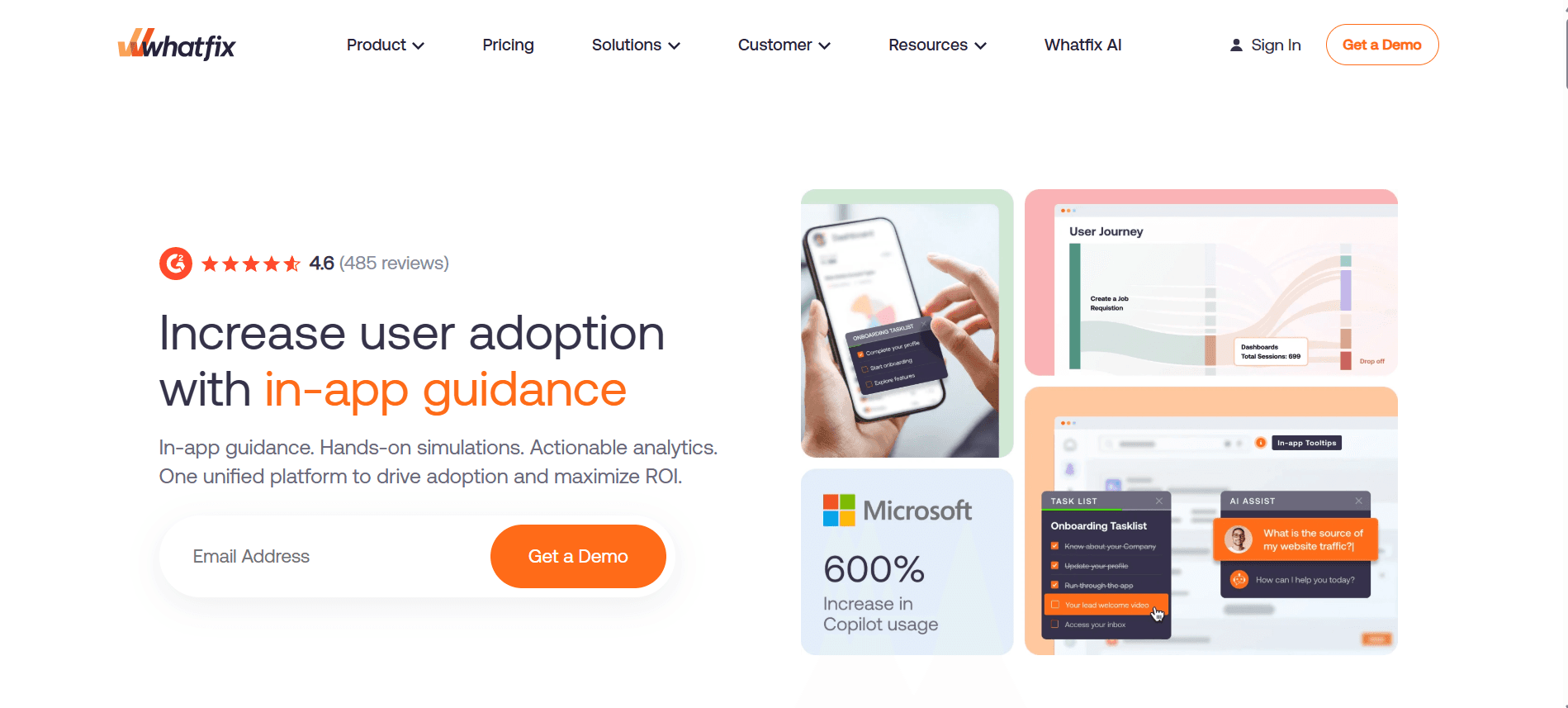
Whatfix runs roughly 10-20% cheaper than WalkMe for comparable scope. Mid-market quotes typically range from $30,000 to $75,000 annually. The Analytics module and Mirror, a sandbox for training, are add-ons. Whatfix tends to negotiate more aggressively than WalkMe, especially if you're replacing an incumbent solution.
Whatfix offers a more cost-effective solution for mid-sized enterprises seeking a balance between functionality and cost. Its aggressive pricing strategies can be advantageous during negotiations, particularly if you're exploring alternatives to existing solutions. Whatfix is suited for organizations that prioritize training and analytics alongside in-app guidance, offering a more holistic approach to digital adoption.
Pendo
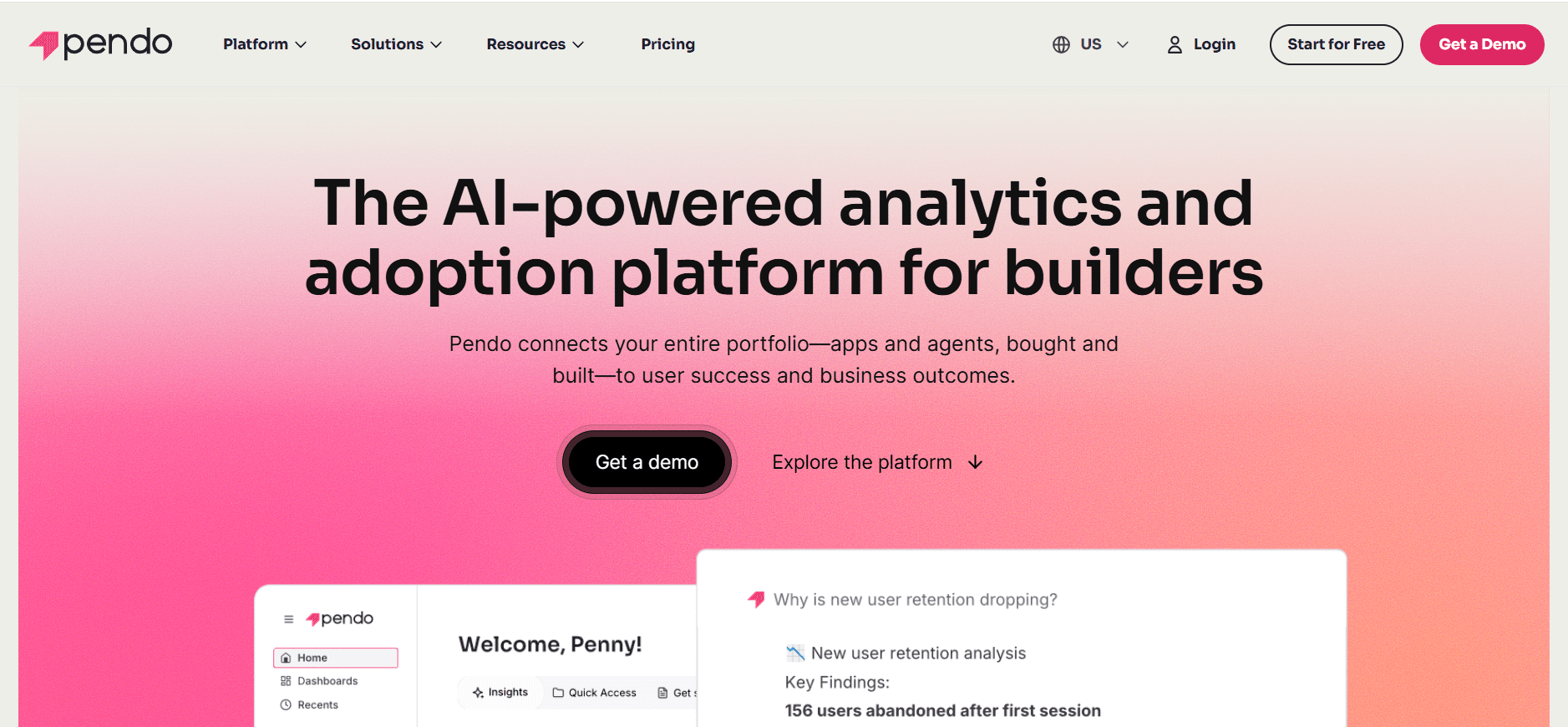
Pendo provides a free tier for up to 500 MAU. Paid plans start around $25,000 per year for the Growth tier and climb past $200,000 for Portfolio plans covering multiple products. In-app guides, analytics, and feedback modules are bundled in higher tiers, while they're unbundled in lower ones.
Pendo's tiered pricing model allows organizations to scale their investment as their needs grow. The free tier is particularly appealing for small teams or startups looking to test the waters of digital adoption without significant upfront costs. For larger enterprises, Pendo's bundled offerings provide a comprehensive suite of tools that can be customized to fit specific requirements, making it a versatile option in the DAP landscape.
Userpilot
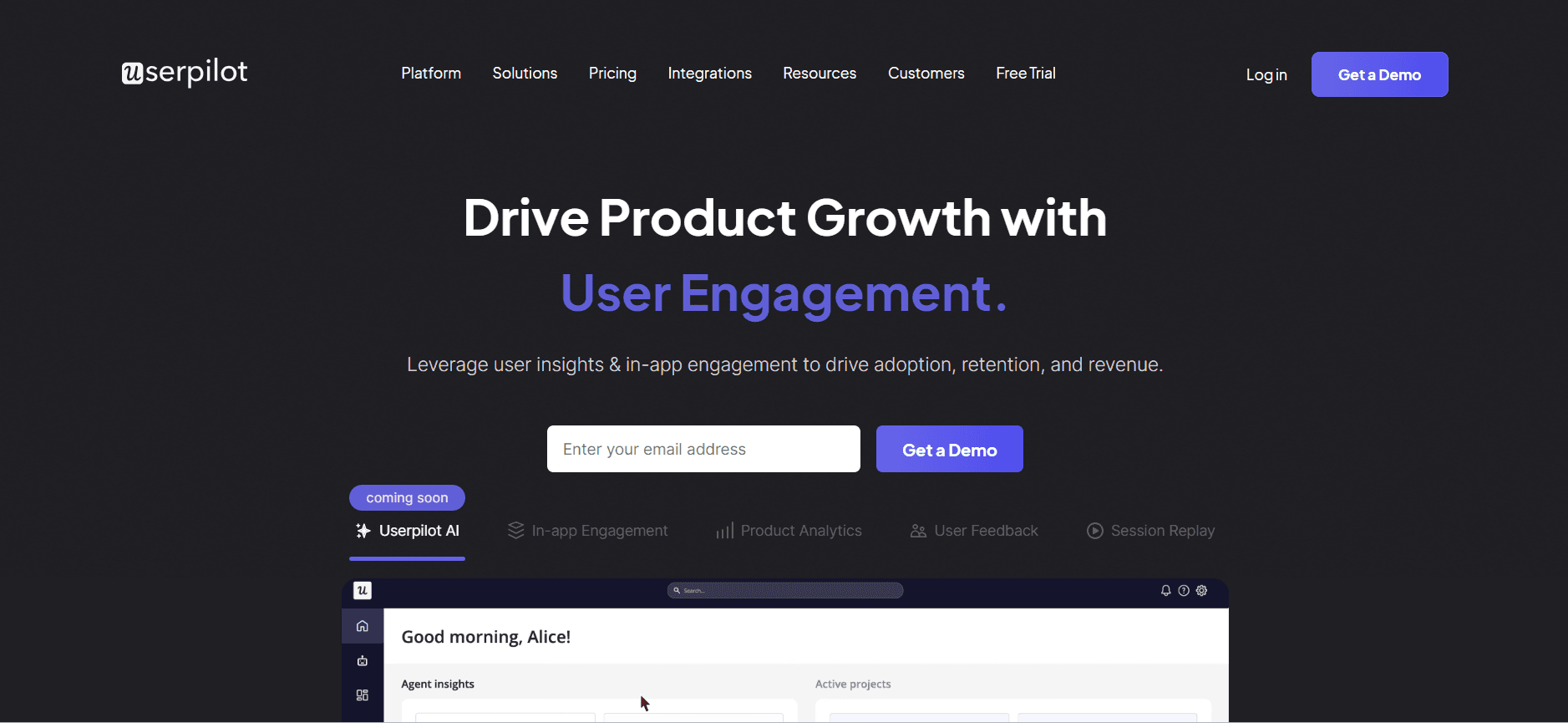
Userpilot is transparent about its pricing. The Starter plan is $299/month for 2,000 MAU. The Growth plan is $799/month, and Enterprise plans are customized. Most product teams find themselves in the $15,000 to $40,000 annual range.
Userpilot's transparent and straightforward pricing makes it an attractive choice for teams that value clarity and predictability. Its focus on product teams rather than enterprise-wide deployments allows for targeted use cases, and its pricing model is conducive to iterative adoption and scaling over time. Userpilot is ideal for organizations that prioritize user engagement and product feature adoption.
Appcues
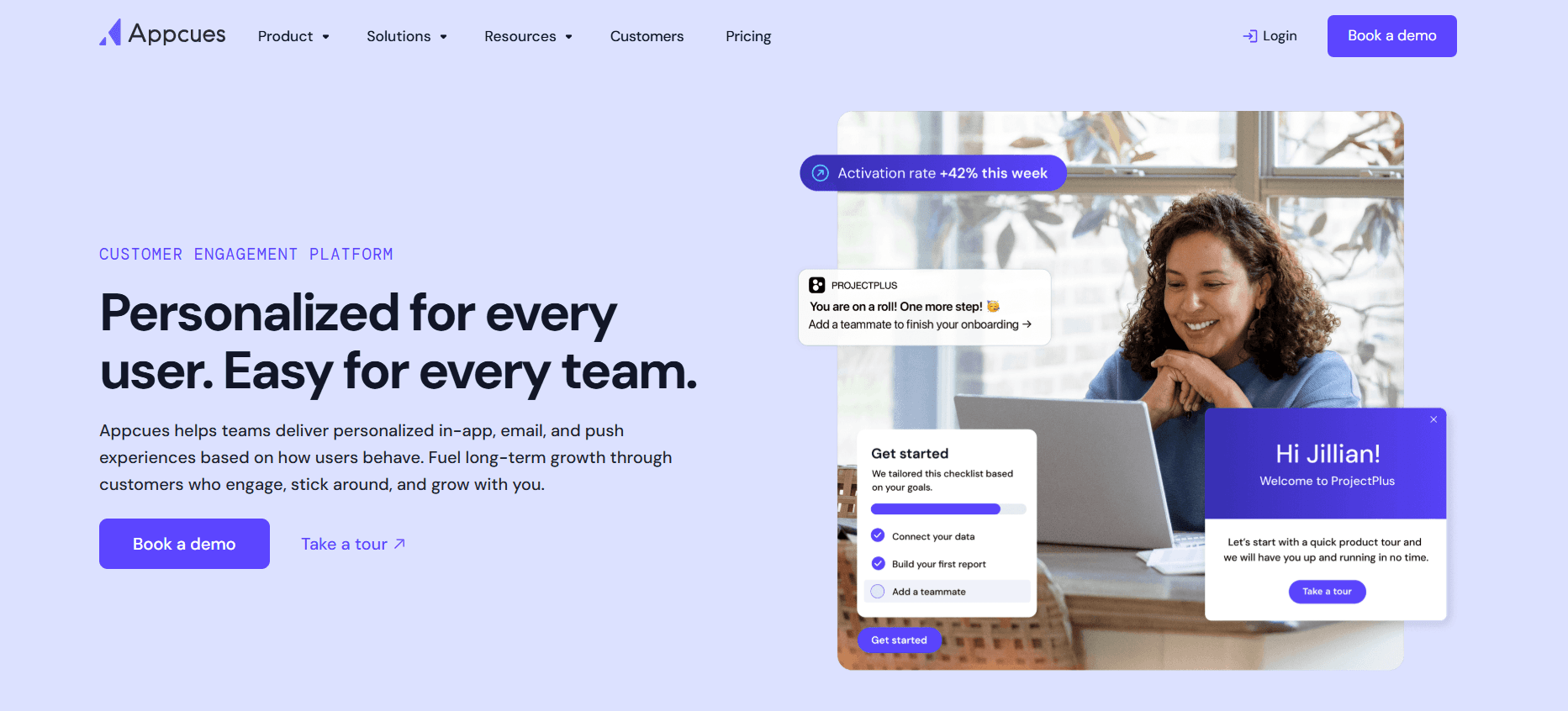
Appcues starts at $300/month for the Essentials plan, covering up to 2,500 MAU, and scales to the low five figures for Growth and Enterprise plans. It's lighter-weight than WalkMe, and typical buyers are product teams rather than enablement teams.
Appcues fits well with organizations seeking a user-friendly, lightweight solution that can be quickly implemented without extensive resources. Its focus on product teams makes it an excellent choice for companies looking to enhance user onboarding and feature adoption without the overhead of larger, more complex DAPs. Appcues offers flexibility and ease of use, making it a viable option for smaller teams or those new to digital adoption.
Apty
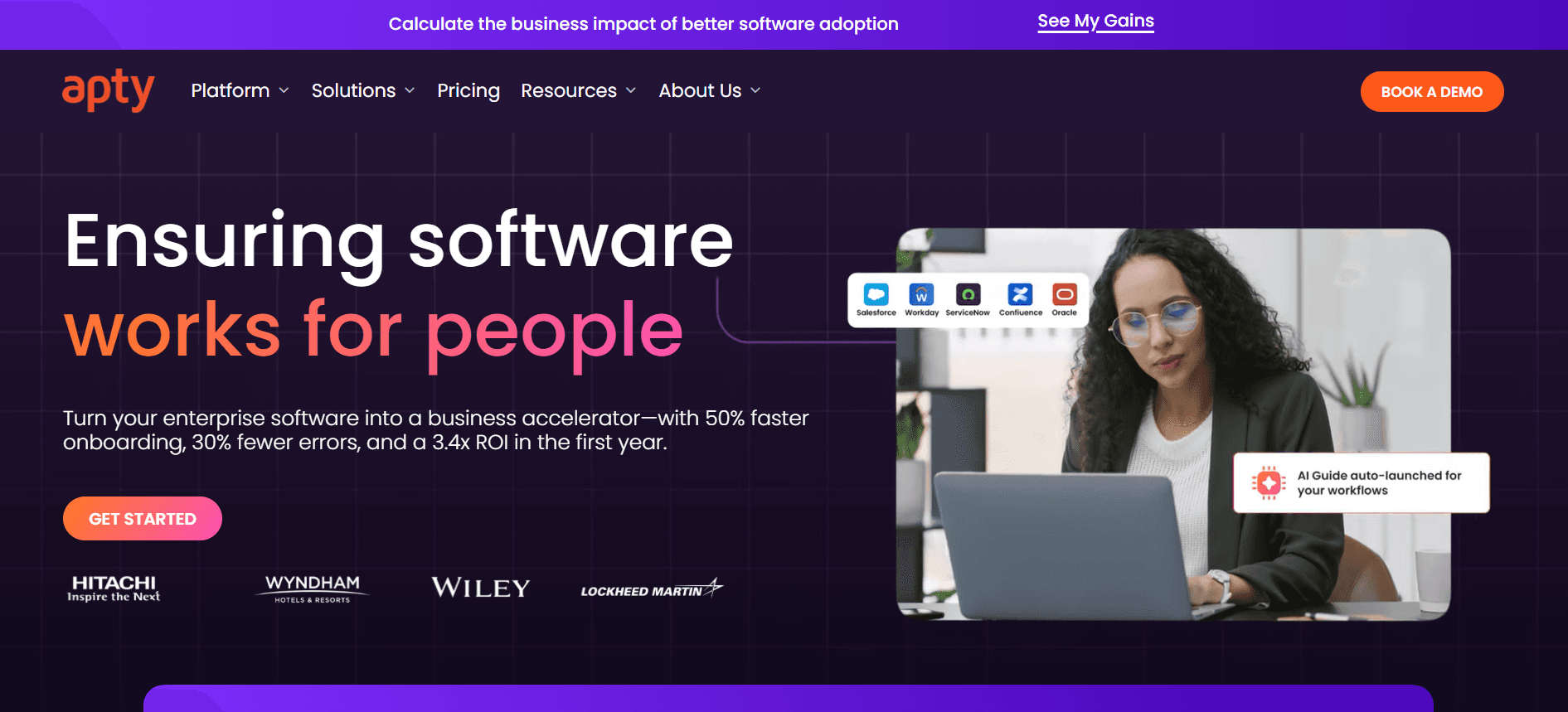
Apty positions itself as a WalkMe alternative with enterprise depth at a lower cost. Quotes range from $20,000 to $150,000 annually. Per-user pricing means costs scale linearly with headcount.
Apty appeals to organizations looking for a comprehensive digital adoption solution without the premium associated with WalkMe. Its linear pricing model offers predictability, and its enterprise focus ensures solid feature sets and integration capabilities. Apty is well-suited for larger organizations that require extensive in-app guidance and support across multiple platforms.
UserGuiding
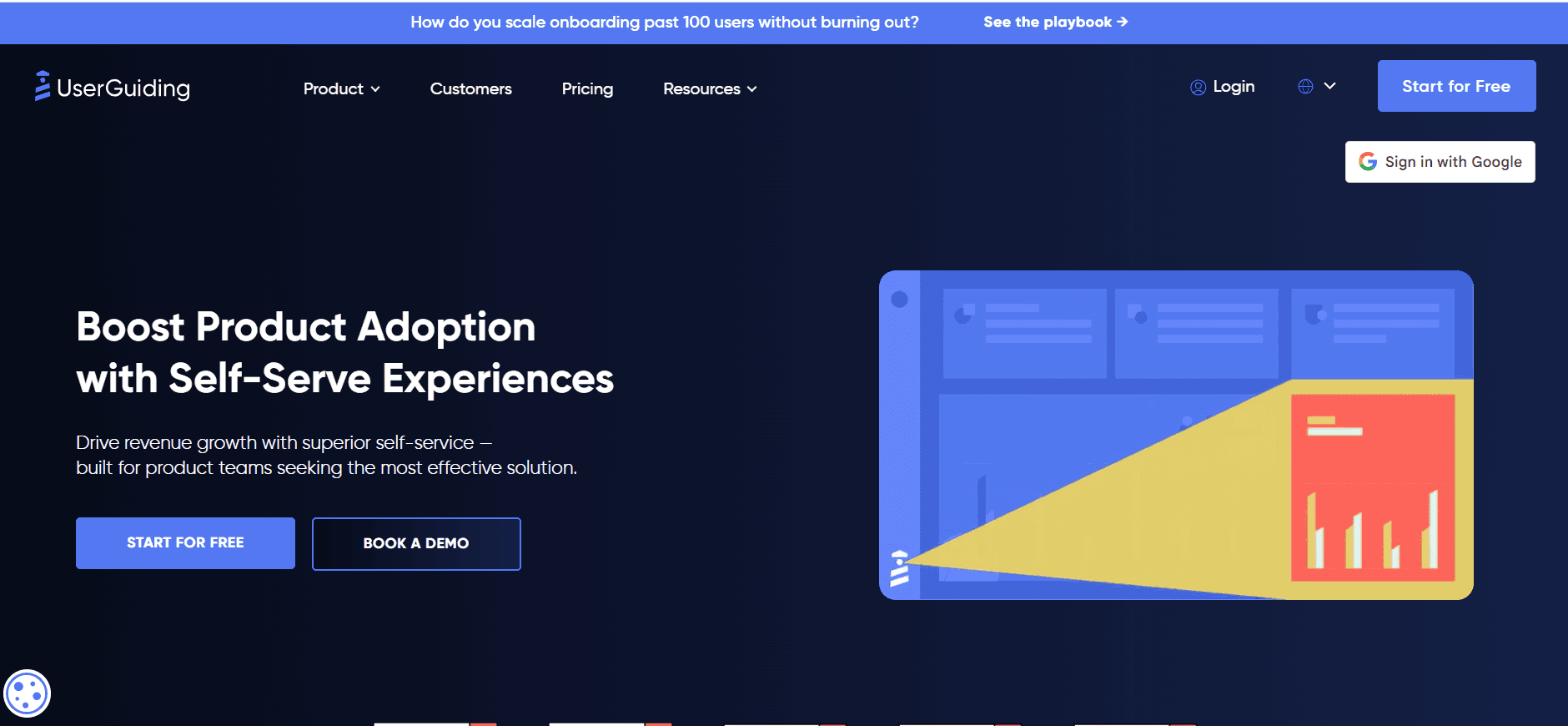
UserGuiding starts at $89/month and tops out around $15,000 annually for most buyers. It's a self-serve SMB tool, not an enterprise DAP. It works well for a single SaaS product but struggles with enterprise complexity.
UserGuiding is best for small to medium-sized businesses needing straightforward, self-service digital adoption capabilities. Its affordability and ease of implementation make it a practical choice for companies focusing on a single product or application. However, those with complex needs or multiple platforms may find UserGuiding lacking in depth and scalability, necessitating consideration of more solid alternatives.
Trupeer
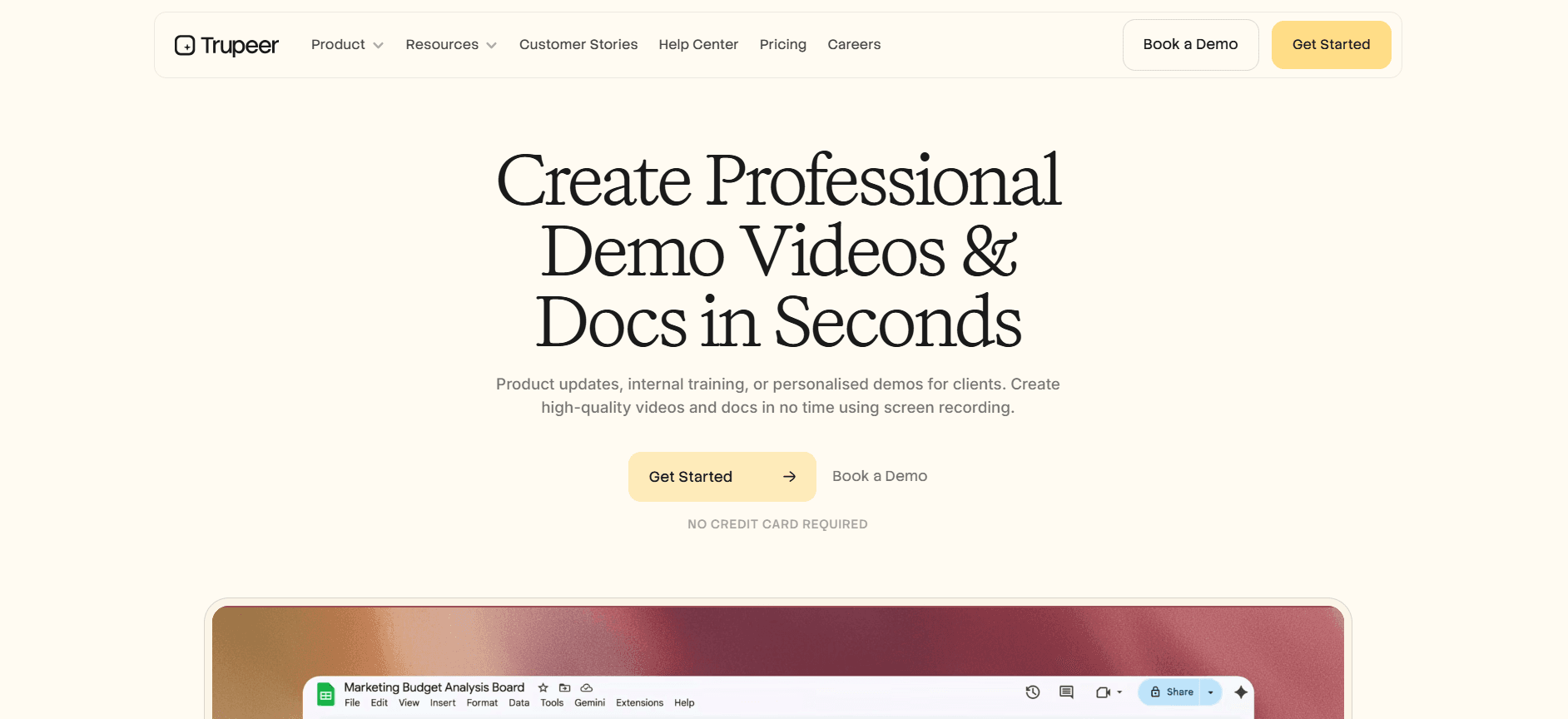
Trupeer uses per-user pricing for its AI video and documentation suite. Most teams find themselves spending between $2,400 and $50,000 annually, depending on seat count and features. The pricing page covers team tiers, and the per-user model doesn't penalize you for MAU spikes.
Trupeer's flexible pricing structure and focus on AI-driven solutions make it a compelling choice for organizations prioritizing video and documentation as part of their digital adoption strategy. By avoiding penalties for usage spikes, Trupeer offers a more forgiving model for growing teams and dynamic user engagement patterns. It provides an attractive alternative for companies looking to integrate AI into their digital adoption processes, balancing cost with advanced capabilities.
Hidden costs that blow up your DAP budget
Implementation services
WalkMe implementation services can range from $30,000 to $150,000, while Whatfix typically costs between $15,000 and $60,000. These costs are not optional for complex rollouts; the platforms genuinely need configuration services to integrate into SAP or Salesforce custom orgs. It's important to budget for these services separately from license fees to avoid surprises.
Implementation services are crucial for ensuring that the DAP is configured correctly and aligns with your organization's specific needs. While the initial cost may seem high, investing in professional implementation can save time and prevent costly errors down the road. It's also worth considering third-party service providers who might offer competitive rates and specialized expertise.
Content creation
Someone has to build the flows, guides, and walkthroughs. Most DAP vendors quote this as services or assume you'll hire a team internally. Plan for one full-time content person per 1,000 seats of active coverage. This cost is often underestimated but is essential for ensuring that the platform delivers value.
Effective content creation is critical for maximizing the ROI of your DAP. Without well-designed guides and walkthroughs, users may struggle to engage with the platform, reducing its overall effectiveness. Investing in skilled content creators or using AI tools like Trupeer's SOP creator can simplify this process and enhance user experience.
Per-app add-ons
Adding Workday to your WalkMe contract mid-year is a new SKU, not an amendment. Negotiate the apps you need at the start; mid-term additions get priced at list. Being proactive in scoping your needs can prevent unexpected costs and ensure that your budget remains intact.
Per-app add-ons can quickly inflate your DAP budget if not carefully managed. As needs evolve, it's important to anticipate potential expansions and negotiate favorable terms upfront. Engaging with vendors early on to outline a comprehensive roadmap can provide use in securing better pricing for future add-ons.
Analytics and AI modules
Vendors have been unbundling analytics and AI features over the last 18 months. Check whether your quote covers what the demo showed. "Pro" and "Enterprise" tiers often have different AI feature sets. Understanding what's included in your package is essential to avoid unexpected costs down the line.
Analytics and AI modules are increasingly becoming essential components of digital adoption platforms. However, the way these features are packaged and priced can vary significantly. Clarifying the specifics of what's included in your tier and discussing potential upgrades can help ensure that you have access to the tools you need without overspending.
Overage fees
MAU-based tools can overage hard during seasonal spikes, such as during onboarding classes, open enrollment, or product launches. Ask for a true-up model instead of strict overages. This can provide more flexibility and prevent budget overruns during peak usage periods.
Overage fees can be a significant burden if not carefully managed. By negotiating terms that allow for flexibility during peak usage, you can avoid punitive costs and maintain control over your budget. Regular monitoring and reporting on usage patterns can also help anticipate potential overages and provide opportunities for adjustment before fees are incurred.
Who pays what (real buyer profiles)
Jordan, IT Director, 3,500-employee insurance firm
Jordan's team deployed WalkMe across Salesforce, Workday, and an internal policy system. The annual license was $185,000, with implementation services costing $60,000 in the first year. Two full-time content builders were hired at a cost of $240,000. The total year-one spend was approximately $485,000, which dropped to $205,000 in year two once the implementation was absorbed.
This case highlights the high initial investment required for comprehensive DAP deployment but also shows how costs can stabilize over time. Jordan's experience underscores the importance of planning for both initial and ongoing costs, as well as the value of in-house content creation capabilities.
Priya, Product Manager, 80-person SaaS startup
Priya's team runs Pendo on the Growth tier at $36,000 a year for analytics plus in-app guides across the company's main SaaS product. Content is built by the PM team, so there was no need for a services line item. The total cost was a flat $36,000.
For smaller teams like Priya's, using existing resources for content creation can significantly reduce costs. Pendo's straightforward pricing and bundled features provide a scalable solution that meets the needs of growing startups without breaking the bank.
Marcus, Head of Enablement, 1,200-person software company
Marcus's team replaced a mid-tier WalkMe contract with a lighter mix: UserGuiding for the main product at $12,000 per year plus screen-recorded training videos for internal tools. The total cost was roughly $35,000 a year, down from $95,000 under WalkMe.
This switch demonstrates how organizations can achieve significant cost savings by evaluating their actual needs and exploring alternative solutions. By focusing on essential features and using cost-effective tools, Marcus's team was able to maintain functionality while reducing expenses.
How to negotiate DAP pricing
Get three quotes. Engaging multiple vendors can create competitive pressure. WalkMe tends to drop its number by 20-30% when Whatfix is in the conversation. Similarly, Whatfix will adjust its pricing when competing against WalkMe.
Commit to multi-year carefully. While three-year deals usually come with another 10-15% off, they lock you in during a rapidly changing market. Assess whether the long-term savings outweigh the risk of being tied to a potentially outdated solution.
Negotiate the ramp. Ask for a discounted first year while you're still proving ROI, with standard pricing applied in subsequent years. This approach can help manage initial costs while allowing time to demonstrate value.
Bundle apps up front. Adding apps mid-contract is a premium-priced change order. Scope all the apps you'll want covered over 24 months to secure better pricing and avoid costly additions later.
Push back on services. Vendor-led implementation is often 30% more expensive than using a good systems integrator partner. Get quotes from both to compare and potentially save on implementation costs.
Consider alternatives. If your core need is training and documentation rather than in-app guidance, a documentation-first workflow can cost a fraction of a full DAP. This approach can meet your needs without the complexity and expense of a full-scale platform.
When a DAP is overkill
Not every rollout needs a DAP. If the core problem is "employees don't know how to do X in Salesforce," the cheaper fix is usually structured training videos plus a searchable documentation hub. You can save six figures and avoid the two-quarter implementation. DAPs earn their keep when you need persistent in-app guidance that updates with UI changes and drives measurable task completion.
A clear assessment of your organization's needs can help determine whether a DAP is necessary or if simpler solutions will suffice. By focusing on targeted training and accessible documentation, companies can often achieve their goals without the overhead of a full DAP. This approach is particularly beneficial for smaller organizations or those with straightforward training and support requirements.
Frequently asked questions
Why won't WalkMe give me a price without a call?
WalkMe's pricing varies significantly across buyers based on apps, users, and modules. A published list price would either underquote enterprise buyers or scare off SMBs. The gate is intentional to allow tailored pricing that reflects the specific needs and scale of each customer.
This practice allows WalkMe to provide customized solutions that align with organizational requirements, but it also means that prospective buyers must engage with sales representatives to get accurate quotes. While this approach can be frustrating, it ultimately ensures that each customer receives a tailored package that meets their unique needs.
Is per-MAU or per-user better?
Per-user pricing is predictable, making it easier to manage and budget for. Per-MAU pricing can be cheaper for products with many occasional users but can become punishing during seasonal spikes. The best choice depends on your organization's usage patterns: stable usage favors per-user, while fluctuating or seasonal usage may benefit from per-MAU.
Understanding your organization's specific usage patterns is crucial in selecting the right pricing model. By analyzing historical usage data and projecting future needs, you can make an informed decision that aligns with your budget and operational requirements.
How much should I budget beyond license fees?
Plan for 50-100% of your year-one license cost in services, content creation, and admin time. This ratio typically drops in subsequent years as the initial setup and content creation efforts stabilize. Anticipating these additional costs can help ensure that your budget accurately reflects the total investment required.
By allocating sufficient resources for these ancillary expenses, organizations can avoid unexpected financial strain and ensure a smoother implementation process. Regularly reviewing and adjusting the budget as needs evolve can further optimize spending and enhance ROI.
Are there free DAP options?
Pendo offers a free tier for up to 500 MAU, while UserGuiding and Appcues have affordable starter plans. None of these options scale to enterprise-level deployments, but they're suitable for validating the category and testing basic features.
For organizations exploring digital adoption for the first time, these free or low-cost options provide an opportunity to assess the benefits and limitations of DAPs without a significant financial commitment. As needs grow, companies can then explore more comprehensive solutions if necessary.
What's the cheapest way to get in-app guidance?
For a single product, open-source tools like Intro.js, combined with a video walkthrough library, can cover 70% of the use case at a fraction of WalkMe's cost. This approach provides basic in-app guidance and support without the expense of a full-scale DAP.
Organizations with limited budgets or simple requirements can benefit from this approach, which offers flexibility and cost savings. By focusing on essential features and using existing resources, companies can effectively support their users without incurring high costs.
Final word
DAP pricing is messy, but the ranges are knowable: $25,000 a year at the low end, $400,000 at the high end, with another 30-100% in services. Before you sign, get two or three quotes, scope the apps you actually need, and make sure your team has the bandwidth to build and maintain content. The platform itself is rarely the expensive part; the content and the admin time are.
By approaching DAP adoption with a clear understanding of costs and requirements, organizations can make informed decisions that align with their strategic goals. Whether opting for a full-scale platform or exploring more budget-friendly alternatives, the key is to prioritize solutions that deliver value and support long-term success.


