Trupeer Blog
Summarise

Buyer's Overview
Documentation teams often find themselves bogged down by the tedious tasks of formatting and structuring content. This isn't just a minor inconvenience. Studies show that teams spend between 60% and 70% of their time on these repetitive tasks, leaving less room for content accuracy and clarity. AI documentation tools have emerged to automate these tasks, freeing up time for what really matters. According to a study by Tech Research Group in 2025, companies that adopted AI tools saw a 30% increase in documentation efficiency.
Companies that adopted AI tools saw a 30% increase in documentation efficiency.
This guide is here to help you navigate the landscape of AI documentation tools. Whether you're part of a SaaS company, a technical writer, or managing customer help centers, this guide will provide insights on the best tools, their unique features, and how they can address your team's specific challenges.
Best AI Documentation Tools: Head-to-Head Comparison
Features | Trupeer | Scribe | Tango | Document360 | Notion AI | Confluence AI | GitBook AI |
|---|---|---|---|---|---|---|---|
AI Writing | Yes | Yes | Limited | Yes | Yes | Yes | Yes |
Auto Step Capture | Yes | No | Yes | Limited | No | Limited | Yes |
Screenshot Annotation | Yes | Limited | Yes | No | Limited | Yes | Limited |
AI Voiceover | Yes | No | No | Yes | No | No | Limited |
Video Generation | Yes | No | Limited | Yes | No | Limited | Limited |
Smart Templates | Yes | Yes | Limited | Yes | Yes | No | Yes |
Multi-language | Yes | No | No | Yes | Yes | Limited | Yes |
API Integration | Yes | Limited | Yes | Yes | No | Yes | Yes |
Free Tier | Yes | No | Yes | Limited | Yes | No | Yes |
Trupeer

Trupeer is designed for teams aiming to boost their documentation efficiency with AI-powered features. It's perfect for businesses that need to produce detailed and accurate user manuals quickly. Trupeer stands out with its ability to automate step captures and integrate voiceovers in user guides, making it a comprehensive tool for documentation teams.
Key Features
AI Writing
Auto Step Capture
Screenshot Annotation
AI Voiceover
Video Generation
Smart Templates
Multi-language Support
API Integration
"Trupeer has significantly reduced our documentation process time, allowing us to focus more on content quality and less on formatting."
Pros
Cons
Comprehensive feature set for documentation.
AI voiceover needs refinement for complex languages.
Supports over 40 languages.
Limited customization in templates.
High accuracy in auto step captures.
Initial setup can be time-consuming.
Pricing
Trupeer offers a free tier with essential features. Paid plans start at $49 per user per month.
Scribe
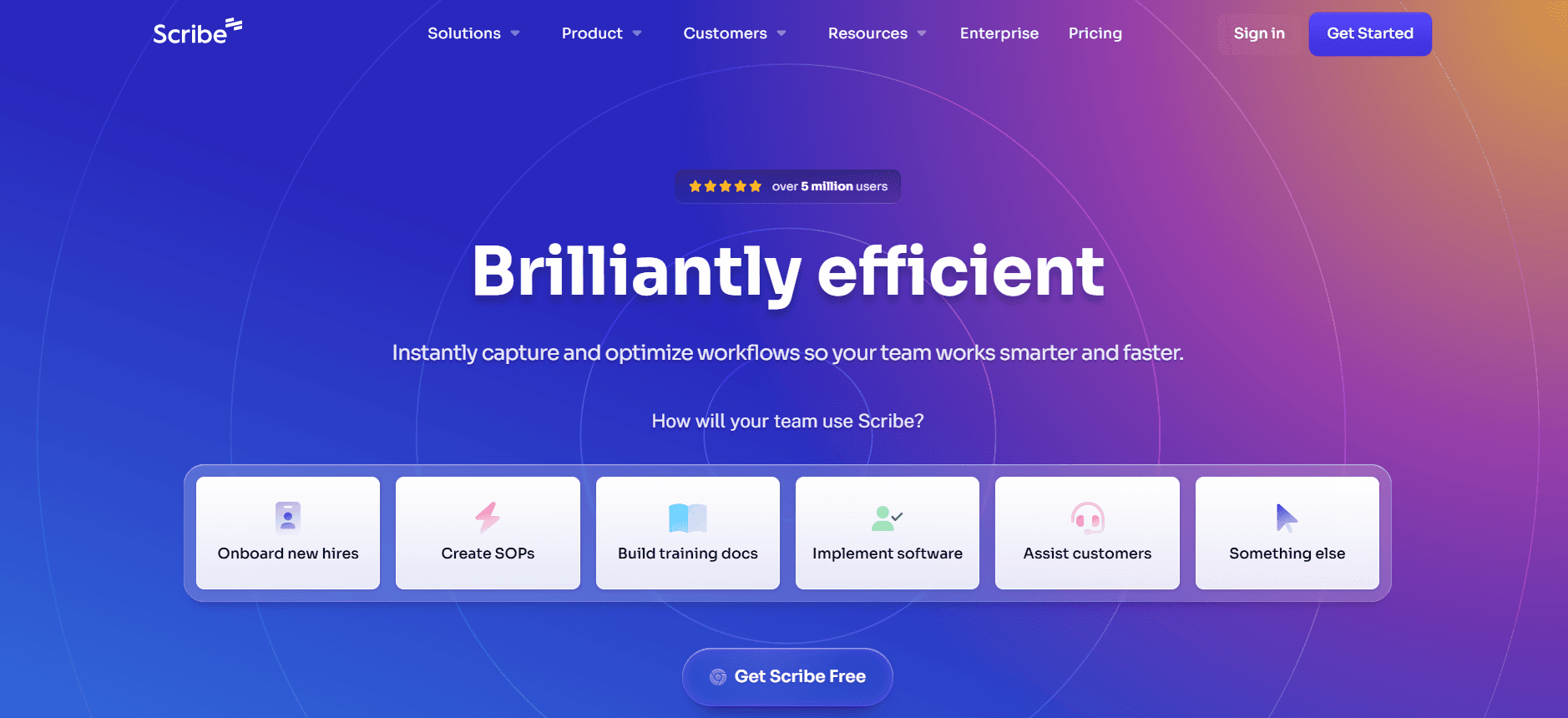
Scribe focuses on simplifying document creation for small to medium-sized teams. It's especially useful for companies that need straightforward documentation without the need for extensive multimedia elements. Scribe's strength lies in its easy-to-use interface and efficient text editing capabilities, making it a favorite among teams that prioritize simplicity and speed.
Key Features
Simple AI Writing
Basic Text Editing
Smart Templates
Version Control
Collaboration Tools
Basic Language Support
Template Library
Quick Publishing
Pros
Cons
Intuitive and easy to use.
Lacks advanced multimedia features.
Fast setup and deployment.
No auto step capture functionality.
Affordable pricing for small teams.
Limited language support.
Pricing
Scribe does not offer a free tier. Paid plans start at $15 per user per month.
Tango
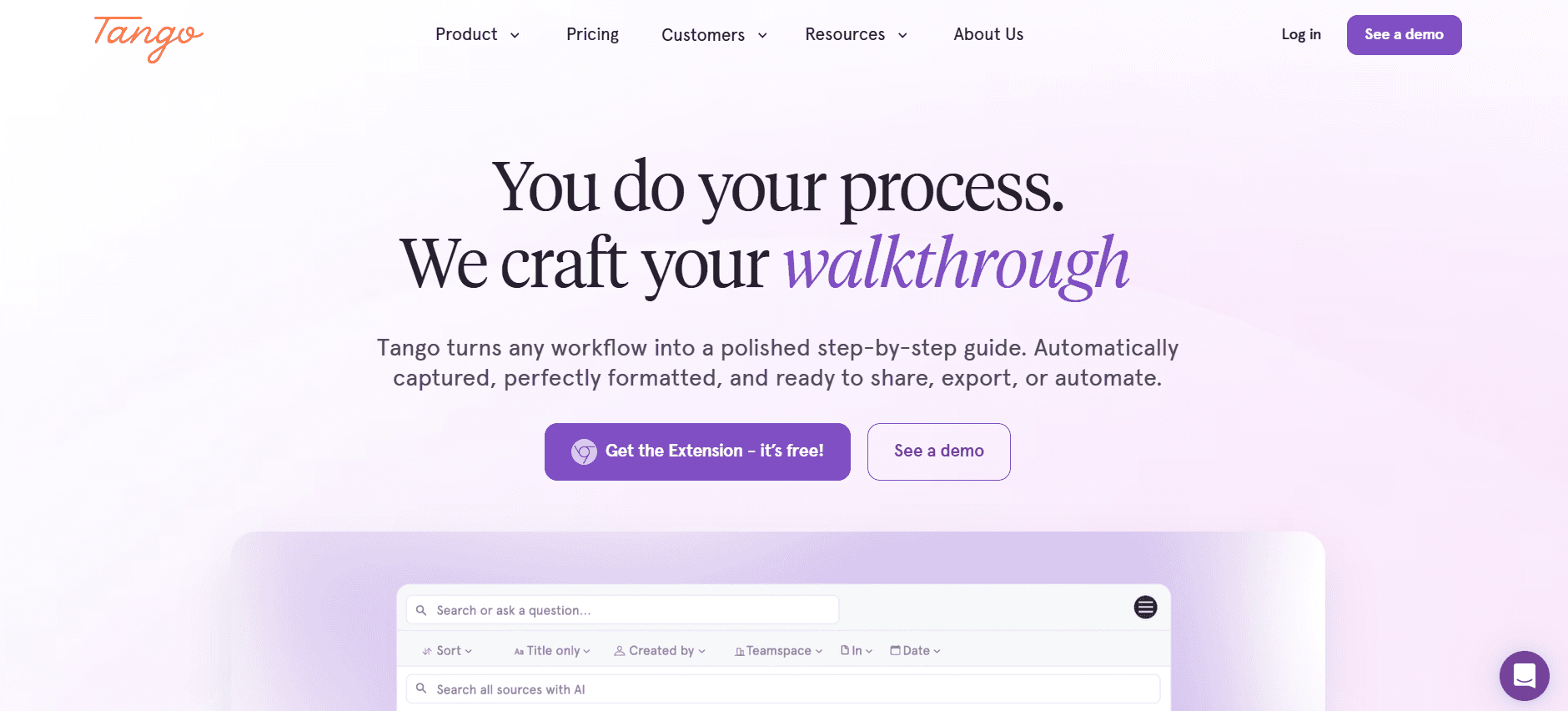
Tango is geared towards teams that need to create interactive, step-by-step guides. It's perfect for training manuals and onboarding documents. Tango's standout feature is its ease of capturing and annotating screenshots, making it a strong choice for visual documentation. However, its text editing capabilities are more limited compared to some competitors.
Key Features
Interactive Guide Creation
Screenshot Annotation
Auto Step Capture
Basic Collaboration Tools
Limited AI Writing
Template Customization
Step-by-Step Navigation
Real-time Updates
Pros
Cons
Excellent for visual guides and tutorials.
Limited text editing capabilities.
Effective screenshot annotation tools.
Doesn't support AI voiceover.
Real-time updates for team collaboration.
No multi-language support.
Pricing
Tango offers a free tier with limited features. Paid plans start at $20 per user per month.
Document360
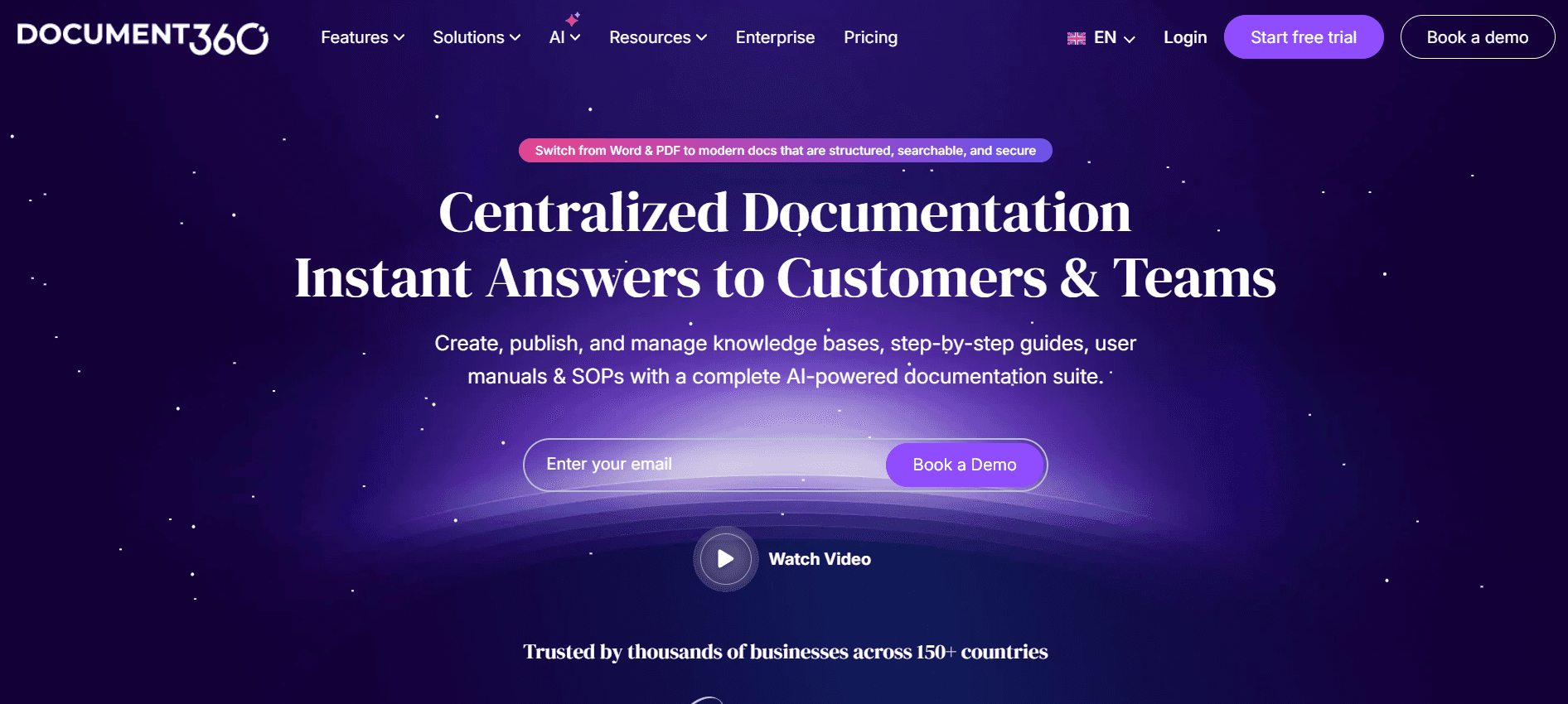
Document360 is a comprehensive knowledge base management tool that excels in creating and managing extensive documentation. It's ideal for enterprises that need robust documentation capabilities and integration with existing workflows. Document360 stands out with its version control and collaborative editing features, although its multimedia support could be better.
Key Features
Knowledge Base Management
Version Control
Collaborative Editing
Advanced Search Options
AI Writing
API Integration
Multi-language Support
Detailed Analytics
Pros
Cons
Strong version control and collaboration.
Lacks advanced multimedia integration.
Powerful search and analytics tools.
Complex setup process.
Integrates well with other enterprise tools.
Limited video generation features.
Pricing
Document360 offers a limited free tier. Paid plans start at $39 per user per month.
Notion AI
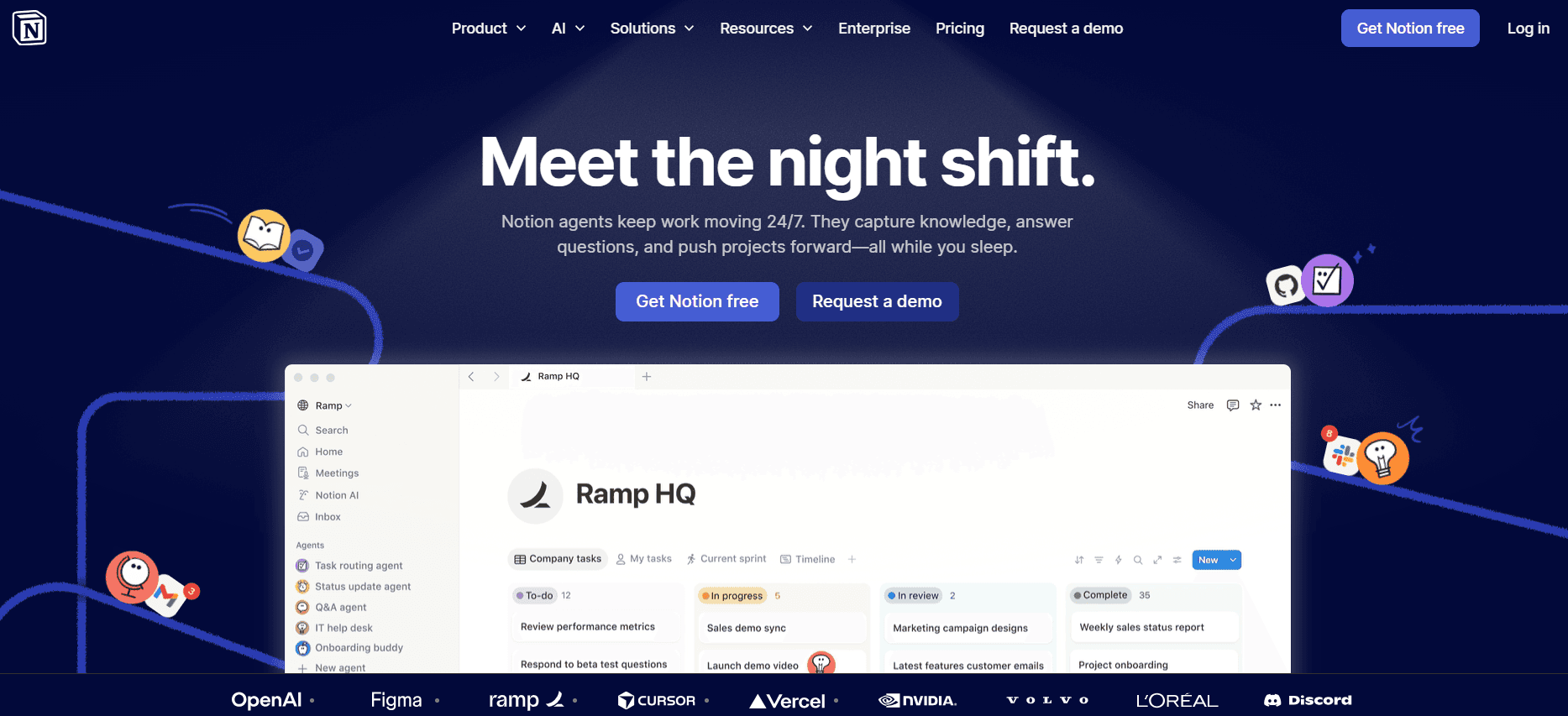
Notion AI is part of the broader Notion ecosystem, offering a flexible workspace for teams. It's particularly beneficial for teams looking for an all-in-one solution that combines project management with documentation. Notion AI's flexibility in customizing workflows and templates is a major strength, though it lacks some of the advanced AI-specific features found in dedicated documentation tools.
Key Features
Flexible Workspace
Customizable Templates
Basic AI Writing
Task Management
Collaboration Tools
Integration with Third-party Apps
Database Management
Real-time Collaboration
Pros
Cons
Highly customizable and flexible.
Not specialized for documentation.
Combines project management and documentation.
Limited auto step capture features.
Integrates well with other tools.
No AI voiceover or video generation.
Pricing
Notion AI offers a free tier for personal use. Paid plans start at $10 per user per month.
Confluence AI
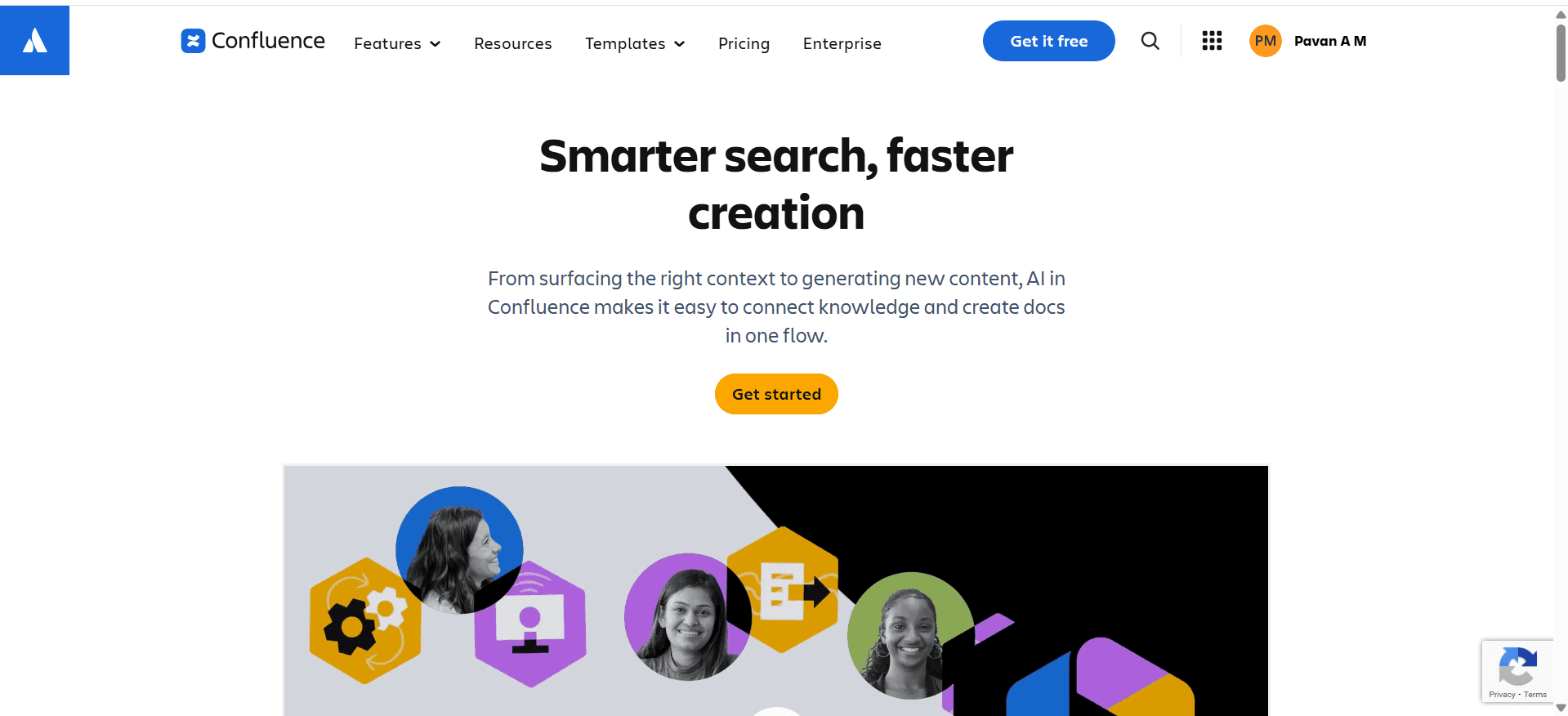
Confluence AI, by Atlassian, is designed for teams already using the Atlassian suite. It excels in collaborative documentation and knowledge sharing, making it a strong choice for teams that need to integrate documentation with other tools like Jira. While it offers solid collaboration features, its AI capabilities are not as advanced as some of its competitors.
Key Features
Collaborative Documentation
Integration with Atlassian Tools
Basic AI Writing
Knowledge Sharing
Template Library
Permission Management
Real-time Editing
Content Organization
Pros
Cons
Seamless integration with Atlassian tools.
Limited AI feature set.
Strong collaboration and knowledge sharing.
No auto step capture capability.
Easy permission and access management.
No AI voiceover or video support.
Pricing
Confluence AI does not offer a free tier. Paid plans start at $5 per user per month.
GitBook AI
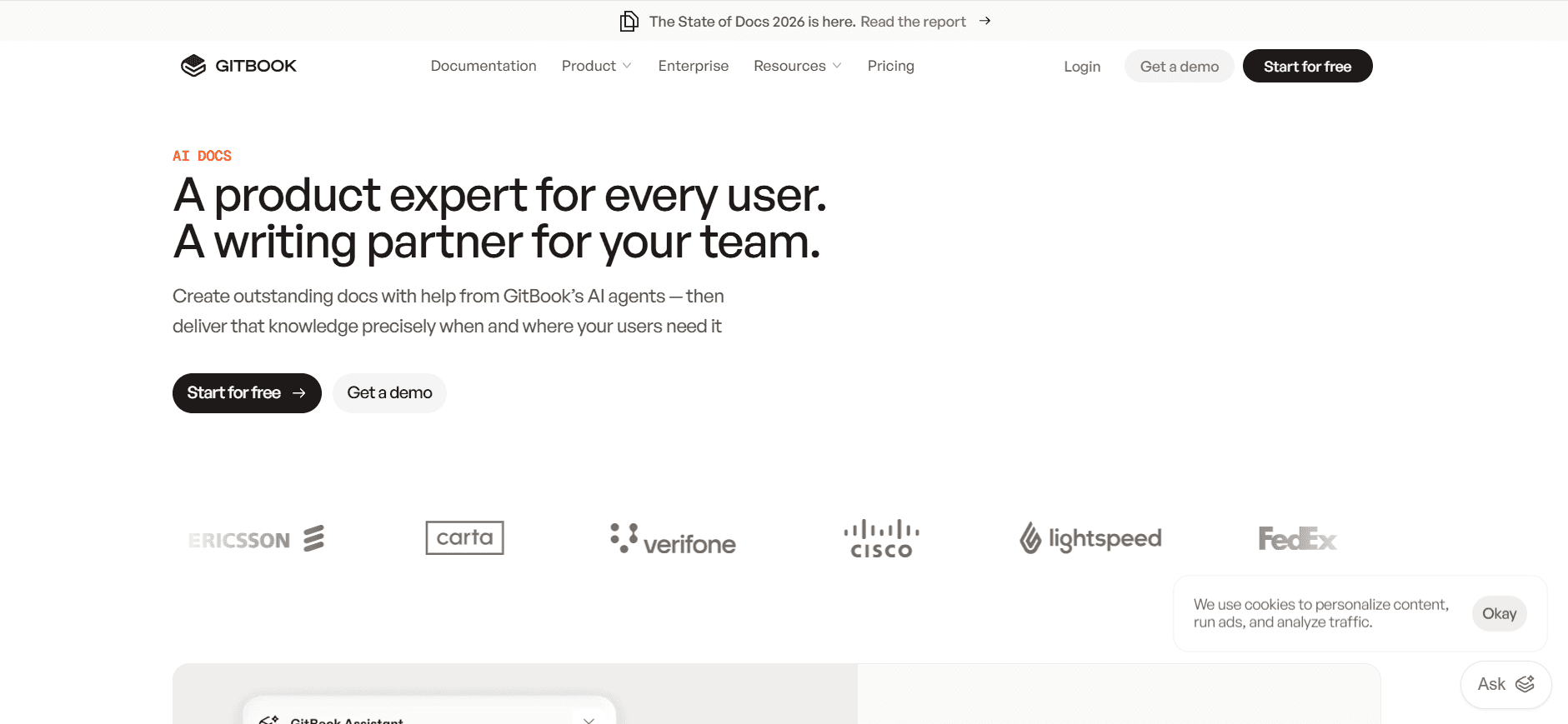
GitBook AI is tailored for developers and technical teams needing to document APIs and technical guides. It's ideal for teams that want a straightforward tool focusing on text-based documentation. GitBook AI excels in markdown support and version control, but it lacks some of the advanced multimedia features found in more robust tools.
Key Features
Markdown Support
Version Control
Basic AI Writing
API Documentation
Custom Domain Support
Collaboration Tools
Real-time Editing
Integration with Git
Pros
Cons
Excellent markdown and version control.
No multimedia support.
Ideal for API and technical docs.
Limited AI capabilities.
Simple integration with Git.
No visual or voiceover features.
Pricing
GitBook AI offers a free tier with basic features. Paid plans start at $8 per user per month.
AI Documentation Challenges: What Teams Struggle With
1. Creating First Drafts Takes Too Long
Even experienced writers face delays when starting new documentation projects.
The need for thorough research and planning can slow down the initial draft phase.
Manual formatting adds to the time required before the draft reaches review stages.
Teams often struggle with writer's block, leading to stalled projects.
2. Keeping Documentation Current with Product Sprints
Product updates require continuous documentation revision, a demanding task.
The lack of real-time update capabilities in some tools leads to outdated information.
Coordinating updates across different departments can be a logistical nightmare.
Frequent changes necessitate constant training for documentation teams.
3. Inconsistent Formatting Across Team Members
Different writing styles can lead to a lack of uniformity in documentation.
Without standardized templates, documents can vary in structure and presentation.
Revisions often require additional rounds of editing to ensure consistency.
New team members need time to adapt to existing formatting standards.
4. No Automatic Screenshot or Step-Capture Capabilities
Manual screenshot capture is time-consuming and prone to errors.
Steps often need repeated verification to ensure accuracy.
Without automation, integrating visual aids becomes a tedious process.
Teams may need additional tools, complicating the workflow.
5. Translation and Localization Create Bottlenecks
Manual translation processes can delay documentation availability for global teams.
Ensuring accuracy in multiple languages requires significant resources.
Different cultural contexts necessitate tailored localization efforts.
Teams face challenges in maintaining uniform quality across translations.
Challenge | Traditional Process | Business Impact | Time Cost |
|---|---|---|---|
Creating First Drafts | Manual writing and editing | Delays in content delivery | High |
Keeping Documentation Current | Periodic manual updates | Outdated information | Moderate to High |
Inconsistent Formatting | Individual style guides | Reduced professional appearance | Moderate |
No Auto Screenshot | Manual capture and edit | Increased errors | High |
Translation Bottlenecks | Manual translation services | Limited global reach | Very High |
Must-Have Features in AI Documentation Tools
AI Writing and Auto-Completion
AI writing tools are essential in reducing the time it takes to create first drafts. With capabilities to suggest content and auto-complete sentences, these features streamline the writing process. Notion AI excels in this area, providing smart suggestions that help maintain a consistent tone and style across documents.
Moreover, AI writing tools can assist in grammar and style checks, ensuring that the documentation is professional and error-free. This feature is particularly useful for teams that need to produce large volumes of content quickly, such as marketing departments or customer support centers.
Automated Step Capture from Screen Activity
Automated step capture tools are invaluable for creating instructional content. By capturing each step as it happens on-screen, tools like Tango ensure that no detail is missed. This automation saves time and improves accuracy, which is crucial for technical documentation.
Teams can benefit from these tools by reducing the manual effort involved in documenting processes. The captured steps can be easily edited and annotated, providing a clear and concise guide for end-users. This feature is particularly beneficial for software training and onboarding materials.
Smart Screenshot Annotation
Smart screenshot annotation enhances the clarity of visual aids in documentation. Tools with this feature, such as Trupeer, allow users to add text, arrows, and highlights directly to screenshots, making them more informative and easier to understand.
This capability is essential for documentation that relies on visual instructions, such as user manuals and product guides. By simplifying the annotation process, teams can ensure that their documentation is both comprehensive and accessible to users with varying levels of technical expertise.
AI Voiceover Generation for Video Docs
AI voiceover generation provides a professional touch to video documentation. Document360 offers this feature, enabling teams to add high-quality narration to their video guides. This enhances the user experience by providing clear verbal instructions alongside visual content.
For global teams, AI voiceover can also facilitate the creation of multilingual video content, supporting diverse audiences. This feature is particularly useful for customer service teams that need to create accessible support materials for international users.
One-Click Export in Multiple Formats
Exporting documentation in various formats is crucial for flexibility and accessibility. Tools like GitBook AI offer one-click export options to formats such as PDF, HTML, and Markdown, catering to different user needs and preferences.
This feature ensures that documentation can be easily shared and integrated into various platforms, supporting both online and offline access. It's especially beneficial for teams that distribute documentation across multiple channels, including websites, internal portals, and printed manuals.
How to Choose AI Documentation Tools Based on Your Use Case
Product Documentation Teams at SaaS Companies
For product documentation teams within SaaS companies, the main focus is on creating detailed, accurate user guides that align with frequent software updates. These teams need tools that can keep up with constant changes and facilitate easy updates.
Key Challenges:
Frequent software updates requiring documentation revisions.
Need for seamless integration with development workflows.
Maintaining consistency across multiple documents and updates.
Solutions Needed:
Tools with strong version control features.
Real-time collaboration capabilities.
Automated update notifications and change tracking.
Tool | Version Control | Collaboration | Automation |
|---|---|---|---|
Trupeer | Yes | Yes | Yes |
Document360 | Yes | Yes | No |
GitBook AI | Yes | Limited | Limited |
Technical Writers and Content Operations
Technical writers and content operations teams require tools that enhance their productivity while maintaining high-quality output. They need features that assist in writing, editing, and organizing large volumes of content efficiently.
Key Challenges:
Managing multiple projects simultaneously.
Ensuring content accuracy and style consistency.
Coordinating with various stakeholders and departments.
Solutions Needed:
Advanced AI writing and editing features.
Integrated style guides and templates.
Robust project management tools.
Tool | AI Writing | Style Templates | Project Management |
|---|---|---|---|
Notion AI | Yes | Yes | Yes |
Scribe | Limited | Yes | No |
Tango | No | Limited | No |
Engineering and API Documentation
Engineering teams focus on creating documentation that accompanies APIs and technical specifications. Accuracy and clarity are paramount, along with the ability to handle complex technical data.
Key Challenges:
Ensuring technical accuracy and completeness.
Integrating documentation with API development tools.
Managing version history and updates.
Solutions Needed:
Tools with strong API documentation capabilities.
Markdown support for technical content.
Versioning and branch management features.
Tool | API Support | Markdown | Versioning |
|---|---|---|---|
GitBook AI | Yes | Yes | Yes |
Trupeer | Yes | Limited | Yes |
Confluence AI | Limited | No | Yes |
HR and Compliance Documentation
HR teams focus on creating clear and compliant documentation for policies and procedures. They need tools that ensure documents are easily accessible and up-to-date while maintaining compliance with regulations.
Key Challenges:
Keeping documentation compliant with current laws.
Ensuring easy access and understanding for all employees.
Managing updates and revisions efficiently.
Solutions Needed:
Tools with compliance tracking features.
User-friendly interfaces for non-technical staff.
Automated update notifications.
Tool | Compliance Tracking | User-Friendly | Update Notifications |
|---|---|---|---|
Document360 | Yes | Yes | No |
Confluence AI | Limited | Yes | Limited |
Notion AI | No | Yes | Yes |
Customer Self-Service Help Centers
Customer self-service centers aim to provide users with immediate access to information. Documentation needs to be clear, accessible, and comprehensive to reduce support inquiries and enhance user satisfaction.
Key Challenges:
Ensuring documentation is comprehensive and easy to understand.
Reducing the number of support tickets through effective self-service options.
Maintaining up-to-date information across all platforms.
Solutions Needed:
Robust search and categorization features.
Multi-platform content distribution.
Real-time updates and user feedback integration.
Tool | Search Features | Multi-Platform | Real-Time Updates |
|---|---|---|---|
Trupeer | Yes | Yes | Yes |
Document360 | Yes | No | Limited |
Scribe | Limited | No | No |
Best Practices for Utilizing AI Documentation Tools
Before Implementation
Identify specific documentation needs and challenges unique to your team.
Research and select the tool that best aligns with your requirements.
Set clear goals for what you hope to achieve with the tool.
Ensure all team members are trained on both the tool and documentation standards.
Establish a feedback loop to identify potential improvements early on.
During Documentation Creation
Utilize AI features like writing assistance and auto-completion to save time.
Regularly update templates and style guides to maintain consistency.
Collaborate with team members in real-time to enhance content quality.
Leverage automated step capture and screenshot annotation for clarity.
Continuously track progress to ensure deadlines are met efficiently.
After Documentation is Published
Gather user feedback to identify areas for improvement.
Monitor analytics to understand content performance and user engagement.
Regularly review and update documentation to keep it current.
Incorporate new AI features and updates to enhance future documentation.
Share successes and learnings with the broader team to build institutional knowledge.
Frequently Asked Questions
What is AI documentation? AI documentation refers to the use of artificial intelligence technologies to assist in creating, managing, and updating documentation. It helps automate repetitive tasks, ensuring more time for high-value content creation.
How can AI improve documentation processes? AI can streamline processes by automating step captures, providing writing assistance, and ensuring consistency through smart templates. This leads to quicker turnarounds and higher quality documentation.
Are AI documentation tools secure? Most AI documentation tools prioritize data security with features like encryption and access controls. It's crucial to choose tools that comply with your organization's security standards.
Can AI tools integrate with other software? Yes, many AI documentation tools offer API integrations with popular software like Jira, Slack, and GitHub, enhancing workflow efficiency.
Are there free AI documentation tools available? Yes, tools like Trupeer and GitBook AI offer free tiers with basic features, allowing teams to explore capabilities before committing to paid plans.
What factors affect the cost of AI documentation tools? Pricing can depend on factors like the number of users, feature set, and the level of customer support provided. Assess your needs to choose the most cost-effective option.
How long does it take to implement an AI documentation tool? Implementation time varies but generally ranges from a few days to a couple of weeks, depending on the complexity of your requirements and the tool's ease of setup.
What support is available during implementation? Most providers offer support through detailed documentation, customer service teams, and onboarding sessions to ensure a smooth transition.
Closing
AI documentation tools have transformed the way teams create and manage content, offering time-saving features and improved accuracy. While challenges exist, the right tool can overcome these hurdles, making documentation faster and more efficient than ever before.
If you're looking for a comprehensive solution that integrates seamlessly into your workflow, consider Trupeer. It's designed to address the unique challenges faced by modern documentation teams. Visit Trupeer to learn more about how it can revolutionize your documentation process.


