Trupeer Blog
Summarise

Buyer's Overview
Documentation teams often face the challenge of spending a significant portion of their time on formatting and structuring rather than creating the actual content. In fact, estimates suggest that 60-70% of their effort is consumed by these repetitive tasks. This not only delays the delivery of critical documentation but also impacts the quality of the content produced.
Documentation teams spend 60-70% of their time on formatting and structure rather than the actual content.
AI-powered documentation tools have emerged as a solution, automating these repetitive tasks and allowing teams to focus on creating clear and accurate content. This guide is designed for product managers, technical writers, educators, and anyone involved in the creation of user guides. It covers leading AI documentation tools, comparing their features, advantages, and shortcomings to help you choose the right solution for your needs.
Best AI Documentation Tools: Head-to-Head Comparison
Feature/Tool | Trupeer | Scribe | Tango | Document360 | Notion AI | Confluence AI | GitBook AI |
|---|---|---|---|---|---|---|---|
Core Features | |||||||
AI Writing | Yes | Yes | Yes | Limited | Yes | Yes | Limited |
Auto Step Capture | Yes | No | Yes | No | No | Limited | Yes |
Screenshot Annotation | Yes | Limited | Yes | No | Limited | Yes | No |
AI Capabilities | |||||||
AI Voiceover | Yes | No | Yes | No | No | Limited | Limited |
Video Generation | Yes | No | Yes | No | No | Limited | Yes |
Professional Features | |||||||
Smart Templates | Yes | Yes | Yes | Limited | Yes | Yes | Limited |
Multi-language | Yes | No | No | Yes | Yes | Yes | Limited |
Integrations | |||||||
API Integration | Yes | Limited | Yes | Limited | Yes | Yes | No |
Free Tier | Yes | Yes | No | Yes | No | Limited | Yes |
Trupeer

Trupeer stands out as a comprehensive AI documentation tool, designed for organizations of all sizes aiming to streamline their documentation processes. It's particularly useful for teams that require multi-language support and automated voiceovers. Trupeer provides intuitive AI-driven features that reduce manual work, thus allowing teams to focus on content quality.
Trupeer's unique strength lies in its ability to integrate with a wide range of third-party applications, making it a versatile choice for organizations with diverse tech stacks. However, its video generation capability is somewhat limited, which might require supplementary tools for teams heavily reliant on video content.
Key Features
AI Writing
Auto Step Capture
Screenshot Annotation
AI Voiceover
Smart Templates
Multi-language Support
API Integration
Free Tier Available
"Trupeer has significantly reduced our documentation time, allowing us to focus more on content accuracy."
Pros
Cons
Supports over 40 languages.
Limited video generation features.
Seamless API integration.
Requires initial setup time for customization.
Comprehensive AI writing capabilities.
Advanced features can be overwhelming for new users.
Pricing
Trupeer offers a free tier with basic features. Paid plans start at $29 per user per month.
Scribe
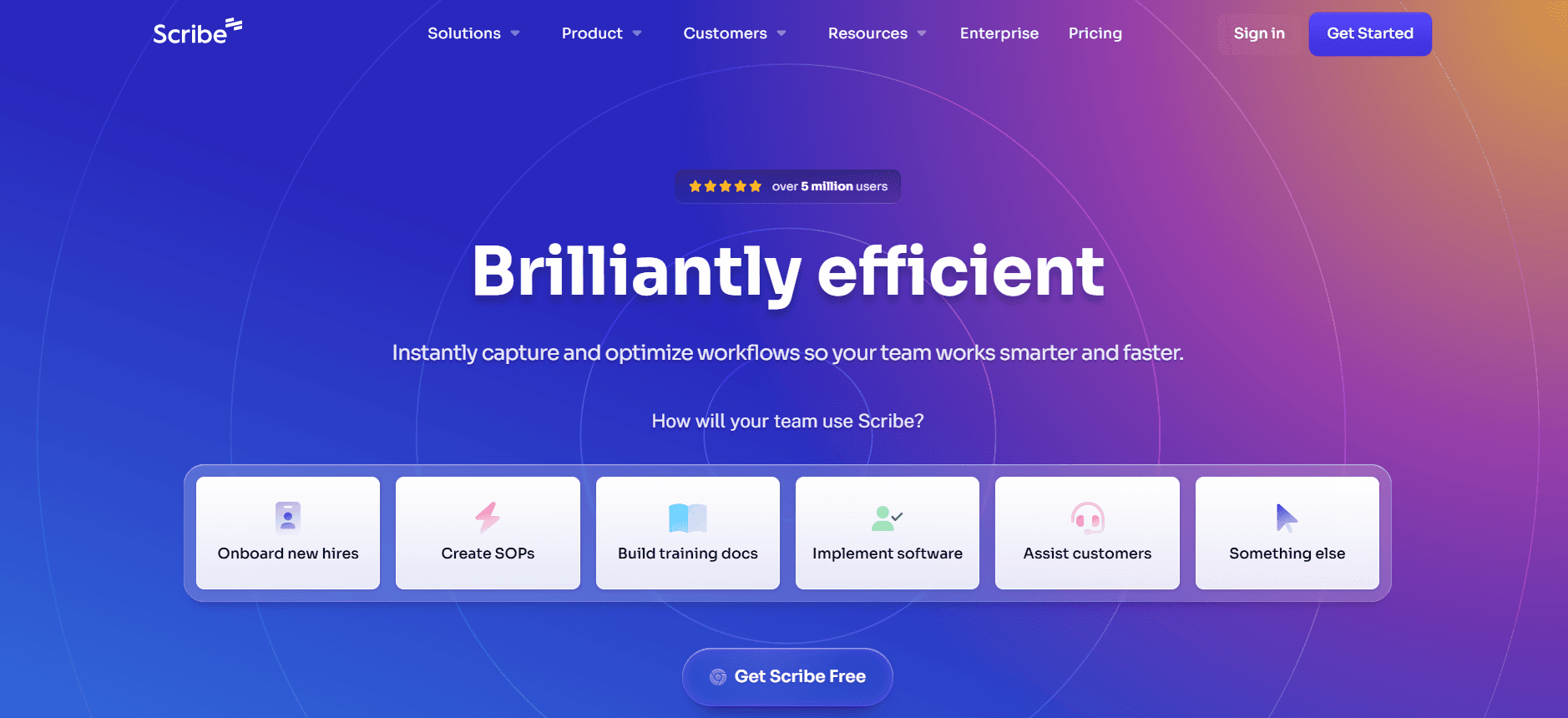
Scribe is tailored for small to medium-sized teams that prioritize simplicity and straightforward documentation processes. It's ideal for businesses that need basic AI writing capabilities without the complexity of more advanced features. Scribe excels in providing clear and concise documentation but lacks some of the more sophisticated AI and integration capabilities found in other tools.
The tool is especially beneficial for teams that require quick setup and minimal learning curves. However, Scribe's limited support for auto step capture and AI voiceover might not meet the needs of more complex documentation projects.
Key Features
AI Writing
Smart Templates
Basic Screenshot Annotation
Multi-language Support
Free Tier Available
Pros
Cons
User-friendly interface.
No auto step capture feature.
Quick setup and deployment.
Limited AI capabilities compared to competitors.
Affordable pricing models.
Lacks API integration options.
Pricing
Scribe offers a free tier. Paid plans start at $19 per user per month.
Tango
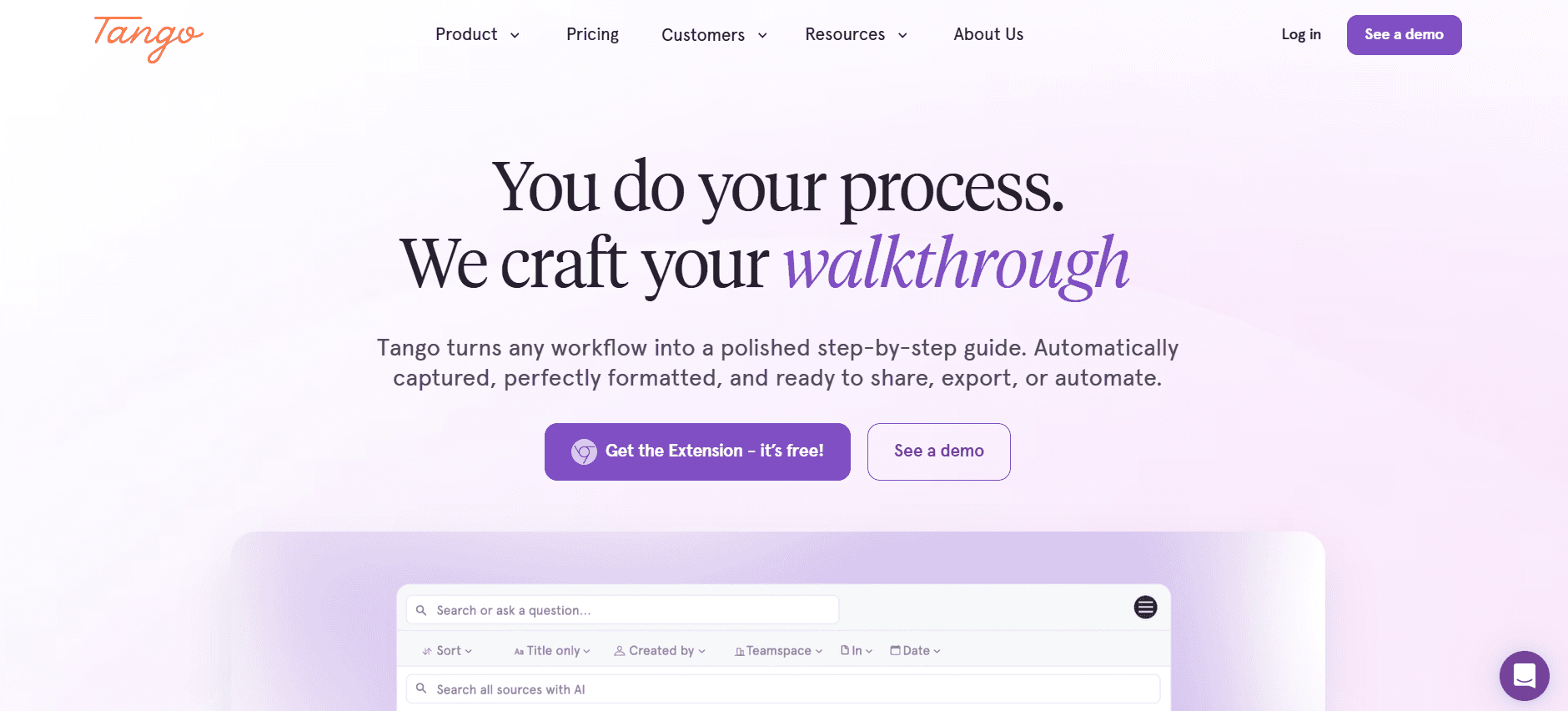
Tango is a versatile tool designed for teams that need comprehensive documentation solutions, including video generation and auto step capture. It's suitable for organizations that rely heavily on visual and video content in their user guides. Tango's robust features allow for detailed documentation, although its API integration options are somewhat limited.
While Tango provides excellent video generation capabilities, its lack of multi-language support might be a hurdle for global teams. It's best suited for English-speaking teams with a focus on video-enhanced documentation.
Key Features
AI Writing
Auto Step Capture
Screenshot Annotation
Video Generation
Smart Templates
API Integration
Pros
Cons
Excellent video generation capabilities.
No multi-language support.
Strong auto step capture feature.
Limited API integration options.
Comprehensive documentation tools.
Higher cost for premium features.
Pricing
Tango does not offer a free tier. Paid plans start at $39 per user per month.
Document360
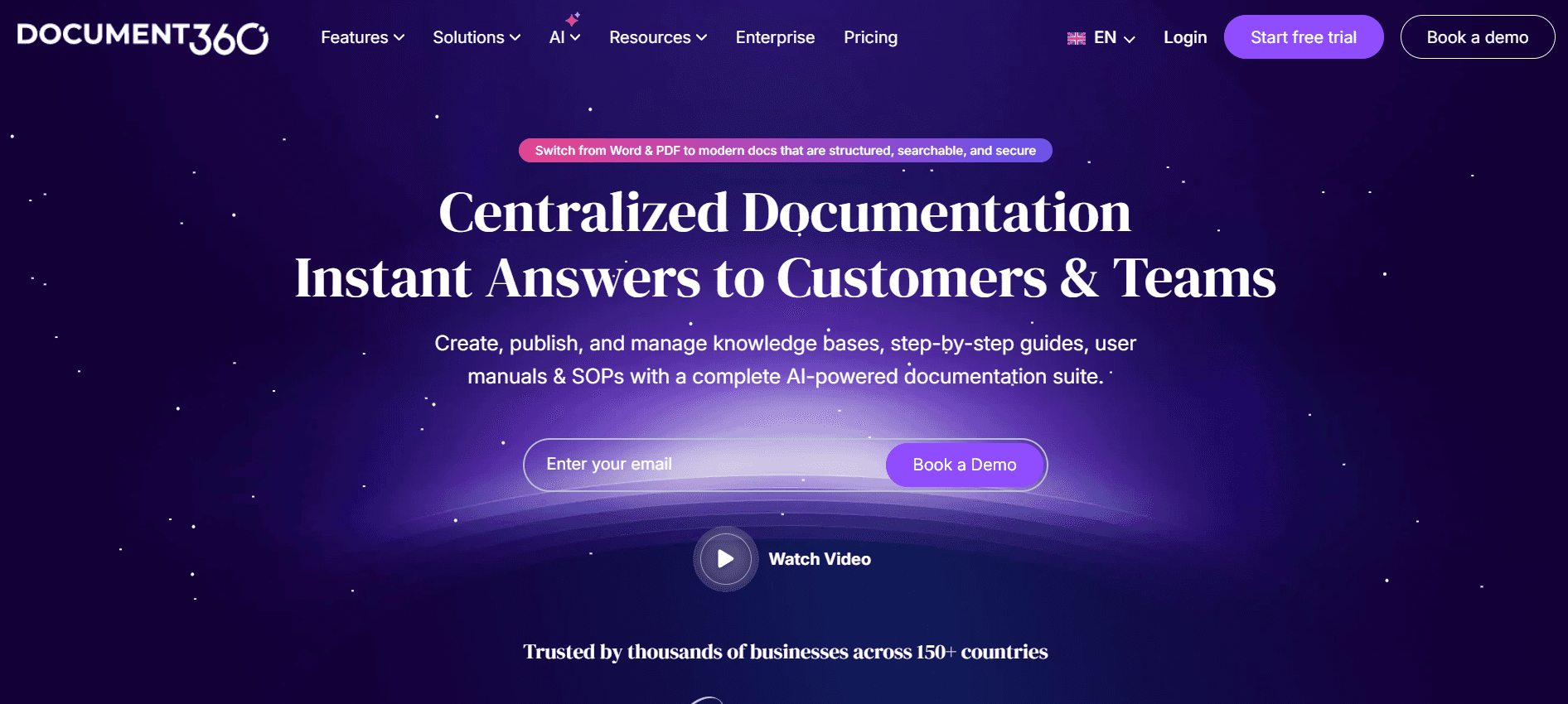
Document360 is perfectly designed for teams that need a robust knowledge base platform with strong content management features. It’s ideal for technical teams that require structured documentation with version control and collaboration features. Although Document360 excels in content organization, it lacks some advanced AI functionalities like auto step capture and voiceover generation.
The platform supports multiple languages and offers extensive customization options, making it a great choice for teams focused on content management rather than AI-driven features.
Key Features
Knowledge Base Management
Multi-language Support
Version Control
Collaborative Editing
Smart Templates
Pros
Cons
Strong content management capabilities.
Lacks AI voiceover and video generation.
Excellent multi-language support.
No auto step capture feature.
Rich customization options.
More complex interface for new users.
Pricing
Document360 offers a free tier and paid plans starting at $49 per project per month.
Notion AI
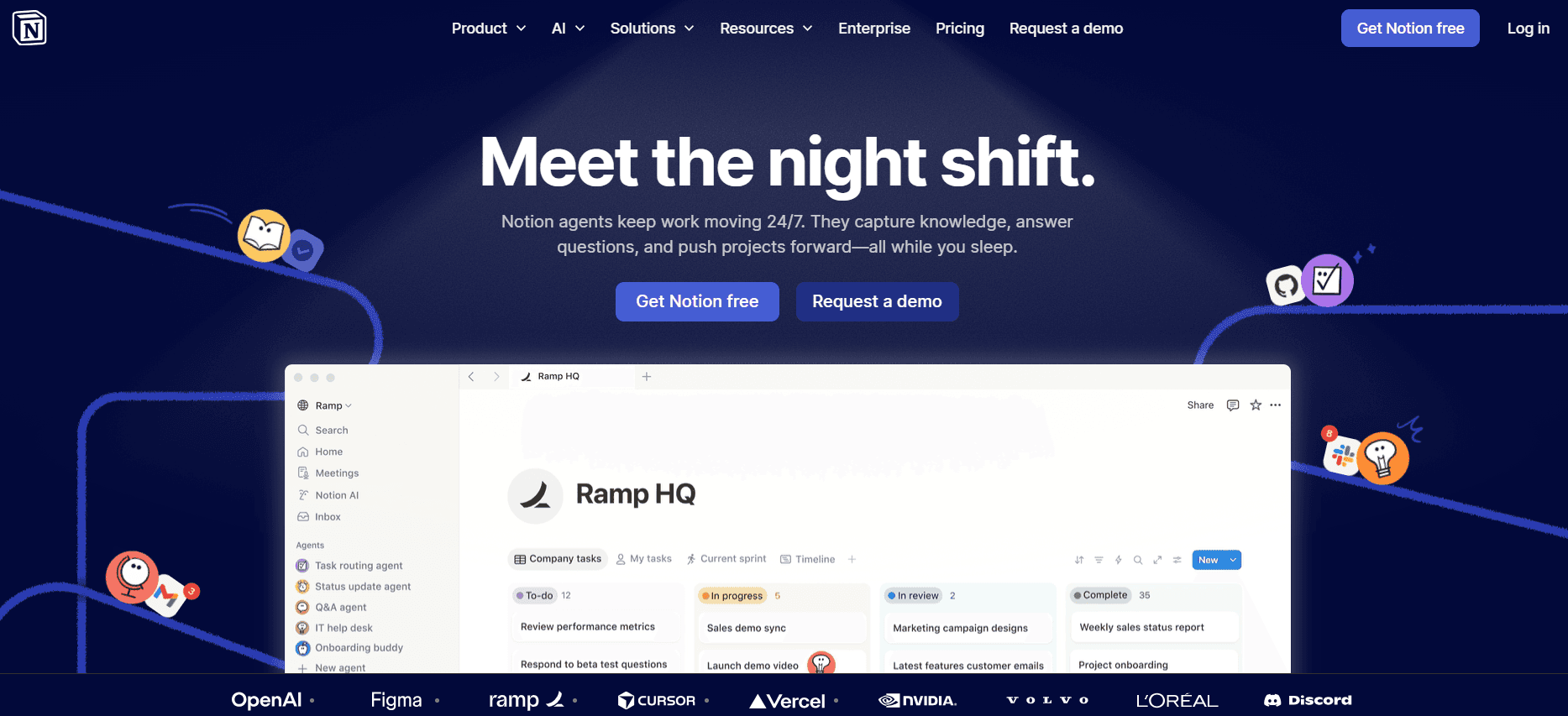
Notion AI is a flexible tool that integrates seamlessly into the Notion workspace, enhancing productivity with AI-driven documentation features. It’s well-suited for teams already using Notion for project management and collaboration, offering a unified experience. Notion AI provides strong AI writing capabilities but lacks some specialized features like auto step capture and voiceover.
Its integration within the Notion ecosystem is a significant advantage, simplifying workflow management for existing users. However, teams seeking advanced AI features might find Notion AI’s offerings limited.
Key Features
AI Writing
Smart Templates
Collaborative Editing
Project Management Integration
Multi-language Support
Pros
Cons
Seamless Notion integration.
No auto step capture feature.
Strong AI writing capabilities.
Lacks AI voiceover and video generation.
Unified workspace for teams.
Higher learning curve for new users.
Pricing
Notion AI does not offer a dedicated free tier. Paid plans start at $10 per user per month.
Confluence AI

Confluence AI is designed for teams that rely on Confluence for their document management needs, offering AI-enhanced features to streamline content creation. It's ideal for teams that prioritize collaboration and knowledge sharing. Confluence AI provides robust AI writing and editing capabilities but offers limited support for auto step capture and video content.
Its integration with other Atlassian products makes it a preferred choice for teams already embedded in the Atlassian ecosystem. However, for teams that require extensive video and voiceover features, Confluence AI might not be comprehensive enough.
Key Features
AI Writing
Collaborative Editing
Knowledge Sharing
Smart Templates
Multi-language Support
Pros
Cons
Excellent collaboration tools.
Limited video generation capabilities.
Strong integration with Atlassian products.
No auto step capture feature.
Robust AI writing tools.
Higher costs for premium features.
Pricing
Confluence AI offers limited features in the free tier. Paid plans start at $15 per user per month.
GitBook AI
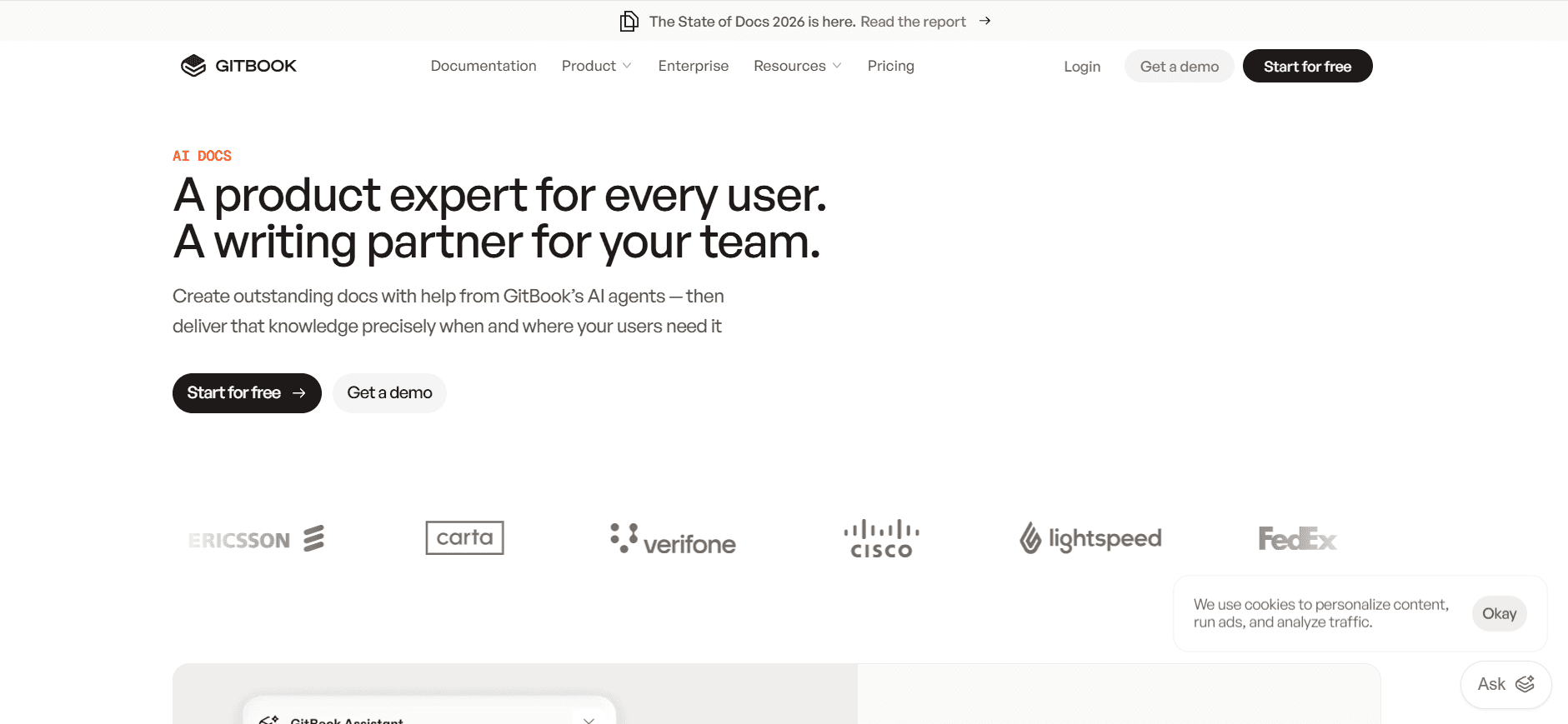
GitBook AI is a documentation tool designed for technical teams and developers, offering a clean and intuitive interface for creating and managing documentation. It's particularly beneficial for engineering teams that require a straightforward platform with strong version control and collaboration features. However, GitBook AI lacks advanced AI capabilities such as voiceover and video generation.
The tool is most effective for teams that need a centralized place for technical documentation but might fall short for those requiring extensive AI-driven features.
Key Features
Version Control
Collaborative Editing
Smart Templates
API Integration
Clean Interface
Pros
Cons
Intuitive and user-friendly.
No AI voiceover capabilities.
Strong version control features.
Limited video generation features.
Ideal for technical documentation.
Higher costs for premium features.
Pricing
GitBook AI offers a free tier. Paid plans start at $8 per user per month.
AI Documentation Challenges: What Teams Struggle With
Creating First Drafts Takes Too Long
Experienced writers still spend excessive time drafting initial versions.
Manual processes lead to inconsistencies and require thorough reviews.
Pressure to deliver quickly often compromises quality and accuracy.
AI can assist, but requires careful integration and training to be effective.
Keeping Documentation Current with Every Product Sprint
Frequent product updates demand constant documentation revisions.
Teams struggle to synchronize documentation with rapid development cycles.
Failure to update promptly can result in outdated or incorrect information.
Automating updates can alleviate some pressure, but isn't foolproof.
Inconsistent Formatting Across Different Team Members
Diverse writing styles lead to a lack of uniformity in documentation.
Standardizing templates can help, but requires initial setup and adherence.
Inconsistencies can confuse users and reduce document credibility.
AI tools with smart templates can enforce consistency, but may limit creativity.
No Automatic Screenshot or Step-Capture Capabilities
Manual screenshot capture is time-consuming and prone to errors.
Missing visual aids can hinder understanding of complex processes.
Tools with automatic capture can save time, but may not capture every nuance.
Balancing automation with necessary detail remains a challenge.
Translation and Localization Create Bottlenecks
Global teams require documentation in multiple languages.
Manual translation processes can delay project timelines.
Quality control is essential but adds another layer of complexity.
AI translation tools offer speed, but sometimes sacrifice accuracy.
Challenge | Traditional Process | Business Impact | Time Cost |
|---|---|---|---|
First Draft Creation | Manual writing and editing | Delayed delivery, inconsistent quality | 5-10 hours per document |
Documentation Updates | Periodic manual revisions | Outdated information, increased errors | 3-6 hours per update |
Formatting Consistency | Manual standard checks | User confusion, reduced trust | 2-4 hours per document |
Screenshot Capture | Manual process | Missed steps, incomplete guides | 1-2 hours per guide |
Translation and Localization | Human translation services | Project delays, high costs | Varies by language |
Must-Have Features in AI Documentation Tools
AI Writing and Auto-completion
AI writing tools excel at creating content quickly by leveraging machine learning algorithms to generate text that's both coherent and contextually appropriate. This feature is invaluable for teams that need to draft documents rapidly without sacrificing quality. Trupeer and Notion AI are particularly strong in providing these capabilities, enabling seamless content creation.
The AI auto-completion feature helps writers complete sentences or paragraphs with suggestions, making the writing process more efficient. This reduces the cognitive load on writers, allowing them to focus on refining and editing rather than drafting from scratch.
Automated Step Capture from Screen Activity
The ability to automatically capture steps from screen activity is crucial for creating accurate and detailed user guides. Tools like Tango and Trupeer offer advanced step-capture functions that automatically document each step a user takes, complete with screenshots and descriptions. This feature saves time and ensures that no critical steps are missed in the documentation process.
Automated step capture is especially beneficial for technical teams that need to document complex software processes. It reduces the likelihood of human error and ensures that all necessary steps are documented consistently.
Smart Screenshot Annotation
Smart screenshot annotation allows teams to enhance their documentation with detailed, informative visuals. This feature enables users to add notes, arrows, and highlights directly onto screenshots, making it easier for readers to follow along. Trupeer and Tango excel in this area, offering tools that simplify the annotation process and improve document clarity.
Well-annotated screenshots can significantly improve user comprehension, especially for complex tasks that are difficult to describe with text alone. This feature helps bridge the gap between written instructions and visual understanding.
AI Voiceover Generation for Video Docs
AI voiceover generation is a powerful feature for teams that incorporate video documentation into their user guides. It enables the automatic creation of high-quality voiceovers, making video content more accessible and engaging. Tango's strong video generation capabilities make it an excellent choice for teams needing robust voiceover solutions.
Voiceovers can enhance the learning experience by providing audio cues and explanations that complement visual content. This is particularly useful for instructional videos where clarity and engagement are key.
One-Click Export in Multiple Formats
One-click export features allow teams to easily convert their documentation into various formats such as PDF, HTML, or Markdown. This flexibility ensures that documentation can be accessed and shared across different platforms and devices. Tools like Document360 and GitBook AI offer robust export options, making them ideal for teams that need to distribute content widely.
Being able to export in multiple formats also supports collaboration, as different team members or stakeholders may prefer different formats for review or distribution. This feature enhances the accessibility and usability of the documentation.
How to Choose AI Documentation Tools Based on Your Use Case
Product Documentation Teams at SaaS Companies
SaaS companies often require detailed product documentation to support their rapidly evolving software offerings. Documentation must be updated frequently to reflect new features and enhancements. Trupeer and Tango offer robust solutions for these needs.
Frequent updates needed with each product release.
Consistent formatting across a diverse range of documents.
Integration with existing development tools for seamless updates.
Automated step capture to quickly document new features.
AI writing tools to draft updates efficiently.
Smart templates to maintain consistent formatting.
Feature | Trupeer | Tango |
|---|---|---|
Automated Updates | Yes | Yes |
Integration with Development Tools | Yes | Limited |
Technical Writers and Content Operations
Technical writers need tools that streamline content creation and ensure accuracy. They often work on complex documents that require precision and clarity. Document360 and Confluence AI are strong contenders for these professionals.
High demand for precise and clear documentation.
Need for collaboration tools to work with subject matter experts.
Challenges in maintaining version control across multiple documents.
Advanced AI writing capabilities for drafting precise content.
Collaboration tools to integrate feedback from various stakeholders.
Version control systems to manage document iterations.
Feature | Document360 | Confluence AI |
|---|---|---|
Collaboration Tools | Yes | Yes |
Version Control | Yes | Yes |
Engineering and API Documentation
Engineering teams require documentation tools that can handle technical complexity and integrate with their development processes. GitBook AI and Trupeer are excellent for these needs, offering detailed documentation capabilities and strong integration features.
Complex technical documentation requirements.
Need for consistent updates in line with code changes.
Integration with developer tools for seamless workflow.
API integration capabilities to connect with development tools.
Automated documentation updates to align with code changes.
Detailed version control for technical documentation.
Feature | GitBook AI | Trupeer |
|---|---|---|
API Integration | Yes | Yes |
Automated Updates | Limited | Yes |
HR and Compliance Documentation
HR departments and compliance teams need documentation tools that ensure accuracy and confidentiality. Notion AI and Scribe can meet these needs by providing secure and user-friendly environments for document creation and management.
Need for confidentiality and security in document handling.
Consistent updates required for compliance regulations.
Ease of use for quick adoption by non-technical team members.
Secure access controls to protect sensitive information.
User-friendly interfaces for non-technical users.
AI-driven content updates to stay compliant with regulations.
Feature | Notion AI | Scribe |
|---|---|---|
Secure Access Controls | Yes | Limited |
User-Friendly Interface | Yes | Yes |
Customer Self-Service Help Centers
Help centers need tools that simplify the creation of user-friendly guides and FAQs. Document360 and Tango are well-suited for these environments, offering features that enhance the user experience.
High demand for clear, accessible guides and FAQs.
Frequent updates needed based on customer feedback.
Need for multimedia content to enhance user engagement.
AI writing tools to create clear and concise content.
Feedback integration to quickly update guides based on user input.
Multimedia capabilities to include videos and images.
Feature | Document360 | Tango |
|---|---|---|
Multimedia Capabilities | Yes | Yes |
Feedback Integration | Yes | Limited |
Best Practices for Creating AI-Driven User Guides
Before You Start
Identify the core audience for your documentation.
Establish clear objectives for each document.
Choose the right tool based on specific needs and capabilities.
Create a content outline to guide the documentation process.
Ensure all necessary resources and stakeholders are ready and available.
During the Documentation Process
Utilize AI features like auto-completion to enhance efficiency.
Regularly review and edit content to ensure accuracy and clarity.
Incorporate multimedia elements to support text-based instructions.
Use smart templates to maintain consistency across documents.
Engage team members for feedback and collaborative editing.
After Publication
Monitor user feedback to identify areas for improvement.
Regularly update documentation to reflect product changes.
Analyze document usage data to understand user behavior.
Ensure compliance with industry standards and guidelines.
Continuously train staff on tool updates and best practices.
Frequently Asked Questions
What are AI documentation tools?
AI documentation tools are software solutions that use artificial intelligence to automate and enhance the creation, management, and distribution of documentation. They help streamline processes, improve accuracy, and reduce the time required to produce high-quality documents.
How do AI tools improve documentation?
AI tools improve documentation by automating repetitive tasks, offering smart templates for consistency, and providing AI-driven suggestions for content creation. They also facilitate collaboration and ensure that documentation is updated in line with product changes.
Can AI tools integrate with existing software?
Yes, many AI documentation tools offer API integration capabilities, allowing them to connect seamlessly with existing software systems. This enables teams to incorporate AI features into their current workflows without disrupting other tools they use.
What level of technical expertise is required to use these tools?
Most AI documentation tools are designed to be user-friendly and do not require extensive technical expertise. However, some features may require a basic understanding of API integrations or specific software functionalities.
Are there free versions available for AI documentation tools?
Yes, several AI documentation tools offer free tiers with limited features. These versions are suitable for small teams or individuals who want to explore the tool's capabilities before committing to a paid plan.
What factors influence the cost of AI documentation tools?
The cost of AI documentation tools is influenced by factors such as the number of users, the range of features offered, and the level of support provided. Premium features like advanced AI capabilities and extensive integrations often come at a higher price.
How long does it take to implement an AI documentation tool?
The time required to implement an AI documentation tool varies depending on the complexity of the tool and the size of the team. Generally, it can take anywhere from a few days to several weeks to fully integrate and train team members on the new system.
What are the common challenges in implementing AI documentation tools?
Common challenges include ensuring compatibility with existing systems, training users on new processes, and customizing the tool to meet specific organizational needs. These can be mitigated with proper planning and support from the tool provider.
Empower Your Documentation with AI
The landscape of documentation is rapidly evolving, with AI tools playing a pivotal role in enhancing how teams create and manage their content. By automating repetitive tasks and providing smart solutions, these tools allow teams to focus on what truly matters: delivering clear, accurate, and useful documentation to their users.
Explore how Trupeer can transform your documentation processes and address your specific needs with its comprehensive suite of features. Visit Trupeer to discover more about how our solutions can streamline your documentation efforts.


