Trupeer Blog

Why teams look beyond Userpilot
Userpilot is a solid, mid-market product adoption tool. Its features include transparent pricing, fast setup, and a decent no-code builder, making it ideal for product teams that want to integrate tooltips and checklists within their own SaaS products. However, there are three primary reasons teams seek alternatives: it doesn't handle internal enterprise apps like SAP, Workday, or Salesforce; it has weak support for video-based training; and its monthly active user (MAU) pricing can lead to unexpected costs during periods of rapid growth. Additionally, enterprise buyers often find its analytics to be less comprehensive than those offered by competitors like Pendo or Heap, and the quality of support can vary.
The alternatives market has matured around these gaps, offering solutions tailored to specific needs. Below, you'll find an honest comparison of these alternatives, highlighting which tool is best suited for particular use cases. For a deeper dive into the full DAP category, refer to our comprehensive documentation on the market.
Feature comparison: Userpilot vs. alternatives
Feature | Trupeer | Userpilot | Pendo | Appcues | Chameleon | Whatfix |
|---|---|---|---|---|---|---|
In-app guidance | Yes | Yes | Yes | Yes | Yes | Yes |
AI video training | Yes (native) | No | No | No | No | Yes |
Enterprise app coverage | Yes (recording) | No | Limited | No | No | Yes (deep) |
Analytics depth | Basic-medium | Medium | Deep | Medium | Medium | Medium |
Pricing model | Per user | Per MAU | Per MAU | Per MAU | Per MAU | Per user |
Setup time | Days | Days | Weeks | Days | Days | 1-3 months |
Starts at | $2,400/yr | $299/mo | Free (500 MAU) | $300/mo | $279/mo | $30,000/yr |
The 8 best Userpilot alternatives in 2026
1. Trupeer
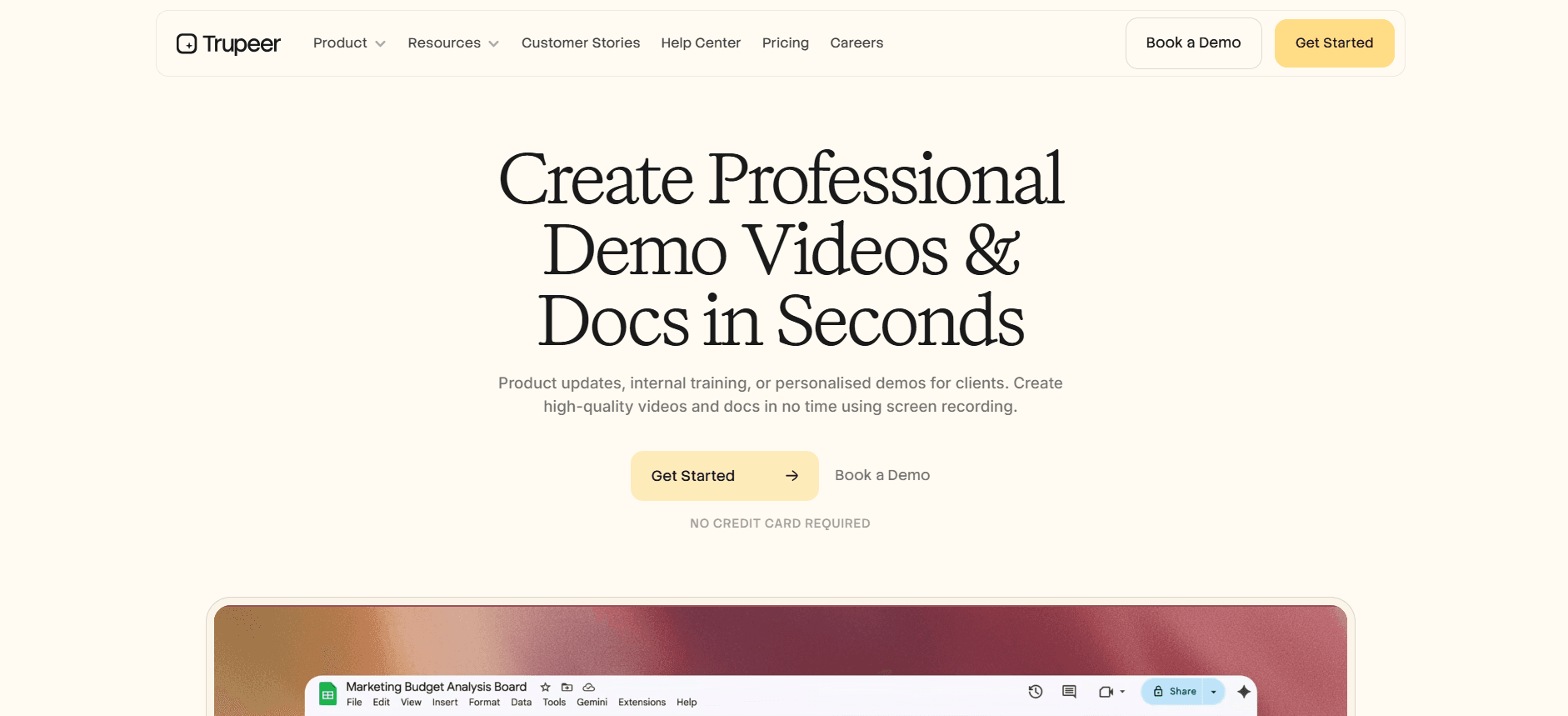
Best for: Teams that want in-app guidance plus video training plus SOPs in one tool.
Trupeer extends beyond the capabilities of Userpilot by offering solutions for generating polished training videos from screen recordings, publishing searchable SOPs, and supporting both product-facing and internal enterprise apps. Trupeer's per-user pricing model eliminates the surprise costs associated with MAU pricing, making it an appealing option for teams looking for more than just basic tooltips. It's the broadest single-tool answer for teams that need comprehensive functionality.
Pros: Video + SOP + guidance, fast content production, predictable pricing.
Cons: Not the deepest pure-analytics tool; if your only job is measuring feature adoption, Pendo wins.
2. Pendo
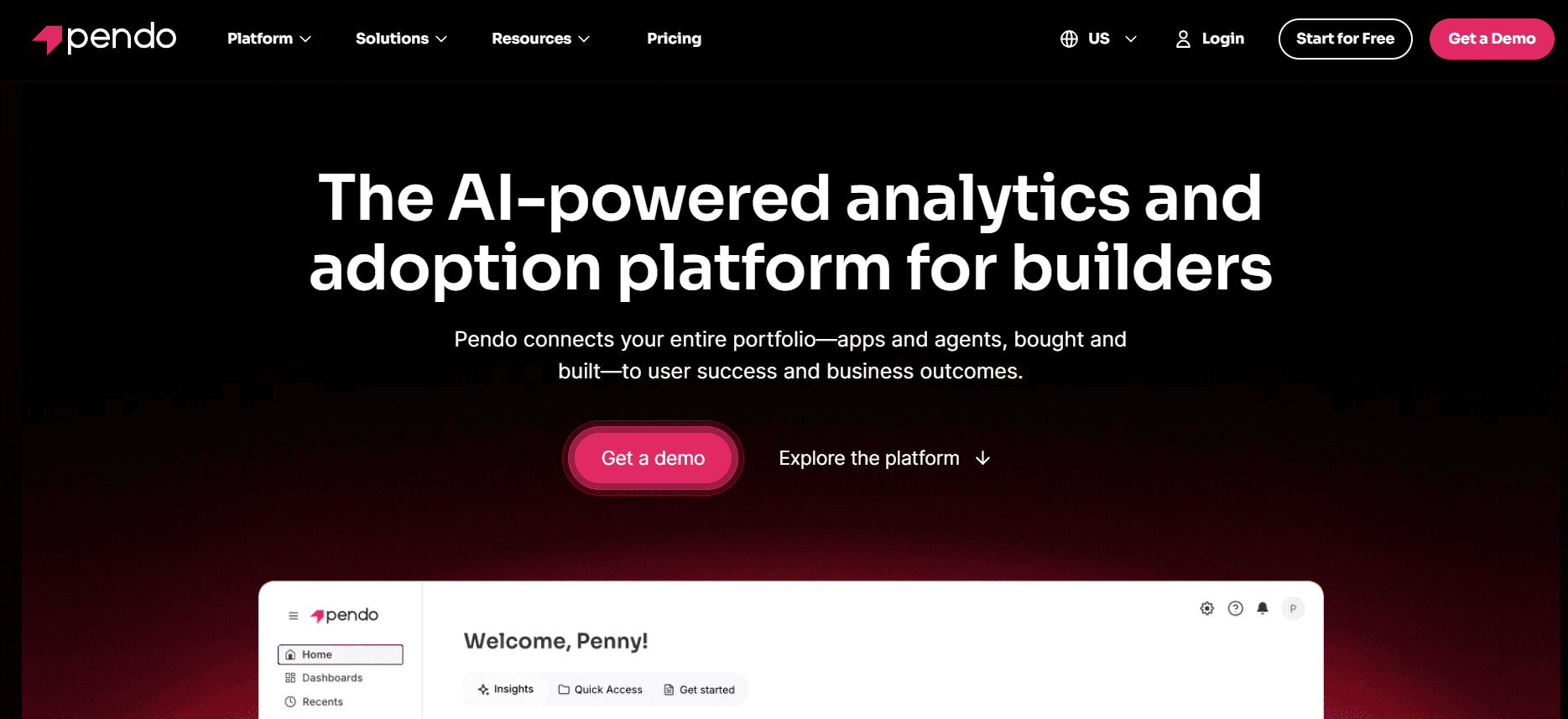
Best for: Product teams that need deep analytics and moderate guidance.
Pendo's analytics are considered the gold standard in the industry, making it an excellent choice for teams that prioritize detailed data insights. While its in-app guides are functional, the real draw is its analytics capabilities. The pricing scales with MAU, which is advantageous at the low end (free for up to 500 MAU) but can become costly at an enterprise scale. Pendo is perfect for teams that need solid analytics to drive product decisions but should be aware of potential pricing increases as they scale.
Pros: Deep analytics, free tier, enterprise portfolio support.
Cons: Weak for internal enterprise apps; MAU pricing.
3. Appcues
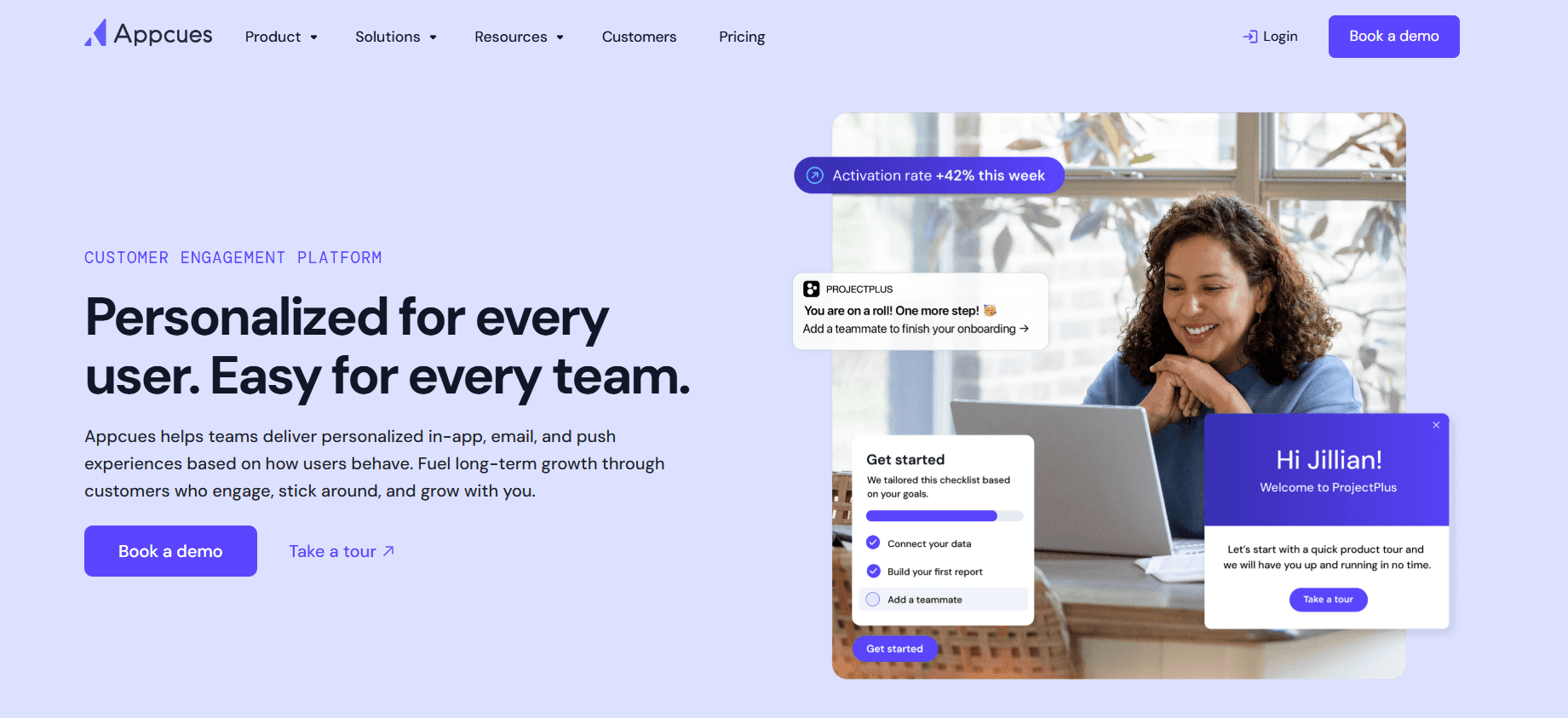
Best for: Focused product-onboarding teams.
Appcues excels in product onboarding and doesn't attempt to be more than that, which is one of its strengths. It's mature, focused, and reliable, making it a solid choice for teams that want a specialized tool for onboarding without unnecessary frills. While Appcues lacks video support and enterprise app coverage, its no-code builder is highly intuitive and allows teams to quickly create onboarding experiences.
Pros: Good no-code builder, reasonable pricing, battle-tested.
Cons: Narrow scope; no video or enterprise coverage.
4. Chameleon
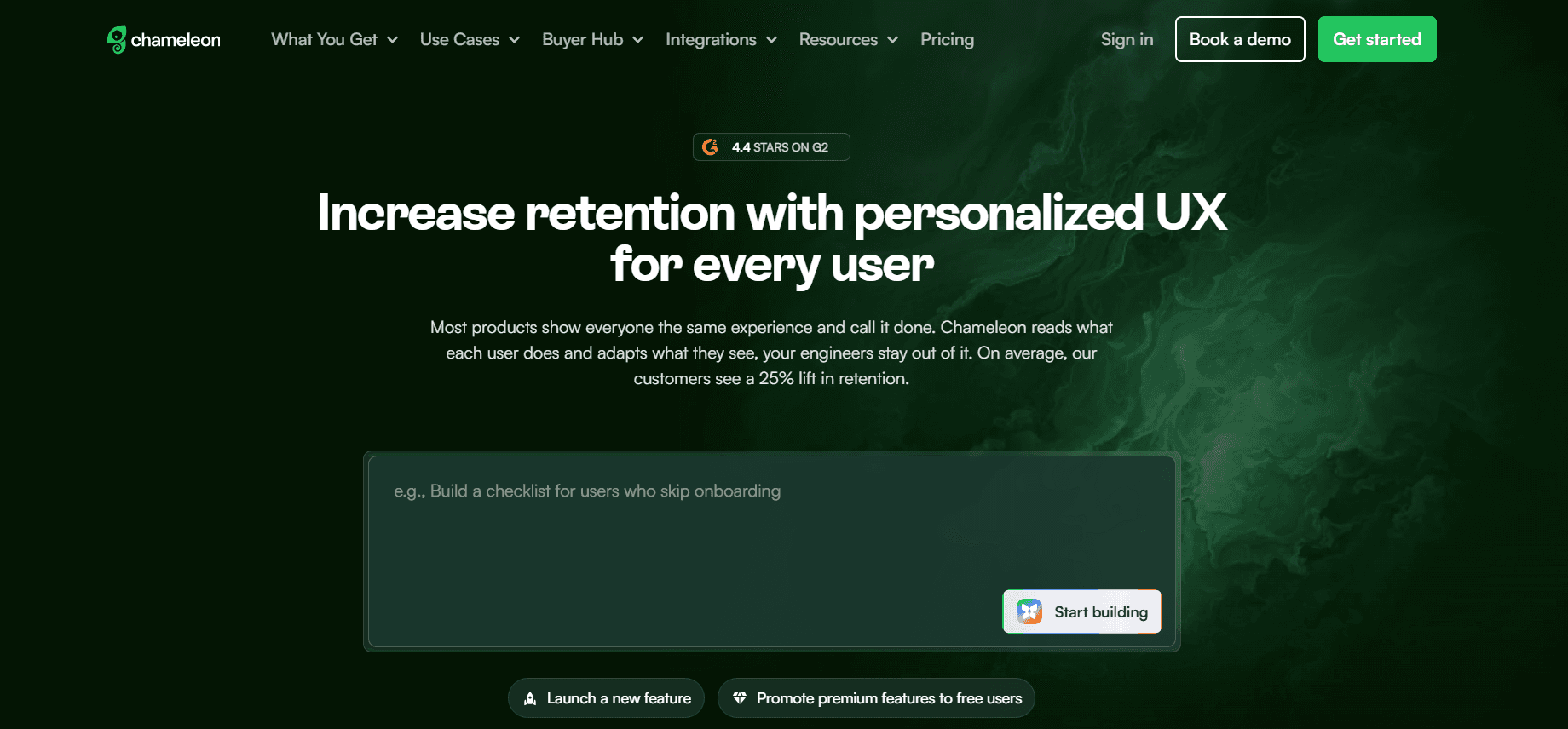
Best for: Designer-heavy teams that want flexible UI.
Chameleon caters to teams that prioritize design flexibility, allowing them to create polished tooltips and custom styling. It's particularly appealing to designer-heavy teams that want to maintain control over the user interface. While Chameleon's analytics are decent, it doesn't offer video support, and its pricing is higher than some similar tools, which might be a consideration for budget-conscious teams.
Pros: Design control, decent analytics.
Cons: Pricier than similar tools; no video.
5. Whatfix
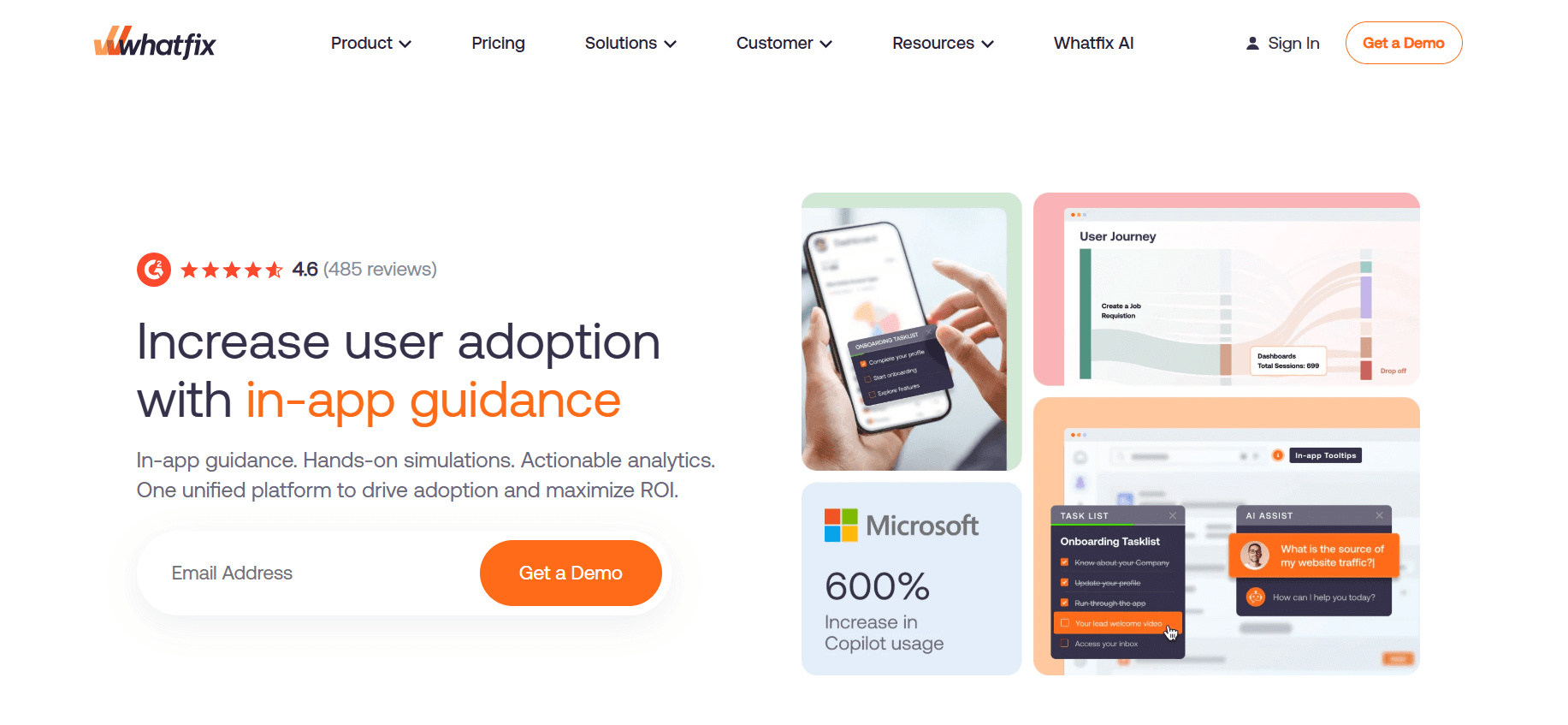
Best for: Enterprise teams with internal apps to cover.
Whatfix stands out when Userpilot can't meet enterprise needs. It's an enterprise-grade solution that covers applications like SAP, Salesforce, and internal web apps comprehensively. While it's a powerful tool, the setup process can take months, and it might be overkill for small to medium-sized businesses that don't require such extensive functionality. However, for large enterprises, the investment in Whatfix can lead to significant efficiencies and improved employee adoption of internal tools.
Pros: Enterprise-ready, video and content tools included.
Cons: Overkill for SMB; setup takes months.
6. UserGuiding
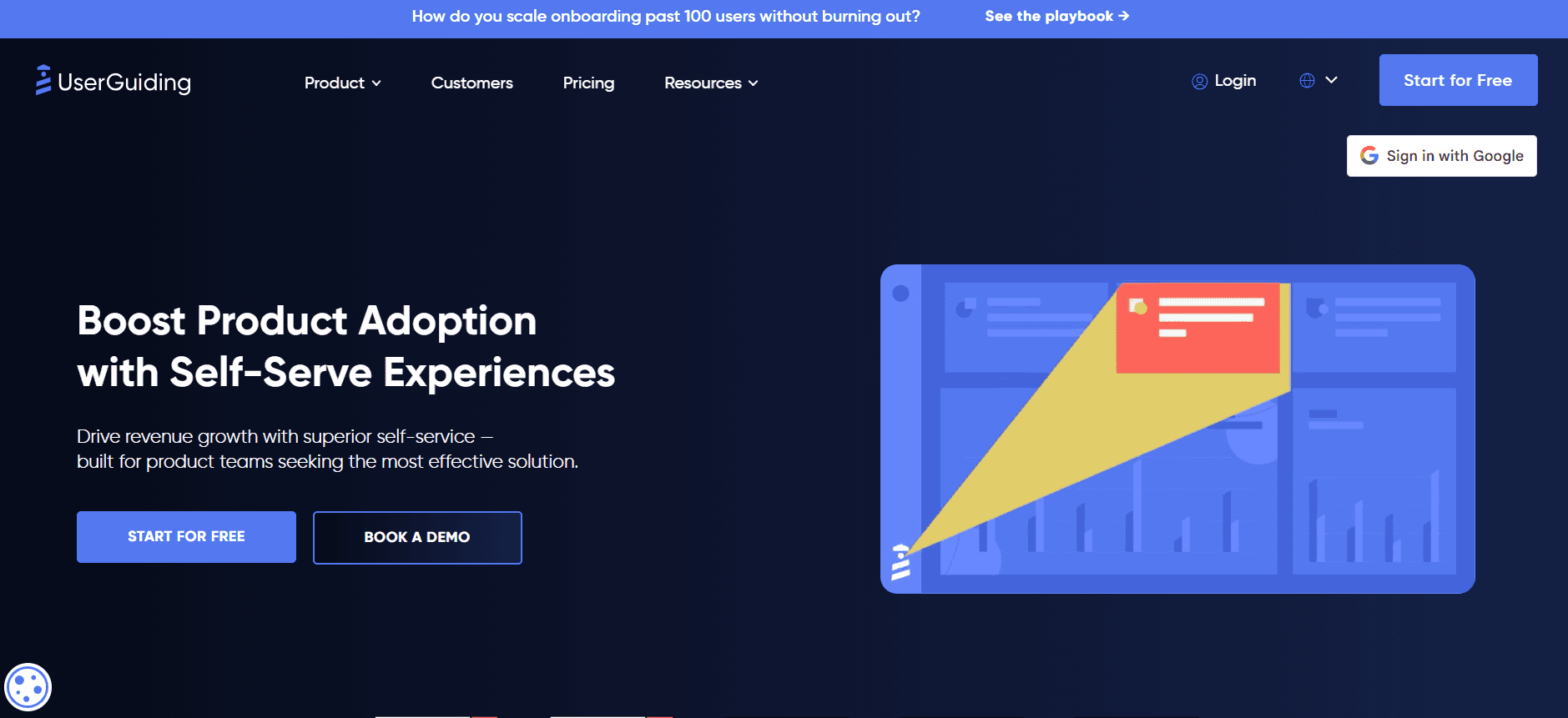
Best for: Budget-conscious SMB teams.
UserGuiding is the go-to option for small to medium-sized businesses looking for a cost-effective solution that covers the basics effectively. While it offers a quick start and self-serve capabilities, it's limited in scope and doesn't scale well for enterprise needs. Its analytics are also on the thinner side, making it less suitable for teams that require deep insights into user behavior.
Pros: Very cheap, self-serve, quick start.
Cons: Limited at enterprise scale; thin analytics.
7. Intercom Product Tours
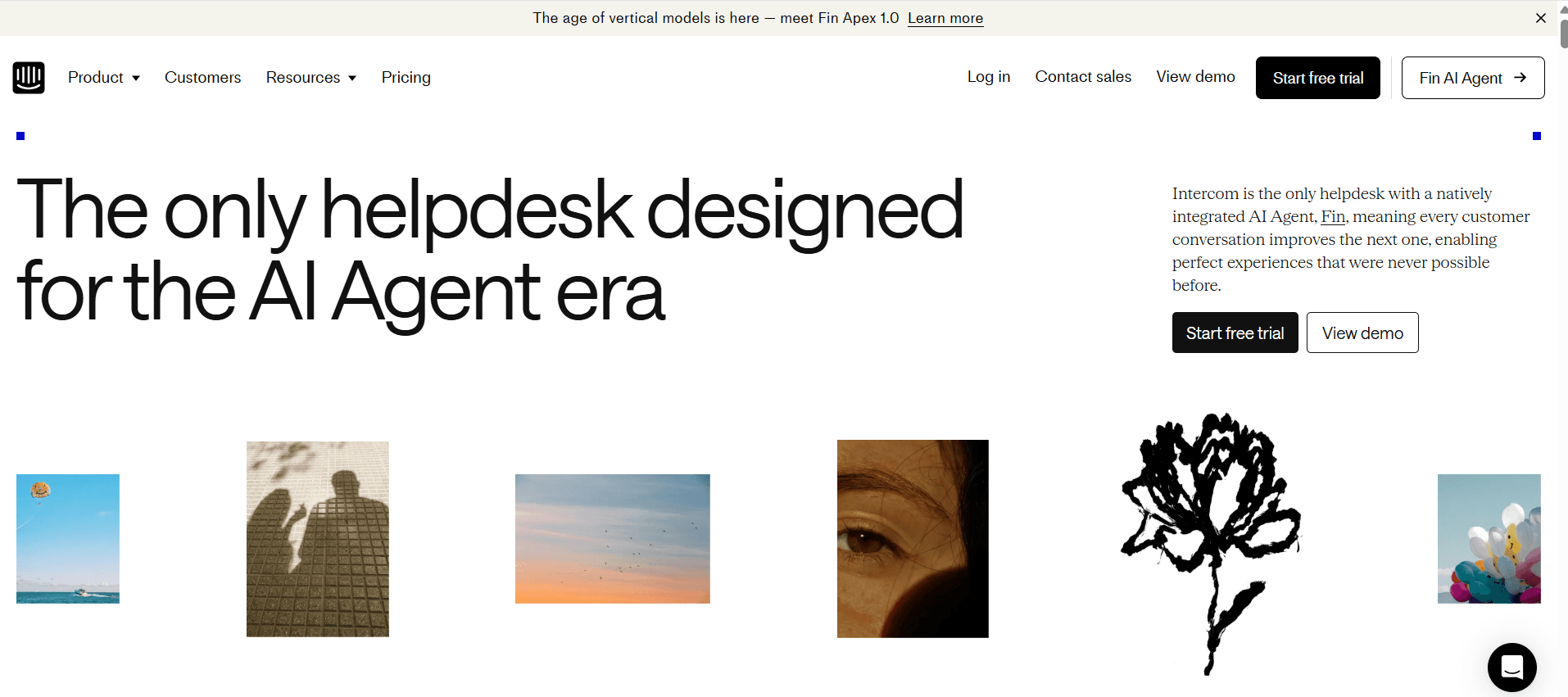
Best for: Teams already on Intercom for support.
Intercom's product tour module is a logical add-on for teams already using Intercom for messaging and support. It smoothly integrates with existing Intercom tools, providing a cohesive user experience. However, as a standalone purchase, it lacks the comprehensive features that some other DAPs offer. For teams already invested in the Intercom ecosystem, this can be a convenient, albeit limited, addition.
Pros: Integrated with Intercom messaging and support.
Cons: Weaker as standalone; not a full alternative.
8. HelpHero
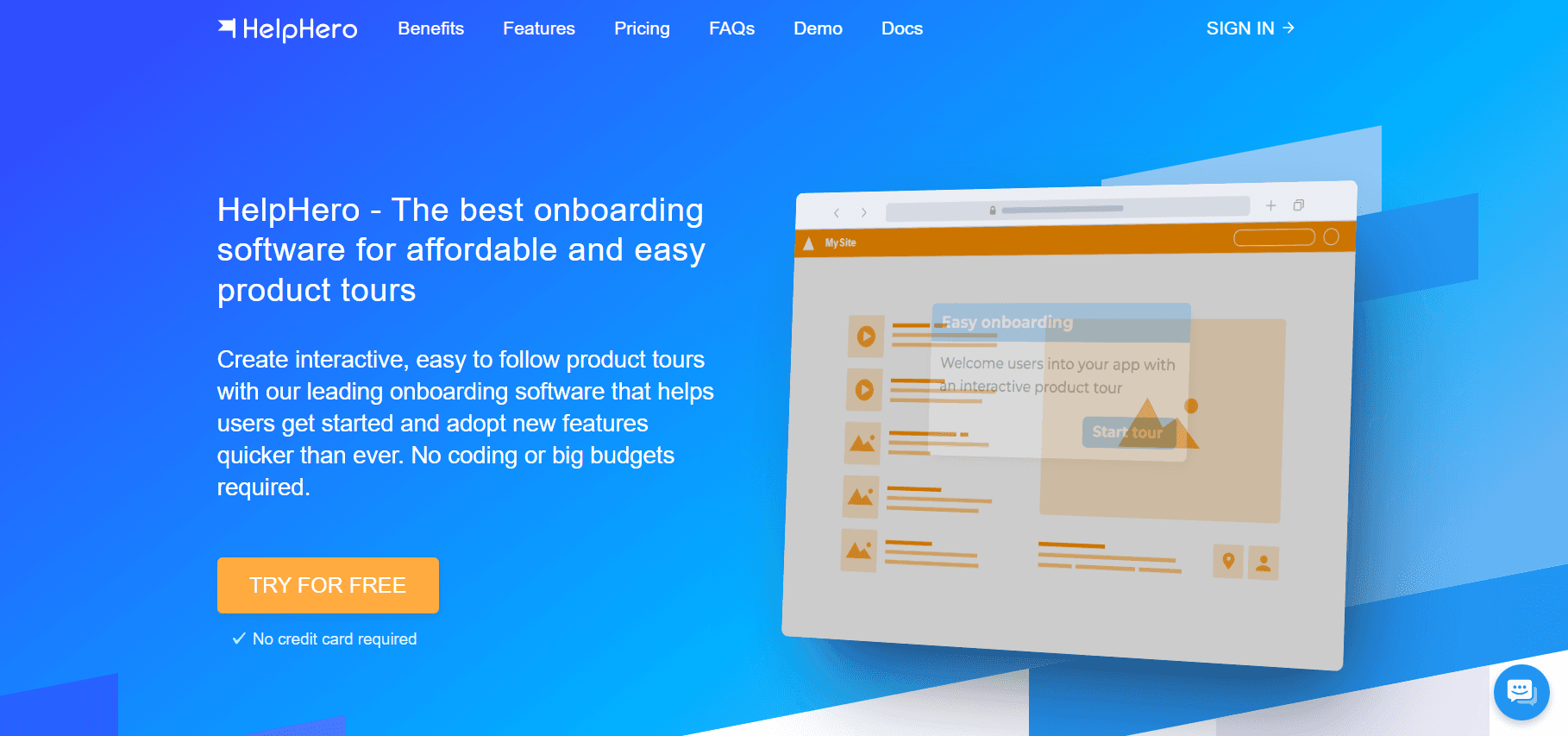
Best for: Very small teams needing simple flows.
HelpHero is the simplest tool on this list, designed for very small teams or startups with straightforward needs. It's easy to use and offers a minimal learning curve, making it ideal for teams that don't require complex functionalities. However, HelpHero isn't equipped to handle complex scenarios or larger-scale operations, so it's best suited for basic product guidance needs.
Pros: Cheap, minimal learning curve.
Cons: Not for anything complex.
In-depth analysis: Userpilot's real gaps
Where Userpilot still fits
For a mid-market SaaS team focused on shipping tooltips, checklists, and simple surveys within a single product, Userpilot remains a fitting choice. Its transparent pricing and accessible no-code builder make it manageable for product managers without requiring extensive services to implement. Recent enhancements, such as event-based triggers and segmentation, have bolstered its capabilities, narrowing the gap with competitors like Appcues. If your primary objectives are product onboarding and basic feature adoption, Userpilot continues to serve these needs effectively.
Moreover, Userpilot has been investing in AI features aimed at auto-generating tooltip copy and user segmentation. While these features aren't yet industry-leading, they indicate the tool's commitment to keeping pace with advancements in the market. For teams whose needs align with Userpilot's strengths, it remains a reliable option.
Where Userpilot falls short
The first significant gap is MAU pricing. SaaS companies experiencing rapid growth can find themselves facing unexpectedly high renewal costs. MAU-based pricing models inherently penalize the very growth they're intended to support. In contrast, per-user pricing models, such as those offered by Trupeer or Whatfix, eliminate these surprises, providing a more predictable cost structure.
The second gap lies in content format limitations. While Userpilot excels at tooltips, modals, and checklists, it lacks the capability to handle training videos or host documentation. Teams looking to incorporate a 60-second explainer video into a tooltip must host the video externally and embed it, adding complexity to the process. Tools that generate videos natively simplify this task significantly.
The third gap involves internal app coverage. Userpilot is tailored to track your own product but falls short when it comes to providing guidance for enterprise applications like Salesforce, SAP, or Workday. For companies struggling with employee adoption of these internal tools, solutions like WalkMe, Whatfix, or Apty offer the comprehensive support Userpilot lacks.
Challenges when switching from Userpilot
Flow migration. Userpilot's flows aren't directly transferable to other tools, necessitating a rebuild. Although this process can be time-consuming, it often reveals that a significant portion of existing flows may be outdated or redundant, offering an opportunity for optimization.
Segment rewiring. Transitioning to a new tool requires rebuilding user segments from scratch, which can be a meticulous task. However, it allows teams to reevaluate and refine their segmentation strategies for better precision and effectiveness.
Analytics history. Teams relying heavily on Userpilot's analytics may need to maintain it on a basic plan to retain access to historical data while deploying a new tool for net-new data collection. This dual approach ensures continuity and context during the transition.
Learning curve. Familiarity with Userpilot's builder means a new tool will introduce a learning curve. Teams should allocate about a week for team members to become proficient with the new system, ensuring a smooth transition and minimizing disruptions to ongoing projects.
Must-have features in a Userpilot alternative
No-code builder that your PMs can use without engineering: This ensures ease of use and rapid deployment of guidance flows without technical bottlenecks.
Pricing model that fits your usage pattern (per-user vs MAU): Choose a model that aligns with your growth trajectory to avoid unexpected costs.
Video support native or easy to embed: As video becomes a crucial component of user training, having native video support or smooth embedding is essential.
Event-based triggers beyond URL matching: Advanced triggering mechanisms allow for more dynamic and context-aware user interactions.
Analytics tied to activation and business metrics: The ability to connect user guidance to business outcomes provides valuable insights for product optimization.
Role-based targeting for segmented flows: Tailor experiences to specific user roles, ensuring relevant and personalized guidance.
Enterprise app coverage if you need it: For organizations using enterprise applications, comprehensive coverage is a must-have.
Integration with your CRM and data warehouse: smooth integration ensures that user data flows smoothly across your tech stack, enhancing analytics and reporting capabilities.
Use cases and personas
Product-led SaaS: Elena, Head of Growth, 50-person fintech SaaS
Elena managed Userpilot for onboarding tasks, but as her team reached 8,000 MAU, the renewal quote unexpectedly tripled. Faced with these rising costs, she transitioned to a combination of Appcues for guidance and predictable pricing, and Heap for auto-captured analytics. This strategic shift not only reduced the net costs by 40% but also enhanced feature adoption tracking, thanks to Heap's ability to retroactively capture events. Elena's approach demonstrates the importance of aligning tools with growth strategy to optimize both performance and cost.
Enterprise with internal apps: Priya, Director of Enablement, 1,500-employee SaaS company
Priya's team initially used Userpilot for customer product onboarding, but they lacked a tool for internal Salesforce training. By consolidating onto Trupeer, which supports both product onboarding videos and internal SOPs for Salesforce workflows, Priya achieved a smooth integration across platforms. The switch to per-user pricing not only simplified costs, saving $28,000 per year, but also accelerated content production, enabling her team to deliver more content efficiently. Priya's experience highlights the value of a unified solution that addresses diverse training needs within an enterprise.
Video-first SaaS: Kenji, Senior PM, 120-person developer tools company
Kenji's product required 30-second video clips embedded in tooltips to explain complex features effectively. Userpilot's inability to generate video content meant each clip took two days to create manually. Transitioning to Trupeer for video generation and Appcues for guidance flows reduced video production time to just 15 minutes per clip, significantly boosting efficiency. This shift allowed Kenji's team to deliver timely and engaging content, enhancing user understanding and satisfaction. For more insights, see the Userpilot vs. Trupeer comparison for the video-first shape.
Best practices when evaluating
Model your MAU over 18 months. Anticipate shifts due to growth, seasonality, and marketing launches, as these factors can greatly affect your MAU. By understanding these dynamics, you can better predict costs and choose a pricing model that supports your growth stage, often finding that per-user pricing is more stable for companies facing rapid expansion.
Separate analytics from guidance. If your needs include both deep analytics and guided user flows, consider using two specialized tools. Pendo or Heap are excellent for comprehensive analytics, while a lighter tool can handle user guidance. This separation allows each tool to excel in its domain, providing more focused and effective results.
Budget for content creation. Remember, the tool itself doesn't create content. Assign a dedicated owner or team to develop and manage content, ensuring that your guidance materials are relevant, up-to-date, and aligned with user needs. This proactive approach is essential for maintaining a high-quality user experience.
Pilot for 30 days. Conduct a trial period with potential alternatives to uncover any edge cases where your current tool may fall short. A real-world pilot allows you to test functionality, gauge ease of use, and evaluate whether the new tool meets your specific requirements before committing to a full implementation.
Frequently asked questions
Is Userpilot still a good tool in 2026?
Yes, Userpilot remains a viable option for mid-market SaaS product teams focused on a single product. Its no-code builder and transparent pricing are well-suited for teams that don't require extensive functionality beyond basic product onboarding and feature adoption. However, it may not be the best choice for enterprise or video-heavy use cases, where more specialized tools offer greater capabilities.
What's the cheapest Userpilot alternative?
UserGuiding, priced at $89/month, is the most affordable alternative to Userpilot. It's well-suited for small to medium-sized businesses that need basic product guidance without the complexities of enterprise-level features. HelpHero is another budget-friendly option that offers simplicity and ease of use, though both options provide lighter functionality compared to Userpilot.
Do I need a dedicated tool for enterprise apps?
Yes, if your organization relies on enterprise applications like Salesforce, SAP, or Workday, you'll need a dedicated tool designed to support these platforms. Userpilot and similar product-focused tools can't provide the necessary coverage for such complex systems. Consider solutions like Whatfix, WalkMe, Apty, or Trupeer, which offer the extensive functionality required for enterprise app adoption.
How long does migration take?
Migrating from Userpilot to a new DAP generally takes 6-8 weeks. The most time-consuming aspect is rebuilding and optimizing your existing flows in the new tool. This process involves careful planning and testing to ensure a smooth transition and minimal disruption to ongoing operations. Allocating sufficient time and resources is crucial for a successful migration.
Can I use two DAPs together?
Yes, many enterprises successfully use two DAPs in tandem. One tool can focus on the customer-facing product, while another handles internal applications. This dual approach allows each tool to specialize in its respective area, offering comprehensive coverage across the organization. For guidance on effective tool combinations, refer to the DAP category guide.
Final word
Userpilot is a solid tool with specific limitations. For mid-market SaaS companies focusing on a single product, it often fits the bill. However, for teams needing video capabilities, enterprise app support, or predictable pricing at scale, alternatives like Trupeer, Whatfix, and Pendo offer targeted solutions that align better with those needs. Choose based on your specific use case, rather than just the feature count, to ensure the best fit for your organization's goals.
Related Blogs


