Trupeer Blog

Why Buyers Look for WalkMe Alternatives
WalkMe built the digital adoption platform category and, for over a decade, was the default enterprise choice. The product still ships real value: deep in-app guidance, serious analytics, and the maturity that comes with hundreds of large-scale rollouts. But the reasons buyers go looking for alternatives have become predictable. Pricing starts in the high five figures and lands in the low six figures for most enterprise scopes. Content creation is heavy enough that most teams need dedicated builders. And the gap between "what the demo showed" and "what our employees actually use" is wider than any vendor wants to admit.
This disconnect often leads to buyer's remorse. A study by Software Advice found that 44% of software buyers wished they had done more research before committing to their current solution. The hefty price tag associated with WalkMe only adds to the pressure on enterprises to justify their investment. Additionally, the complexity of content creation requires a team that isn't just technically proficient, but also understands the nuances of user behavior and engagement.
The good news: the DAP category has gotten a lot more competitive. Several tools now cover the core use cases (in-app guidance, analytics, training videos, searchable documentation) at a fraction of WalkMe's cost, and some have pushed past WalkMe on specific features. Below is the honest comparison, with the tradeoffs called out.
Feature Comparison: WalkMe vs. Alternatives
Feature | Trupeer | WalkMe | Whatfix | Pendo | Apty | Userpilot |
|---|---|---|---|---|---|---|
AI video training | Yes (native) | Limited | Yes | No | Limited | No |
In-app guidance | Yes | Yes (deep) | Yes (deep) | Yes | Yes | Yes |
Documentation hub | Yes (native) | Add-on | Yes | No | No | No |
Analytics | Yes | Yes (deep) | Yes | Yes (deep) | Yes | Yes |
Setup time | Days | 2-6 months | 1-3 months | Weeks | Weeks-months | Days-weeks |
SAP/Workday ready | Via recording | Yes | Yes | Limited | Yes | No |
Starts at | $2,400/yr | $50,000/yr | $30,000/yr | Free (500 MAU) | $20,000/yr | $3,600/yr |
The 8 Best WalkMe Alternatives in 2026
1. Trupeer
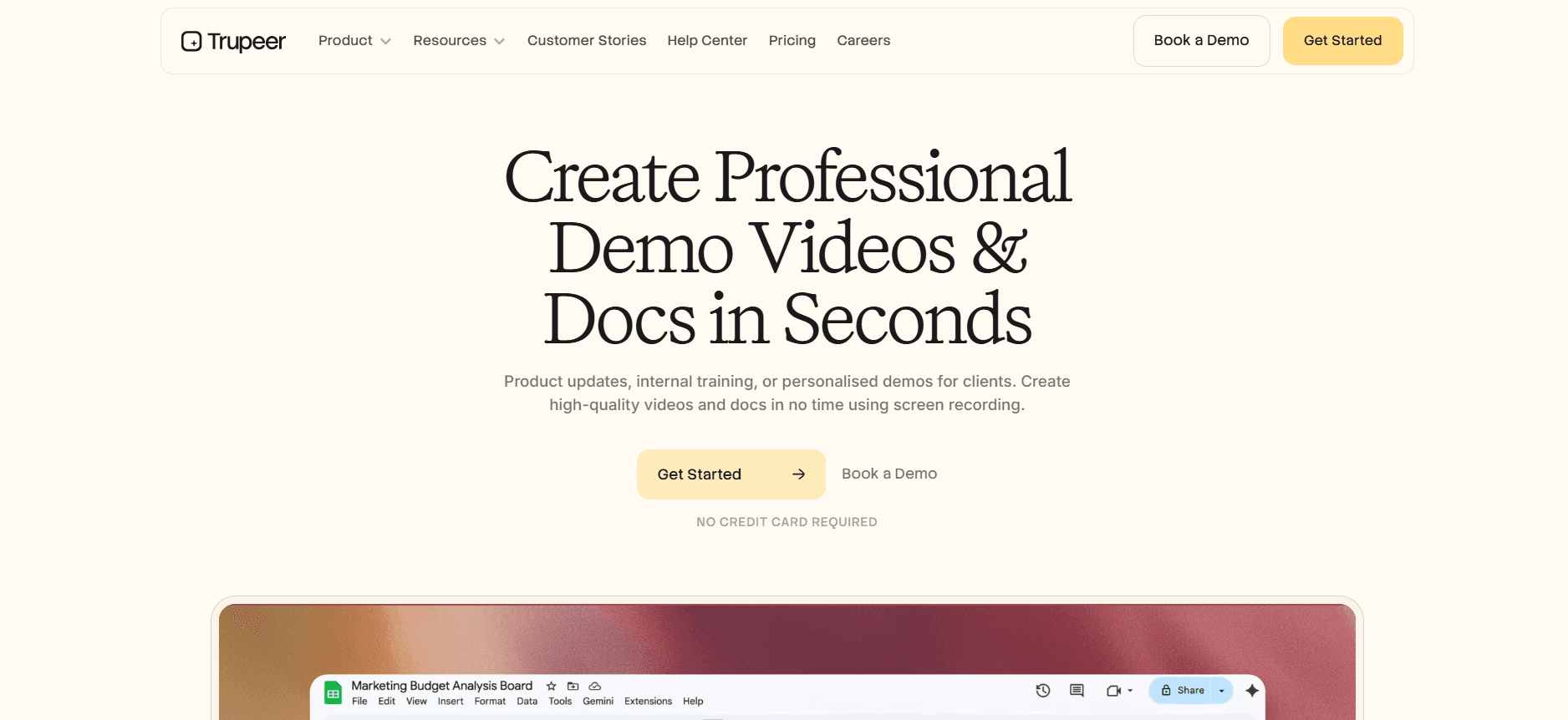
Best for: Teams that care more about training content and documentation than heavy in-app overlays.
Trupeer takes a different angle on digital adoption: instead of painting guidance on top of every screen, it turns a quick screen recording into polished training videos, step-by-step SOPs, and searchable documentation. For most "our employees can't figure out Salesforce" problems, that combination solves the need without a six-month DAP rollout. Enablement teams can build a week of coverage in a day.
The ability to create content quickly and efficiently is a big shift for many organizations. With Trupeer, a single screen recording can be transformed into multiple training formats, significantly reducing the time and resources required for training development. This is especially beneficial for teams that need to adapt training materials frequently to keep up with ongoing system updates and changes.
Pros: Fast content creation, video + docs + guidance in one place, per-user pricing, no services dependency.
Cons: Lighter on real-time in-app guidance than WalkMe for complex custom apps; not a fit if you specifically need WalkMe-style overlays on legacy software.
2. Whatfix
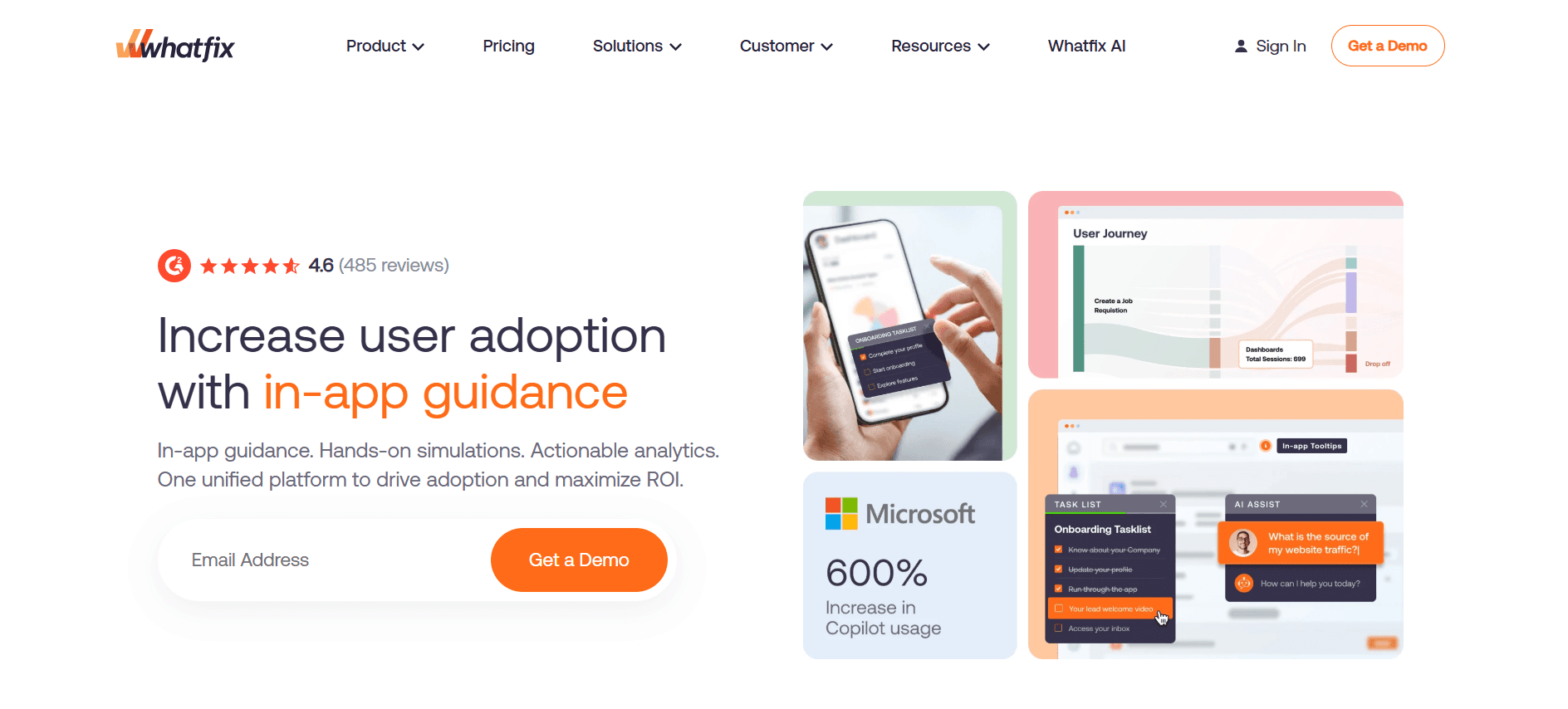
Best for: Enterprise teams that want WalkMe's depth at a lower price.
Whatfix is the most direct WalkMe alternative: similar depth of in-app guidance, similar enterprise focus, similar need for content builders. Pricing is typically 10-20% lower, and the Mirror sandbox feature makes training design easier than WalkMe's. Whatfix has been winning head-to-head deals in healthcare, financial services, and manufacturing.
Whatfix's Mirror sandbox feature allows trainers to design and test training scenarios in a simulated environment, ensuring that the content is effective before it reaches end users. This feature reduces the risk of deploying ineffective training, which can lead to costly rework and user frustration.
Pros: Deep enterprise feature set, Mirror sandbox, aggressive pricing against WalkMe.
Cons: Still requires a dedicated content team; implementation timelines aren't much shorter than WalkMe's.
3. Pendo
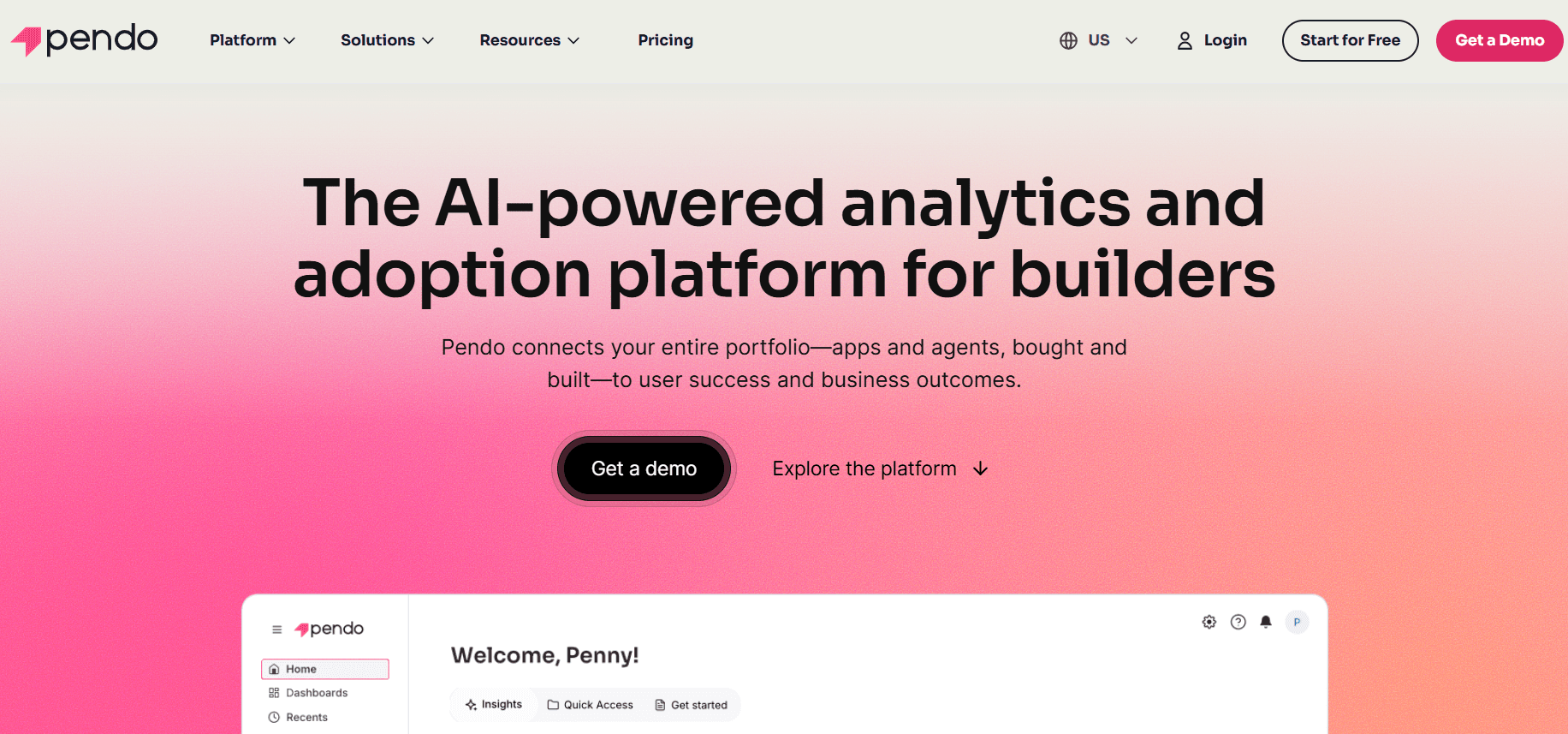
Best for: Product teams embedding guidance in their own SaaS product.
Pendo is a product analytics tool with a guidance layer on top. If your use case is "help our users figure out our software," Pendo fits. If it's "help our employees use Workday," Pendo is the wrong shape.
The strength of Pendo lies in its ability to provide product teams with valuable insights into user behavior and engagement. This data can be used to inform product development and refine user guidance, creating a more intuitive user experience. However, Pendo's focus on external product users means it's less suited for internal employee enablement scenarios.
Pros: Strong analytics, free tier, product-team-friendly.
Cons: Weak for internal employee enablement; MAU pricing scales punishingly.
4. Apty
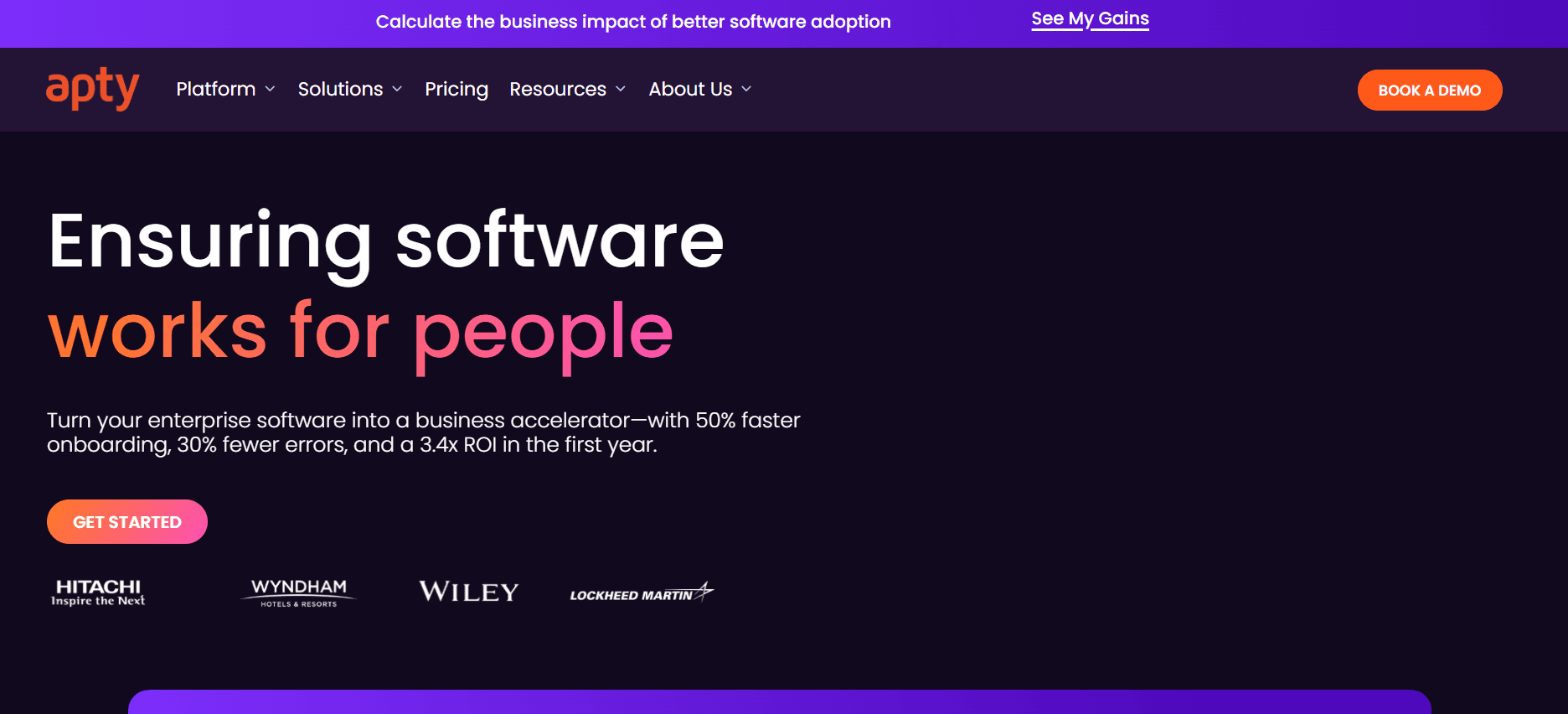
Best for: Buyers who want WalkMe-class capability at mid-market pricing.
Apty positions itself squarely against WalkMe. Enterprise guidance, analytics, change management workflows. Pricing is typically 40-60% lower than WalkMe for comparable scope.
Apty's focus on change management is a significant advantage for organizations undergoing digital transformation. The platform's workflows help ensure that employees adopt new systems smoothly and that changes are successfully integrated into daily operations. This focus on change management makes Apty a strong contender for enterprises that need to manage complex organizational changes.
Pros: Good enterprise fit, strong analytics, reasonable pricing.
Cons: Smaller partner network; fewer pre-built connectors than WalkMe.
5. Userpilot
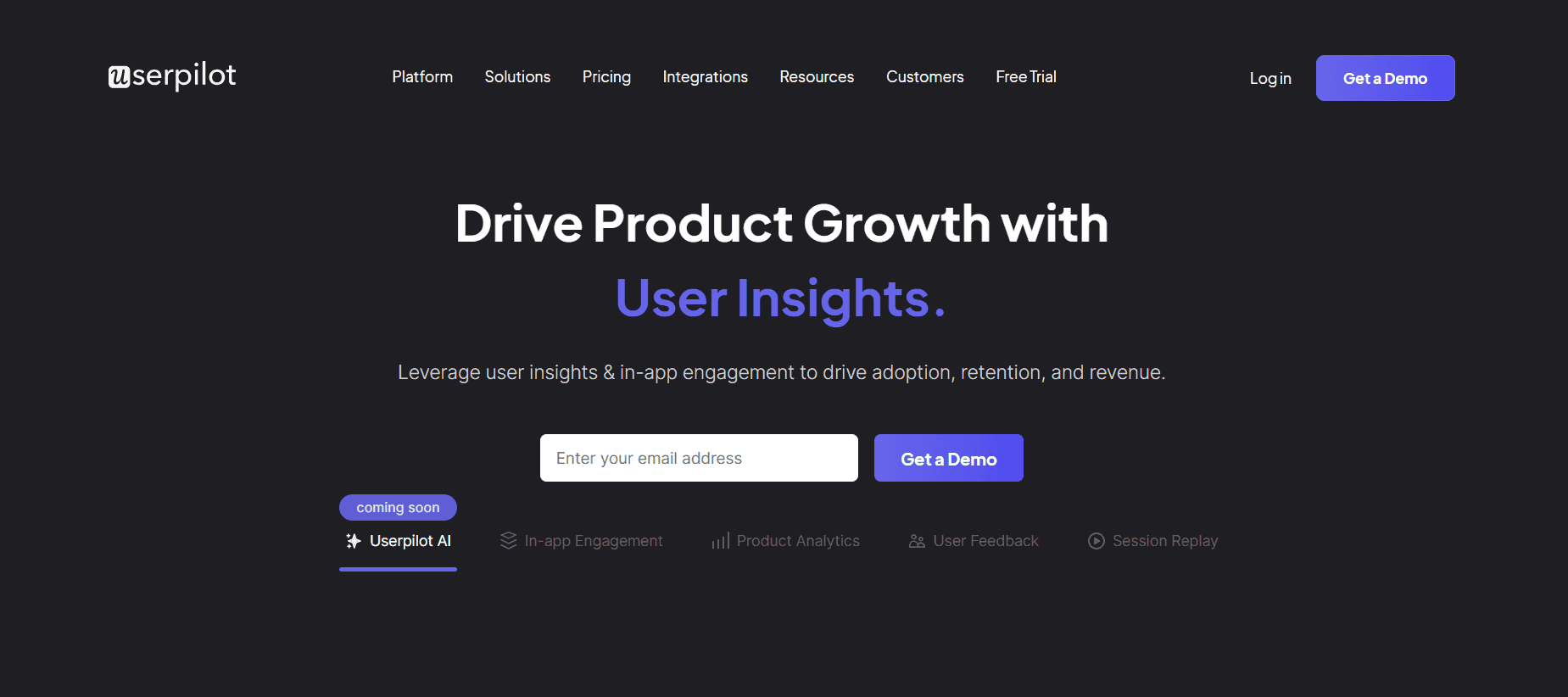
Best for: Mid-market SaaS products needing in-app onboarding.
Userpilot is a lighter, product-led alternative. Fast to deploy, transparent pricing, friendly to product managers who don't want to open a ticket for every change.
Userpilot's ease of use and rapid deployment make it an attractive option for product managers who need to implement onboarding quickly and with minimal fuss. Its no-code interface allows teams to create and modify in-app guidance without relying on IT support, reducing bottlenecks and speeding up the rollout of new features.
Pros: Fast setup, published pricing, no services required.
Cons: Not built for internal enterprise apps like SAP or Workday.
6. Appcues
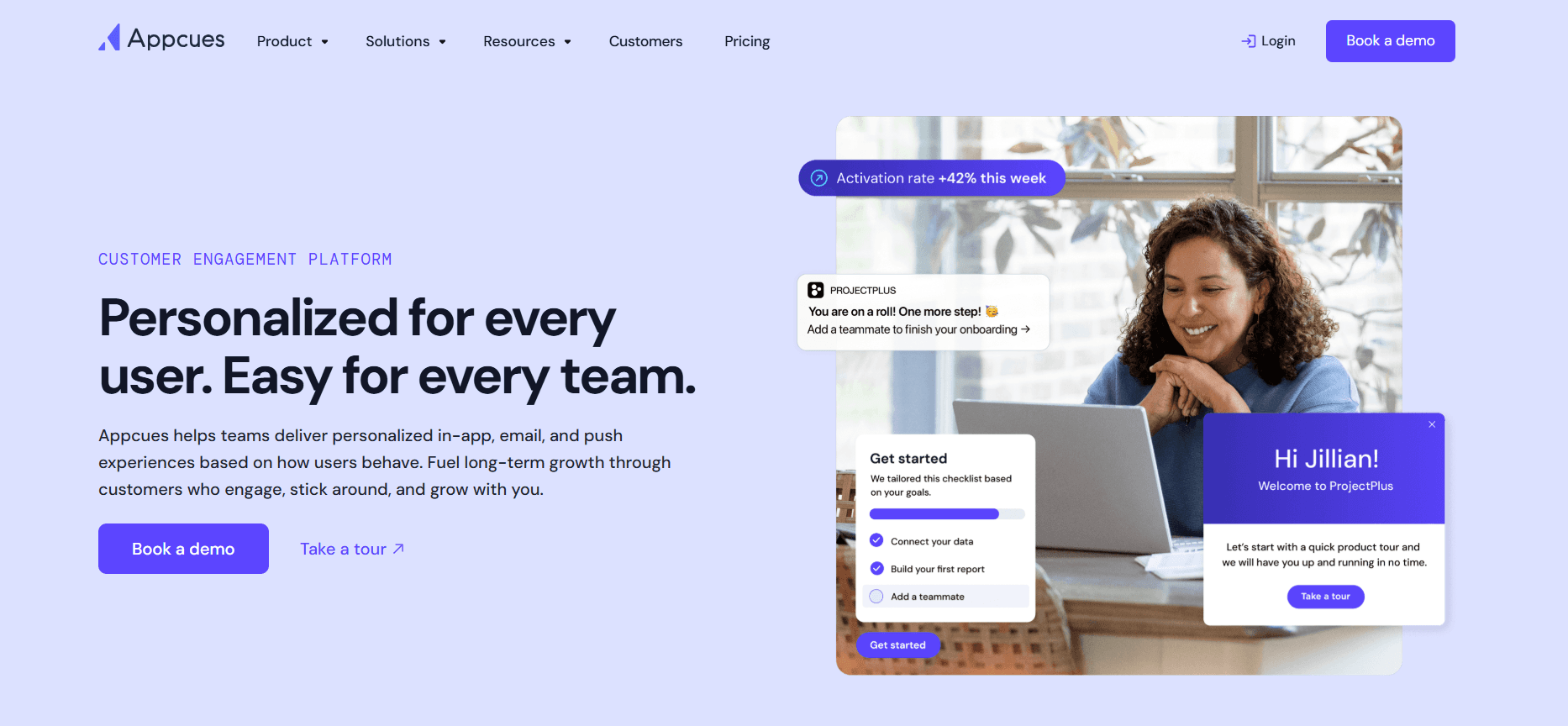
Best for: Product teams wanting no-code in-app guidance.
Appcues has been in the category for a decade and is still a solid, focused product-onboarding tool. It doesn't try to do everything WalkMe does, which is the point.
The simplicity and focus of Appcues on product onboarding make it a valuable tool for teams that need to get new users up to speed quickly. Its no-code builder allows teams to design and deploy guidance without technical expertise, making it a practical choice for smaller teams or those with limited resources.
Pros: Mature product, clear pricing, no-code builder.
Cons: Narrow scope; no internal-enablement angle.
7. UserGuiding
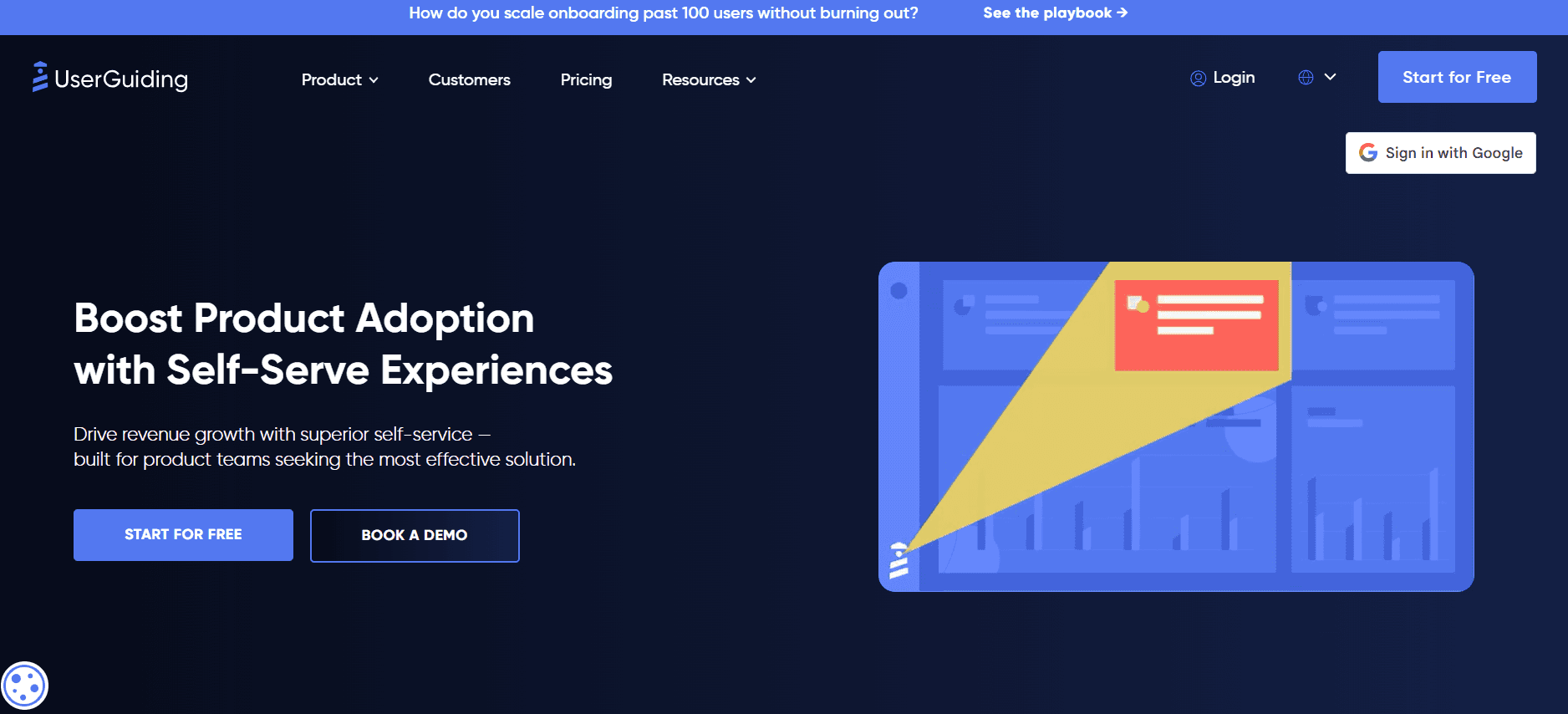
Best for: SMB SaaS products on a tight budget.
UserGuiding is the cheap, self-serve option. It covers the basics (tooltips, checklists, product tours) and does so well for $89/month.
UserGuiding's affordability and ease of use make it an excellent choice for small businesses that need to implement guidance without breaking the bank. While it lacks the advanced features of more expensive platforms, it provides the essential tools needed to help users navigate software effectively.
Pros: Very cheap, easy to start, no sales process.
Cons: Can't handle enterprise scale or internal IT apps.
In-Depth Analysis: Where WalkMe Wins and Loses
Where WalkMe Still Leads
WalkMe's advantage is depth on complex legacy and internal applications. If you're rolling out guidance across SAP, custom mainframe frontends, and a homegrown ERP, WalkMe's engine genuinely handles more edge cases than anyone else. The element detection is more resilient. The analytics are more detailed. The services organization has seen your scenario before.
The partner network matters too. Large systems integrators have WalkMe-certified teams. If you're running a two-year SAP S/4HANA transformation and need a DAP as part of the program, WalkMe plugs into that program in ways newer tools can't yet match. This isn't a small thing; enterprise transformations get derailed by vendor coordination problems, and WalkMe has the muscle to plug into complex programs without creating new ones.
Mobile guidance is another area where WalkMe has invested. If your rollout includes field workers on iOS and Android apps, WalkMe's mobile SDK is genuinely ahead of most alternatives. The ability to provide consistent and reliable guidance across mobile platforms is crucial for organizations with a significant mobile workforce.
Where WalkMe Loses
The first gap is cost. WalkMe's total cost of ownership (license, services, content) is often 2-3x what comparable tools charge. For a mid-market company, that premium is hard to justify when Whatfix or Apty deliver 80% of the value at half the price. The second gap is speed. A WalkMe rollout takes months, not weeks. If your stakeholder pressure is "employees can't use the new system we launched last week," you can't wait six months to see value.
The third gap is content overhead. Every WalkMe customer we've seen at scale has dedicated content builders, usually two to five people. That cost doesn't show up in the license quote but it's real. Tools that generate training videos from a single screen recording bypass that overhead entirely.
The fourth gap is the rise of AI-generated enablement content. Buyers increasingly want a platform that can turn "here's what I just did in the app" into a reusable training asset in minutes. WalkMe has added AI features but hasn't restructured the core product around that workflow. Newer tools have.
Challenges When Replacing WalkMe
Content migration. Years of WalkMe flows don't port cleanly to another tool. Plan for a rebuild, not a migration. The upside: most teams realize half their WalkMe content was outdated anyway.
Stakeholder politics. WalkMe is often championed by a specific executive. Replacing it requires political cover, not just a better tool. handling internal politics can be just as critical as the technical transition.
Integration rewiring. Your Salesforce, SAP, and Workday integrations need to point at the new tool. This is usually straightforward but adds 2-4 weeks. Ensuring smooth integration is crucial to maintaining business continuity during the transition.
Change management. Your employees are used to WalkMe's UI. A new tool's UI creates short-term friction. Communicate early and often. Effective change management strategies can mitigate resistance and ensure a smooth transition.
Must-Have Features in a WalkMe Alternative
In-app guidance on the applications you actually use (check SAP, Workday, Salesforce specifically). The tool should smoothly integrate with the software your team relies on daily.
Analytics that tie guidance to task completion, not just clicks. It's important that analytics provide actionable insights into user behavior and task efficiency.
Content creation speed measured in hours, not weeks. Fast content creation allows teams to respond quickly to changes and updates.
AI video and documentation generation from a screen recording. Look for platforms that can automate content creation to save time and resources.
Role-based targeting so different employee groups see different guidance. Personalization increases relevance and effectiveness of the guidance.
SOC 2 and GDPR compliance, especially for HR and finance data. Compliance with data protection regulations is essential for maintaining trust and avoiding legal issues.
Transparent pricing or at least a published range. It's crucial to have a clear understanding of costs upfront to budget effectively.
Use Cases and Personas
Enterprise IT: Ravi, Director of Application Enablement, 12,000-Employee Manufacturer
Ravi's team had WalkMe on SAP, Salesforce, and a custom MES system. Annual spend was $280,000 in licenses and $140,000 in services. After a leadership change, he was asked to cut 30% from the enablement budget. He moved SAP guidance to Whatfix, kept WalkMe on the custom MES (where nothing else worked), and moved Salesforce training to a Trupeer-based video library. Total spend dropped to $175,000 and task completion rates held steady.
This strategic shift not only reduced costs but also maintained performance standards. By choosing a tailored solution for each platform, Ravi optimized resource allocation without compromising on user experience or training effectiveness.
Mid-Market SaaS: Rachel, Head of Enablement, 800-Person Fintech
Rachel inherited a WalkMe deployment that her predecessor had over-scoped. Four apps, $90,000 in license, and four unfilled content-builder roles. She replaced it with Userpilot for the product itself and Trupeer for internal Salesforce and finance tools. New spend: $38,000 across both. Coverage actually improved because content got built in days instead of quarters.
Rachel's experience highlights the importance of matching the tool to the organization's actual needs. By selecting solutions that align with her team's capabilities and goals, she not only saved money but also increased the agility and responsiveness of her enablement strategy.
Healthcare: Miguel, VP of Learning, 4,500-Person Hospital Network
Miguel's team needed to roll out a new Epic module across 4,500 clinical staff in six weeks. WalkMe quoted a four-month implementation. He built the training in Trupeer: 30 video walkthroughs and an SOP library that staff search from within the EHR. Rollout hit the deadline, and the library has become the default reference staff pull up mid-shift.
Miguel's success story illustrates how Trupeer's rapid content creation capabilities can meet tight deadlines without sacrificing quality. The searchable SOP library provided ongoing support, ensuring that staff could quickly find the information they needed, even under pressure.
Best Practices for the Switch
Audit before you replace. Half your WalkMe content is stale. Don't pay to migrate what you'd delete anyway. Run a content inventory first and tag what's worth keeping. This ensures that only relevant and useful content is transitioned, saving time and resources.
Pilot on one app. Don't switch three apps at once. Pick the one with the clearest ROI case. This approach allows you to test and refine the new solution without overwhelming your team or risking widespread disruption.
Run parallel for 60 days. Keep WalkMe live while you prove the alternative. Cut over when adoption data confirms the replacement. This dual-running period provides a safety net, ensuring that any issues with the new system can be addressed without halting operations.
Capture lessons. The WalkMe rollout taught your org things (what users struggle with, which processes break). Carry those into the new tool's content plan. Learning from past experiences helps improve the effectiveness and efficiency of future implementations.
Frequently Asked Questions
Is WalkMe worth the price in 2026?
For complex enterprise rollouts across SAP, legacy, and custom apps, sometimes yes. WalkMe's comprehensive capabilities can justify its cost in situations where its depth and flexibility are critical. However, for most mid-market and SaaS-product use cases, no. The category has matured, and cheaper tools cover 80% of the need, offering a better return on investment for less complex scenarios.
What's the cheapest WalkMe alternative?
UserGuiding at $89/month for basic product tours. For internal enablement, Trupeer's per-user pricing scales cheaper than WalkMe in almost every scenario. These cost-effective alternatives provide essential features without the financial burden of high licensing fees, making them suitable for smaller businesses or those with budget constraints.
Can I replace WalkMe in a quarter?
For a single app, yes. With focused planning and execution, transitioning a single application to a WalkMe alternative can be completed within a quarter. For a multi-app rollout, plan for two quarters to run in parallel and cut over safely. This extended timeline ensures that each application receives the attention it needs for a successful transition.
Which WalkMe alternative handles SAP best?
Whatfix and Apty have the strongest SAP-specific track records. Trupeer handles SAP training and documentation well via screen recording, which many teams prefer for role-based learning. These alternatives provide solid support for SAP, ensuring that users receive effective guidance tailored to their roles and tasks.
Do I need a DAP at all?
If your real problem is "users don't know how to do X," a library of training videos plus searchable documentation often solves it for 20% of DAP cost. See the full WalkMe vs. Trupeer comparison for when each approach fits. This approach offers a cost-effective solution for organizations with straightforward training needs, without the complexity of a full DAP.
Final Word
WalkMe isn't a bad product. It's a mature product priced for a different era of the market. If you need its specific depth, pay for it. If you need "adoption that actually happens," look at Trupeer, Whatfix, or Apty first, and measure the outcome in weeks instead of quarters. These alternatives offer practical solutions for modern businesses, combining ease of use with cost-efficiency.
Related Blogs


