Trupeer Blog
Summarise

Why enterprise buyers look beyond Pendo
Pendo excels in product analytics, offering SaaS companies insightful data on how their customers interact with their software. It's particularly effective for product onboarding, providing solid in-app guides. However, the challenges arise when enterprise buyers attempt to extend Pendo's capabilities to employee-facing enablement across platforms like SAP, Workday, Salesforce, and various internal tools. Pendo's architecture is not designed for these use cases. The MAU pricing model can become prohibitively expensive, especially when dealing with custom enterprise applications. Additionally, Pendo lacks built-in solutions for training videos and searchable documentation, which are crucial for comprehensive employee training.
As a result, many enterprise buyers find themselves using Pendo for product analytics but needing a second tool for internal enablement. This dual-tool setup often drives enterprises to explore alternatives that can consolidate these needs into a single solution. The market for Pendo alternatives is therefore thriving. Below, we provide a detailed comparison of what each alternative does well, where they fall short, and the enterprise profiles they best suit.
Feature comparison: Pendo vs. alternatives
Feature | Trupeer | Pendo | WalkMe | Whatfix | Userpilot | Heap |
|---|---|---|---|---|---|---|
Enterprise app coverage | Yes (via recording) | Limited | Yes (deep) | Yes (deep) | No | No |
Product analytics | Basic | Yes (deep) | Yes | Yes | Yes | Yes (deep) |
AI video training | Yes (native) | No | Limited | Yes | No | No |
Documentation hub | Yes (native) | No | Add-on | Yes | No | No |
Pricing model | Per user | Per MAU | Per app + user | Per user | Per MAU | Per event |
Setup time | Days | Weeks | Months | 1-3 months | Days | Days |
Starts at | $2,400/yr | Free (500 MAU) | $50,000/yr | $30,000/yr | $3,600/yr | Free |
The 8 best Pendo alternatives in 2026
1. Trupeer
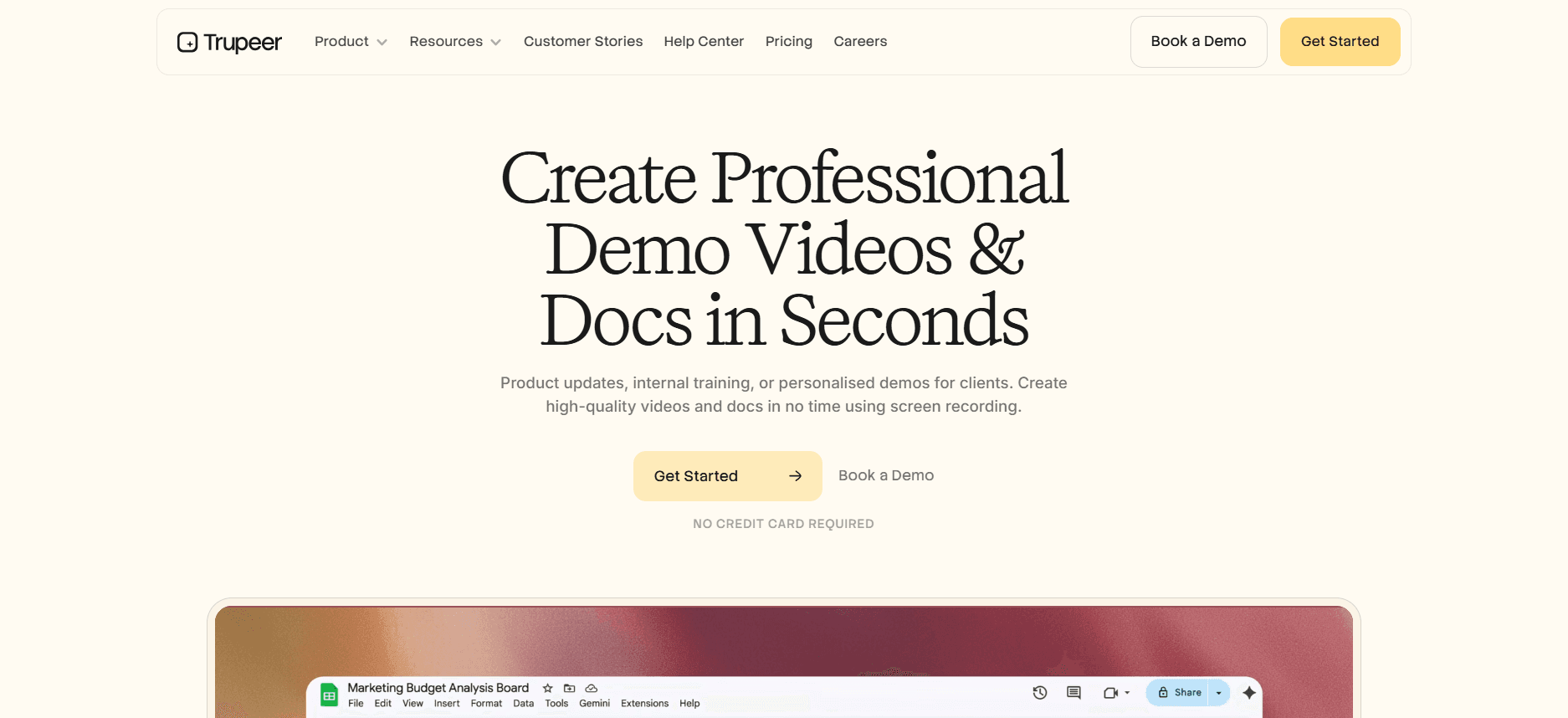
Best for: Enterprise enablement teams who want video, docs, and guidance in one place.
Trupeer is tailored for internal employee enablement, a task outside Pendo's original design. It allows teams to record screen walkthroughs and automatically generates polished training videos, SOPs, and searchable documentation pages. This is particularly useful for enterprise teams using platforms like Salesforce or Workday. By consolidating the functionalities provided by Pendo and additional tools into one platform, Trupeer simplifies workflows and reduces costs. The predictable per-user pricing model avoids Pendo's punitive MAU overages during high-traffic onboarding periods.
Pros: Video + docs + guidance, fast content creation, predictable per-user pricing, works on any app you can record.
Cons: Lighter on real-time product analytics than Pendo; not a fit if your only job is "measure how users click through our SaaS product."
2. WalkMe
Best for: Large enterprises with deep pockets and multi-year rollouts.
WalkMe offers more comprehensive coverage of internal enterprise apps than Pendo. It's ideal for scenarios involving massive deployments, such as rolling out SAP or Workday to thousands of employees. The platform's guidance engine is capable of managing complex enterprise scenarios that Pendo can't address. However, this depth comes at a cost. WalkMe's solutions are expensive and involve prolonged deployment timelines, requiring dedicated content creation teams to fully use their capabilities.
Pros: Deepest enterprise guidance, mature services partnerships.
Cons: Expensive, slow to deploy, requires dedicated content builders.
3. Whatfix
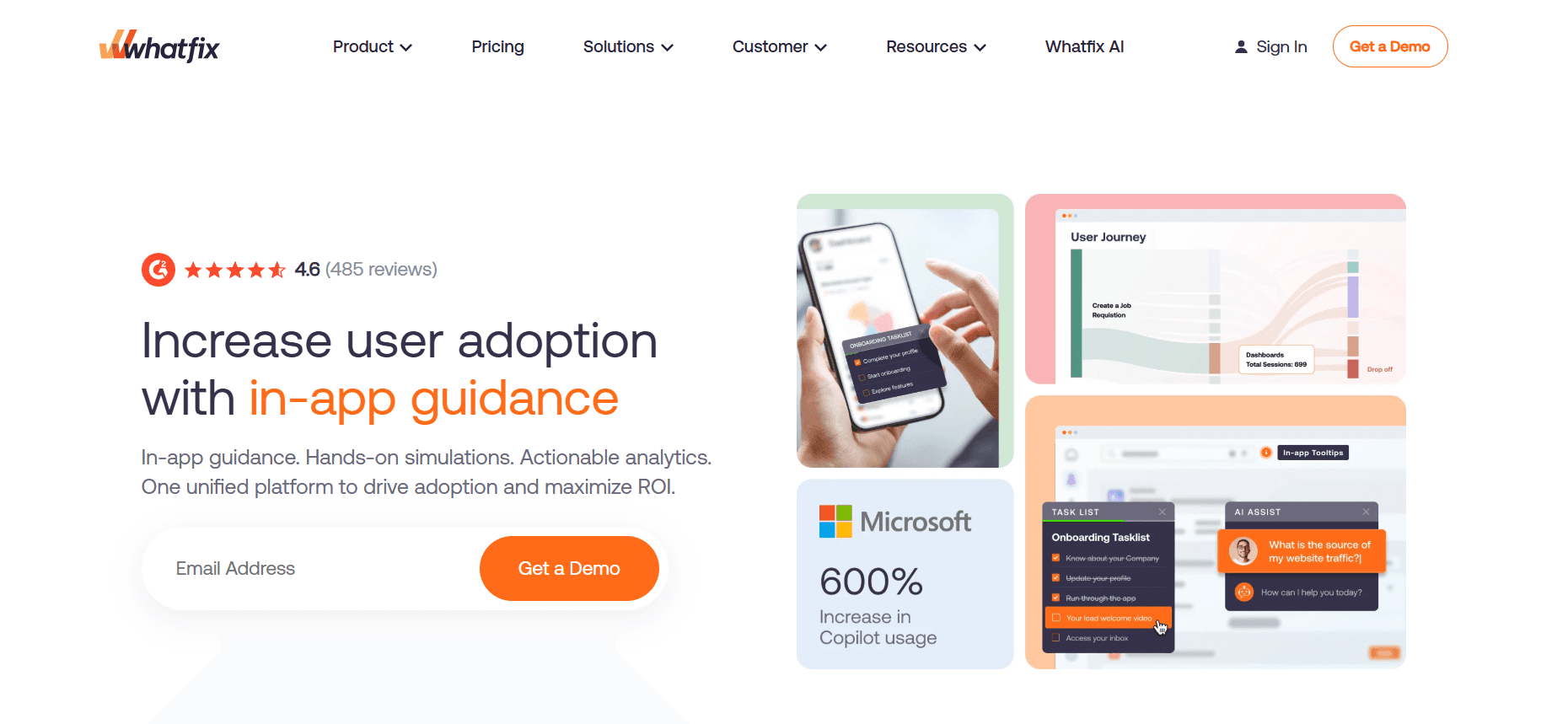
Best for: Enterprise teams wanting WalkMe-class depth at lower cost.
Whatfix serves as a Pendo alternative focused on employee enablement rather than product analytics. It's well-suited for guiding users through complex software like SAP, Salesforce, and Workday. While it offers enterprise-grade capabilities and competitive pricing, the implementation process can still be lengthy, taking anywhere from one to three months. Additionally, content creation can be resource-intensive.
Pros: Enterprise-grade, Mirror sandbox for training, aggressive pricing.
Cons: Implementation still takes 1-3 months; content creation is heavy.
4. Userpilot
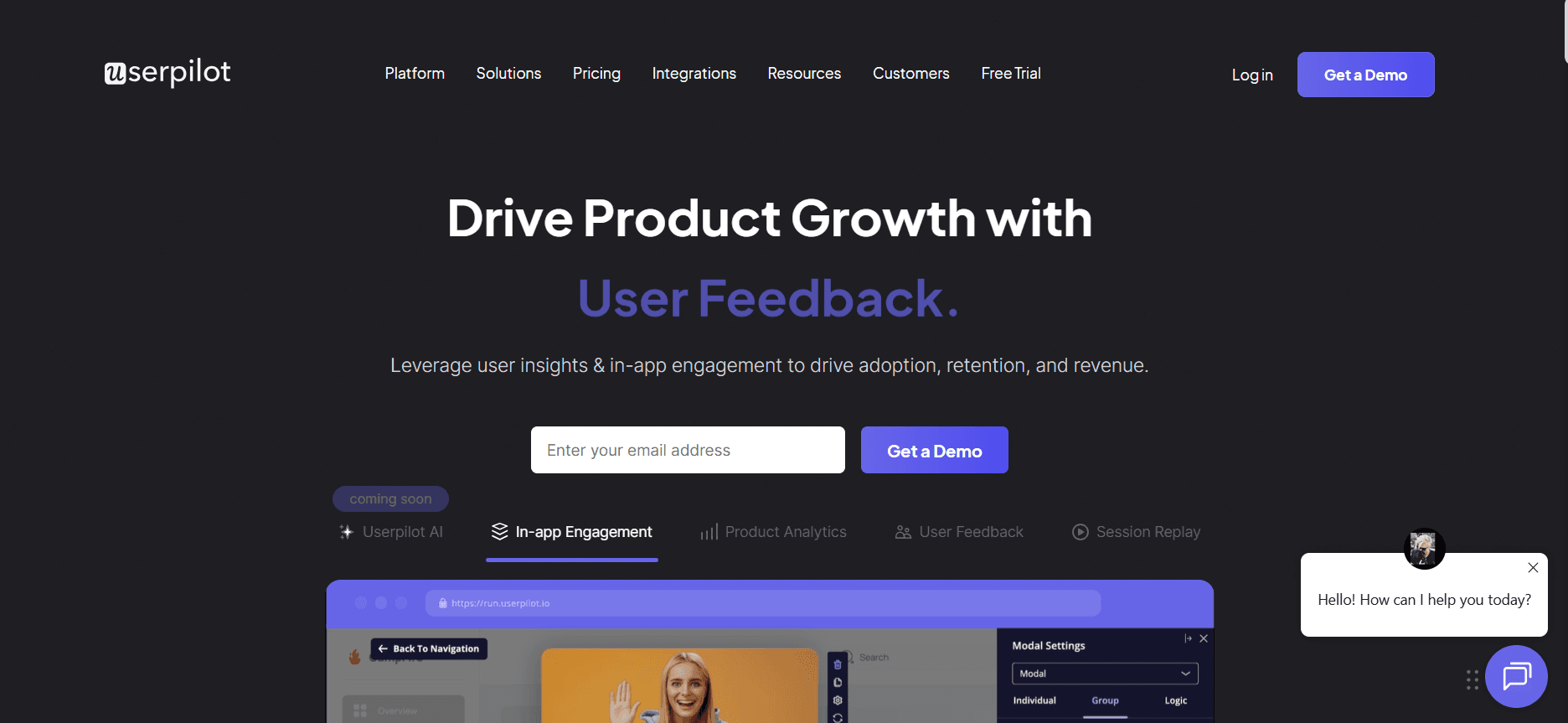
Best for: Mid-market SaaS teams replacing Pendo's product-onboarding features.
Userpilot is designed for mid-market SaaS companies that require a simplified, user-friendly tool for product onboarding. It deploys faster than Pendo, with transparent pricing and no dependency on additional services. However, it's not equipped for handling internal enterprise applications, and its analytics capabilities are less comprehensive than Pendo's.
Pros: Transparent pricing, fast setup, good no-code builder.
Cons: Not built for internal enterprise apps; weaker analytics than Pendo.
5. Heap
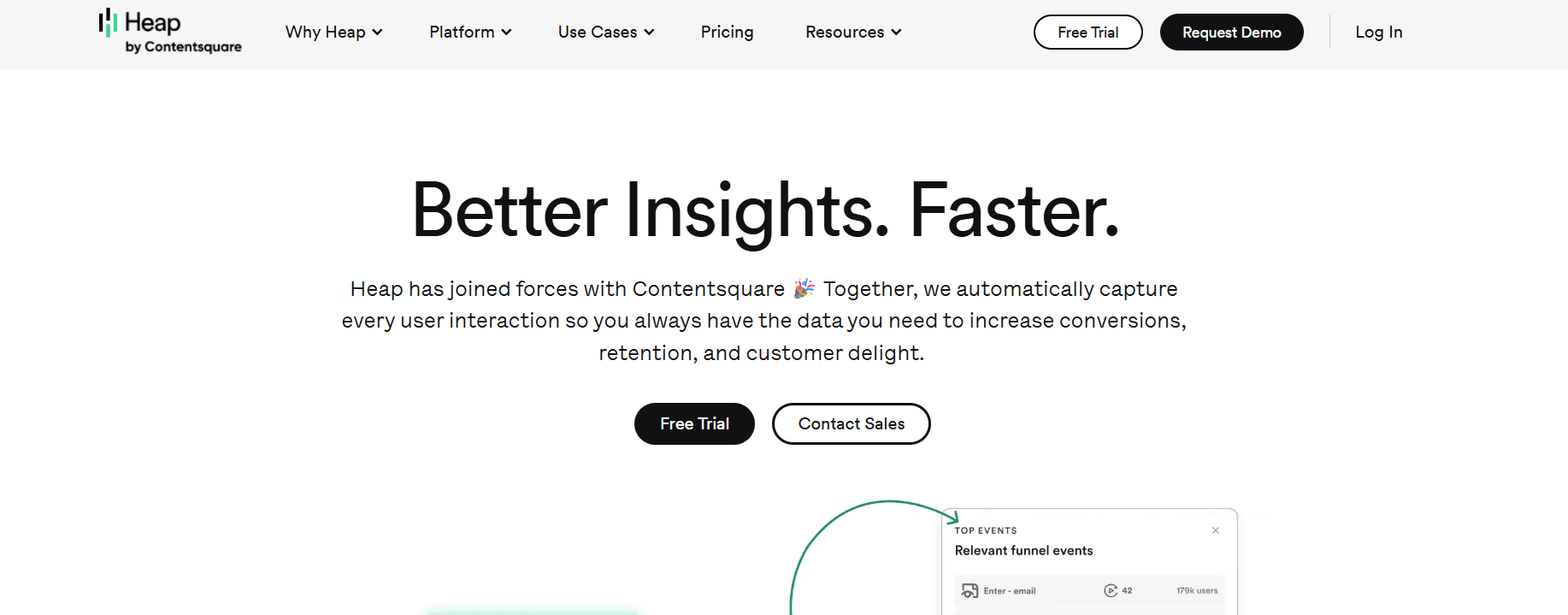
Heap offers a different approach to analytics by automatically capturing every user event, removing the need for explicit event tracking as in Pendo. This is particularly beneficial if your team struggles with consistently instrumenting events. While Heap excels in retroactive analysis and auto-capturing data, it doesn't provide in-app guidance. Moreover, its event volume pricing model can become expensive as usage scales.
Pros: Auto-capture, no event planning needed, strong retroactive analysis.
Cons: No in-app guidance; event volume pricing gets expensive at scale.
6. Amplitude
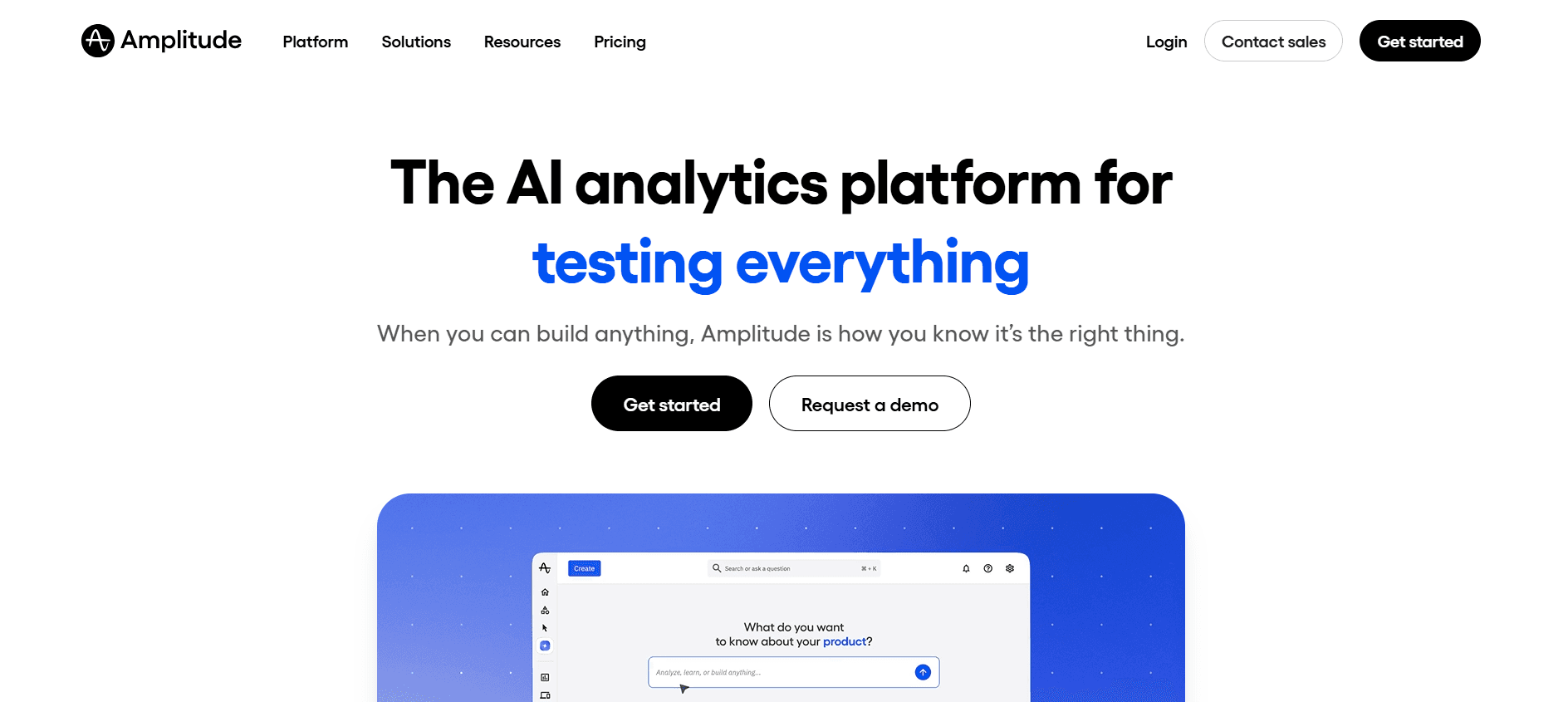
Best for: Data-heavy product teams prioritizing analytics over guidance.
Amplitude is a powerful analytics tool designed for product teams that require in-depth data insights and have perhaps outgrown Pendo's capabilities. It offers solid behavioral analytics and cohort analysis, making it ideal for enterprises that prioritize data over in-app guidance. However, the absence of a guidance engine and the complexity of its features result in a steeper learning curve.
Pros: Deep behavioral analytics, strong cohort analysis, enterprise scale.
Cons: No guidance engine, steeper learning curve.
7. Appcues
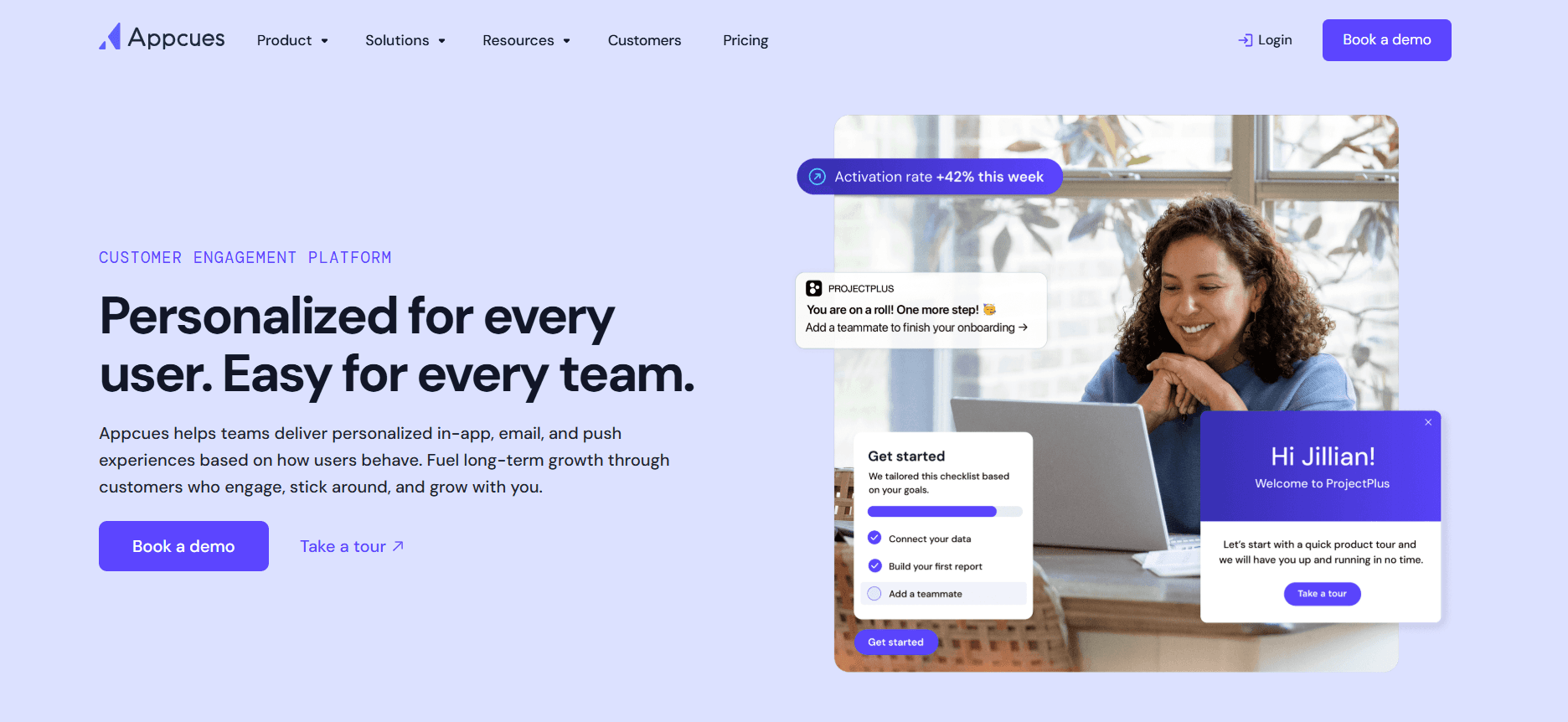
Best for: Small to mid-market SaaS companies focused on product onboarding.
Appcues specializes in in-app onboarding and doesn't aim to extend its functionalities beyond that. It's a mature product with a clear pricing structure and user-friendly builder UX. However, its narrow focus on onboarding means it isn't suitable for enterprise-level enablement needs.
Pros: Mature product, clear pricing, good builder UX.
Cons: Narrow scope; not an enterprise enablement tool.
8. Apty
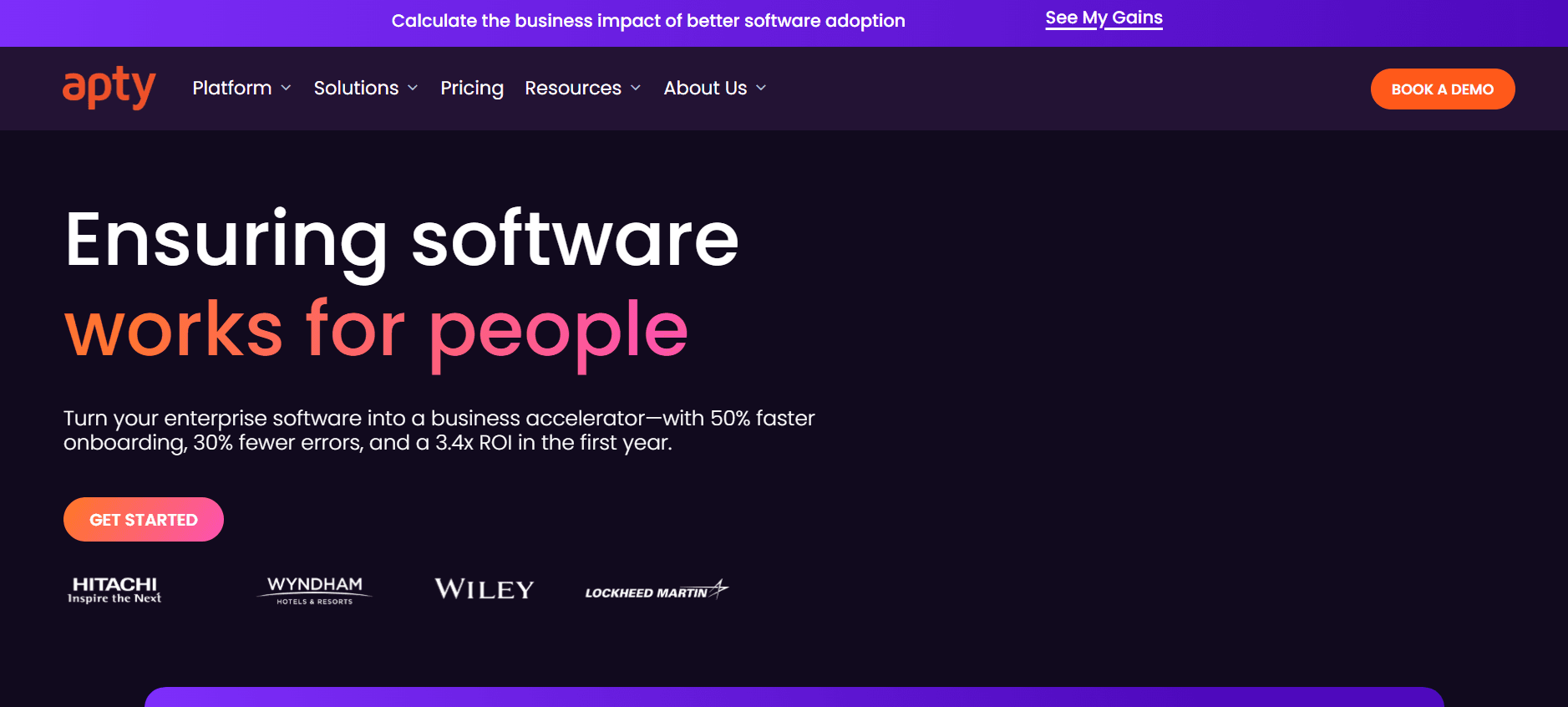
Best for: Enterprise teams needing strong analytics alongside employee guidance.
Apty finds a middle ground between Pendo's focus on product analytics and WalkMe's extensive enterprise guidance. It provides solid analytics paired with enterprise-ready guidance features. This positions Apty as a viable alternative for teams needing comprehensive solutions at a reasonable price. However, its smaller partner network and lesser-known brand might be a consideration during IT RFPs.
Pros: Enterprise-ready, reasonable pricing, strong analytics module.
Cons: Smaller partner network; less brand recognition in IT RFPs.
In-depth analysis: where Pendo wins and loses for enterprise buyers
Where Pendo still leads
Pendo remains a leader in product analytics with features that are genuinely exceptional. Its ability to track feature adoption, analyze retention cohorts, and conduct path analysis is top-notch. For product teams seeking to understand user behaviors, such as why users drop off after a certain point, Pendo is invaluable. Additionally, its NPS surveys can be linked to user behavior, and session replay features in higher tiers offer further insights. Another standout feature is Pendo Data Sync, which allows smooth event integration into data warehouses, a capability not commonly offered by other guidance tools.
The in-app guides provided by Pendo are effective for product onboarding, offering tooltips, walkthroughs, and checklists. The builder is sophisticated yet user-friendly, allowing product managers to implement guides without needing IT support. For SaaS companies that aim to provide guidance directly to their customers, Pendo offers a balanced solution that enables product managers to own the process.
Pendo's free tier for up to 500 MAU and the Portfolio plan designed for companies with multiple products are competitive features. Multi-product companies benefit from centralizing analytics across their offerings, and Pendo's Portfolio plan provides a more cohesive solution compared to many other alternatives.
Where Pendo falls short for enterprise enablement
A notable limitation of Pendo is its lack of coverage for internal applications. While it excels at instrumenting web and mobile products developed by the company, it doesn't support guidance on platforms such as SAP, Oracle, or legacy mainframe applications. This makes it unsuitable for enterprises where the primary challenge is ensuring employees can effectively use internal systems. For these scenarios, tools like WalkMe or Whatfix provide better solutions.
Another shortcoming is the limited content format options. Pendo's guides are primarily in-app tooltips and checklists, which don't cater to the diverse learning preferences of enterprise employees. Effective enablement often requires a mix of training videos, SOPs, and documentation, as different employees learn best through different formats. Pendo only covers one of these formats, which is insufficient for comprehensive enterprise training needs.
The MAU pricing model is another area where Pendo falls short for enterprises. While this model works for SaaS products with steady user volume, it becomes problematic for internal enablement scenarios where user spikes are common, such as during open enrollment or training periods. Billing based on MAU penalizes these spikes, making per-user or flat-fee models more fitting for enterprise enablement.
Challenges when moving off Pendo
Analytics continuity. Transitioning away from Pendo requires careful planning to maintain analytics continuity. Teams with extensive Pendo event histories face the decision of whether to retain Pendo solely for analytics while migrating guidance functions, or to transition analytics entirely. Many opt for a hybrid approach, maintaining Pendo for analytics during the first year to ensure continuity.
Builder retraining. Teams familiar with Pendo's builder face a learning curve when adopting a new tool. Although retraining is typically quick, often taking less than a week, it is an inevitable part of the transition process.
Segment and targeting rewiring. Pendo's segmentation and targeting rules don't transfer directly to new platforms. Teams must be prepared to rebuild these elements in the alternative tool, which requires careful planning and execution to ensure a smooth transition.
Cost of double-pay during transition. Running both Pendo and the new alternative concurrently for a transition period of 60 to 90 days incurs additional costs but mitigates risk. Reviewing the Pendo vs. Trupeer comparison can help enterprises make informed decisions before committing to a long-term switch.
Must-have features in a Pendo alternative
Coverage for your actual apps, including internal enterprise systems and video-first workflows if that's your use case. This ensures the tool supports all the platforms your organization relies on.
Content formats beyond tooltips: video, SOP, documentation. These varied formats address different learning styles and provide comprehensive training solutions.
Pricing that fits your usage pattern (per-user for internal, MAU for product). This flexibility allows you to choose a pricing model that aligns with your organization's usage, helping to control costs.
Analytics that go beyond "users clicked this guide." Advanced analytics capabilities help you understand user behaviors and improve training effectiveness.
Role-based targeting for different user or employee groups. This feature allows you to tailor content and guidance to specific roles, improving relevance and engagement.
Integration with your CRM, HRIS, or product data warehouse. smooth integration ensures that your tools work together cohesively, enhancing overall efficiency.
Security posture (SOC 2 Type 2, GDPR, data residency options). Strong security features protect your organization's data and ensure compliance with industry standards.
Use cases and personas
Enterprise IT: Amit, Director of Digital Enablement, 6,000-employee logistics company
Amit's team initially used Pendo for a customer-facing portal, while also requiring a separate enablement tool for internal Salesforce and Workday implementations. This setup resulted in a combined annual cost of $170,000. By consolidating onto Trupeer for internal enablement and retaining Pendo exclusively for the customer portal, Amit's team reduced their total spend to $95,000. Moreover, the efficiency of training coverage improved significantly, as the time needed to produce training videos decreased from two days to just two hours per module.
Product-led SaaS: Leah, Head of Product, 200-person B2B SaaS
During a period of rapid growth, Leah's team reached the ceiling of Pendo's Growth tier and received an unexpectedly high upgrade quote. To manage costs, Leah transitioned to Userpilot for in-app guidance, which was a third of the cost, while maintaining Heap for its auto-captured analytics capabilities. This strategic switch resulted in an annual cost of $28,000, compared to the $65,000 quote from Pendo.
Multi-product enterprise: Kenji, Senior PM, 900-person enterprise SaaS
Kenji's company manages three products. While Pendo's Portfolio plan was a good fit for two of them, it was excessive for the third, which was an internal tool. By moving the internal tool to Trupeer's SOP-based workflow and keeping Pendo for the two customer-facing products, Kenji was able to reduce the Portfolio plan costs by 40%, achieving a more balanced and cost-effective solution.
Best practices when evaluating Pendo alternatives
Separate the two jobs. Recognize that product analytics and internal employee enablement are distinct challenges. Avoid forcing one tool to inadequately serve both purposes, which can lead to inefficiencies and unmet needs.
Measure real MAU seasonality. Assess whether your MAU spikes during specific periods, such as product rollouts. If overage fees are a concern, evaluate whether a per-user pricing model would be more cost-effective than MAU pricing.
Pilot for 60 days. Transitioning from Pendo will require time for learning and adaptation. Allow for at least two reporting cycles, typically 60 days, before making a final judgment on adoption and effectiveness.
Keep one system of record for analytics. When using multiple tools, designate one as the official source of product data. Ensure that this tool can push events to your data warehouse, maintaining a consistent and comprehensive analytics record.
Frequently asked questions
Is Pendo still a good product?
Yes, Pendo remains a strong choice for product teams focused on measuring their own SaaS products. Its analytics capabilities are solid and effective for understanding user behavior. However, it doesn't extend well into internal enterprise enablement, which is a limitation for organizations needing comprehensive employee training solutions.
What's the cheapest Pendo alternative?
Heap offers a free tier that provides analytics capabilities, making it a cost-effective option for teams focused on data insights. For guidance solutions, UserGuiding and Appcues start at under $300 per month. Trupeer, which combines video and documentation features with guidance, starts at $2,400 per year, catering to teams needing a more comprehensive solution.
Can I replace Pendo in a single quarter?
Replacing Pendo for a single product or use case can typically be achieved within a quarter. However, if your organization has a multi-product or enterprise-wide implementation, plan for a more extended transition of two quarters, allowing time for overlap and ensuring a smooth transition.
Which alternative handles internal Salesforce or Workday best?
WalkMe, Whatfix, and Apty are well-suited for providing in-depth in-app guidance on platforms like Salesforce and Workday. For organizations that prefer video-based training and searchable documentation, Trupeer offers a comprehensive solution that meets most enablement needs at a lower cost. For a detailed comparison of enterprise app compatibility, refer to the full DAP comparison.
Does Pendo have AI features yet?
Yes, Pendo has incorporated AI-assisted guide creation and analytics summarization. These features are helpful enhancements but don't address the core limitation of insufficient coverage for enterprise apps. Enterprises seeking comprehensive internal enablement solutions may need to look beyond Pendo for tools that better meet their needs.
Final word
Pendo is the right tool for the job it was designed for, particularly for product analytics in SaaS environments. However, when it comes to internal enterprise enablement, Pendo's limitations become apparent. Alternatives like Trupeer, Whatfix, and WalkMe each offer unique strengths that cater to different aspects of enterprise needs. The most effective enterprise technology stacks often pair Pendo or a similar solution for product analytics with a specialized tool designed for internal enablement, ensuring comprehensive coverage and maximizing efficiency.
Related Blogs



