4.8/5
Free AI Talking Head Video Generator
Transform scripts into engaging talking head videos with AI - realistic avatars, voice narration, and professional presentation made easy.

Trupeer's AI Talking Head Video Generator turns scripts into professional talking head video content using lifelike AI avatars with perfect lip-sync and natural expressions. This free ai talking video generator creates spokesperson videos without cameras, studios, or actors for marketing, training, and SaaS AI product demo videos. The setup nobody mentions when reading the marketing copy: you have a script. Maybe it's a product update for the team. Maybe a sales follow-up that needs to feel personal. Maybe a 90-second explainer for the landing page. Recording yourself talking to camera means scheduling time, finding decent lighting, redoing the take when the dog barks halfway through, and trying not to look like you're reading from a teleprompter. Most people skip the whole thing. So the script becomes an email. Or a Slack message. Or nothing at all.
The actual moment this hits home. You need a recorded message for prospects in a sales cycle. The script's ready by Tuesday. The first take has background noise. The second take, you stutter at minute two. The third take, the framing's off because you moved the laptop. Forty minutes in, you've got nothing usable. Calendar's full the rest of the week. Now it's Monday and the sales rep is asking where the video is. So you give up and write an email instead. The prospect gets a wall of text. The deal stalls.
Why AI Talking Head Video Generator is required?
Producing talking head ai videos requires expensive equipment, lighting, and multiple takes that delay content creation. Script changes demand complete reshoots, making updates costly. Manual editing overwhelms teams without video expertise.
Businesses struggle with inconsistent AI product demo video maker quality across creators. Scaling ai speaking video content for global audiences requires new talent per language. Professional presenter videos remain inaccessible for small teams and startups.
What this AI Talking Head Video Generator does
Trupeer's talking head ai tool instantly converts any script into a complete video featuring realistic avatars that speak naturally with synchronized lip movements, facial expressions, and gestures. The free ai talking video generator handles voice selection, scene setup, and branding automatically for broadcast-ready ai speaking video output — making it a flexible AI video generator for product demo narration as well.
Core Capabilities
Generate talking head video from text scripts automatically
Generate talking head video and AI product demo video intros from text scripts automatically
Create custom AI avatars or use professional stock characters
Perfect lip-sync with natural ai talking head free expressions
Multilingual ai speaking video support for global audiences
Generate a talking head video from a typed script. Paste the text, pick a voice and an avatar, hit generate. The avatar delivers the script with synced lip movements.
Choose from the stock avatar catalog for fast turnarounds, or build a custom avatar trained on a specific person's likeness via the HeyGen integration. Same workflow, different presenter.
Switch the voice without re-recording or regenerating from scratch. Dozens of voices and accents available. Custom voice cloning (paid tier) carries a specific person's voice across the entire library for consistency.
Translate the same script into 65+ languages. The avatar re-syncs lip movements to the new language. On-screen text translates too when the team's using the dual recording-plus-avatar workflow.
Update the video by changing the script and regenerating. No re-recording needed. Useful when product names change, pricing updates, or the call-to-action gets tweaked mid-campaign.
How Trupeer’s AI Talking Head Video Generator works
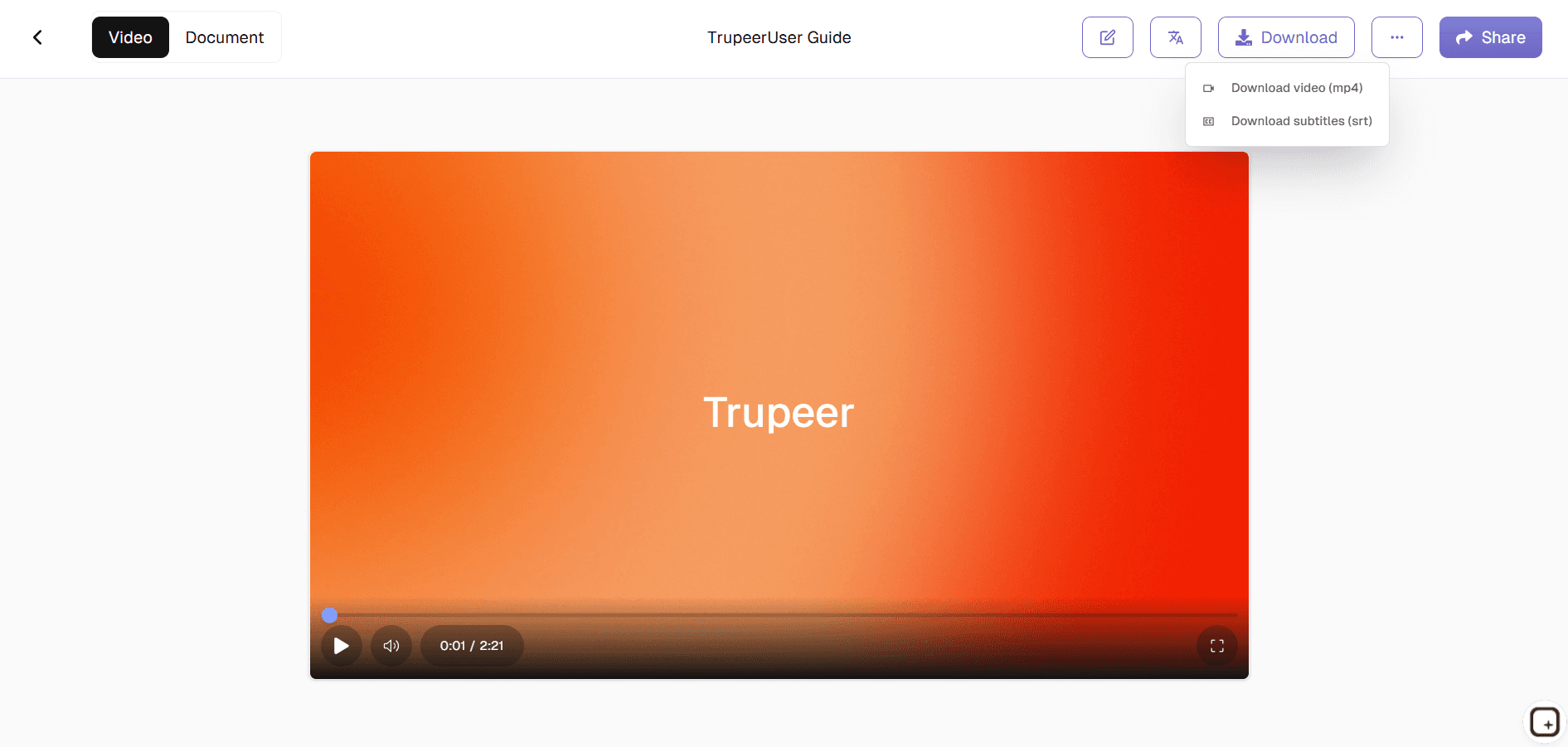
Step 1: Upload Video
Upload your video or screen recording to begin processing.

Step 2: Customize Avatar
Choose voice, background, and ai speaking video styling options.

Step 3: Generate & Export
AI creates complete free ai talking video generator output instantly.
Who this Trupeer’s AI Talking Head Video Generator is for
Marketers: Create campaign videos and product update announcements quickly. The script gets written Monday morning. The video ships Monday afternoon. So the campaign doesn't wait two weeks for the production team. Sales follow-up videos feel personal even when shipping in volume because the avatar can deliver dozens of variants from the same script template.
Trainers and L&D Teams: Build tutorial videos with a consistent presenter face across the whole training library. No coordinating with whoever's free to record this week's module. Same avatar, same voice, same brand styling on every video. Useful when the training library grows past 20 modules and consistency starts to matter more than authorship.
Support and Customer Education Teams: Generate help center video explainers without booking recording time. When a customer asks how to do X and the team doesn't have a video for it yet, the avatar can produce one by end of day. Translation handles the global support angle. Spanish, German, and Japanese versions ship the same week.
Content Creators and Founders: Produce talking head content daily without sitting in front of a camera daily. The founder's face (via custom avatar) delivers the company's voice in update videos, investor announcements, and customer reach-outs. Without scheduling actual filming.
Global Businesses: Localize messaging for every market the company operates in. The same campaign video ships in English, Spanish, German, Portuguese, and Japanese, all from one script, in one generation pass. Voice swaps, lip-sync regenerates, on-screen text translates.
Key Features of Trupeer’s AI Talking Head Video Generator
Realistic Avatars with Natural Expressions: Pick from a stock catalog of avatars or build a custom one trained on a real person's likeness via the HeyGen integration. The avatar delivers the script with facial expressions, blinks, and head movements that don't look like a 2015 chatbot. Most viewers don't notice it's an AI avatar until they're told. Some still do. The technology isn't perfect, especially on close-up shots. But for the standard mid-shot talking head most marketing and training videos use, it lands.
Lip-Sync Matched to the Script: The avatar's mouth movements get generated to match the audio of the script being read. Works in any of the 65+ supported languages. So if the script is in Spanish, the lip movements match Spanish phonemes, not English ones. Worth being honest about: extreme close-ups and very fast speech can still show the seams. For most use cases (talking head at medium framing, normal speaking pace) the result holds up to scrutiny.
Voice Selection and Custom Voice Cloning: Dozens of voices and accents in the stock catalog. Pick one per video. Change between videos. Custom voice cloning (paid tier) trains the system on a specific person's voice so the same voice carries through the whole library. Useful when the team wants the founder narrating every product update without the founder actually narrating every product update.
Multi-Language Delivery from One Script: Translate the script into any of 65+ languages. The avatar regenerates lip movements to match each language. Voice swaps if you want a native-speaker voice for each region. So one English script becomes four market-specific videos in one production cycle. Not four separate production cycles.
Custom Branding on Every Video: Brand kits hold the company logo, colors, fonts, intro slide, and outro slide. The kit applies to every output automatically. So the avatar video the marketing manager generated and the avatar video the customer success lead generated look like they came from the same company. Not from two different production sessions stitched together.
Update by Editing the Script: When the product name changes, when pricing shifts, when the call-to-action gets tweaked, you change the script and regenerate. No re-recording. No scheduling another production session. The whole library stays current with maybe 10 minutes of work per update.
When to use the AI avatar, and when to just record yourself
The avatar isn't always the right call. Sometimes recording yourself is faster, or feels more authentic, or just fits the moment better. Here's a practical decision framework. Use the avatar when: the script is finalized and not going to change, you don't have time to record (or hate recording yourself), the content needs to ship in multiple languages, the team wants visual consistency across a series of videos, or the script is for someone who can't be on camera (the CEO doesn't have the calendar, the subject expert refuses to be filmed). Use the screen recording route when: the content is product UI, the workflow needs to be shown live, or the value is in seeing exactly what was clicked. Not in the talking head itself.
A lot of videos benefit from both. A product walkthrough might use a screen recording for the actual UI demonstration and an avatar intro for the brand-styled hello at the start. Trupeer handles both routes in the same workflow, with the same brand kit and the same translation pipeline applied to both. So most teams don't have to pick one or the other. They pick whichever fits each individual video. And switch between them as the content type changes.
Where Trupeer fits next to Synthesia, HeyGen, and other AI avatar platforms
The AI avatar tool space has three rough clusters. Synthesia and HeyGen are avatar-first platforms. That's basically what they do. The avatar catalogs are large, the customization features are deep, and the focus is entirely on getting the talking head right. If the team's content is 95% talking heads with no screen recording component, Synthesia or HeyGen makes sense. The downside: when the team eventually needs a product demo video or a software walkthrough, those tools don't help. They're not built for screen-based content.
The other cluster is the screen-recording-plus-light-editing tools like Loom, Vidyard, and ScreenPal. These cover the product demo end and skip the avatar feature entirely. So a team using Loom needs a second tool when an avatar-led video is required. Trupeer sits in the middle. Both modes (avatar and screen recording) come from the same tool, same brand kit, same translation pipeline. Worth being honest about: Trupeer's custom avatar feature comes via the HeyGen integration. So under the hood, the custom-avatar piece overlaps with what HeyGen offers directly. The honest take: if the team needs only avatars and no screen recording, Synthesia or HeyGen direct might be a better fit. If the team needs both and wants one pipeline handling both, Trupeer covers that.
Explore Related Tools
Benefits of Using Trupeer’s AI Talking Head Video Generator
Time-Saving
Create high-quality talking head videos in minutes no cameras or filming required.
Professional Presentation
AI synchronizes lip movements, expressions, and voice for natural, polished videos.
Customizable Avatars & Voices
Adjust avatar style, voice tone, and background to match your content or brand.
How to Create AI Talking Head Videos with Trupeer
Step 1
Upload Your Video
Step 2
Select Your AI Avatar & Voice Style
Step 3
Generate, Preview, and Export
Frequently Asked Questions
Is this AI Talking Head Video Generator free?
Yes, ai talking head free features included in basic plan.
What inputs does AI Talking Head Video Generator support?
Text scripts for talking head ai video creation.
What formats can AI Talking Head Video Generator export?
HD MP4 ai speaking video for all platforms.
How realistic is AI Talking Head Video Generator output?
Professional free ai talking video generator with natural expressions.
Can I customize AI Talking Head Video Generator avatars?
Voices, appearances, backgrounds for branded talking head video.
More Tools



