4.8/5
Convert Voice to AI Video in Minutes with Free AI Tool
Transform your voice recording into a polished AI-generated video complete with avatars, visuals, and synced narration.
Get Started Now

Trupeer's Convert Voice to AI Video in Minutes transforms any audio recording into a professional voice to video AI presentation with avatars, subtitles, and visuals automatically. This audio to video converter AI adds voice over AI narration to engaging video content without manual editing. Pair it with our demo video creator to create a demo video using ai from voice notes alone.
Why Convert Voice to AI Video in Minutes is required?
Audio recordings lack visuals, making podcasts and voice notes ineffective for training or marketing without expensive video production and impossible to use when teams need to create a demo video using ai quickly. Manual voice to video conversion requires syncing footage, captions, and effects across editing software. Inconsistent audio to video AI quality hurts professional credibility.
Teams waste hours sourcing stock footage or filming B-roll to match voice maker narration. Voice changer tools don't create complete videos, leaving creators with fragmented workflows. Scaling voice over AI content across languages becomes impossible without dedicated editors. Scaling voice over AI content across languages becomes impossible without dedicated editors unless you use AI dubbing to generate each language automatically.
What this Convert Voice to AI Video in Minutes does
Trupeer's tool analyzes your audio to automatically generate synchronized visuals, AI avatars, captions, transitions, and animations for complete voice to video output. The audio to video converter AI matches scene timing to speech patterns, creating polished presentations from raw voice recordings in minutes perfect when you need to create a demo video using ai without re-recording anything.
Core Capabilities
Sync voice to video AI with automatic visual generation
Add talking avatars using voice over AI lip-sync
Generate subtitles and animations for audio to video AI
Clean and enhance voice maker recordings automatically built into the demo video creator workflow
Turn a Podcast or Voice Recording Into a Video
Audio on its own is hard to publish. Podcasts, voice notes, and recorded narration do not perform on YouTube, social feeds, or training portals without something to watch. Trupeer closes that gap. Start with your voice recording, choose an AI avatar and visual style, and the tool builds a narrated video around it, complete with subtitles and your branding, so a plain audio file becomes a shareable video in minutes. It is a practical way to turn a podcast into a video, repurpose a voice note into a training clip, or give a recorded explanation a face and captions. When you need the same content for other markets, translate it into 65+ languages from the same source.
Voice to Video vs Plain Audio Conversion
It is worth clearing up a common mix-up. Some tools simply wrap an audio file in a still image to export an mp3 as an mp4. That is file conversion, not video creation. Trupeer does the second thing: it produces an actual AI video with an avatar, synced narration, subtitles, and visuals, not just a static frame over sound. If your goal is a video people will watch and engage with, rather than a converted file, this is the right tool.
How Trupeer’s Convert Voice to AI Video in Minutes works
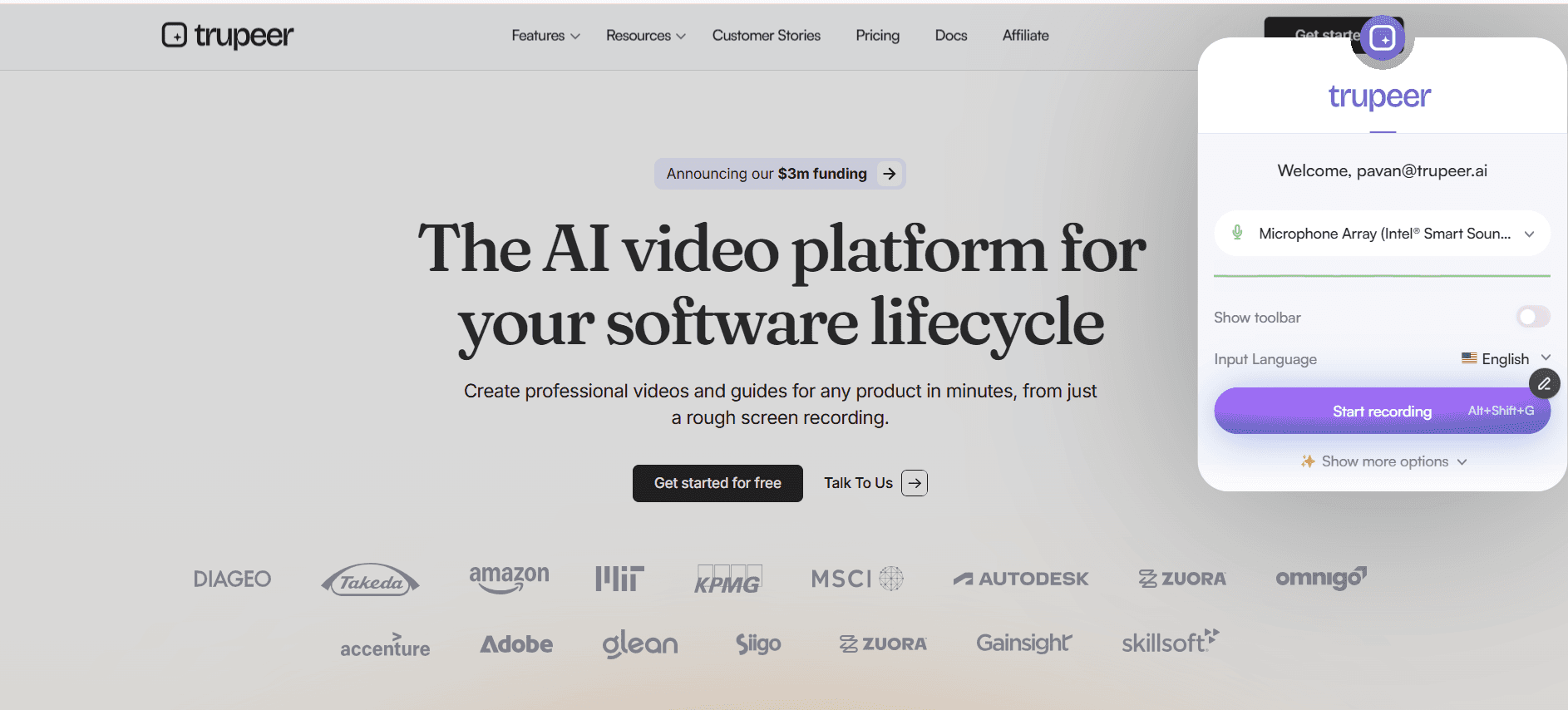
Step 1: Upload Video Recording
Share video file or record directly for voice to video processing
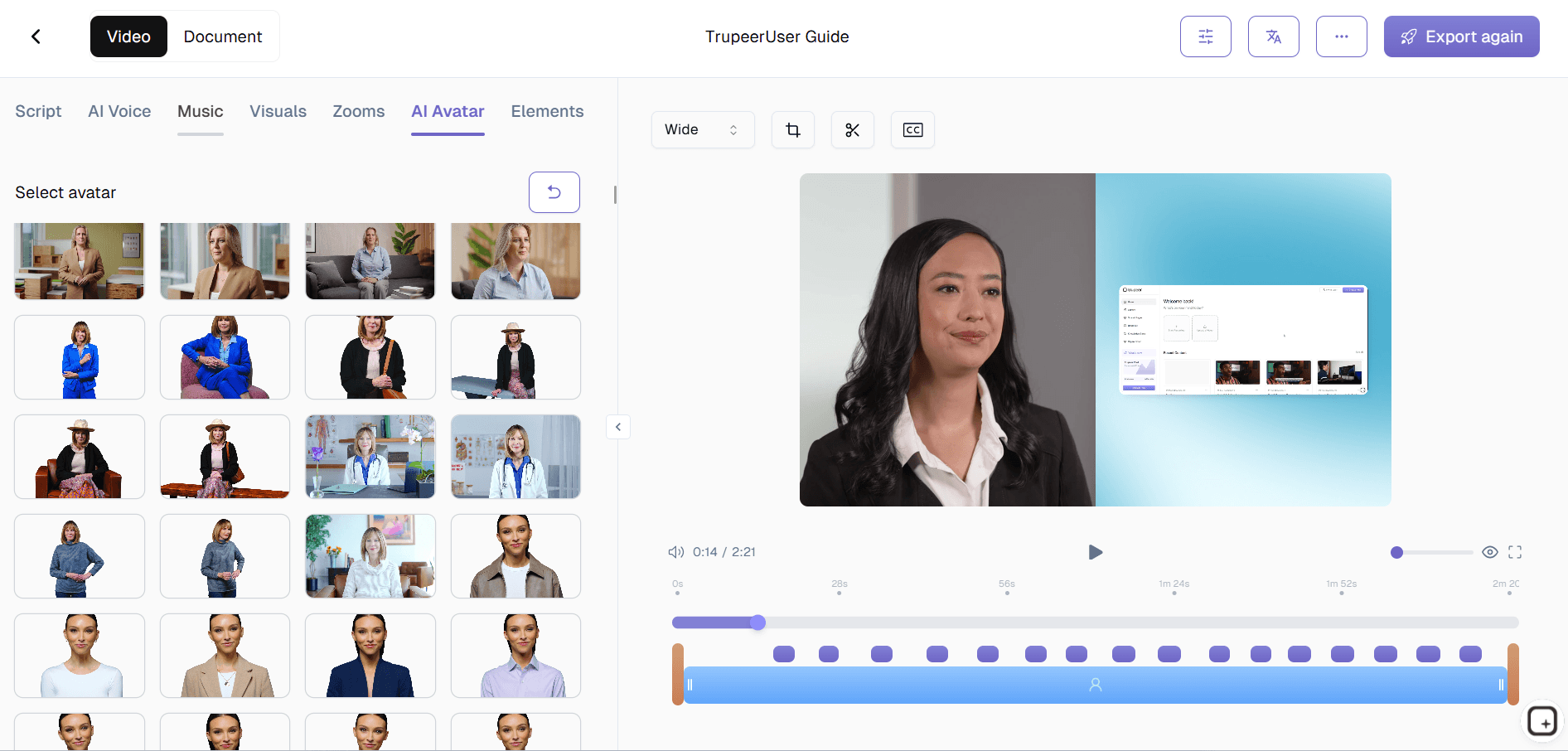
Step 2: Choose Avatar & Style
Select voice over AI avatar, background, and visual theme automatically.
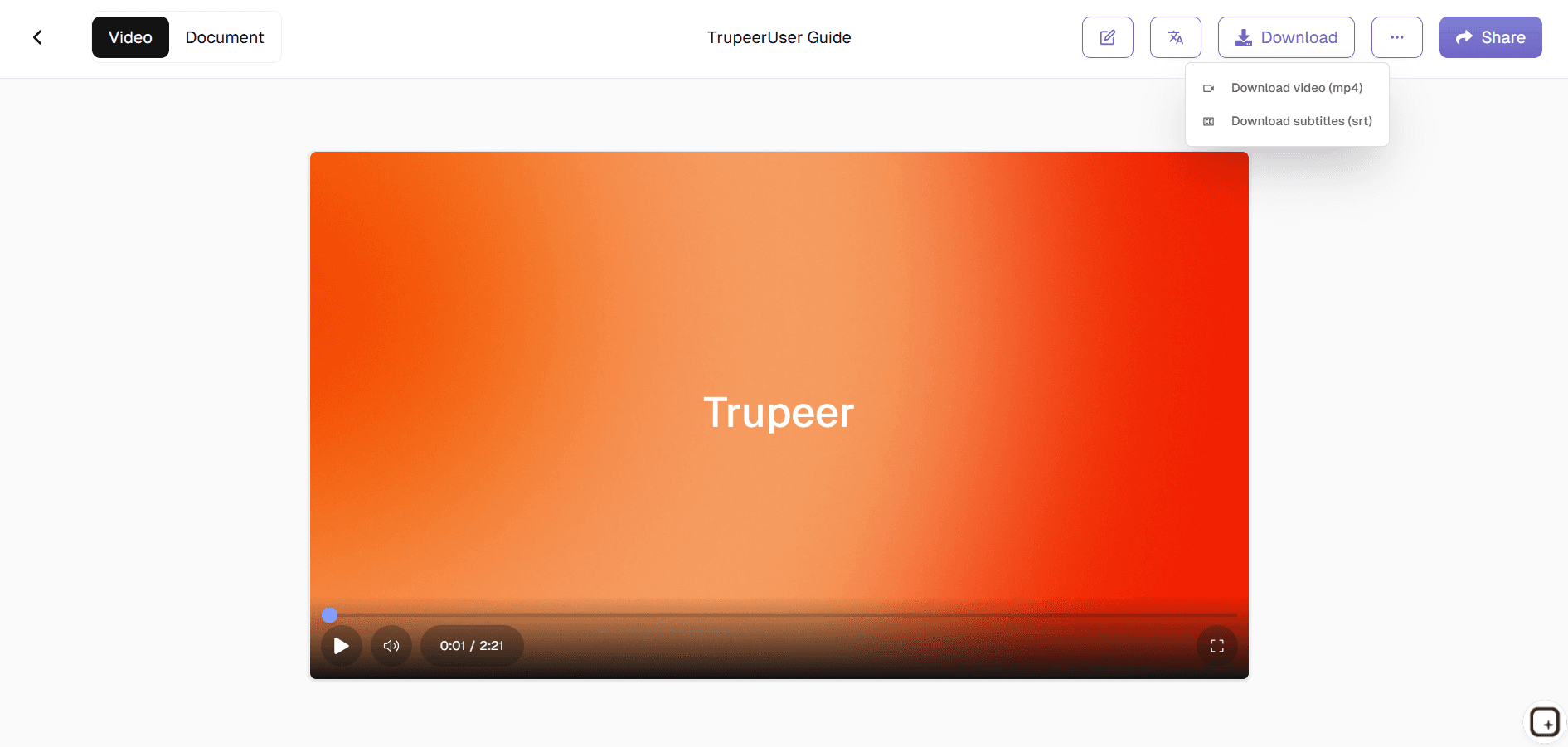
Step 3: Generate & Export
AI creates complete audio to video converter AI video instantly.
Who this Trupeer’s Convert Voice to AI Video in Minutes is for
Perfect for creators turning audio into professional video content.
Podcasters:
Convert episodes to voice to video AI with visualsTrainers:
Create a demo video using ai and lessons from voice maker narrationsMarketers:
Build ads using voice over AI recordingsSupport Teams:
Generate explainers and demo video creator outputs with audio to video AIContent Creators:
Transform voice notes to voice changer videos
Key Features of Trupeer’s Convert Voice to AI Video in Minutes
Professional videos from raw audio without editing skills.
Perfect Lip-Sync:
AI avatars match voice to video timing exactlyAuto-Visuals:
Generates relevant footage for audio to video converter AISmart Captions:
Timed subtitles synced to voice over AIAudio Enhancement:
Cleans voice maker recordings automaticallyMulti-Language:
Translates voice changer content globally
Explore Related Tools
Benefits of Using Trupeer’s Voice-to-AI Video Generator
Fast Conversion
Turn any voice note or audio file into a professional AI-generated video within minutes.
Perfect Lip-Sync & Visuals
AI automatically syncs your audio with avatars, captions, and visuals for a polished look.
Flexible Customization
Change avatars, scenes, themes, and pacing to match your message or brand tone.
How to Convert Voice to AI Video with Trupeer
Step 1
Upload Your Video contains Voice Recording
Step 2
Choose Your AI Avatar, Visual Style & Background
Step 3
Generate, Preview, and Export Your AI Video Instantly
Frequently Asked Questions
Is Convert Voice to AI Video in Minutes free?
Yes, core voice to video AI features available in free tier.
What inputs does Convert Voice to AI Video in Minutes support?
Audio files, voice recordings for audio to video AI conversion.
What formats can I export from Convert Voice to AI Video in Minutes?
MP4 videos with voice over AI optimized for all platforms.
Can I turn a podcast into a video?
Yes. Upload your podcast or voice recording, choose an AI avatar and visual style, and Trupeer builds a narrated video around it with subtitles and your branding, ready for YouTube, social, or training.
Can I add an AI avatar to my voice recording?
Yes. You can pair your narration with an AI avatar presenter so the video has a face on screen, along with subtitles, rather than just audio over a static image.
More Tools


