
How To See Backlinks For A Given Amount Of Pages In Ahrefs
Learn the process of checking backlinks for various pages in Ahrefs. Unlock valuable insights to boost your website's performance and SEO efforts.
This document provides a detailed procedure on how to analyze backlinks for a specific website using Ahrefs. You will learn how to navigate through the Site Explorer to view backlinks, subdomains, and the best links associated with your domain of interest.
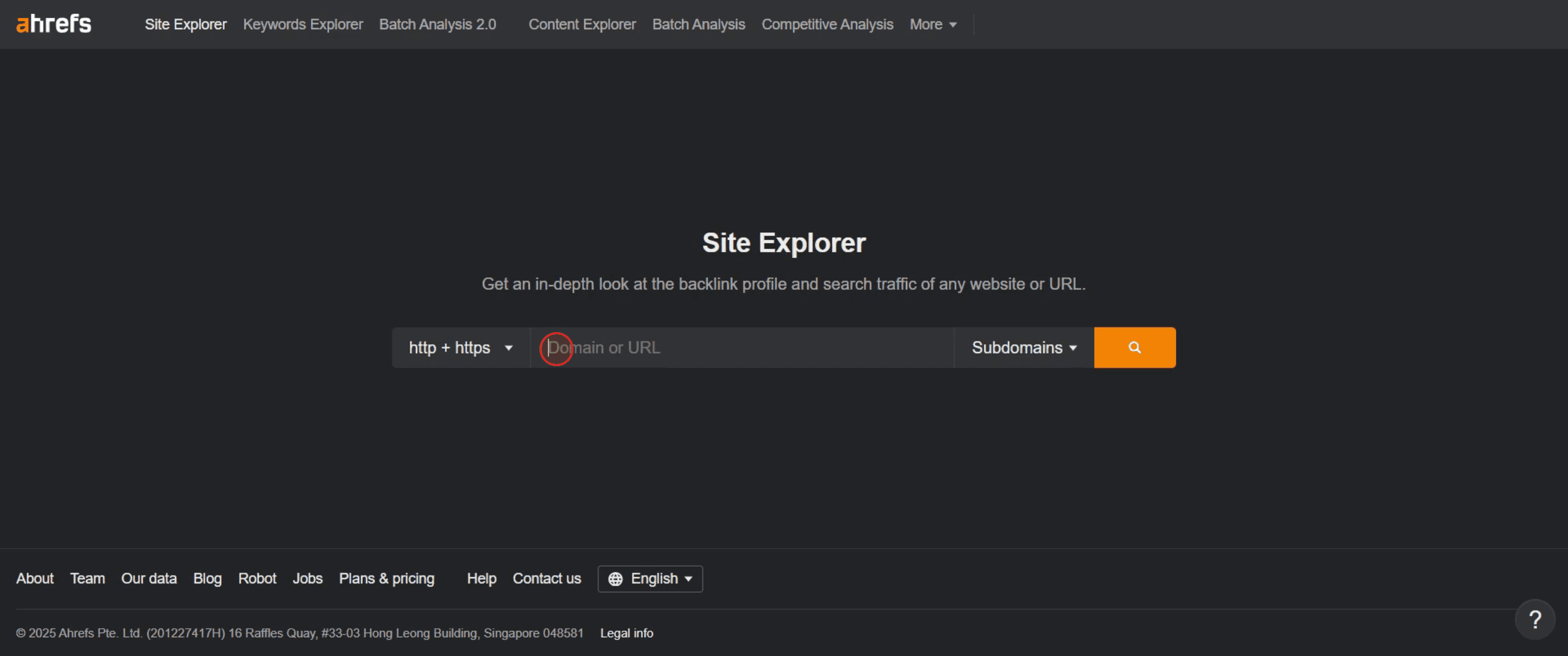
Step 1
Enter the domain or URL you wish to analyze,
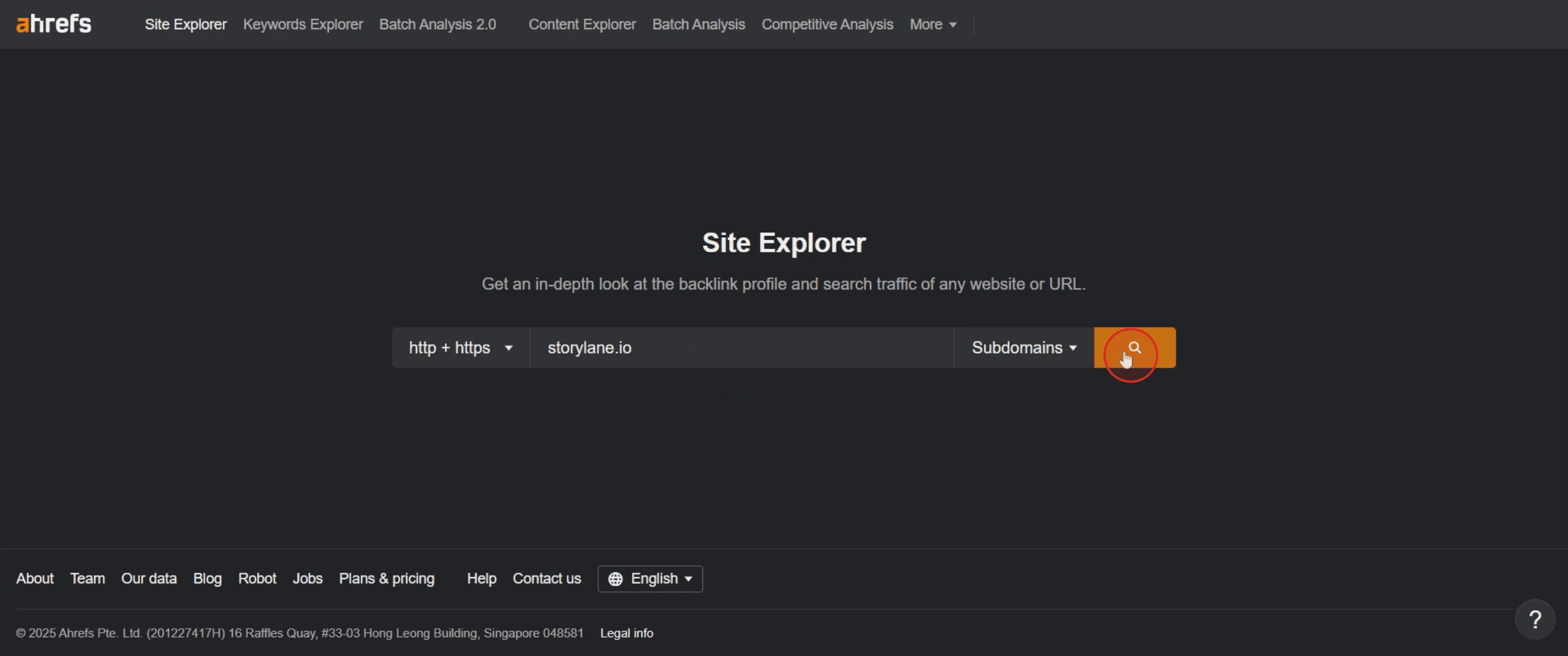
Step 2
Click on the Search button.
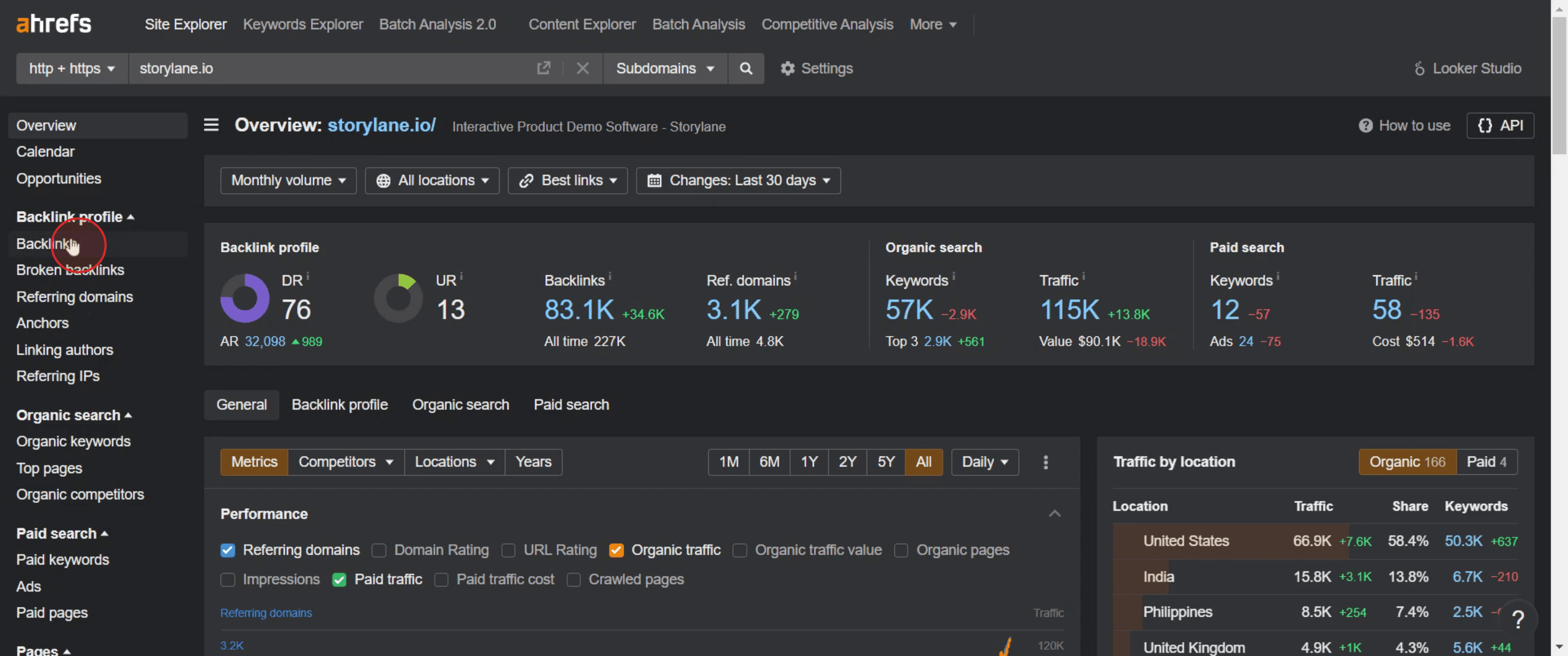
Step 3
Click on the Backlinks from the menu,
Step 4
Then click on the subdomains.
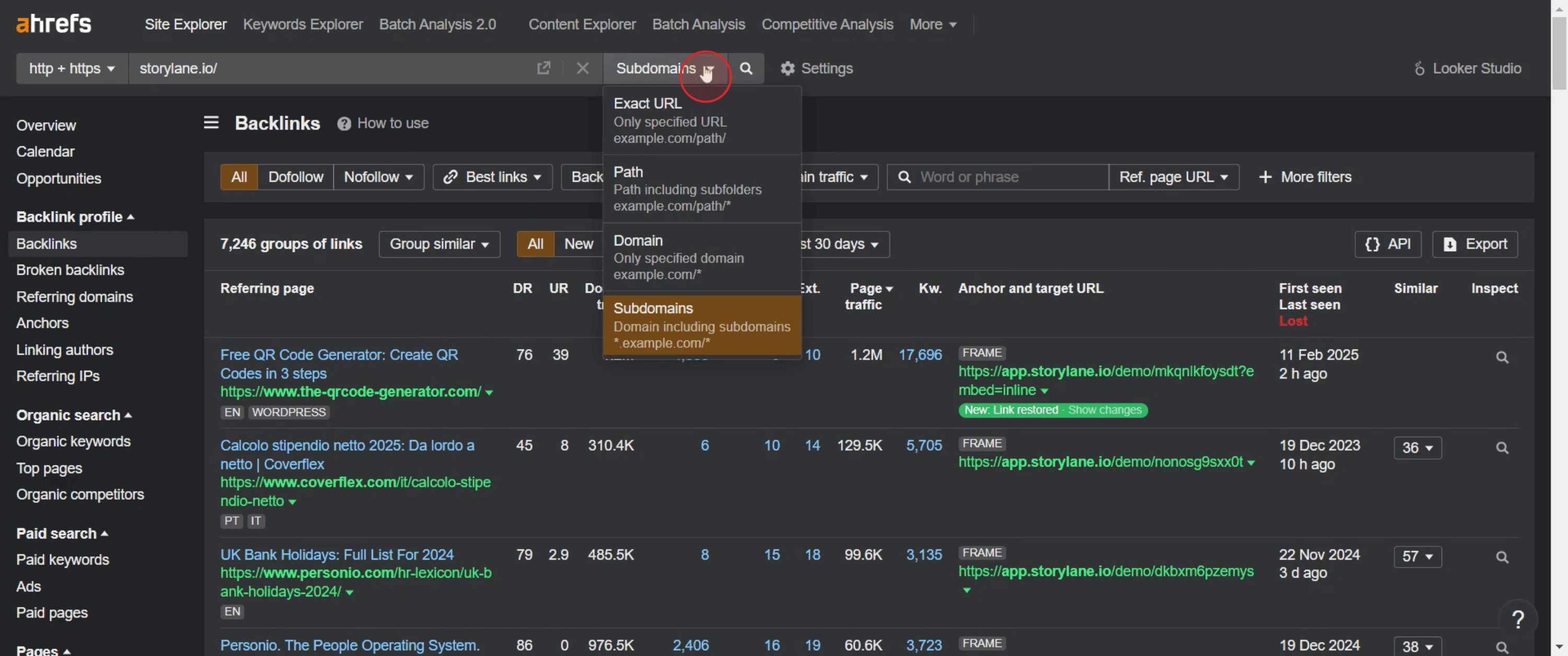
Step 5
And click on the Best Links.
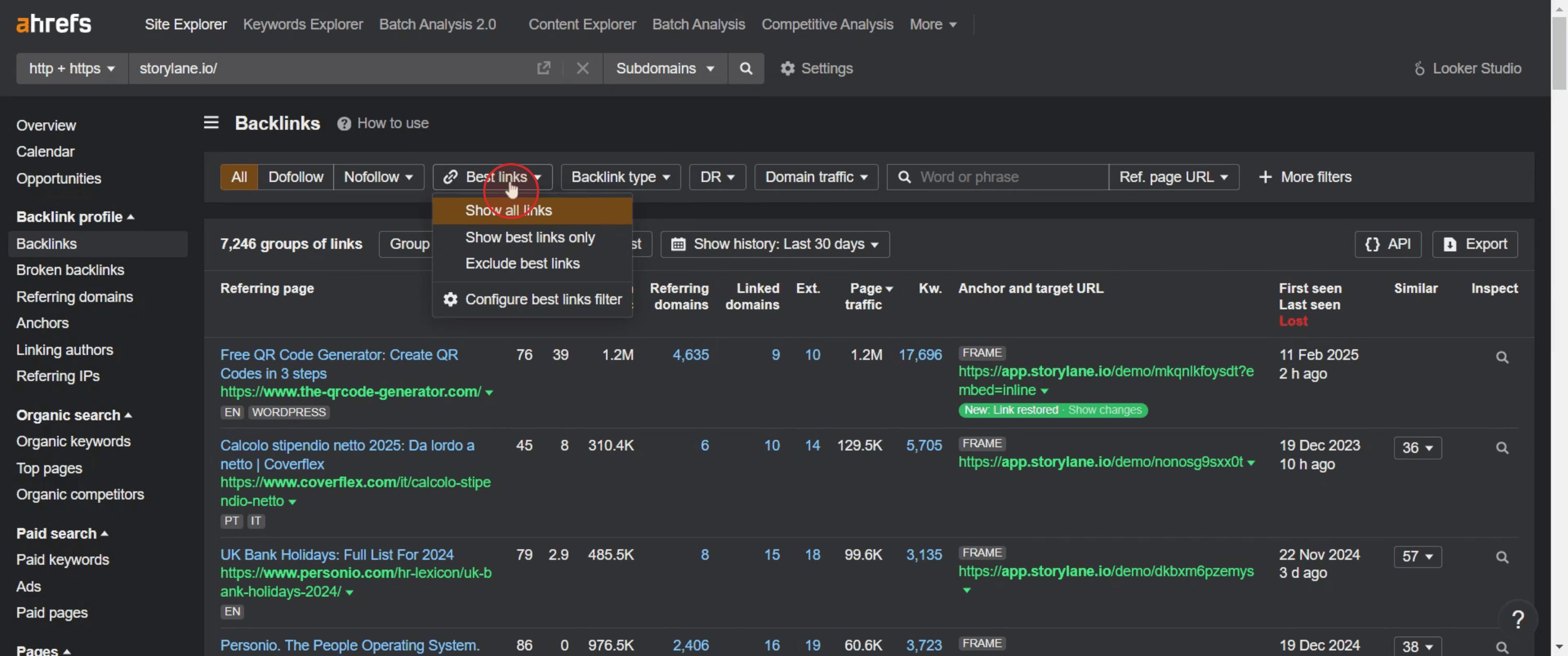
This is a step-by-step guide on how to see backlinks for a given amount of pages in Ahrefs.
Pro-tips for seeing backlinks for a given amount of pages in Ahrefs
Use Ahrefs’ Batch Analysis Tool to check multiple pages at once.
Filter backlinks by Domain Rating (DR), Traffic, and Anchor Text for better insights.
Export data to CSV or Google Sheets for deeper analysis.
Common pitfalls & how to avoid them
Not using filters – Apply relevant filters like do follow/no follow and organic traffic to refine results.
Ignoring referring domains – A high number of backlinks from a single site may indicate low-quality links.
Overlooking lost backlinks – Monitor lost backlinks and attempt to recover valuable ones.
Common FAQs for seeing backlinks for a given amount of pages in Ahrefs
Can i filter backlinks by quality?
Yes, apply filters for DR, traffic, and link type to find high-quality backlinks.How do i export backlink data?
Click on Export in Ahrefs to download the report in CSV or Google Sheets format.Is there a way to track backlinks over time?
Yes, use the Backlink Profile section in Site Explorer to monitor new and lost backlinks.How frequently should I check backlinks?
It’s best to analyze backlinks monthly to track changes and address potential SEO issues.
If you're an instructor or content creator looking to make tutorial videos, give a try. It transforms rough screen recordings into polished, studio-style videos that are ready for sharing with your audience. Plus, it automatically generates a step-by-step guide based on the video you create. Fascinating, right? Start by creating your first tutorial for free with trupeer.ai .

